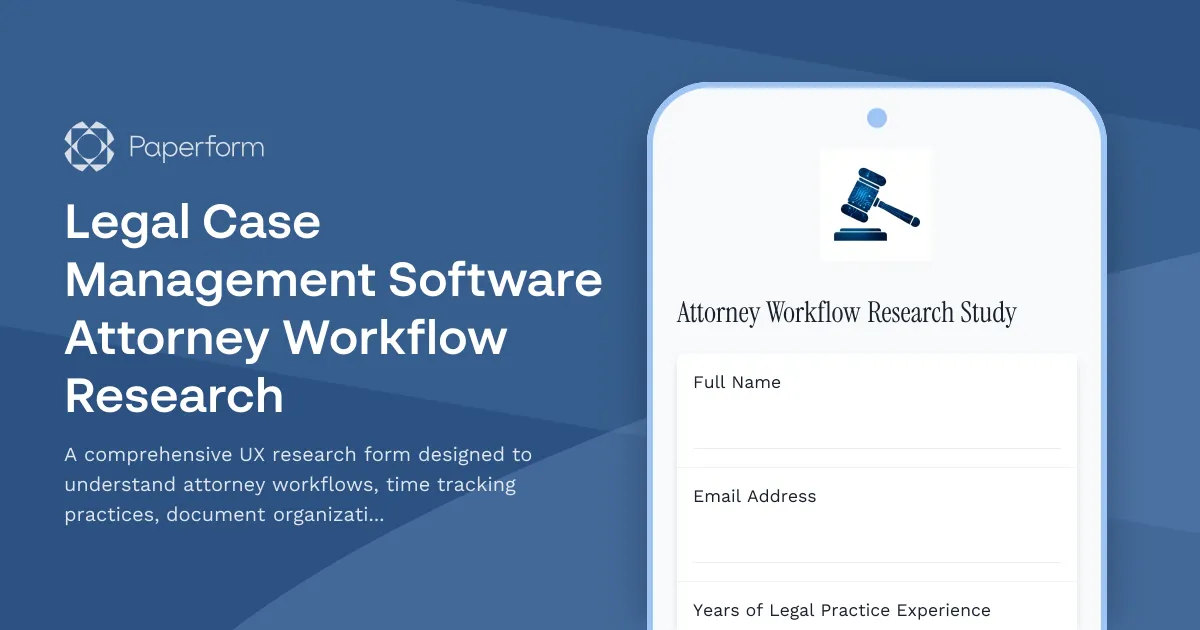
Optimize Your Legal Case Management Software with Attorney-Driven Insights
Understanding how attorneys actually work is critical to building legal case management software that increases efficiency rather than adding friction. This Attorney Workflow Research Form is designed for legal tech companies, UX researchers, and product teams developing solutions for law firms and legal departments.
Why This Research Matters
Attorneys juggle complex caseloads, strict billing requirements, document-heavy workflows, and constant client communication—all while racing against deadlines. Generic workflow assumptions lead to software that sits unused or creates more work than it solves. This research template helps you capture the real patterns, pain points, and priorities that drive attorney adoption and satisfaction.
What You'll Learn
This form explores four critical dimensions of attorney workflow:
Time Tracking Accuracy: How attorneys currently log billable hours, what causes time leakage, and what would make tracking more accurate and less disruptive to their work.
Document Organization Patterns: How legal professionals structure case files, name documents, search for information, and collaborate on document-heavy matters.
Client Communication Efficiency: Preferred channels, response time expectations, documentation habits, and the balance between accessibility and boundary-setting.
Case Management Workflows: Daily routines, task prioritization methods, collaboration patterns, and the tools attorneys already rely on.
Built for Legal Tech Product Teams
Whether you're building legal case management software, conducting competitive research, or refining an existing platform, this template gives you a structured way to gather qualitative and quantitative insights. The questions balance open-ended exploration with specific data points that can inform feature prioritization and UX decisions.
Streamline Your Research with Paperform
This form template leverages Paperform's conditional logic to adapt questions based on firm size, practice area, and current tool usage, ensuring every respondent gets a relevant experience. Use Stepper to automatically route completed research submissions into your analysis workflow—whether that's logging insights in Notion, updating research repositories in Airtable, or notifying your product team in Slack. Paperform's AI Insights can then help you synthesize patterns across dozens of attorney interviews, identifying common themes and priority pain points without manually reviewing every response.
Who Should Use This Template
This research form is ideal for UX researchers, product managers, legal tech founders, and software developers working on solutions for law firms, corporate legal departments, and solo practitioners. It's equally valuable for internal legal ops teams evaluating new case management platforms and consultants helping firms optimize their tech stacks.



More templates like this
Aircraft Maintenance Software User Research Form
A comprehensive user research form designed to gather insights from aircraft maintenance technicians about their current workflows, pain points, and feature requirements for maintenance tracking software.
Beta Program Accessibility Testing Recruitment Form
Recruit beta testers with disabilities to evaluate product accessibility, WCAG compliance, and inclusive design. Gather insights on assistive technology compatibility and user experience barriers.

Cryptocurrency Exchange User Experience Study
A comprehensive user research survey designed to understand trader needs, priorities, and preferences for cryptocurrency exchange platforms, covering trading features, security measures, educational resources, and fee structures.

Event Registration Platform Organizer Experience Study
Comprehensive UX research form to understand event organizers' experiences with registration platforms, attendee management workflows, check-in processes, and reporting features.

Food Delivery App Feature Survey
Gather consumer insights on food delivery app features, restaurant discovery preferences, ordering flow usability, loyalty programs, and delivery expectations to guide product development.

Legal Tech Software Feature Validation Questionnaire
A comprehensive market research survey designed for law firms to validate legal tech software features, map case management workflows, analyze billing preferences, and identify integration requirements.

Social Media Content Creator Dashboard Research Form
A comprehensive UX research form for content creators evaluating dashboard analytics, monetization tools, and workflow efficiency to improve platform experiences.

Wedding Planning Platform User Research Survey
Gather insights from couples about their wedding planning experience, collaboration needs, vendor management preferences, and budget tracking challenges to inform platform design and features.
Beta Program User Journey Mapping Workshop
A comprehensive workshop form for beta testers to map their user journey, document workflows, identify pain points, and provide optimization suggestions for your product.

Beta Program User Testing Session
A comprehensive form for recruiting and scheduling moderated user testing sessions during beta programs, including screen recording consent, think-aloud protocol guidelines, and usability metric capture.

Cloud Storage Service Feature Validation Survey
Validate cloud storage features, assess security requirements, and understand collaboration tool priorities to guide product development and market positioning.

Fitness App Development User Research Intake
Gather comprehensive insights from fitness enthusiasts and potential users to inform your fitness app development with data on pain points, feature preferences, competitor analysis, and beta testing interest.