Online Scheduling Forms and Booking Pages
Take bookings, schedule appointments, and manage your calendar from a single Paperform. Connects with Google Calendar, sends automated reminders, and collects payment at the time of booking.
Use for free or upgrade for higher limits.
Paperform is an online scheduling form builder that lets you take bookings and manage appointments directly from a custom form or landing page. It syncs with Google Calendar to prevent double bookings, sends automated email reminders to reduce no-shows, handles time zone conversion automatically, and collects payment at the point of booking through Stripe or PayPal. No code required.
Start taking bookings in minutes

Sign up free
Create your Paperform account. No credit card needed to start.

Choose a template
Pick from 30,000+ templates — appointment bookings, consultation requests, class sign-ups, event registrations, and more.

Connect Google Calendar
Sync your availability in one click. Paperform checks your calendar in real time and removes any slots that are already taken.

Share and go
Embed on your website or share a direct link. Bookings land in your calendar automatically, with a confirmation sent to your client.
Everything you need to manage bookings online
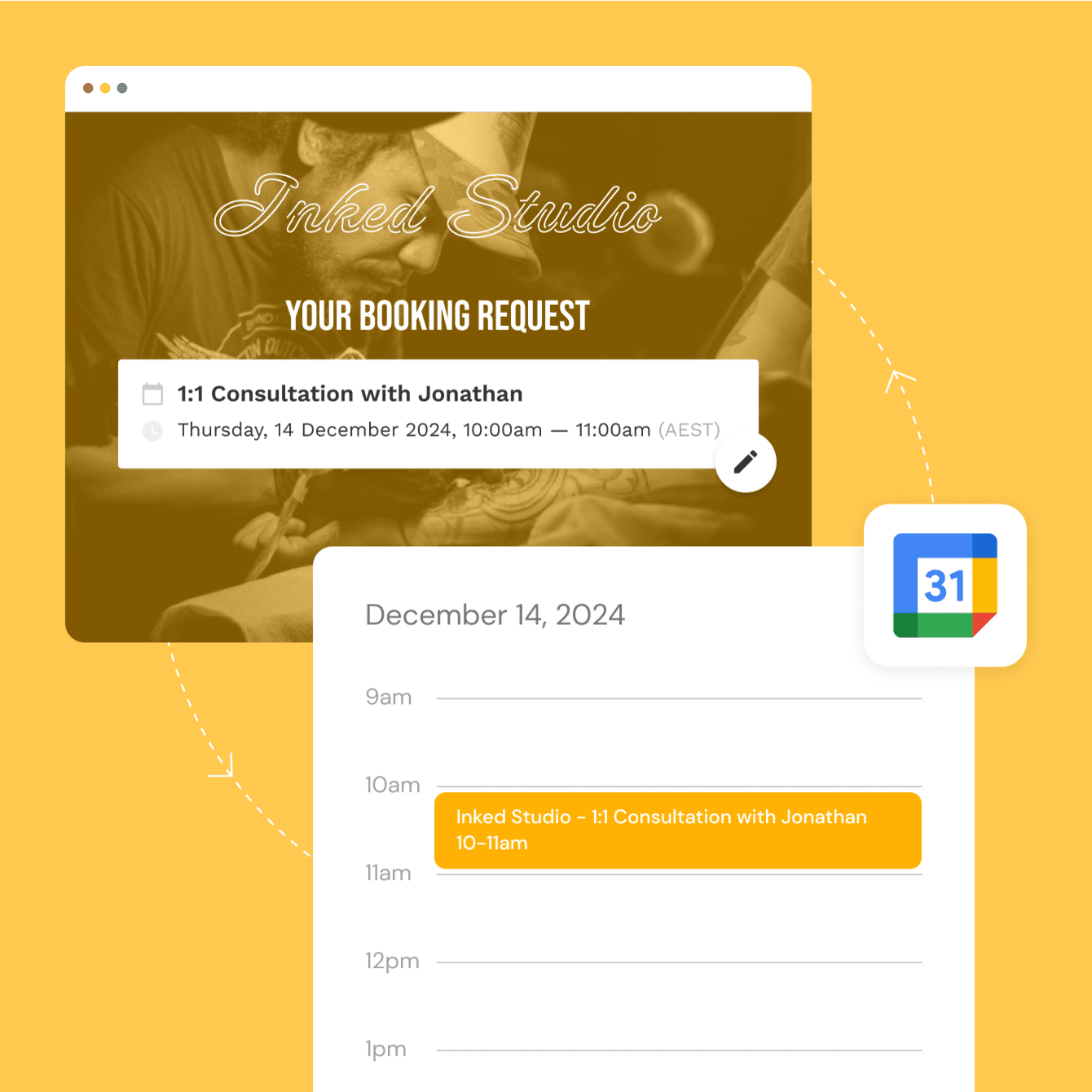
Sync with Google Calendar and stop double-booking
Connect your Google Calendar and Paperform checks your availability in real time. When a time slot is taken, it's removed from the booking form automatically. No manual updates, no double bookings, no awkward reschedule emails. Your calendar stays accurate without you touching it.
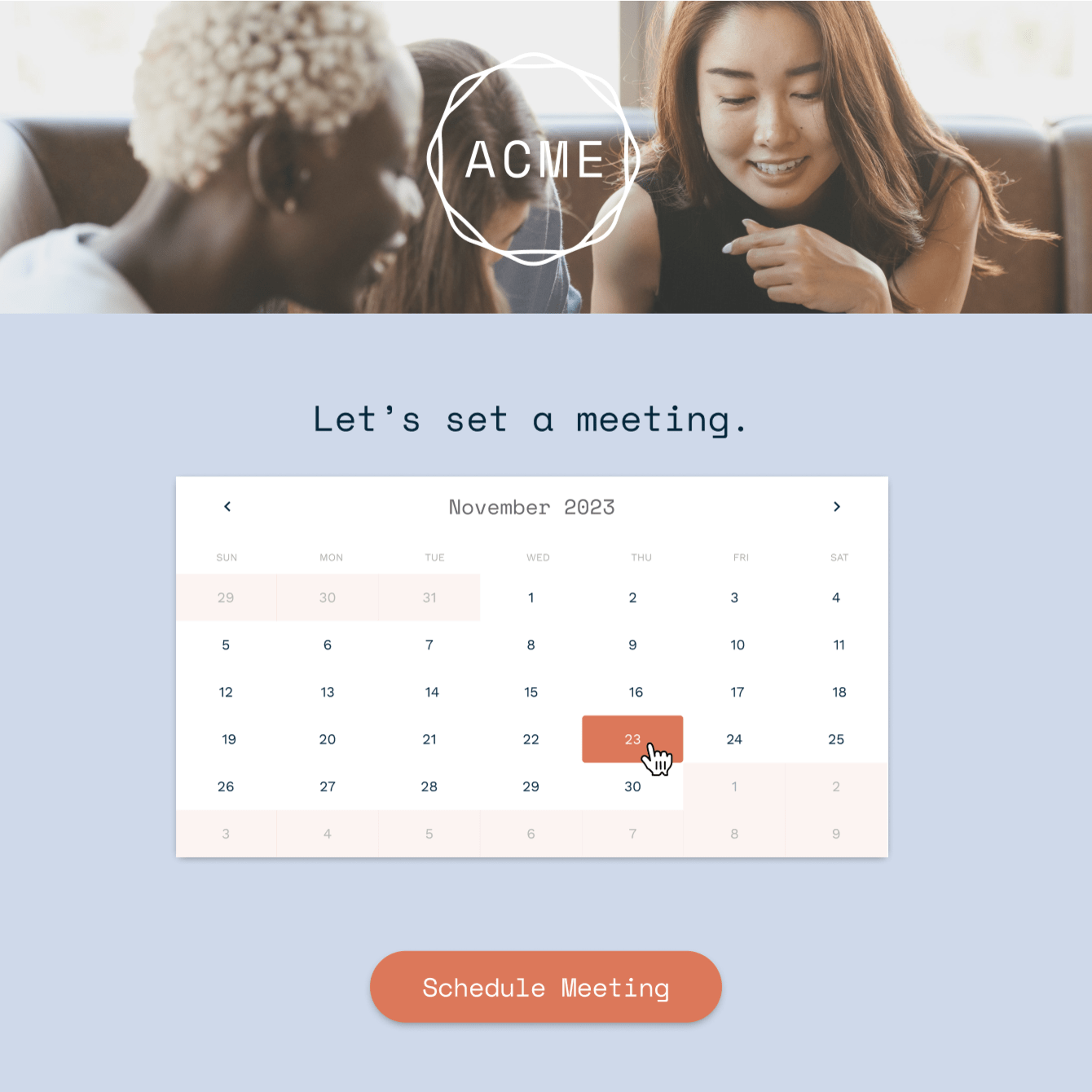
Send automated reminders and cut no-shows
Set up confirmation emails and reminder sequences that trigger automatically after each booking. Remind clients 24 hours before their appointment, 1 hour before, or on any schedule you choose. Each email is personalised with their name, booking details, and a calendar link — all pulled directly from the form submission.
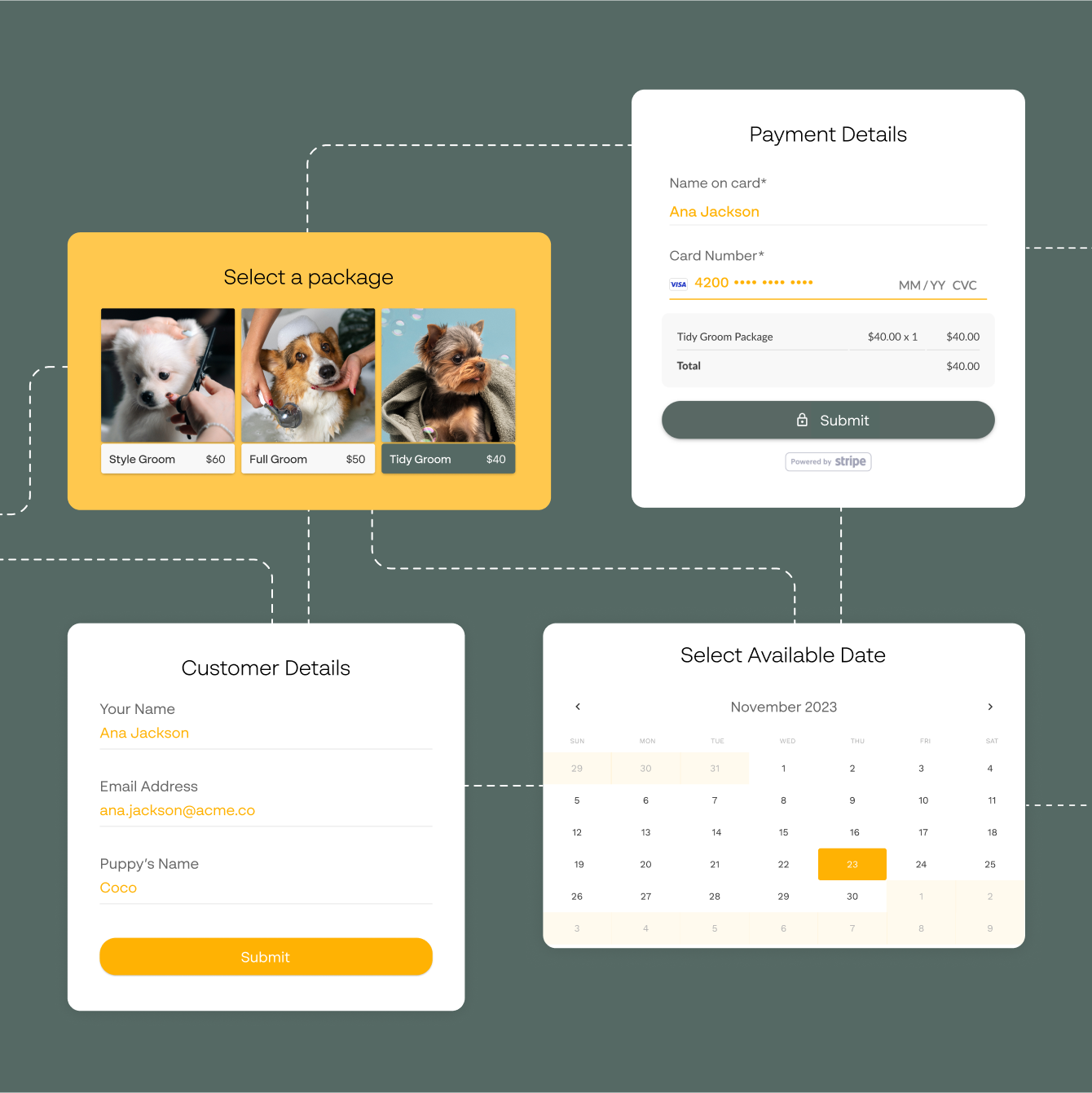
Handle time zones without the headache
Paperform detects your respondent's time zone and converts your available slots automatically. A 3pm appointment in Sydney shows as 5am in London — your client sees their local time, you see yours. No manual calculations, no timezone mix-ups, no missed appointments because someone got confused.
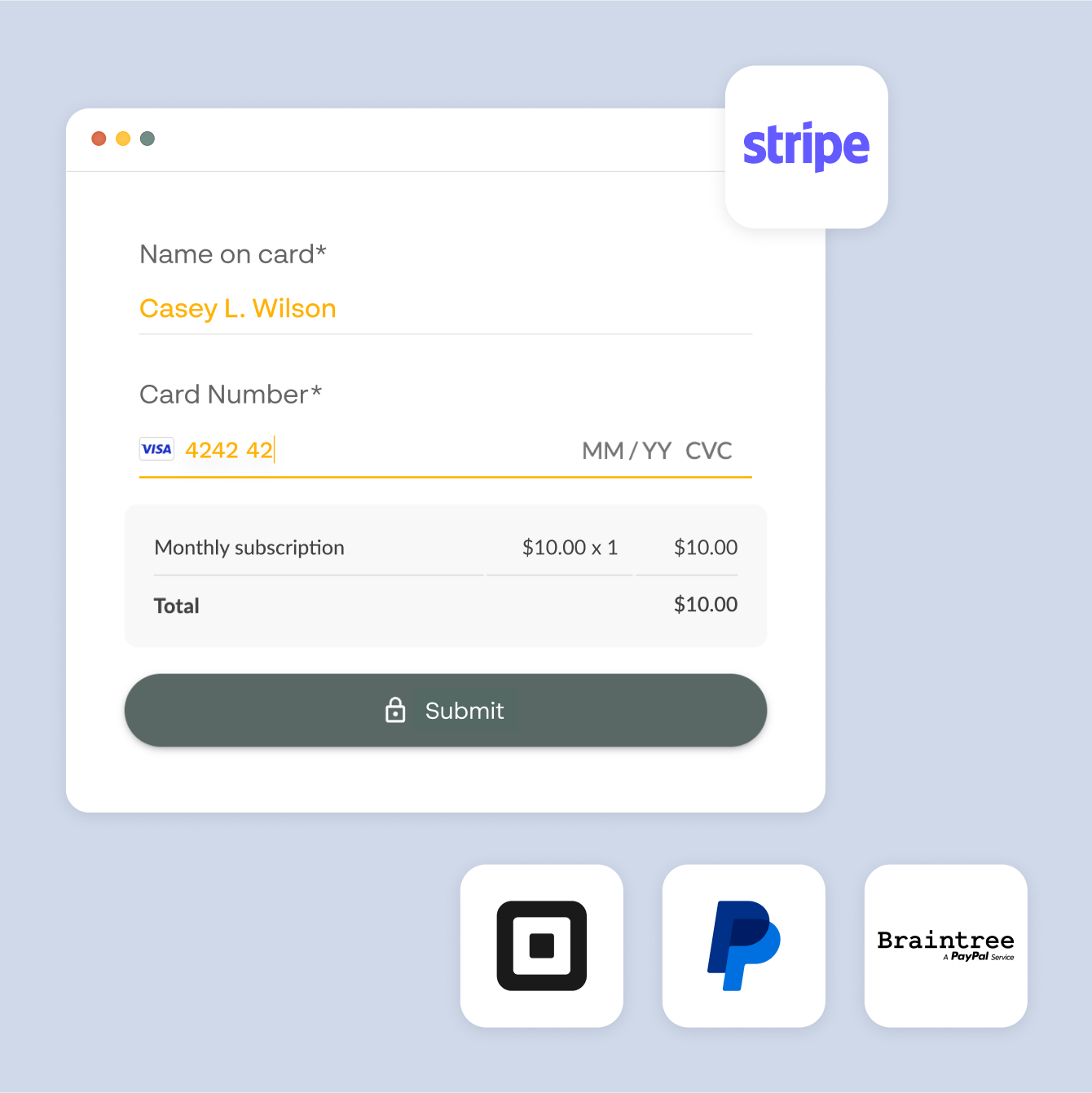
Collect payment at the point of booking
Charge a deposit or the full fee when someone books — before the appointment is confirmed. Add a Stripe or PayPal payment field directly to your booking form and set your price. Works hand in hand with payment forms for businesses that need more complex billing, discounts, or multi-service pricing.
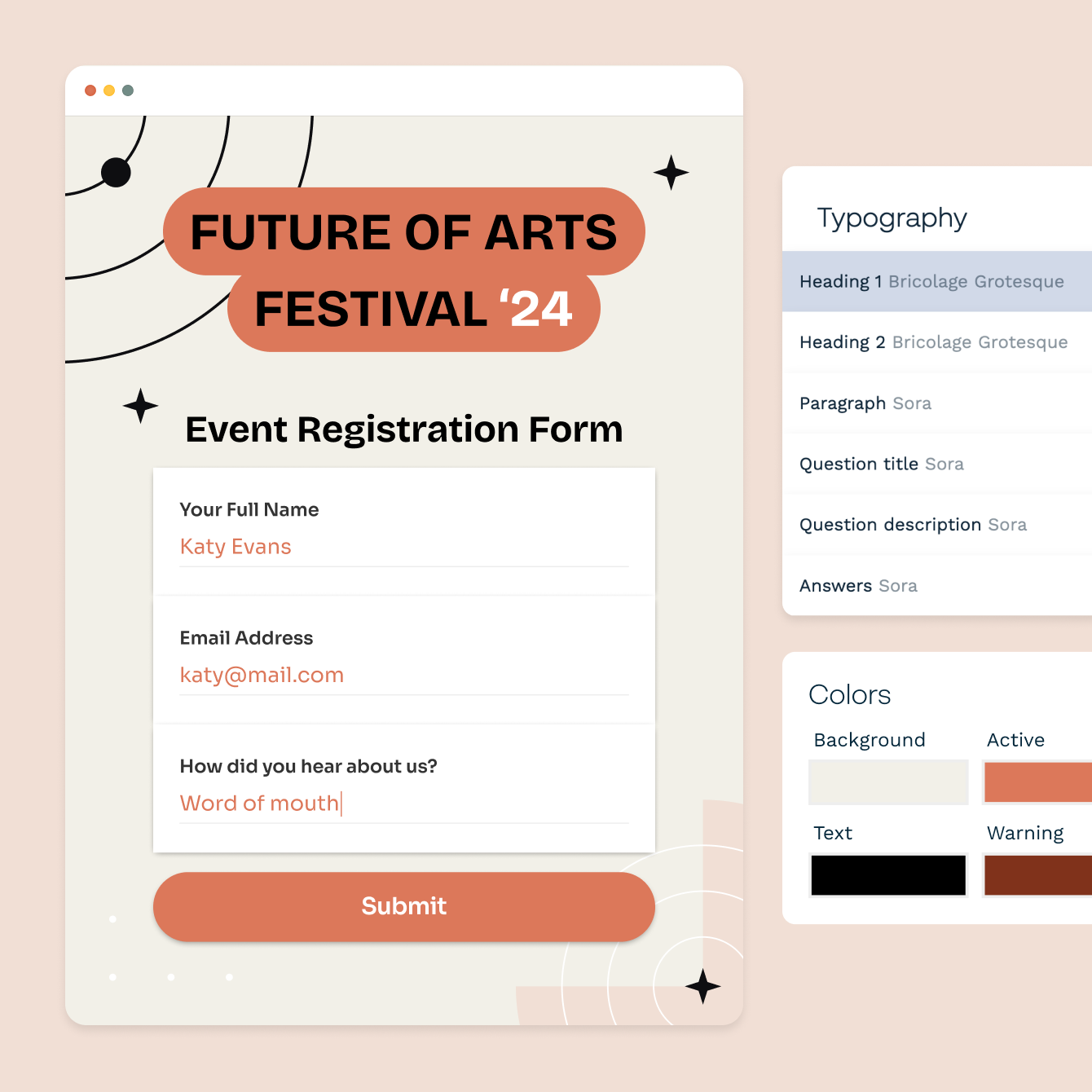
Build branded booking pages, not generic widgets
Add your logo, set a custom colour scheme, and write your own copy around the booking fields. Your page lives on a Paperform URL or embeds directly on your site. Every element — fonts, colours, images, copy — is yours to control. Clients see your brand, not the tool you used to build it.
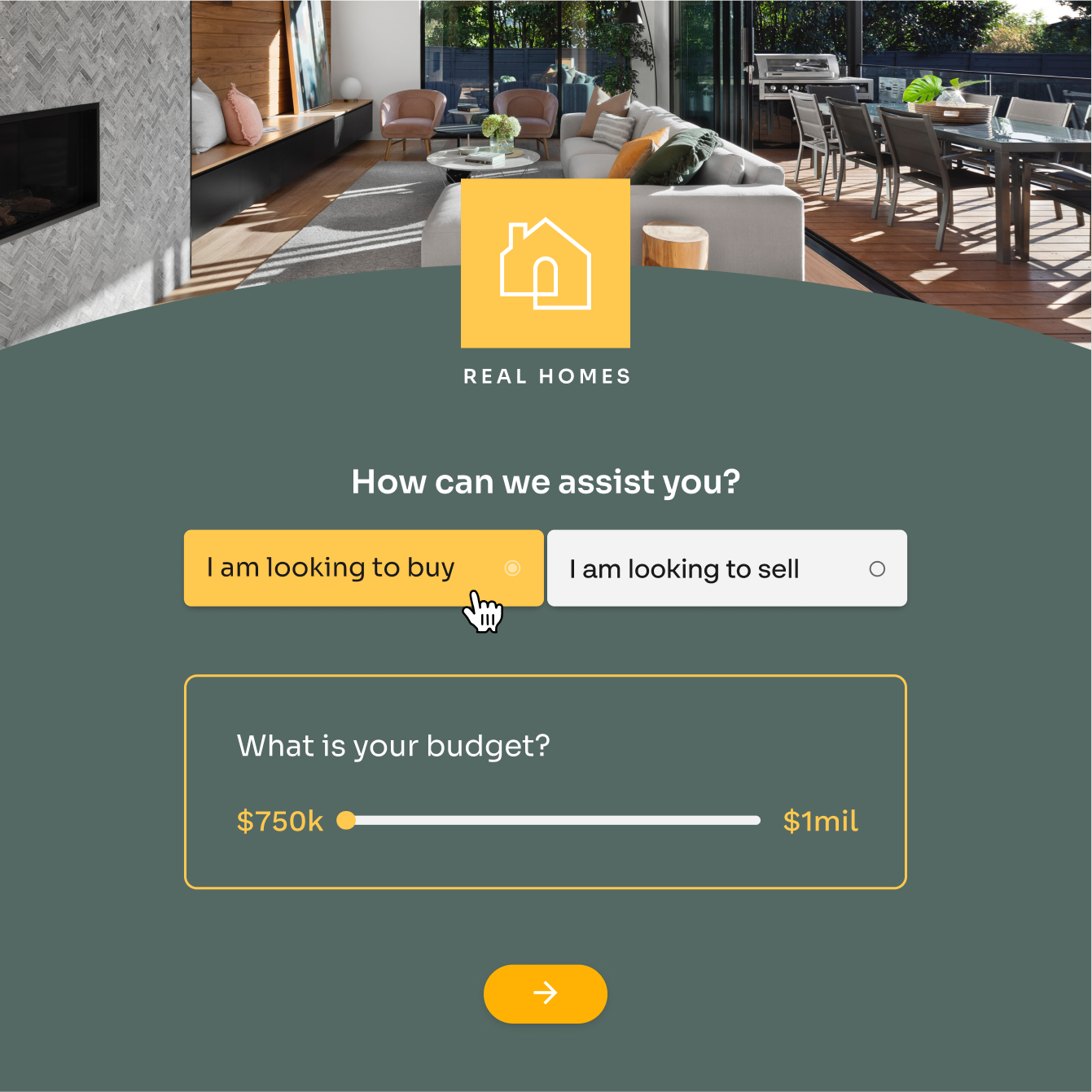
Show the right options based on what people choose
Use conditional logic to show different time slots, services, or follow-up questions based on earlier answers. A client who selects a 90-minute session sees different availability than one who picks a 30-minute call. One form handles many scenarios — no need to build separate pages for each service.
Forever Free plan · No code needed · SOC 2 Type II & SSO · Trusted by 500K+ businesses
30,000+ form templates to choose from
From one-on-one appointment booking and class sign-ups to consultation requests and event registrations — each template is fully customisable to match your brand and workflow.

“Paperform simplified our booking process, increased profits, and improved customer experience.”
How Pronto Wedding simplified their booking process with Paperform
Read case study
Connect your booking forms to Google Calendar, Stripe, and 2,000+ tools
Paperform integrates directly with Google Calendar for live availability sync, Stripe and PayPal for payment at booking, Slack and email for instant booking notifications, and Google Sheets or Airtable to log every appointment automatically. Thousands more tools available via Zapier.
Scheduling Form FAQs
1. Does Paperform sync with Google Calendar?
Yes. Connect your Google Calendar and Paperform checks your availability in real time. Booked slots are automatically removed so respondents only ever see times that are actually free.
2. Can Paperform send automated booking reminders?
Yes. Set up confirmation emails and reminder sequences that trigger automatically after each booking via Google Calendar or Stepper. Reminders go out on a schedule you control — 24 hours before, 1 hour before, or any interval you choose — and each one is personalised with the booking details from the form.
3. Does Paperform handle time zone conversion for bookings?
Yes. Paperform detects your respondent's time zone and converts your available times automatically. Your client sees and books in their local time; the appointment appears in your calendar in yours.
4. Can I collect payment when someone books an appointment?
Yes. Add a Stripe or PayPal payment field to your booking form to charge a deposit or full fee at the point of booking. You can apply conditional pricing if different services cost different amounts — the total updates in real time as the respondent fills out the form.
5. Can I embed a booking form on my website?
Yes. Paperform forms embed on any website as a standard inline embed, a popup, or a full-page form. Google Calendar sync, automated reminders, and payment collection all work the same way regardless of where the form is hosted.
6. Can I show different time slots for different services?
Yes. Use conditional logic to show different availability, questions, or pricing based on what a respondent selects earlier in the form. Different services, staff members, or session lengths can each have their own set of options — all within a single booking form.
7. What kinds of businesses use Paperform for scheduling?
Paperform scheduling forms are used by consultants, fitness studios, salons, healthcare providers, event planners, wedding vendors, tutors, and any business that takes appointments or reservations. The form adapts to your workflow — you're not locked into a fixed booking widget.
8. Can I collect intake information in the same form as the booking?
Yes. There's no separation between the booking and the intake — it's all one Paperform. Collect name, contact details, session notes, consent, or anything else you need in the same form where clients pick their time slot. Everything lands in one submission.
Take the back-and-forth out of booking.
Build your first scheduling form free. Google Calendar sync, automated reminders, and payment collection — all in one place.
Start taking bookings free