Online Quiz Maker
Build knowledge quizzes, lead gen quizzes, and personality quizzes with automated scoring, branching logic, and custom results screens. No code, no design skills needed.
Use for free or upgrade for higher limits.
Paperform is an online quiz maker that lets you build any type of quiz — multiple choice, personality, knowledge assessment, or lead generation — with automated scoring, conditional branching logic, and custom results screens. You can assign point values to answers, set correct responses, show different outcomes based on score ranges, collect respondent emails before revealing results, and share your quiz via a link or embed it on any website. No code required, and free to start.
Build your first quiz in minutes

Sign up free
Create your Paperform account. No credit card needed to start — the free plan lets you publish quizzes immediately.

Pick a template or start from scratch
Choose from 700+ quiz templates — trivia, personality, lead gen, product recommendation — or build your own from a blank canvas.

Add questions and set scoring
Add multiple choice, picture choice, ranking, matrix, or open text questions. Assign point values and mark correct answers for instant automated scoring.

Share or embed
Publish via a direct link, embed on your website, or pop it up as a modal. Responses land in your Paperform dashboard in real time.
Everything you need to build better quizzes
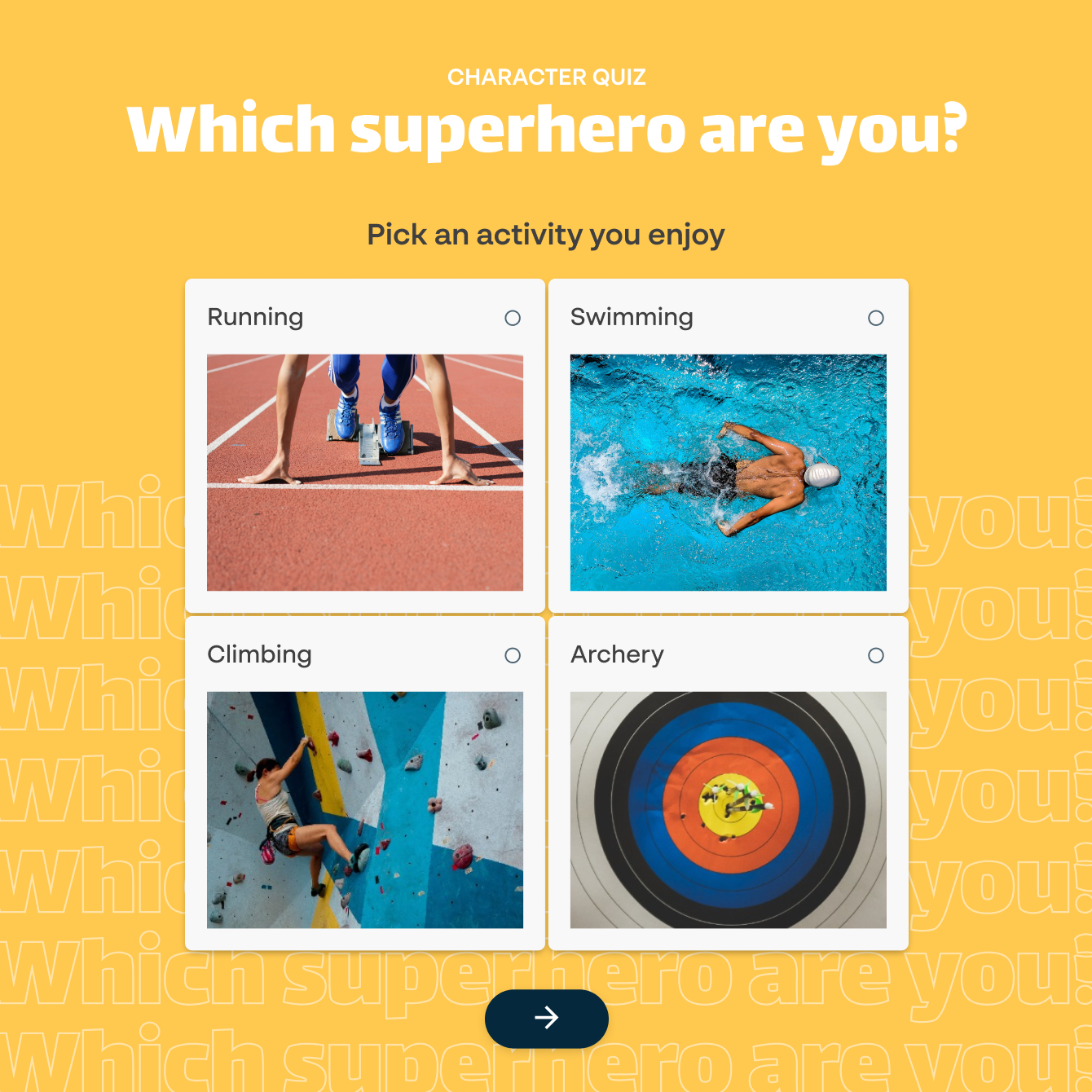
15+ question types for any quiz format
Choose from multiple choice, picture choice, ranking, matrix, short text, long text, dropdown, slider, star rating, and more. Mix question types within a single quiz — use multiple choice for factual questions, open text for written responses, and star ratings for opinion sections. Every question type works on desktop and mobile without any extra setup. Need something visual? Upload images as answer options with Paperform's picture choice field.
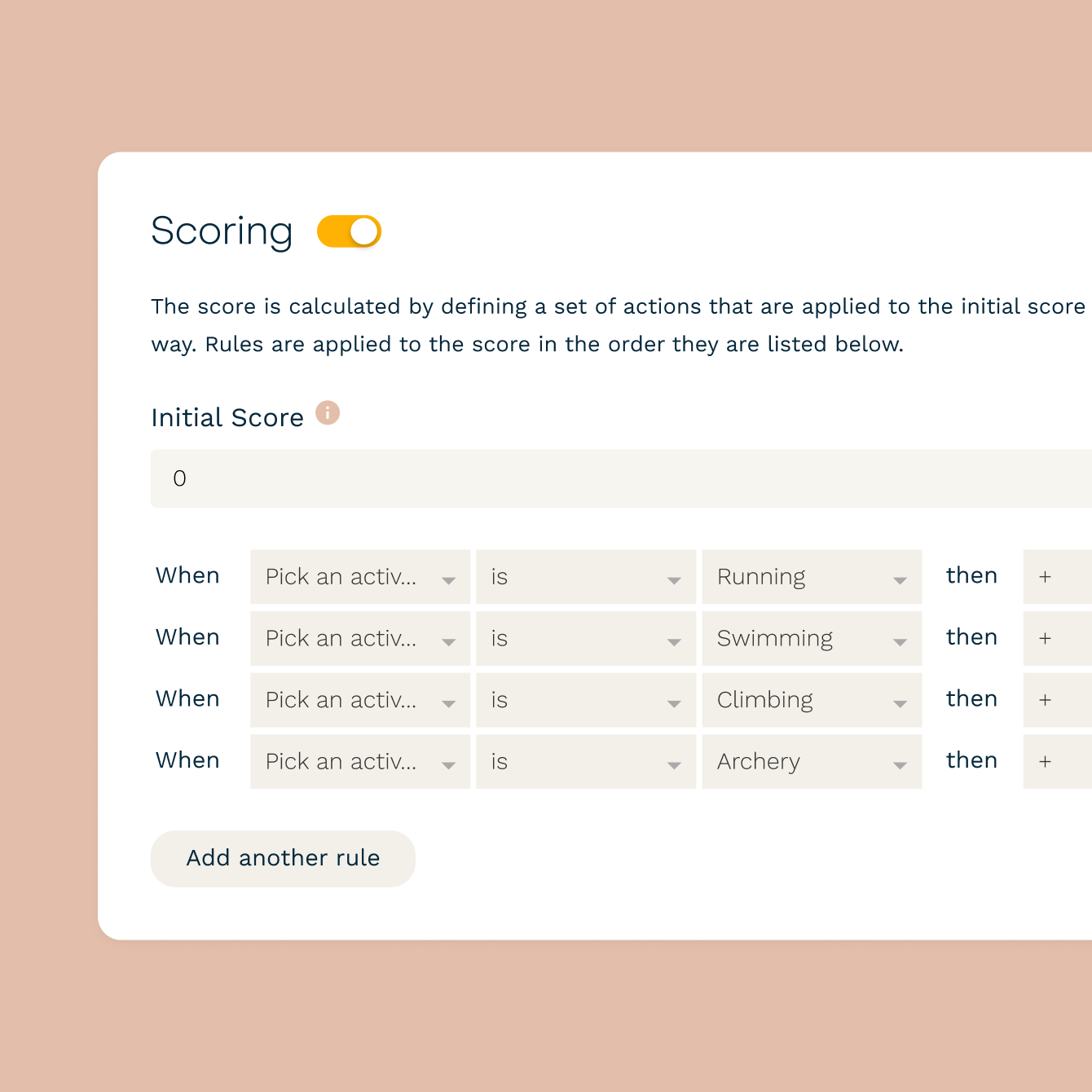
Automated scoring with instant results
Mark correct answers and assign point values to any question. Paperform calculates scores automatically when each quiz is submitted — no manual grading. Set score thresholds to trigger different outcomes: pass or fail messages, custom feedback by score range, or redirects to different pages. You can show respondents their score immediately, or hold the results until you're ready to release them.
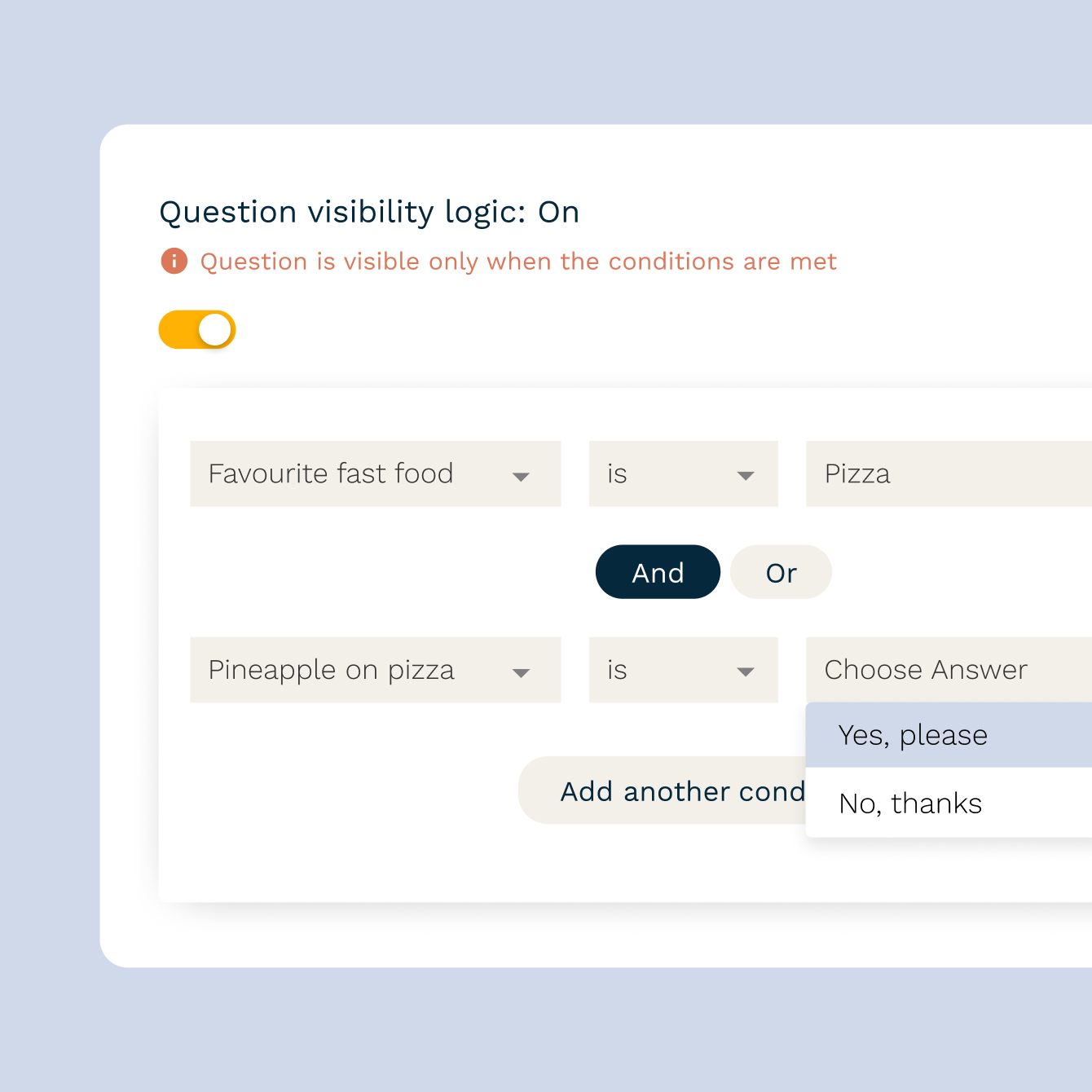
Conditional logic that adapts to every respondent
Show or hide questions based on previous answers using Paperform's conditional logic. A marketing quiz can branch into product-specific paths based on industry. A knowledge check can skip questions a respondent already answered correctly. Logic rules stack — you can combine multiple conditions per question for as much control as you need.
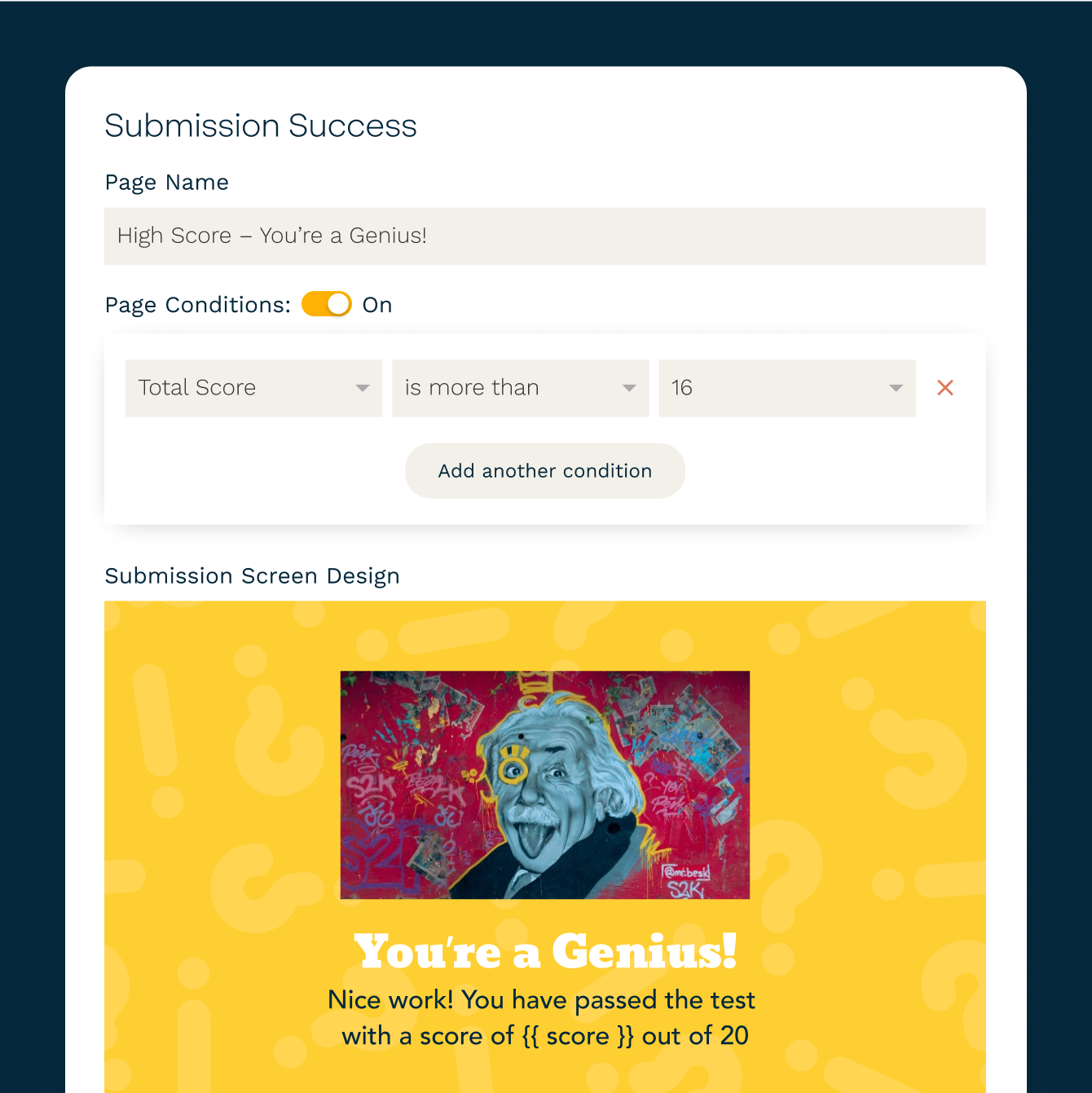
Custom results screens by score range
Show different results to different respondents based on their final score or specific answers. A personality quiz can display one of four outcome cards. A product recommendation quiz can show a tailored product suggestion. A training quiz can show a "pass" screen for scores above 80% and a "review and retake" screen for scores below. Each results screen has its own copy, images, and CTAs — built directly in the quiz editor.
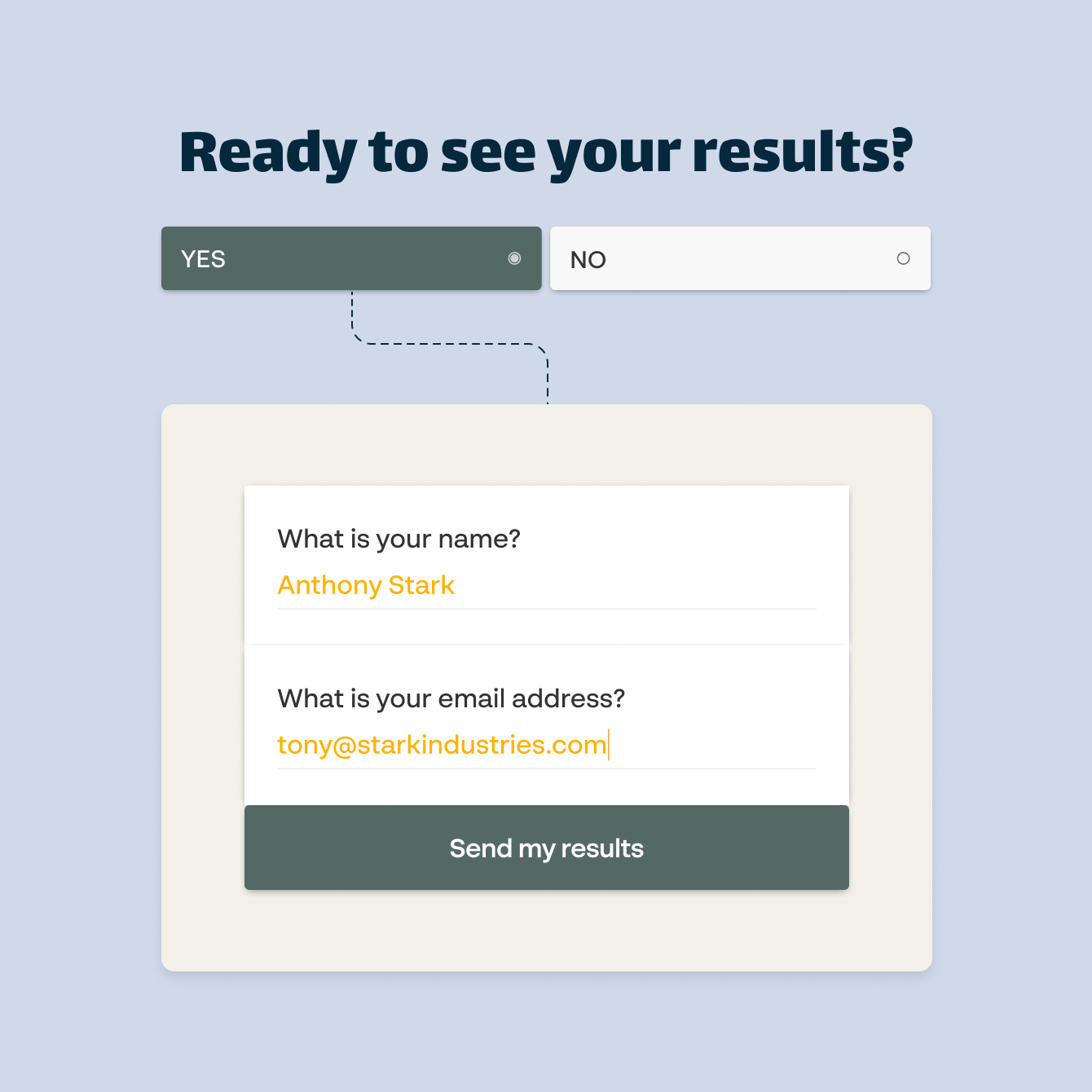
Collect leads before or after showing results
Gate quiz results behind an email capture field. Ask for a name and email before revealing the score — standard for lead gen quizzes — or after, to let respondents opt in to follow-up content. Every submission goes into your Paperform results dashboard, and you can push lead data directly to Mailchimp, HubSpot, ActiveCampaign, or any CRM via native integrations or Zapier.
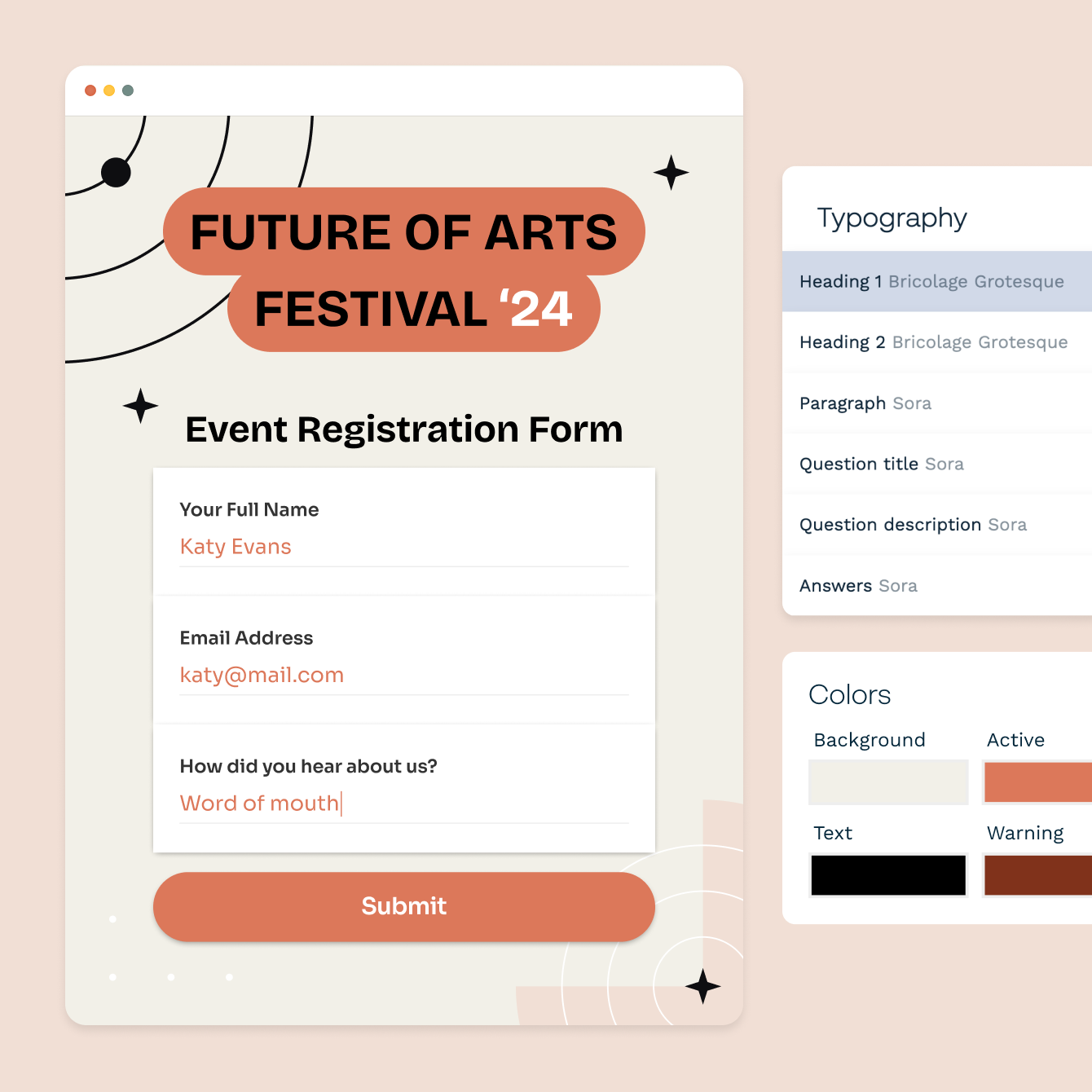
Full design control with your own branding
Every quiz is fully customisable. Set your own background colour or image, pick from hundreds of fonts, upload your logo, and style the button colours to match your brand. Paperform quizzes look nothing like a generic form tool — they look like something you designed yourself. You can also set a custom domain so the quiz URL matches your brand.
Forever Free plan · No code needed · SOC 2 Type II & SSO · Trusted by 500K+ businesses
30,000+ form templates to choose from
From trivia and personality quizzes to product recommendation tools and knowledge assessments — every template is fully customisable and free to use.
Sync quiz results to Mailchimp, HubSpot, Google Sheets, and more
Every quiz submission flows automatically into the tools you already use. Connect Mailchimp or ActiveCampaign to add leads to nurture sequences the moment they finish your quiz. Sync responses to HubSpot or Salesforce for CRM follow-up. Send data to Google Sheets for analysis or Notion for team review. Paperform connects directly with 2,000+ apps via Zapier and Make.
Quiz Maker FAQs
1. What types of quizzes can I build with Paperform?
Paperform supports knowledge quizzes with automated scoring, personality quizzes with outcome-based results, lead generation quizzes that capture emails before or after results, product recommendation quizzes, and training or compliance assessments. You can mix question types — multiple choice, ranking, matrix, picture choice, open text — within any quiz.
2. Does Paperform support automated quiz scoring?
Yes. You can mark correct answers and assign point values to any question. Paperform calculates the score automatically on submission. You can also set score thresholds to trigger different results screens — for example, a "passed" message for scores above 80% and a "try again" message for anything lower.
3. Can I show different results based on quiz answers?
Yes. Paperform lets you create multiple custom results screens triggered by score ranges or specific answer combinations. A personality quiz can show one of several outcome cards. A product quiz can show a tailored recommendation. Each results screen has its own copy, images, and CTA links.
4. Can I use conditional logic in my quiz?
Yes. Paperform's conditional logic lets you show or hide questions based on earlier answers. You can create branching paths so each respondent only sees the questions relevant to them. Logic rules can stack — you can combine multiple conditions per question.
5. Can I collect email addresses through my quiz?
Yes. Add an email field anywhere in your quiz — at the start to gate the results, at the end to offer follow-up content, or mid-quiz as part of the flow. Submissions are stored in your Paperform dashboard and can sync automatically to Mailchimp, HubSpot, ActiveCampaign, or any connected tool.
6. Can I embed a quiz on my website?
Yes. Paperform quizzes can be embedded on any website as a standard inline embed, a full-page form, or a popup triggered by a button click. Copy the embed code from your Paperform dashboard and paste it into your site — it works with any website builder including WordPress, Squarespace, Webflow, and Wix.
7. Can I customise the design of my quiz?
Yes. Every Paperform quiz is fully customisable. Set background colours or images, choose fonts from the Paperform library, upload your logo, and adjust button styles. You can also add a custom domain to match your brand's URL structure.
8. How do I see quiz responses and scores?
All responses are collected in your Paperform dashboard, where you can view individual submissions, see scores, filter by date, and export to CSV. You can also connect to Google Sheets for a live-updating spreadsheet of all responses, or push data to a CRM or analytics tool via Zapier.
Build your first quiz free.
Automated scoring, branching logic, and custom results screens — all in a quiz builder that looks as good as it works.
Create a free quiz