Invoice and billing forms that get you paid faster
Generate invoices, quotes, purchase orders, and expense forms — then collect payment without leaving the form. Built for freelancers and small teams who want to get paid faster, not learn new accounting software.
Use for free or upgrade for higher limits.
Paperform is an online form builder that freelancers and small businesses use to build invoice, quote, purchase order, and expense forms — generating a branded PDF automatically after each submission and collecting payment through Stripe, PayPal, Square, or Braintree. It connects to QuickBooks and Xero via Zapier, so invoices can flow into the accounting software you already use.
Every finance form your business sends, in one place
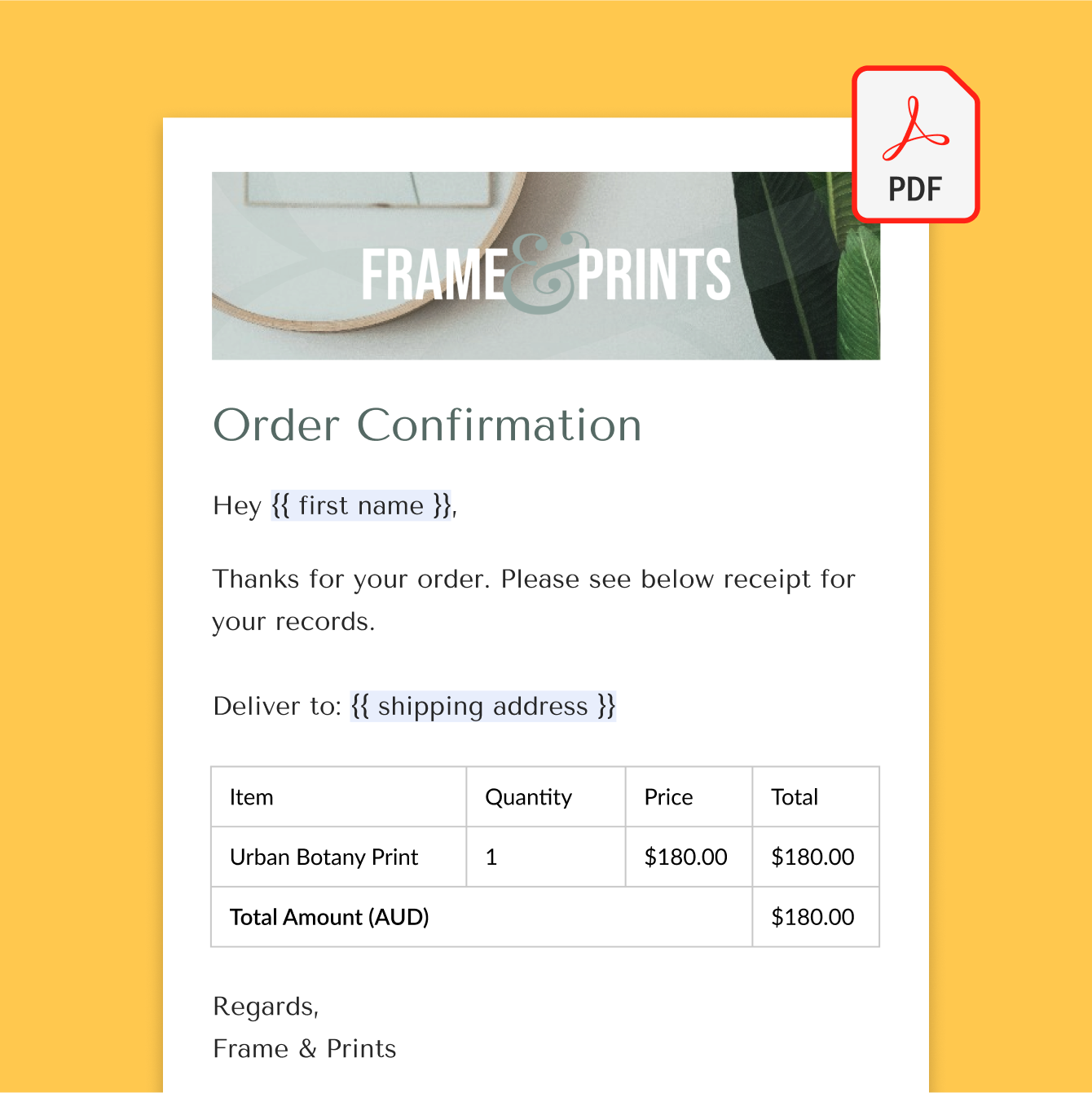
Generate branded invoices automatically
Turn every submission into a professional PDF invoice, complete with your logo, line items, and totals calculated automatically. Paperform's custom PDFs generate and email themselves the moment someone submits the form — no manual data entry.
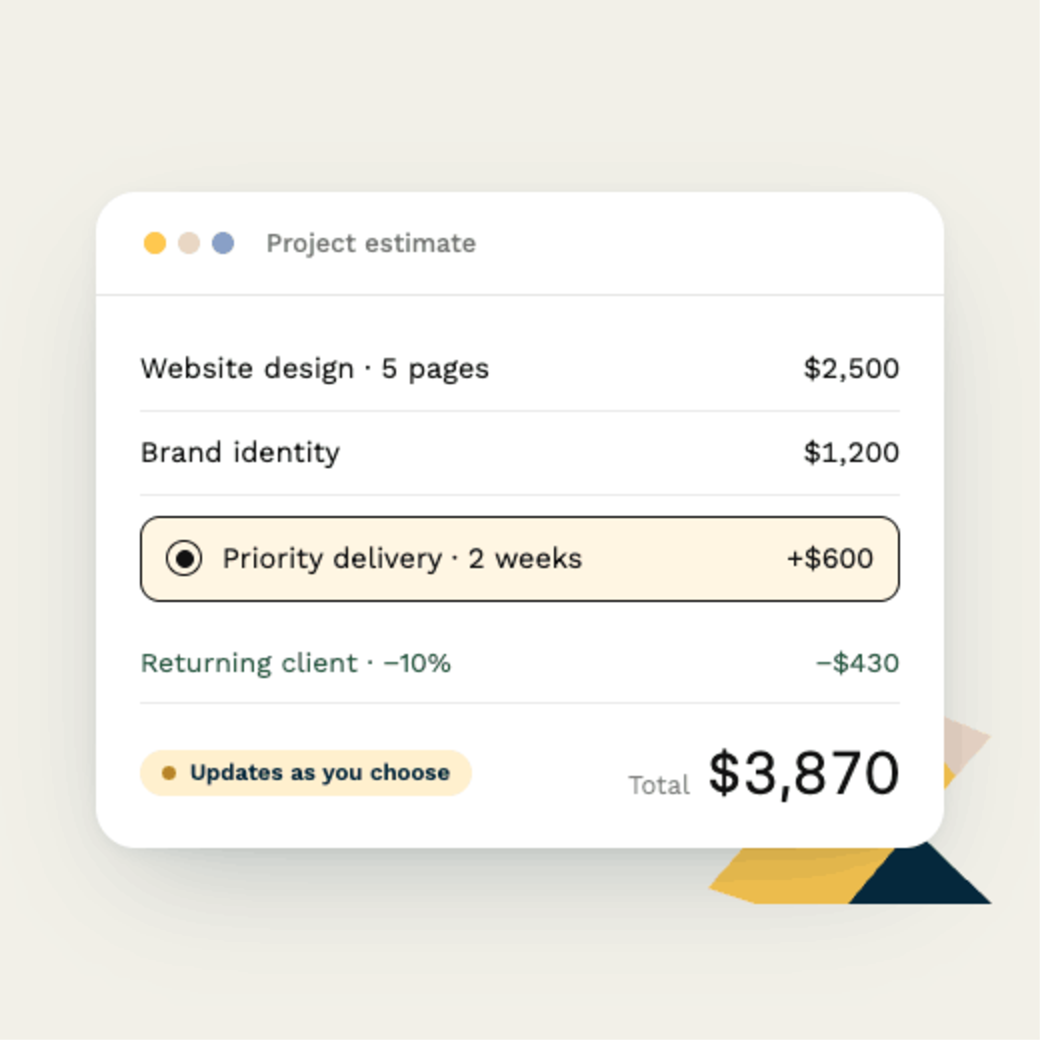
Send quotes and estimates before the work begins
Build a quote or estimate form that calculates pricing in real time based on what a client selects. Use calculations to handle multi-line pricing, discounts, or tiered rates automatically, so the number you quote is the number you invoice.
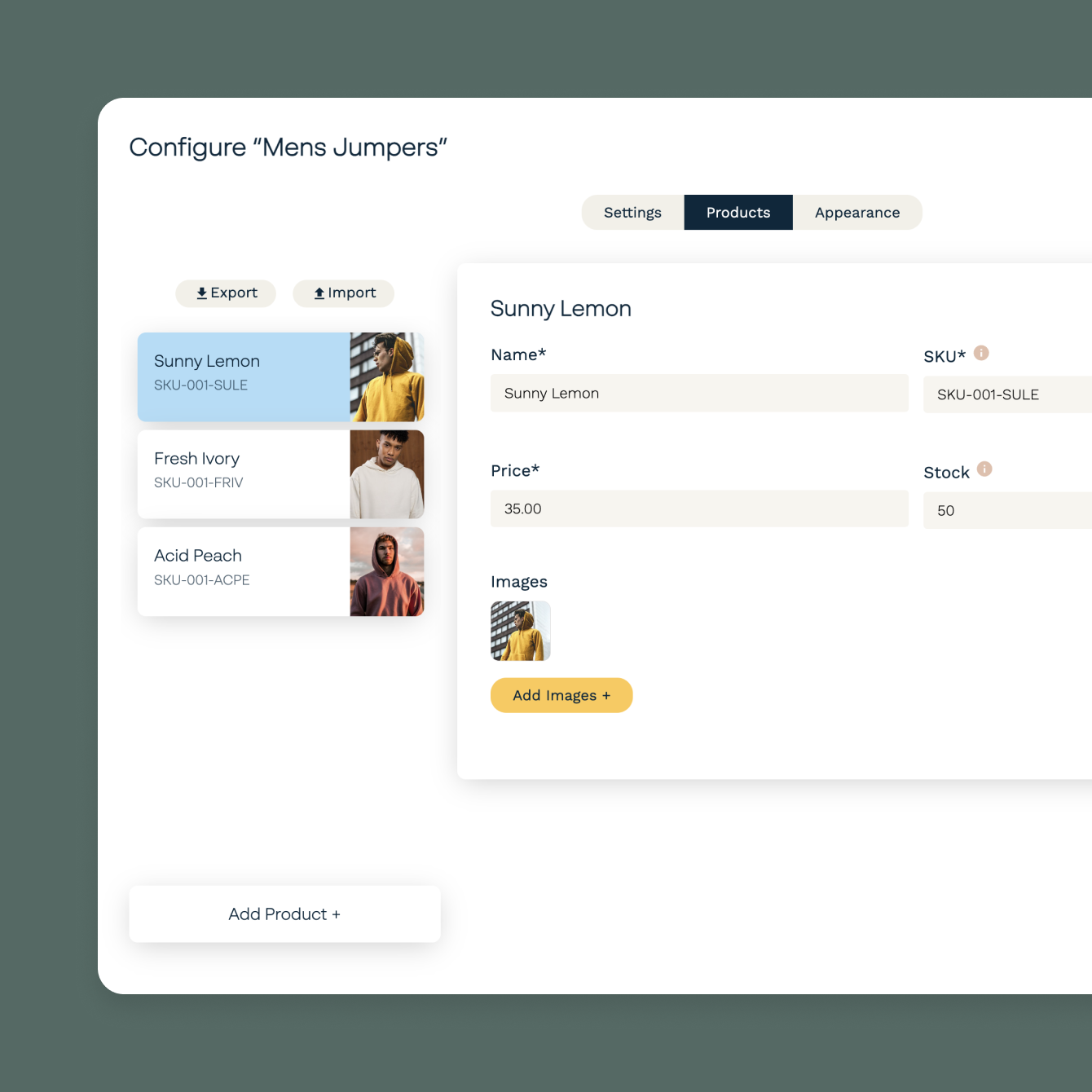
Collect purchase orders without the email back-and-forth
Let customers or vendors submit a purchase order directly through a form — line items, quantities, and delivery details captured in one place, ready to turn straight into an invoice.
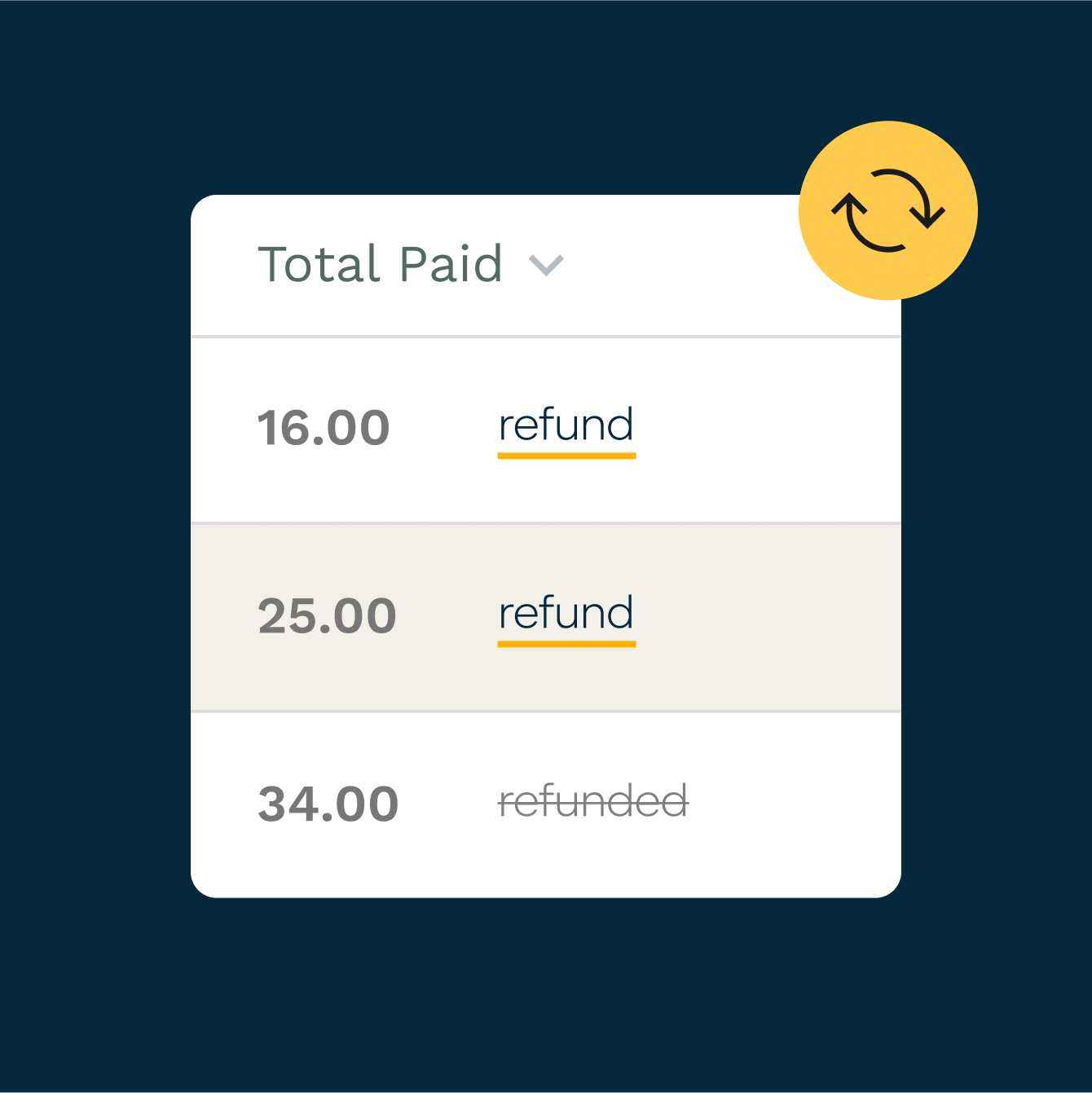
Track expenses and reimbursement requests
Collect expense reports and reimbursement requests with receipts attached to each submission. Route requests for approval automatically with conditional logic based on amount or category.
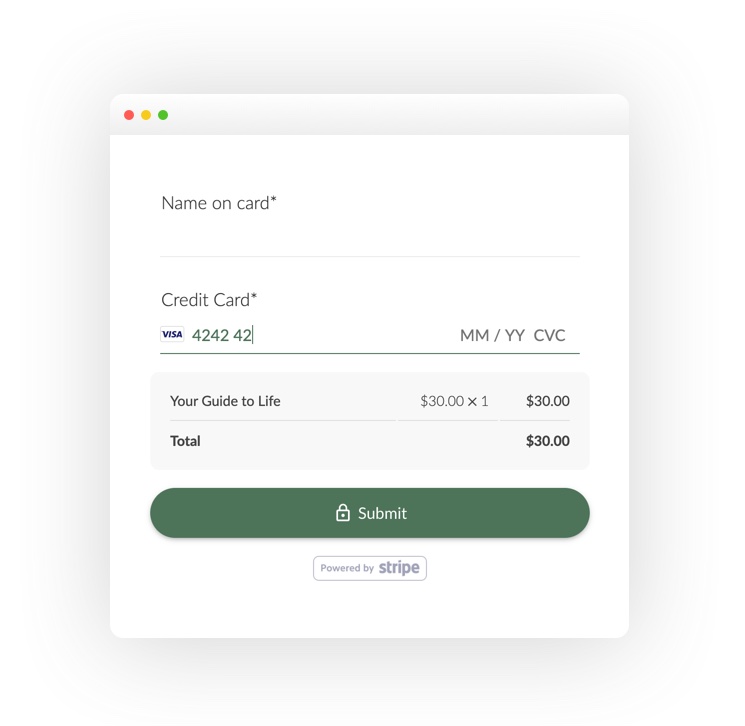
Get paid the moment an invoice goes out
Accept payment directly on the invoice form itself through Stripe, PayPal, Square, or Braintree — no separate payment link needed. Paperform's payment forms don't add extra transaction fees on top of what your processor charges.
Send receipts automatically after payment
Generate and send a receipt the moment a payment comes through, so clients have a record without you lifting a finger.
Forever Free plan · No code needed · SOC 2 Type II & SSO · Trusted by 500K+ businesses
Free invoice and billing form templates to help you get started
Pick from Paperform's full library of 30,000+ templates, including invoice, quote, purchase order, and expense forms you can customise in minutes.
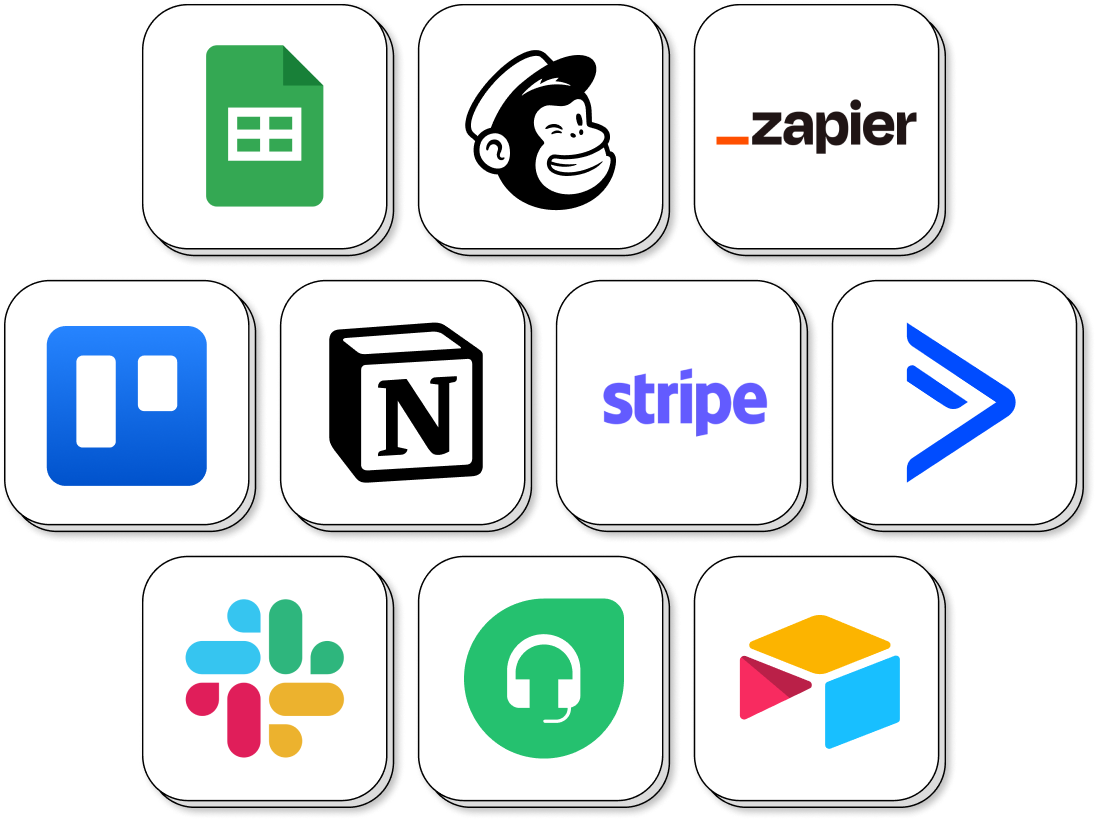
Connect invoices to your accounting software
Paperform connects directly with Stripe, PayPal, and Google Sheets, and to QuickBooks and Xero via Zapier — so every invoice, quote, or purchase order flows into your books without manual entry.
Invoice and Billing Form FAQs
1. Can Paperform generate a PDF invoice automatically?
Yes. Use Paperform's custom PDF feature to design a branded invoice that populates itself from the form submission and emails automatically — no manual formatting.
2. Does Paperform integrate with QuickBooks or Xero?
Yes, through Zapier. Paperform doesn't have a native QuickBooks or Xero sync, but you can connect either one with a ready-made Zap so invoice data flows straight into your books.
3. Can I collect payment directly on the invoice form?
Yes. Connect Stripe, PayPal, Square, or Braintree and accept payment as part of the same form — no separate payment link needed, and no extra transaction fees from Paperform.
4. Can I create a quote or estimate that calculates pricing automatically?
Yes. Paperform's calculations feature handles multi-line pricing, discounts, and tiered rates in real time as someone fills out the form.
5. Can customers or vendors submit a purchase order online?
Yes. Build a purchase order form that captures line items, quantities, and delivery details in one submission, ready to convert into an invoice.
6. Can I collect expense reports with receipts attached?
Yes. Use the file upload field to collect receipts alongside an expense report, and route it for approval automatically with conditional logic based on amount or category.
7. Can I send a receipt automatically after someone pays?
Yes. Set up an automatic receipt to generate and send the moment a payment is confirmed.
8. Is there a limit on how many invoices I can send on the free plan?
Paperform's Forever Free plan covers a limited number of submissions per month. For higher volume, you'll need to upgrade — see pricing for current limits.
Get paid without the chasing.
Build your first invoice form free. No code, no new accounting software to learn.
Start invoicing freePaperform Pricing
The following is pricing for our Paperform app only.
Free | Pro $49/month Billed annually | Business $124/month Billed annually | Enterprise |
|---|

Paperform Feature Comparison
| Try Free Now No Credit Card Unrestricted 7-day free trial | Try Free Now No Credit Card Unrestricted 7-day free trial | Talk to Sales |