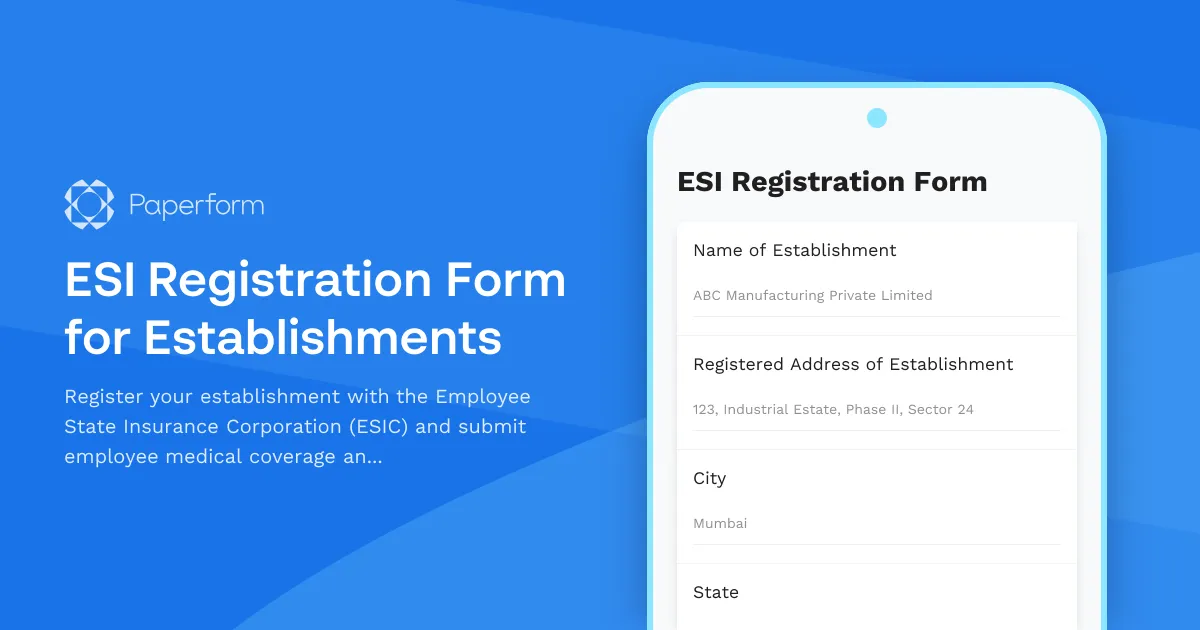
ESI Registration Form for Establishments in India
Registering your establishment with the Employee State Insurance Corporation (ESIC) is a legal requirement under the ESI Act, 1948 for businesses with 10 or more employees (20 or more in certain states). This ESI Registration Form template helps Indian employers streamline the registration process, capture employee details, calculate contribution amounts, and maintain compliance with medical insurance obligations.
Whether you're an HR manager, startup founder, or compliance officer, this form provides a structured way to collect all the information ESIC requires—from establishment details and principal employer information to individual employee wage data and contribution calculations.
Why ESI registration matters for Indian businesses
The Employee State Insurance scheme provides medical, cash, maternity, and disability benefits to workers and their families. Once your establishment crosses the employee threshold, registration becomes mandatory within 15 days. Non-compliance can result in penalties, legal notices, and operational disruptions.
This template helps you:
- Collect establishment details including name, address, nature of business, and employee count
- Capture principal employer and manager information required by ESIC
- Record employee-wise data including names, Aadhaar numbers, dates of joining, wages, and contribution amounts
- Calculate employer and employee contributions automatically based on current ESI rates
- Generate a submission-ready dataset that can be exported or integrated with your HR systems
How Paperform makes ESI registration simple
Traditional ESI registration involves filling out multiple paper forms, manual calculations, and lengthy back-and-forth with the ESIC office. This Paperform template digitizes the entire process, making it faster, more accurate, and easier to manage.
Smart calculations built in: The form automatically calculates employee and employer contributions based on wages entered, applying the standard ESI contribution rates (currently 0.75% for employees and 3.25% for employers, though you can adjust these if rates change).
Conditional logic for clarity: Questions appear based on your answers—if you indicate you have existing ESI registration, additional fields for your registration number and previous contribution details appear. This keeps the form clean and relevant.
Professional, on-brand design: The document-style editor lets you customize fonts, colors, and layout to match your company's branding. Embed the form on your HR portal or intranet, or share a direct link with your finance and compliance teams.
Data security and compliance: Paperform is SOC 2 Type II certified with data residency options, ensuring employee data like Aadhaar numbers and wage information remains secure and compliant with Indian data protection practices.
What happens after submission
Once an authorized representative submits the form, Paperform can automatically:
- Send a confirmation email with a summary of the registration details to your HR and finance teams
- Export data to Google Sheets or Airtable for record-keeping and follow-up
- Trigger a Stepper workflow (stepper.io) to notify your compliance officer, create reminders for follow-up with ESIC, or update your HRMS with new registration details
- Generate a PDF summary that can be attached to your official ESIC application
This eliminates manual data entry, reduces errors, and ensures your team stays on top of registration deadlines.
Automate your compliance workflow with Stepper
Paperform integrates seamlessly with Stepper, an AI-native workflow automation platform that turns each form submission into a multi-step compliance process. After an employee submits ESI details, Stepper can:
- Validate employee Aadhaar and PAN details against government databases
- Calculate contribution amounts and prepare payroll deduction schedules
- Send reminders to employees to complete medical checkups if required
- Route the completed registration to your chartered accountant or compliance consultant for review
- Update your internal HR systems and create audit trails automatically
These no-code automations save hours of admin work every month and ensure nothing falls through the cracks during ESI enrollment periods.
Who should use this ESI registration form?
This template is ideal for:
- HR managers and compliance officers at manufacturing, retail, hospitality, and service establishments
- Startup founders crossing the 10/20 employee threshold and needing to register for the first time
- Chartered accountants and consultants managing ESI compliance for multiple clients
- Payroll administrators collecting employee data for monthly contribution calculations
- Factory and establishment owners required to register under the ESI Act
It's particularly useful for businesses in sectors like IT, manufacturing, retail, healthcare, hospitality, and construction where employee medical benefits are a key part of the compliance landscape.
Why choose Paperform for Indian regulatory forms?
Paperform has become the go-to solution for businesses across India managing PAN, GST, PF, TDS, and ESI compliance. Here's why:
No-code simplicity: Your HR or compliance team can create, edit, and publish forms without waiting on developers. Make updates as regulations change, add new fields, or adjust calculations—all from the same document-style editor.
Integrations that work for Indian teams: Connect with tools Indian businesses already use—Google Workspace, Zoho, Tally, WhatsApp, Slack, and thousands more via Stepper, Zapier, or webhooks.
Secure, scalable, and trusted: Used by over 500,000 teams worldwide, Paperform offers enterprise-grade security with SOC 2 Type II compliance, SSO, and role-based access controls. Your employee data stays protected, and your audit trail stays clean.
Beautiful forms that people actually complete: Unlike clunky government portals or generic form builders, Paperform lets you create ESI registration forms that look professional, load fast, and work perfectly on mobile—important when you're collecting data from employees on the shop floor or in the field.
Get started in minutes
This ESI Registration Form template is ready to use out of the box. Simply customize the employer and establishment details, adjust contribution rates if needed, add your company logo, and share with your team. As your workforce grows and regulations evolve, you can update the form instantly—no expensive developer time or IT tickets required.
Make ESI registration faster, more accurate, and less stressful with Paperform. Start today and bring your Indian compliance workflows into the digital age.
Related Indian regulatory forms you might need:
- PF (Provident Fund) registration and member nomination forms
- GST registration and input tax credit claim forms
- PAN application and update forms
- Professional Tax enrollment forms
- Labour Welfare Fund contribution forms
Explore Paperform's library of 30,000+ templates to find the right forms for your business, or build your own from scratch in minutes.



More templates like this
Saskatchewan Workers Compensation Employer Registration Form
Register your business with the Saskatchewan Workers' Compensation Board (WCB). Provide employer details, industry classification, and payroll information to establish your coverage account.
WorkCover NT Injury Management Program Form
A comprehensive injury management program form for Northern Territory employers to document workplace modifications, graduated return to work plans, and medical reviews in compliance with NT WorkCover requirements.

French Workplace Health and Safety Document (DUERP) Update Form
Complete your annual DUERP (Document Unique d'Évaluation des Risques Professionnels) update with comprehensive risk assessment, prevention measures, and regulatory compliance for French workplaces.
PERKESO Disability Benefit Claim Form
Submit a PERKESO (SOCSO) disability benefit claim with medical board assessment details and rehabilitation support requests for work-related injuries or occupational diseases in Malaysia.
ZUS Parental Leave Application Form
A comprehensive ZUS parental leave application form for Polish employees with automatic benefit calculations, employer notifications, and regulatory compliance documentation.

Argentina Workplace Injury Report Form
Comprehensive workplace injury report form for Argentine employers to document incidents and coordinate with AFIP and ART insurance providers in compliance with labor regulations.
Contract Labour License Application Form
A comprehensive application form for obtaining a contract labour license in India, capturing principal employer details, contractor information, nature of work, and regulatory compliance requirements under the Contract Labour (Regulation and Abolition) Act, 1970.
Czech Workplace Vaccination Consent Form
Professional vaccination consent and health data form for Czech employers to document employee vaccination status, occupational health requirements, and ensure GDPR-compliant data handling.
Employee Provident Fund (EPF) Inspection Checklist
Comprehensive EPF compliance inspection form for Indian employers to verify register maintenance, contribution timeliness, and statutory display requirements under the EPF & MP Act, 1952.
EPF Member Registration Form
Complete EPF registration form for new members including UAN generation, Aadhaar seeding, bank account verification, and provident fund enrollment. Streamline employee onboarding with automated compliance.
Quebec Language Compliance Declaration Form
A comprehensive declaration form for businesses to report their French language policy compliance under Quebec's Charter of the French Language (Bill 101).
Thailand Social Security Office (SSO) Employee Registration Form
Register new employees with the Thai Social Security Office. Collect employee identification, bank details, and employment information required for SSO compliance.