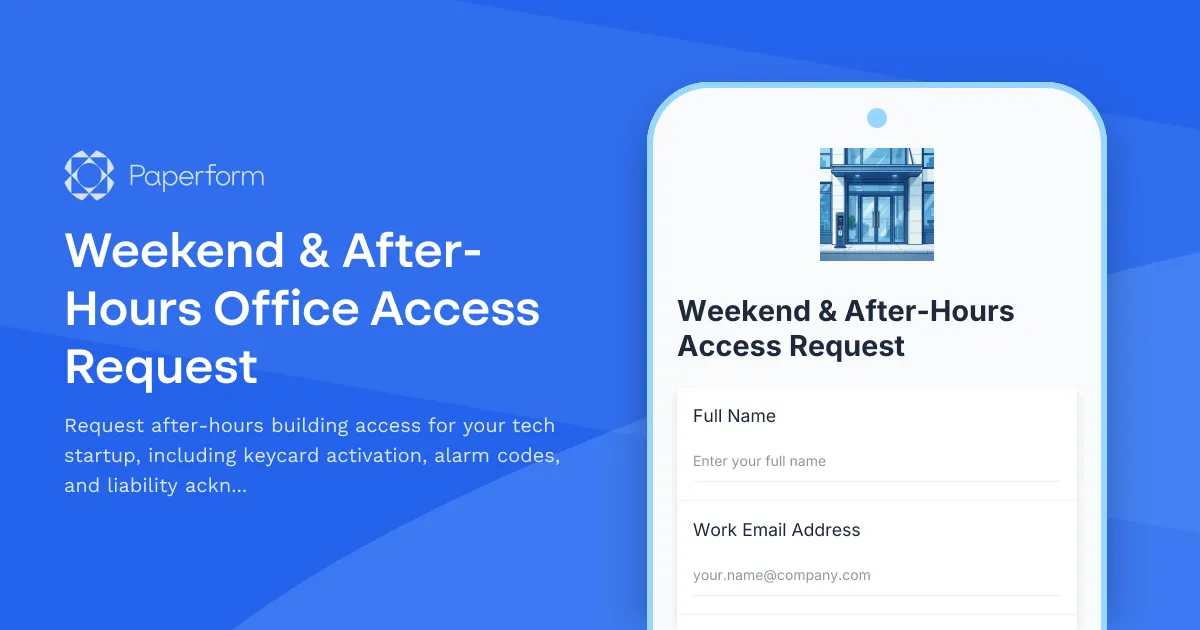
Streamline After-Hours Access for Your Growing Tech Team
Modern tech startups thrive on flexibility. Whether your developers are pushing code at midnight, your product team is prepping a launch on Sunday, or remote employees need weekend access during their visit, managing after-hours building access shouldn't slow anyone down.
This Weekend & After-Hours Office Access Request template helps tech companies, startups, coworking spaces, and innovation hubs handle security, compliance, and operations when team members need building access outside regular business hours.
Why Tech Teams Need a Dedicated After-Hours Access Form
Startups and fast-moving tech companies often work around the clock. But building security, alarm systems, and liability concerns mean you can't just hand out keys to everyone. This template helps you:
- Process keycard activation requests quickly and securely
- Assign unique alarm codes to authorized personnel
- Collect liability acknowledgments to protect your business
- Track who has after-hours access and when they need it
- Maintain security protocols without creating bottlenecks for your team
With Paperform, you get a professional, on-brand form that integrates directly into your workspace management workflow.
Built for Startups, Perfect for Growing Teams
This template is designed specifically for tech startups, software companies, and modern workspaces where after-hours access is a regular necessity, not an exception. Key features include:
Employee & contractor details: Capture full name, department, role, employee ID, and contact information to ensure only authorized personnel receive access.
Access requirements: Let requesters specify exactly what they need—weekend access, late evening hours, early morning entry, or 24/7 access—with custom date ranges so you can manage temporary and ongoing access appropriately.
Purpose documentation: Understand why access is needed (project deadlines, server maintenance, client demos, etc.) so facility managers can prioritize and approve requests intelligently.
Keycard activation: Collect existing keycard numbers or flag new card requests, making it easy for your operations team to activate the right credentials.
Alarm system training: Confirm that employees have received alarm code training and acknowledge their responsibility for arming/disarming systems correctly.
Liability & safety acknowledgment: Protect your business with clear acknowledgments covering solo work safety, emergency procedures, building rules, and damage liability.
Manager approval: Built-in fields for manager name and approval help maintain proper authorization chains without requiring a separate approval tool.
How This Form Works With Your Tech Stack
Paperform makes it easy to embed this form directly on your internal portal, Slack workspace, or HR dashboard. Once an employee submits a request, you can automatically:
- Send notifications to facilities managers and building security via email or Slack
- Log requests in Google Sheets, Airtable, or Notion for centralized tracking
- Trigger approvals using Stepper workflows that route requests to managers and facilities teams
- Update access control systems by pushing data to your building management platform via webhooks or integrations
- Send confirmation emails with alarm codes, access instructions, and safety reminders using Paperform's conditional email logic
With Stepper, you can build sophisticated approval workflows—like requiring both a direct manager sign-off and a facilities team review before activating keycard access, or automatically expiring temporary access after a set period.
Security, Compliance, and Audit Trails That Matter
For tech startups handling sensitive intellectual property, client data, or expensive equipment, after-hours access isn't just about convenience—it's a security and compliance issue. This template helps you:
- Create an audit trail of who requested access, when, and why
- Document safety acknowledgments in case of incidents or insurance claims
- Maintain SOC 2 compliance by demonstrating controlled physical access procedures
- Reduce unauthorized access by formalizing the request process
Paperform is SOC 2 Type II certified and offers data residency controls, so you can trust that your access request data is handled securely.
Perfect For
Tech startups & software companies that need flexible access for developers, product teams, and operations staff working outside traditional hours.
Coworking spaces & innovation hubs managing shared facilities with multiple tenant companies requiring after-hours access.
IT & facilities managers responsible for building security, alarm systems, and access control in fast-growing organizations.
HR & operations teams looking to streamline employee onboarding and offboarding while maintaining tight security protocols.
Building managers & property administrators overseeing office buildings with mixed-use tenants requiring flexible access schedules.
Customize This Template for Your Workspace
Every office has different security requirements. With Paperform's doc-style editor, you can easily:
- Add photo upload fields for ID verification
- Include multiple choice questions about specific areas (server room, lab, executive suite)
- Use conditional logic to show different liability clauses based on access type
- Embed video tutorials about alarm systems or safety procedures
- Connect to your badge printer or access control API via webhooks
You can also apply your company's branding—fonts, colors, logo, and background—so the form feels like a natural extension of your internal tools rather than a generic third-party form.
Get Started in Minutes
This template is ready to use right out of the box. Simply customize the questions to match your building's alarm system, security policies, and approval workflow, then share the link with your team or embed it on your intranet.
With Paperform's AI form builder, you can even describe additional requirements in plain language—like "add a field for emergency contact info" or "require manager email confirmation"—and let AI handle the technical setup.
Whether you're a 10-person seed-stage startup or a 200-person scale-up with multiple office locations, this template helps you maintain security and flexibility as you grow—without adding friction for your team or extra work for your facilities staff.



More templates like this
Hybrid Workplace Desk Booking Form
Streamline hybrid work with desk and team pod reservations, flexible booking periods, and integrated parking allocation for modern flexible workspaces.
Office Guest WiFi & Visitor Access Request Form
Request secure WiFi access and building entry for clients visiting your office. Ideal for hybrid teams hosting external visitors with time-limited network access and security clearance tracking.
Conference Room Technology Setup Request Form
Request and configure video conferencing equipment, presentation systems, and audio-visual technology for your new office's conference rooms and meeting spaces.
Hybrid Attendance Forecast Form
Plan your office space effectively with this hybrid attendance forecast form. Collect employee office attendance predictions, conference room needs, and cafeteria usage to optimize facility resources and capacity planning.
IT Equipment Request Form
Request IT equipment, hardware, and technical accessories with manager approval and asset tracking for efficient procurement management.
Office Hoteling Amenity Customization Form
Customize your workspace preferences including standing desks, dual monitors, and ergonomic seating for a productive office experience.
Office Move Network Infrastructure Planning Form
Plan your office relocation's network infrastructure with detailed specifications for bandwidth, WiFi coverage, VoIP systems, printer placement, and redundancy requirements.
Office Relocation Communication Preferences Form
Capture employee communication preferences, update frequency, and concerns during office moves to ensure everyone stays informed and supported throughout the relocation process.
Post-Move Office Setup Issue Reporting Form
Report issues with your new workspace after an office move or relocation. Submit problems related to furniture, equipment, IT setup, or facilities with photos and urgency tracking for quick resolution.
Remote Employee Office Supply Request Form
A comprehensive office supply request form designed for remote employees, featuring shipping address validation, budget approval workflows, and automatic bulk order discount calculations.
Smart Building Technology Integration Request Form
Streamline your smart office setup with this IoT sensor deployment, occupancy tracking, energy management, and automation preferences form. Perfect for facilities managers implementing modern workplace technology.
Standing Desk & Ergonomic Furniture Request Form
Request ergonomic furniture and standing desks with health assessment, budget justification, workspace measurements, and installation scheduling for workplace comfort and productivity.