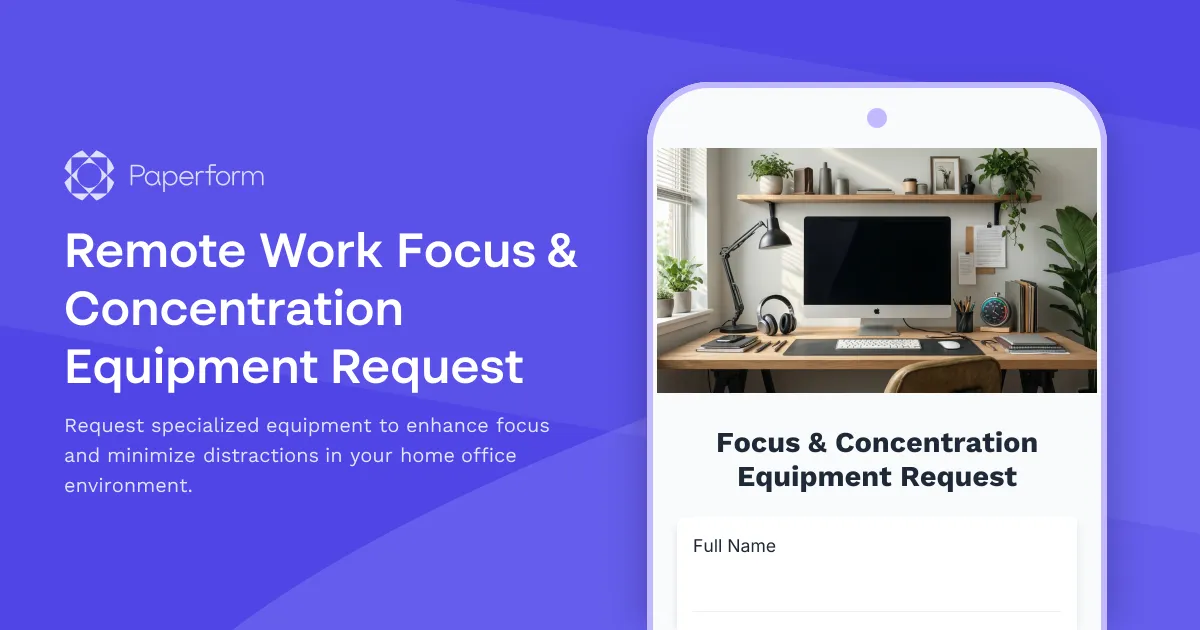
Optimize Your Remote Work Focus with the Right Equipment
Working from home offers flexibility, but it also comes with unique challenges—especially when it comes to maintaining focus and managing distractions. Whether you're dealing with household interruptions, digital notification overload, or simply struggling to create clear boundaries between work and personal time, having the right focus-enhancing equipment can make all the difference to your productivity and wellbeing.
This Remote Work Focus & Concentration Equipment Request Form is designed for distributed teams, remote-first companies, and hybrid workplaces that recognize the importance of supporting their employees with tools that genuinely improve attention management and deep work capacity.
Why Focus Equipment Matters for Remote Workers
Unlike traditional office environments where quiet spaces and visual cues help signal "work mode," remote workers often need to create these conditions themselves. Research consistently shows that deep focus is essential for complex problem-solving, creative work, and high-quality output—yet the average remote worker is interrupted every 3-5 minutes by notifications, household activity, or environmental distractions.
Investing in focus-enhancing equipment isn't just about productivity metrics. It's about:
- Reducing cognitive load from constant context-switching
- Supporting mental health by creating clear work boundaries
- Improving work quality through sustained attention periods
- Demonstrating trust in employees to choose tools that work for their unique situations
- Leveling the playing field for neurodivergent team members who may need additional support
What This Form Helps You Request
This template covers a comprehensive range of focus and concentration equipment, including:
Distraction Management Tools: Noise-canceling headphones, white noise machines, acoustic panels, visual privacy screens, and do-not-disturb indicators that help create a focused environment.
Attention & Time Management Devices: Pomodoro timers, time-blocking tools, visual timers, and physical focus tracking devices that support proven productivity methodologies.
Notification Control Solutions: Hardware solutions for managing digital distractions, such as dedicated focus displays, notification blocking devices, or secondary screens for communication management.
Productivity Optimization Hardware: Ergonomic tools that reduce friction and fatigue during deep work sessions, including specialized keyboards, mice, monitor arms, and lighting solutions optimized for concentration.
Environmental Control Equipment: Items that help you manage your workspace environment, from smart lighting and temperature controls to air quality monitors and adjustable standing desks.
Perfect for Modern Remote Teams
This form is ideal for:
- Remote-first companies building comprehensive home office equipment programs
- HR and IT teams managing distributed workforce equipment requests
- Team leaders supporting their remote reports with the tools they need
- Employees in hybrid roles who split time between home and office
- Neurodivergent professionals seeking accommodations for ADHD, autism, or sensory processing needs
- Knowledge workers in roles requiring extended periods of deep focus
- Creative professionals who need distraction-free environments for their best work
Streamline Approval and Fulfillment with Paperform
Managing equipment requests across a distributed team can be messy—endless email threads, unclear budgets, lost receipts, and no clear process for approval. This Paperform template solves those problems by creating a structured, trackable workflow from request to fulfillment.
The form includes conditional logic to show relevant fields based on equipment type, built-in calculations to track budgets against allowances, and clear sections for justification and manager approval routing. You can embed this form in your company intranet, share it via Slack, or send it directly to employees when they request equipment.
Automate Your Equipment Request Workflow with Stepper
Once a request is submitted, you don't want it sitting in someone's inbox. Connect this form to Stepper to create an intelligent approval workflow that:
- Routes requests to the appropriate manager based on department or cost threshold
- Sends approval or denial notifications automatically
- Updates your asset tracking spreadsheet or HRIS system
- Generates purchase orders or vendor requests
- Schedules delivery tracking and employee check-ins
- Logs everything for compliance and budgeting purposes
Stepper's AI-native workflow builder means you can set up these automations in minutes, not days, with no coding required. As your team grows or your equipment policies evolve, you can adjust the workflow just as easily.
Integration with Your Existing Tools
This form works seamlessly with the tools your team already uses. Send approved requests to:
- Procurement systems for automated purchasing
- Google Sheets or Airtable for centralized tracking
- Slack or Microsoft Teams for instant approval notifications
- Expensify or expense management tools for reimbursement processing
- BambooHR, Workday, or other HRIS platforms for employee records
- QuickBooks or accounting software for budget tracking
All of this happens automatically through Paperform's native integrations or via Stepper, so your HR and operations teams can focus on supporting employees rather than chasing down spreadsheet updates.
Supporting Wellbeing, Not Just Productivity
The best remote work policies recognize that focus equipment isn't a luxury—it's essential infrastructure for knowledge work. By making it easy for employees to request the tools they need, you're sending a clear message: we trust you to know what helps you do your best work, and we're invested in your success.
This template includes space for employees to explain how the requested equipment will improve their focus, reduce distractions, or address specific challenges in their home office environment. This not only helps managers make informed approval decisions, but also opens up conversations about work style, neurodiversity, and individual needs that might otherwise go unaddressed.
Trusted by Remote-First Teams Worldwide
Whether you're a 10-person startup or a 1,000-person distributed organization, this template scales with your needs. Paperform is SOC 2 Type II compliant and GDPR-ready, so you can trust it with employee information and equipment budgets. With 30,000+ templates and a flexible editor that works like a document, you can customize this form to match your brand, policies, and approval thresholds in minutes.
Remote work is here to stay, and the companies that invest in their distributed teams' focus and wellbeing will see the returns in retention, engagement, and quality of work. Start supporting your team's concentration needs today with this comprehensive equipment request form.



More templates like this

Work From Home Technology Upgrade Program Application
Apply for technology upgrades and equipment refreshes for your home office setup. Request emerging tech, scalability improvements, and innovation budget for long-term remote work success.

Remote Work Monitor & Display Upgrade Request
Request approval for new monitors and display equipment for your home office setup. Submit screen specifications, multiple monitor needs, and mounting requirements for budget approval.
Home Office Plants & Wellness Items Reimbursement Request
Request reimbursement for home office plants, air-purifying greenery, and wellness items that enhance productivity and workspace quality.

Hybrid Work Equipment Insurance & Damage Assistance Form
Submit claims for accidental damage, theft, or loss of home office equipment with deductible assistance, repair cost sharing, and replacement support for hybrid workers.
Remote Work Software & Subscription Reimbursement Form
Streamline remote work software subscriptions and tool reimbursement requests for distributed teams with automated approval workflows and consolidated expense tracking.
Work From Home Webcam & Video Equipment Upgrade Request Form
Request and justify webcam and video equipment upgrades for professional remote work, with technical specifications, budget assessment, and home office needs evaluation.
Flexible Schedule & Core Hours Agreement Form
A comprehensive agreement form for establishing flexible work schedules with defined core hours, mandatory collaboration windows, and clear availability commitments across time zones.

Home Office Battery Backup & UPS Request Form
Request battery backup and UPS equipment for your home office to ensure business continuity during power outages. Assess your power needs, prioritize critical devices, and plan for uninterrupted remote work.
Home Office Noise Cancellation Equipment Request Form
Request noise cancellation equipment for your home office, including headphones, microphones, and video conferencing gear with department approval routing.
Home Office Reference Library & Professional Development Allowance Request
Request reimbursement for home office reference materials, professional books, industry subscriptions, and learning resources to support your remote work setup.
Home Office Soundproofing & Acoustic Treatment Request
Request acoustic improvements and soundproofing solutions for your home office to enhance audio quality and reduce noise distractions during remote work.
Home Office Storage & Filing Equipment Request Form
Request storage and filing equipment for your home office, including filing cabinets, shelving units, and organizational systems with security and fireproofing options.