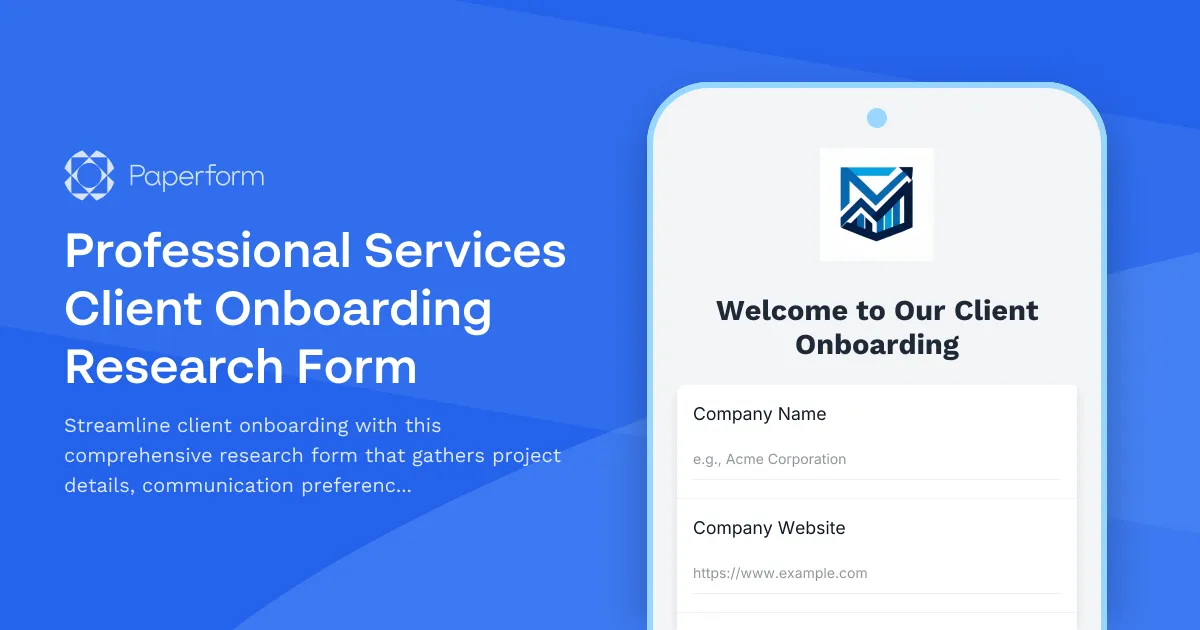
Transform Your Client Onboarding Experience with Professional Research Forms
Getting new clients off to the right start is crucial for professional services firms. Whether you're running a consulting agency, marketing firm, legal practice, or any service-based business, those first interactions set the tone for the entire relationship. This Professional Services Client Onboarding Research Form helps you collect everything you need—project goals, stakeholder information, communication preferences, and essential documents—in one smooth, professional experience.
Why Professional Services Need Better Onboarding
Traditional client onboarding often involves scattered email threads, missing documents, and unclear expectations. Clients get frustrated trying to remember what you need, and your team wastes time chasing information. This template turns that chaos into a clear, branded workflow that makes both sides feel confident from day one.
With Paperform's doc-style editor, you can create an onboarding experience that feels personal and on-brand, not like a generic survey. Add your logo, use your brand colors, include helpful context and even embed videos to welcome clients and explain next steps. The form adapts based on responses, showing only relevant questions and making the process feel conversational rather than bureaucratic.
What This Template Includes
Project Discovery Section: Gather comprehensive information about project objectives, desired outcomes, success metrics, and timeline expectations. Understand what your client truly needs before you start the work.
Stakeholder Mapping: Identify key decision-makers, day-to-day contacts, and approval workflows so your team knows exactly who to engage at each project stage.
Document Collection Workflow: Request essential files like brand guidelines, existing research, contracts, or reference materials. Clients can upload everything securely in one place instead of separate email attachments.
Communication Preference Setup: Learn how clients prefer to receive updates (email, Slack, project management tools), meeting frequency, reporting formats, and response time expectations. This prevents miscommunication before it happens.
Technical Requirements Gathering: Depending on your service type, collect information about existing tools, integrations, access requirements, and technical constraints that could impact the project.
Built for Professional Services Workflows
This template works beautifully for consulting firms, creative agencies, marketing teams, legal practices, accounting firms, HR consultancies, IT service providers, and any professional services business that needs to onboard clients efficiently.
The conditional logic ensures clients only see questions relevant to their project type or service level. If they select "Website Redesign," they'll see questions about their current site and hosting. If they choose "Monthly Retainer," you'll gather different information than a one-off project would require.
Automate What Happens Next with Stepper
Paperform works seamlessly with Stepper, your AI-native workflow builder that turns each submission into action. When a client completes your onboarding form, Stepper can automatically:
- Create a new project in your management tool (Asana, ClickUp, Monday.com)
- Add the client to your CRM with all their details and preferences
- Generate a personalized welcome packet or proposal using their responses
- Set up a dedicated Slack channel or communication workspace
- Schedule the kickoff meeting based on their availability
- Notify the right team members to begin their part of the onboarding process
- Create folders in Google Drive or Dropbox with their uploaded documents
This means your team can focus on delivering great work instead of manual data entry and setup tasks.
Secure Document Handling and Professional Trust
Professional services firms handle sensitive client information—financial records, proprietary research, legal documents, strategic plans. Paperform is SOC 2 Type II compliant with secure file uploads, SSL encryption, and data residency controls. You can confidently collect confidential information knowing it's protected.
For clients who need to sign agreements or NDAs as part of onboarding, add a Papersign step after they submit the form. Their information flows directly into a contract template, they sign electronically, and you have a complete audit trail—all connected to the original onboarding submission.
Customization for Every Service Type
While this template provides a solid foundation, Paperform's flexibility means you can tailor every question, add service-specific sections, or build entirely different paths for different client types. Use the doc-style editor to add helpful explanations, embed examples of deliverables, or include FAQs that answer common questions.
The theme system lets you match your brand perfectly—choose fonts from Google's library, set your brand colors for buttons and accents, add background images or keep it clean and minimal. Forms can live on your domain, embed seamlessly into your website, or exist as standalone landing pages that reinforce your professional positioning.
Better First Impressions, Smoother Projects
When clients complete a thoughtful, well-designed onboarding form, they immediately feel that your firm is organized, professional, and thoughtful. You gather complete information upfront, which means fewer surprises mid-project and clearer scope boundaries. Your team gets consistent, structured information for every new client instead of piecing together notes from multiple sources.
Professional services firms using Paperform report shorter time-to-kickoff, fewer back-and-forth emails, and clients who arrive at the first meeting better prepared and more confident in their decision to work together.
Get Started in Minutes
This template is ready to use immediately or customize to your exact needs. Add your branding, adjust questions for your service offerings, connect your integrations, and start onboarding clients with a process that makes everyone's life easier.
Whether you're a solo consultant handling a few clients per month or an agency onboarding dozens of projects, Paperform scales with you—offering everything from simple forms on the free plan to enterprise-grade features with SSO, advanced permissions, and dedicated support for growing teams.



More templates like this
CMS Migration Stakeholder Interview Form
Gather comprehensive stakeholder feedback on CMS migration requirements, workflow needs, integration priorities, and training expectations from marketing, IT, content, and executive teams.
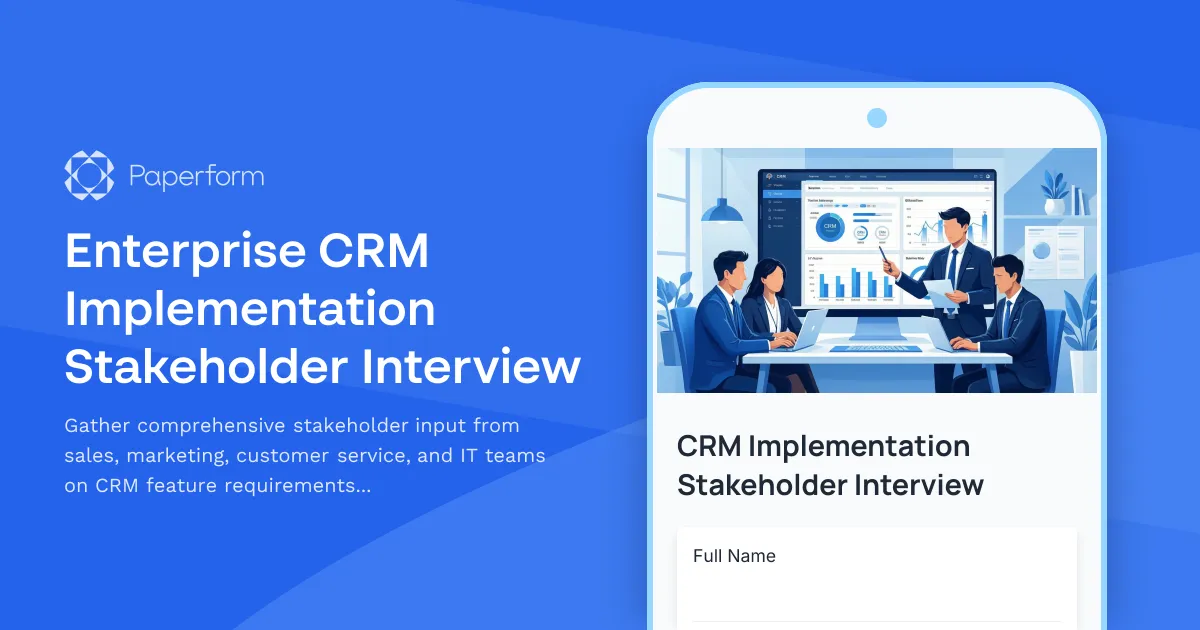
Enterprise CRM Implementation Stakeholder Interview
Gather comprehensive stakeholder input from sales, marketing, customer service, and IT teams on CRM feature requirements, integrations, data migration, training needs, and adoption concerns.

Event Marketing Discovery Form
Comprehensive discovery form for event marketing agencies and planners to understand client needs, objectives, target attendees, budget, venue requirements, and sponsorship goals.
Focus Group Recruitment & Screening Form
Streamline focus group recruitment with demographic screening, availability scheduling, incentive selection, and built-in NDA agreement for market research firms.
Retail Omnichannel Strategy Stakeholder Interview
Gather strategic insights from retail stakeholders on customer service, inventory management, technology requirements, staffing needs, and brand consistency to inform your omnichannel transformation.
UX Design Discovery Form
A comprehensive discovery form for UX designers to gather user research findings, identify usability pain points, document design system requirements, assess accessibility needs, and establish testing protocols for new design projects.

Agile Transformation Stakeholder Interview
Gather critical insights from development teams, product owners, and executives about current process pain points, collaboration challenges, and requirements for a successful agile transformation.
Augmented Reality Application Discovery Form
A comprehensive AR project discovery form to define use cases, technical requirements, device compatibility, 3D modeling needs, and user testing protocols for augmented reality applications.
Brand Strategy Discovery Form
A comprehensive discovery form for rebranding projects that evaluates current brand perception, target positioning, competitive landscape, visual identity preferences, and messaging tone to inform strategic brand development.
Business Formation Services Focus Group Recruitment
Screen and recruit entrepreneurs for business formation services focus group research, collecting information on entity types, incorporation needs, compliance requirements, and registered agent preferences.
Business Travel Focus Group Recruitment Form
Screen and recruit corporate travelers for focus groups exploring business travel experiences, booking processes, expense reporting challenges, and travel policy compliance.
Community Management Platform Discovery Form
Assess client needs for building online community platforms including forum features, moderation requirements, member engagement tools, and analytics capabilities.