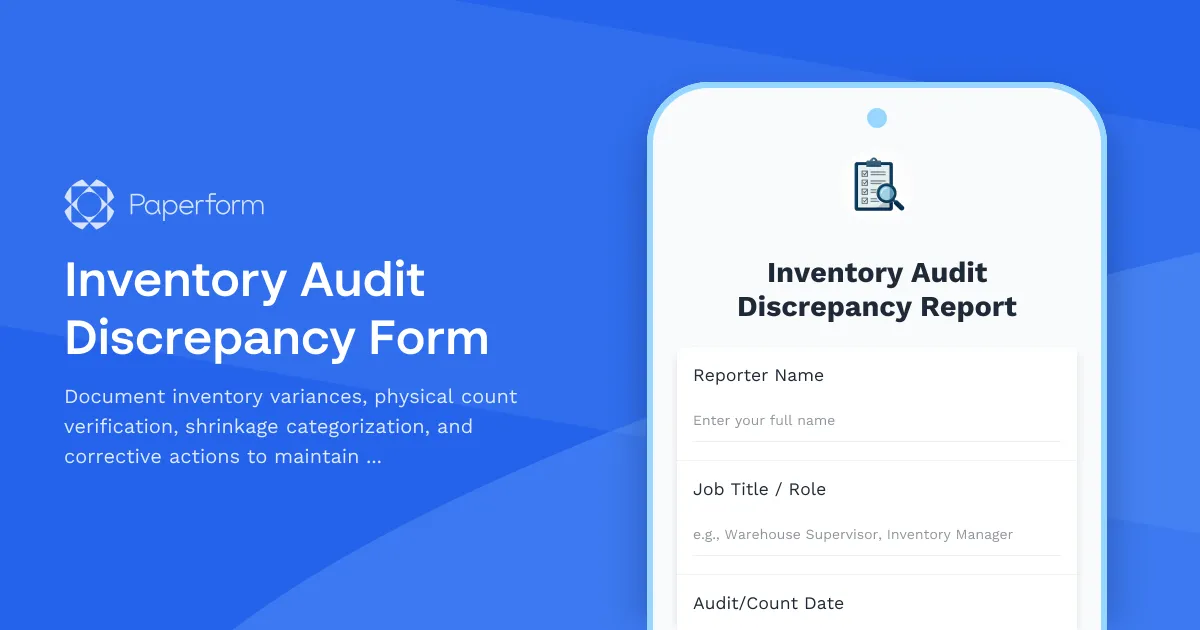
Inventory Audit Discrepancy Form Template
Maintaining accurate inventory records is critical for any business managing physical products. Whether you're running a retail operation, warehouse, manufacturing facility, or e-commerce fulfillment center, discrepancies between physical counts and system records can lead to stockouts, overordering, financial losses, and customer dissatisfaction.
This Inventory Audit Discrepancy Form template helps businesses document, investigate, and resolve inventory variances systematically. It's designed for inventory managers, warehouse supervisors, retail store managers, and operations teams who need a standardized process for tracking physical count verification, explaining system variances, categorizing shrinkage, and implementing corrective action plans.
Why accurate inventory management matters
Inventory discrepancies can occur for many reasons—from receiving errors and miscounts to theft, damage, data entry mistakes, or system glitches. Without a clear process for identifying and addressing these variances, businesses face:
- Financial impact: Unexplained shrinkage directly affects your bottom line and inventory valuation
- Operational disruption: Inaccurate counts lead to stockouts or excess inventory
- Customer service issues: Unable to fulfill orders when system shows stock that doesn't exist
- Compliance risks: Audit failures and regulatory issues in regulated industries
- Loss prevention gaps: Missing patterns of theft or process failures
A structured discrepancy form ensures every variance is documented, investigated, and resolved with appropriate corrective actions.
How this inventory discrepancy form helps your business
This template provides a comprehensive framework for managing inventory audit findings:
Physical count verification: Record actual quantities found during physical counts, including location details, count date, and counter identification for accountability and accuracy.
System variance analysis: Compare physical counts against system records, calculate variance amounts and percentages, and provide detailed explanations for why discrepancies occurred.
Shrinkage categorization: Classify losses by type (theft, damage, administrative error, vendor shortage, etc.) to identify patterns and prioritize prevention efforts.
Root cause identification: Document the underlying reasons for discrepancies, whether they're process failures, training gaps, security issues, or system problems.
Corrective action planning: Create actionable plans to prevent future occurrences, assign responsibility, set deadlines, and track implementation progress.
Approval workflow: Route discrepancy reports through appropriate management levels based on variance severity and financial impact.
Who uses inventory discrepancy forms?
This form template is ideal for:
- Retail businesses: Store managers documenting cycle count variances and investigating shrinkage
- E-commerce operations: Fulfillment center supervisors reconciling picking errors and damaged goods
- Wholesale distributors: Warehouse managers tracking receiving discrepancies and picking accuracy
- Manufacturing facilities: Production supervisors accounting for raw material and WIP variances
- Healthcare organizations: Pharmacy and supply chain staff managing controlled substance and medical supply discrepancies
- Food service operations: Kitchen managers and inventory coordinators tracking food waste and spoilage
- Auto parts stores: Parts department managers reconciling high-value component variances
Automate your inventory management workflow with Stepper
Once you've identified inventory discrepancies, the real work begins: investigation, approval, correction, and prevention. That's where Stepper becomes invaluable.
With Stepper, you can automatically:
- Route high-value variances to senior management for approval while handling minor discrepancies at the supervisor level
- Create adjustment tickets in your inventory management system (NetSuite, SAP, Fishbowl, etc.) automatically
- Update stock levels across multiple systems to maintain accurate real-time inventory
- Generate loss prevention alerts when shrinkage patterns suggest theft or security issues
- Schedule follow-up audits for problem SKUs or locations with recurring discrepancies
- Trigger training assignments when human error is identified as the root cause
- Compile monthly shrinkage reports for management review and trend analysis
- Notify accounting teams of inventory adjustments that impact financial reporting
By connecting this form to your ERP, WMS, accounting software, and communication tools through Stepper, you transform manual discrepancy resolution into an automated, trackable workflow that saves time and prevents future losses.
Integration with your inventory ecosystem
This form works seamlessly within your existing inventory management stack. Use Paperform's native integrations or Stepper workflows to connect with:
- Inventory management systems: NetSuite, SAP, Microsoft Dynamics, Fishbowl, Cin7, inFlow
- Warehouse management: ShipStation, ShipBob, 3PL Central, Warehouse Management Systems
- Point of sale systems: Shopify POS, Square, Lightspeed, Vend, Clover
- Accounting software: QuickBooks, Xero, Sage, FreshBooks for financial adjustments
- Project management: Asana, Monday.com, Trello for corrective action tracking
- Communication tools: Slack, Microsoft Teams for real-time discrepancy alerts
- Reporting platforms: Google Sheets, Airtable, Power BI for trend analysis
Best practices for inventory discrepancy management
To get the most value from this form and maintain accurate inventory:
- Implement regular cycle counts: Don't wait for annual physical inventories—count high-value or fast-moving items more frequently
- Document immediately: Record discrepancies as soon as they're discovered while details are fresh
- Photograph evidence: When possible, include photos of damaged goods, incorrect labels, or other physical evidence
- Track trends: Look for patterns by SKU, location, time period, or counter to identify systemic issues
- Set tolerance thresholds: Define acceptable variance levels and escalation procedures for significant discrepancies
- Follow up consistently: Ensure corrective actions are implemented and verified, not just documented
- Train thoroughly: Use discrepancy data to identify training needs and improve processes
- Secure your data: Restrict access to discrepancy reports as they may contain sensitive loss prevention information
Why Paperform for inventory management?
Paperform makes it easy to create professional, branded inventory forms that work the way you do:
- Conditional logic: Show different fields based on variance type, severity, or product category
- Calculations: Automatically calculate variance amounts, percentages, and financial impacts
- Mobile-friendly: Conduct counts and report discrepancies directly from the warehouse floor using smartphones or tablets
- File uploads: Attach photos of damaged goods, count sheets, or supporting documentation
- Offline capability: Continue working even when warehouse Wi-Fi is spotty (submissions sync when reconnected)
- Pre-population: Pull product details from your database to speed up form completion
- Custom notifications: Alert the right people immediately when high-value discrepancies are reported
- Secure & compliant: SOC 2 Type II certified to protect your sensitive inventory data
Whether you're a small retail operation conducting weekly cycle counts or a large distribution center managing millions in inventory, this Inventory Audit Discrepancy Form template provides the structure and flexibility you need to maintain accuracy, reduce shrinkage, and continuously improve your inventory management processes.
Get started today and turn inventory discrepancies from problems into opportunities for process improvement.



More templates like this

Inventory Write-Off Authorization Form
A professional inventory write-off authorization form for documenting damaged goods, theft, obsolescence, and accounting impact. Streamline your inventory management with automated approvals and documentation.

Subscription Box Fulfillment Checklist
A comprehensive fulfillment checklist for subscription box businesses to manage product curation, quality control, packing accuracy, and shipping label generation.
Inventory Optimization Recommendation Form
Calculate optimal reorder points, forecast sales, adjust for seasonality, and analyze carrying costs to maximize inventory efficiency and minimize stockouts.
Inventory Shrinkage Investigation Form
Document and investigate inventory losses with detailed loss classification, location analysis, and financial impact assessment to identify causes and implement preventive measures.
Inventory Carrying Cost Analysis Form
Calculate and analyze the true cost of holding inventory including storage, insurance, obsolescence risk, and opportunity costs with actionable optimization recommendations.
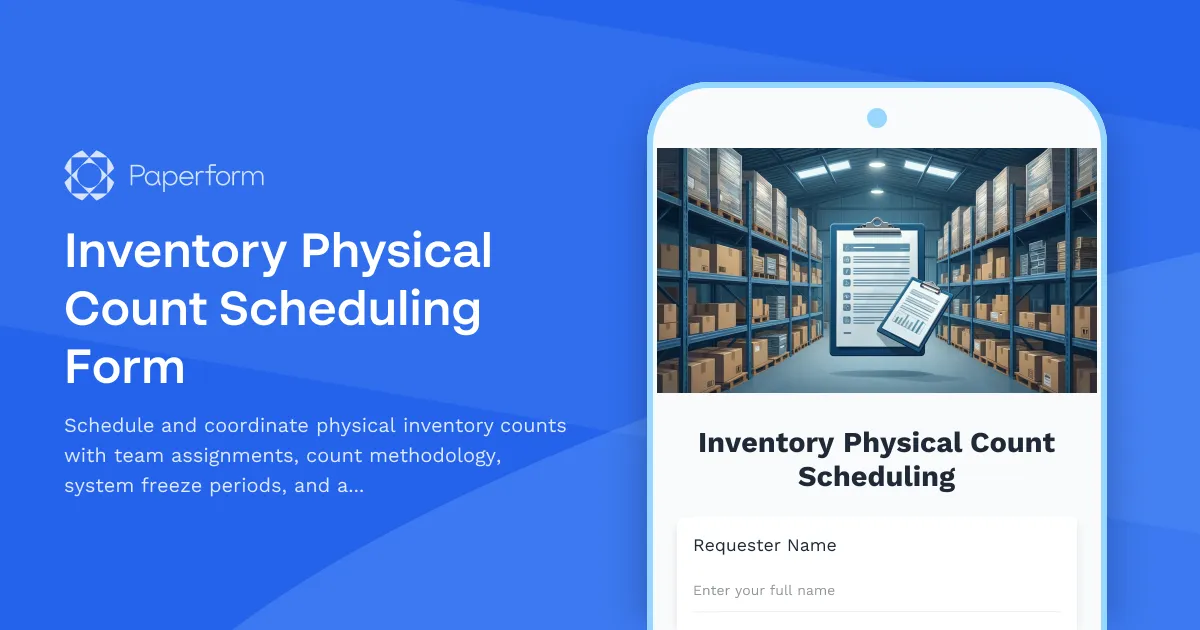
Inventory Physical Count Scheduling Form
Schedule and coordinate physical inventory counts with team assignments, count methodology, system freeze periods, and accuracy targets for warehouse and retail operations.
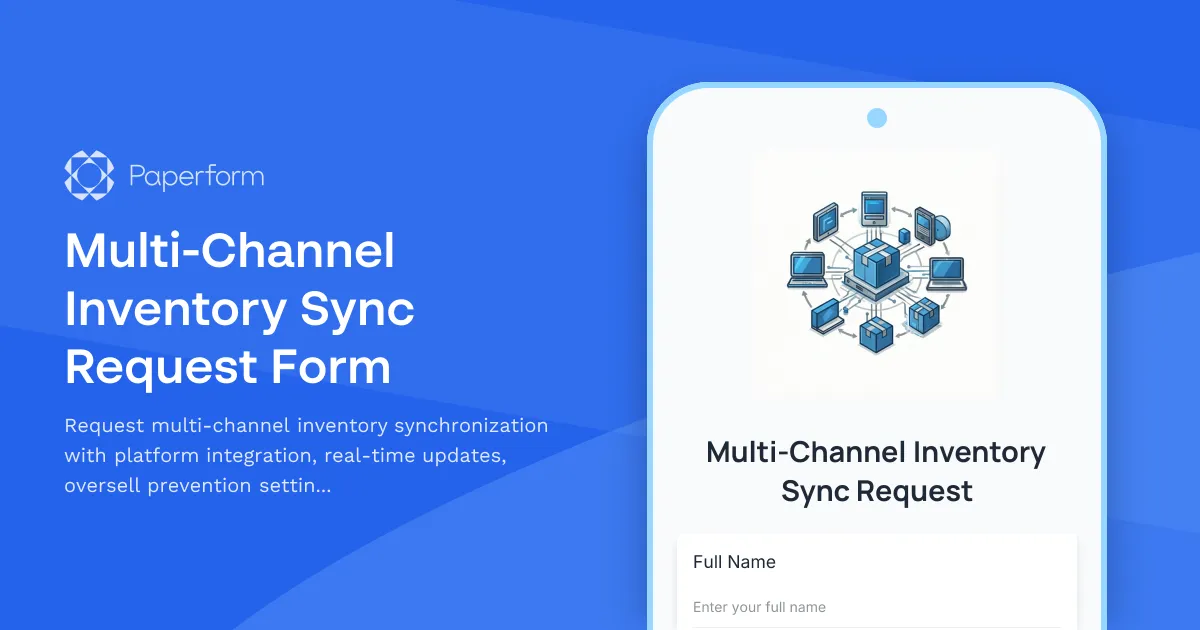
Multi-Channel Inventory Sync Request Form
Request multi-channel inventory synchronization with platform integration, real-time updates, oversell prevention settings, and automated error notifications for seamless stock management.
Private Label Product Sourcing Form
Streamline your private label product sourcing process with this comprehensive form. Capture product specifications, customization needs, packaging preferences, MOQ requirements, and sample requests all in one place.
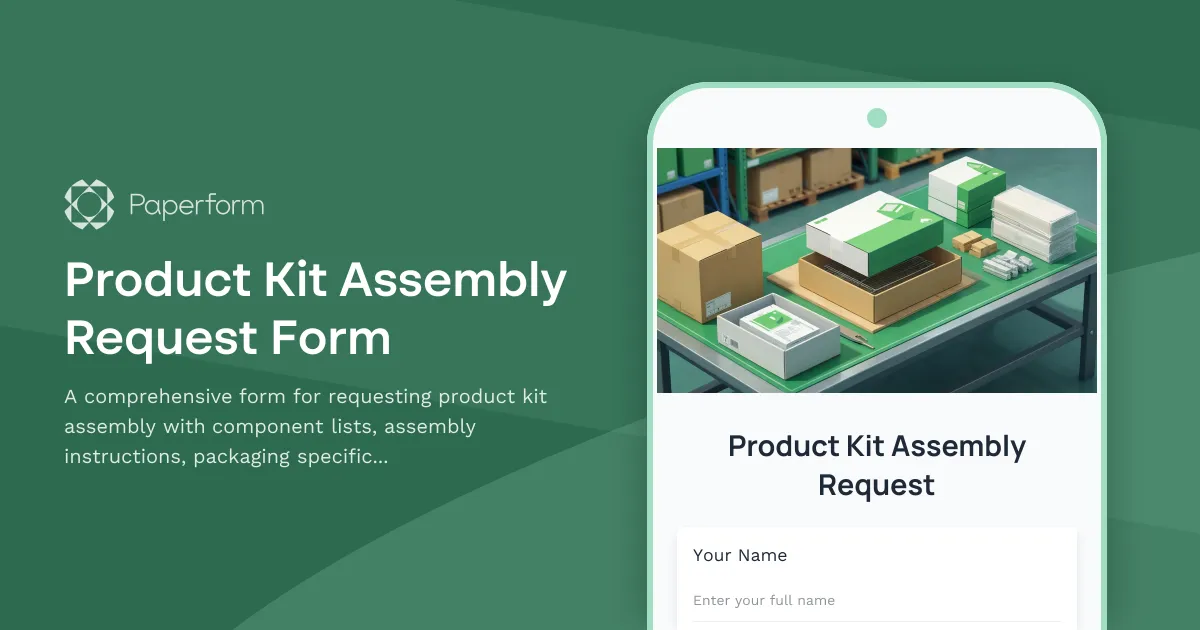
Product Kit Assembly Request Form
A comprehensive form for requesting product kit assembly with component lists, assembly instructions, packaging specifications, and SKU creation for finished products.
Product Launch Inventory Allocation Form
Strategically allocate product inventory across sales channels, set safety stock levels, plan for promotional campaigns, and establish replenishment triggers for successful product launches.
Custom Product Configuration Form
A professional product configuration form that allows customers to customize products with dynamic pricing, real-time calculations, and instant lead time estimates for manufacturing orders.
Dropshipping Supplier Application Form
A comprehensive application form for dropshipping suppliers to showcase their products, shipping capabilities, and integration options for seamless eCommerce partnerships.