Streamline Your Hyperbaric Clinic Support Requests
Running a hyperbaric oxygen therapy (HBOT) clinic requires specialized software that can handle complex treatment protocols, chamber scheduling, insurance authorizations, and patient outcome tracking. When technical issues arise, every minute counts—delays can impact patient care, revenue cycles, and clinical operations.
This Hyperbaric Oxygen Therapy Clinic Support Request Form helps HBOT clinics, medical practices, and healthcare facilities quickly report software issues and get the technical support they need. Whether you're dealing with treatment protocol tracking errors, chamber scheduling conflicts, insurance authorization workflow problems, or patient outcome monitoring issues, this template creates a clear communication channel between your clinical team and IT support.
Built for clinic administrators, hyperbaric technicians, billing specialists, and healthcare IT professionals, this form captures all the essential details support teams need to diagnose and resolve issues efficiently. By standardizing how support requests are submitted, you reduce back-and-forth communication, speed up resolution times, and maintain detailed records of technical issues affecting your practice.
The form includes conditional logic to capture relevant details based on the type of issue reported, making it easy for staff to provide comprehensive information without overwhelming non-technical users. Use Paperform's workflow automation features to route different request types to the appropriate support teams, send confirmation emails with ticket numbers, and integrate with your help desk or project management tools.
For clinics managing multiple locations or using Stepper, you can automate follow-up workflows—like escalating urgent issues after a certain time period, sending status updates to requesters, or logging all support tickets in your practice management system. This ensures nothing falls through the cracks and your clinical operations continue running smoothly while technical issues are resolved.



More templates like this
Addiction Treatment Center Software Support Form
A comprehensive support request form for addiction treatment centers to report and resolve software issues related to patient intake, insurance verification, therapy scheduling, and bed management.
Dental Practice Management Software Support Request Form
A comprehensive support form for dental practice management software users to report technical issues, request assistance with appointment scheduling, patient records, insurance claims, and HIPAA incidents.
Podiatry Practice Management Software Support Ticket
Submit technical support requests for podiatry practice management software including orthotics ordering, diabetic foot screening, insurance pre-authorization, and surgical scheduling issues.
Cryotherapy Clinic Software Support Request Form
Submit technical support requests for your cryotherapy clinic management software, including session tracking, membership issues, contraindication screening problems, and equipment maintenance scheduling.
Healthcare Interoperability Emergency Response Form
Ensure healthcare data exchange continuity during emergencies with this comprehensive interoperability verification form. Monitor system interfaces, verify data exchange protocols, and protect critical integrations when disaster strikes.
Ketamine Therapy Clinic Software Support Request
Comprehensive support request form for ketamine therapy clinics to streamline software assistance, treatment protocol tracking, infusion scheduling, and insurance processing.
Senior Living Community Software Support Request Form
A comprehensive support request form designed for senior living communities to address software issues including resident care plans, medication tracking, family portal access, and billing services.
Veterinary Clinic Software Support Ticket
Report technical issues with your veterinary practice management software, from appointment booking problems to prescription management, lab integrations, and animal records access.
Assisted Living Software Support Request Form
A comprehensive support form for assisted living facility staff to report software issues including medication management, activities calendar, dining preferences, and family billing portal problems.
Healthcare IT Sprint Planning Form
A comprehensive sprint planning form designed for healthcare IT teams to manage agile development with HIPAA compliance tasks, testing protocols, deployment windows, and validation requirements.
Healthcare IT Vendor Complaint Form
A professional complaint form for healthcare organizations to report issues with EHR systems, including downtime, data migration problems, and support responsiveness concerns.
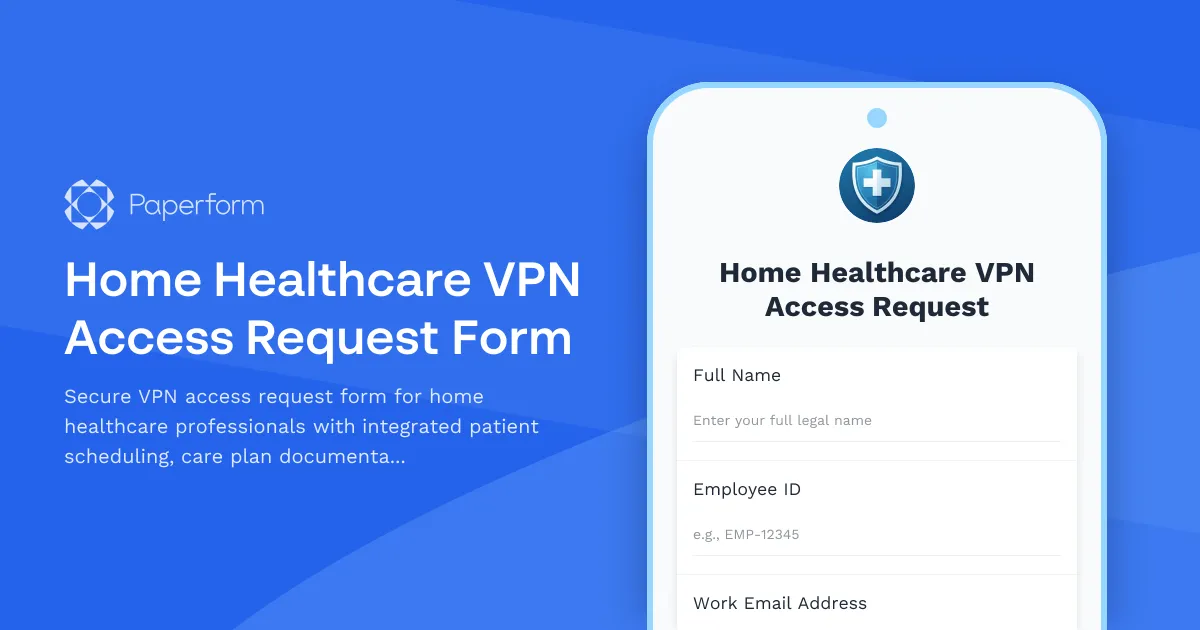
Home Healthcare VPN Access Request Form
Secure VPN access request form for home healthcare professionals with integrated patient scheduling, care plan documentation, and Medicare billing system access.