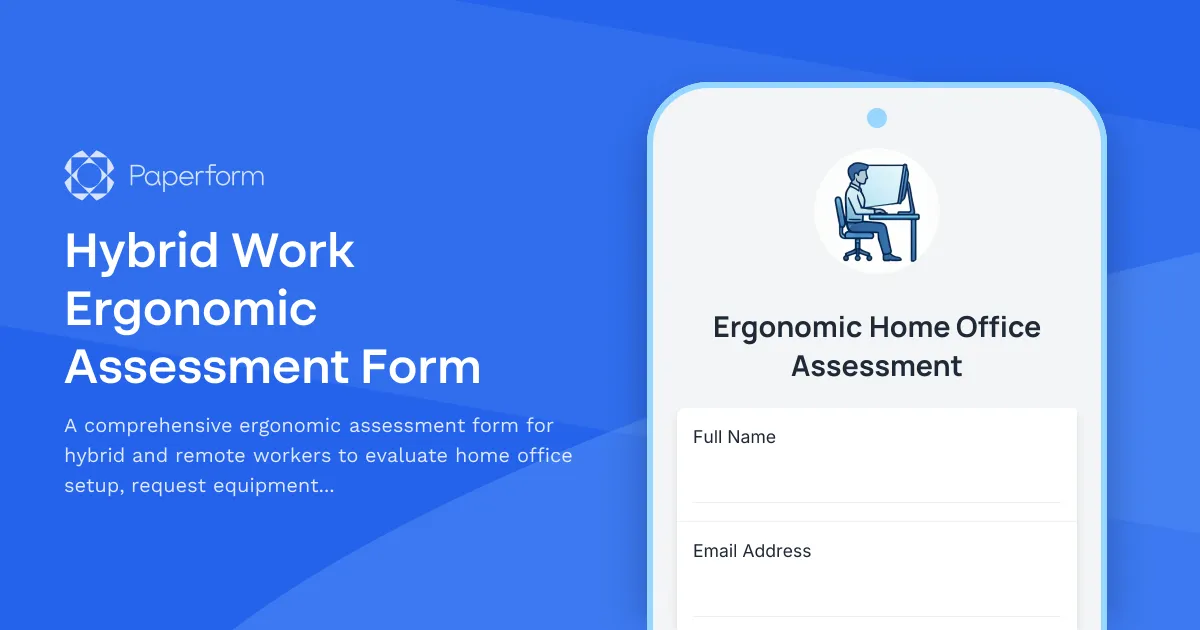
Create a Healthier Home Office with Our Ergonomic Assessment Form
As hybrid and remote work become the norm, ensuring your team has ergonomically sound workspaces isn't just about comfort—it's about preventing injury, boosting productivity, and meeting your duty of care obligations. Our Hybrid Work Ergonomic Assessment Form makes it easy for HR teams to evaluate employee home office setups, identify risks, and provide the right equipment recommendations—all through one streamlined, professional form.
Why ergonomic assessments matter for hybrid teams
Poor ergonomic setups lead to musculoskeletal disorders, eye strain, headaches, and decreased productivity. Whether your team works from home full-time or splits their week between office and home, a proper ergonomic assessment helps you:
- Prevent workplace injuries before they happen
- Meet health and safety compliance requirements for remote workers
- Identify equipment needs quickly and accurately
- Support employee wellbeing and reduce absenteeism
- Create consistent standards across your distributed workforce
This template is designed for HR managers, workplace safety coordinators, facilities teams, and occupational health professionals who need to conduct remote ergonomic evaluations at scale.
What makes this ergonomic assessment template essential
Our form goes beyond basic checklists. It collects visual evidence through workstation photos, captures precise measurements for chair height, desk dimensions, and monitor positioning, evaluates environmental factors like lighting and noise, and provides a structured framework for equipment recommendations.
The form includes:
- Workstation photography to see the actual setup
- Detailed measurements for chair, desk, monitor, keyboard, and mouse positioning
- Lighting and environmental assessment including glare, natural light, and temperature
- Pain and discomfort reporting to identify existing issues
- Equipment request section with justification fields
- Current equipment inventory to avoid duplicate purchases
This comprehensive approach means you're not guessing—you're making data-driven decisions about equipment purchases and workspace improvements.
Built for hybrid work realities
Unlike generic ergonomic forms, this template acknowledges that many employees split time between home and office. It captures information about work location patterns, helps prioritize assessments for those spending the most time at home, and considers whether employees have access to proper equipment in both locations.
For employees working primarily from home, this form becomes a critical tool for ensuring they're not sacrificing their health for flexibility. For those with hybrid schedules, it helps HR teams understand where equipment investments will have the most impact.
Streamline equipment procurement with Paperform
Once an assessment is submitted, Paperform's powerful automation features help you move quickly. Use conditional logic to automatically calculate ergonomic risk scores based on responses, trigger different approval workflows for low-cost versus high-cost equipment requests, and send customized confirmation emails with interim ergonomic tips while equipment is being processed.
Connect your form to Stepper (stepper.io) to build complete equipment procurement workflows—route requests to managers for approval, update inventory tracking systems, generate purchase orders, notify facilities teams, and keep employees informed about delivery timelines. This means assessments don't sit in inboxes—they turn into action.
Integrate with tools your HR team already uses: log requests in Airtable or Google Sheets for tracking, create tasks in Asana or Monday.com for facilities teams, send notifications to Slack channels, or push data into your HRIS system.
Professional, on-brand employee experience
Paperform's document-style editor means this ergonomic assessment doesn't look like a boring corporate survey. Add your company logo, use brand colors, include helpful images showing proper ergonomic positioning, and embed instructional videos if needed. The form works beautifully on mobile devices, so employees can complete assessments with their phone camera right at their desk.
You can customize success messages to provide immediate value—share quick ergonomic tips, link to your workplace safety resources, or set expectations for the approval timeline. Use Paperform's calculation fields to automatically score ergonomic risk based on responses, helping you prioritize which assessments need immediate attention.
Supporting your duty of care for remote workers
Employers have legal obligations to provide safe working environments—and that extends to home offices for remote and hybrid workers. Regular ergonomic assessments demonstrate your commitment to employee health, create documentation for compliance purposes, and help you identify and address risks proactively.
This form template helps you meet those obligations efficiently, without requiring in-person home visits for every employee. It provides the visual and measurement data occupational health professionals need to make informed recommendations, while being simple enough for employees to complete in 10-15 minutes.
Who benefits from this template
This ergonomic assessment form is ideal for:
- HR managers coordinating remote work equipment programs
- Workplace safety coordinators conducting ergonomic evaluations
- Facilities teams managing equipment procurement
- Occupational health professionals providing remote consultations
- IT managers tracking equipment inventory
- Operations leaders ensuring compliance for distributed teams
Industries with significant remote or hybrid workforces—including technology, professional services, finance, healthcare administration, education, consulting, and creative agencies—will find this template particularly valuable.
Start protecting your team's health today
With Paperform's ergonomic assessment template, you can roll out a professional evaluation program in minutes, not weeks. The form is fully customizable to match your company's specific equipment options, approval processes, and safety standards. Whether you're assessing ten employees or a thousand, Paperform scales with you—with SOC 2 Type II compliance, role-based permissions, and enterprise-grade security.
Your hybrid and remote workers deserve workspaces that support their health and productivity. This template makes it easy to deliver on that promise, with a form that's as thoughtful and professional as your team. Get started with Paperform today and build a healthier, happier distributed workforce.



More templates like this
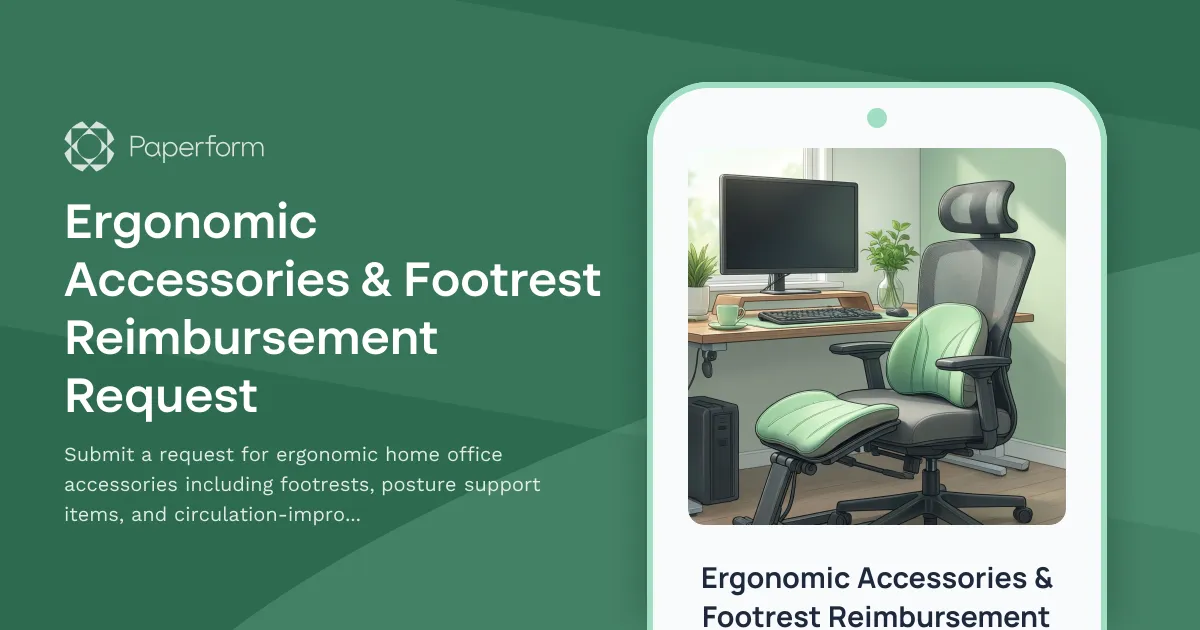
Ergonomic Accessories & Footrest Reimbursement Request
Submit a request for ergonomic home office accessories including footrests, posture support items, and circulation-improvement equipment to create a healthier remote workspace.

Home Office Accessibility & Specialized Seating Request Form
Request specialized ergonomic seating, mobility equipment, and accessibility accommodations for your home office workspace with ADA compliance documentation and approval workflow.
Home Office Soundproofing & Acoustic Treatment Request
Request acoustic improvements and soundproofing solutions for your home office to enhance audio quality and reduce noise distractions during remote work.
Home Office Wellness & First Aid Allowance Request
Request reimbursement for home office wellness supplies, ergonomic support items, first aid essentials, and preventive health products to create a healthier remote work environment.
Multi-Generational Home Office Soundproofing Request Form
Request soundproofing equipment and workspace solutions for multi-generational households with remote workers. Address noise isolation, privacy needs, and create productive quiet zones.

Remote Work Monitor & Display Upgrade Request
Request approval for new monitors and display equipment for your home office setup. Submit screen specifications, multiple monitor needs, and mounting requirements for budget approval.
Dependent Care Workspace Setup Request Form
Request specialized home office equipment and workspace separation tools for remote employees balancing childcare or dependent care responsibilities while working from home.

Home Office Electrical Capacity & Equipment Reimbursement Form
Assess your home office electrical needs, calculate circuit load requirements, and request reimbursement for power strips, outlets, and electrician consultations to ensure safe and compliant remote work setups.
Home Office Emergency Kit & Supplies Request Form
Request essential emergency supplies and safety equipment for your home office, including first aid kits, backup power solutions, emergency contact devices, and disaster preparedness items to ensure business continuity during unforeseen events.
Home Office Ergonomic Assessment & Consultation Request
Schedule a professional virtual assessment of your home workspace with our ergonomic specialists to optimize comfort, productivity, and receive personalized equipment recommendations.
Home Office Lighting Equipment Reimbursement Request
Request reimbursement for home office lighting equipment including task lighting, video call illumination, and ergonomic lighting solutions to improve your remote workspace.
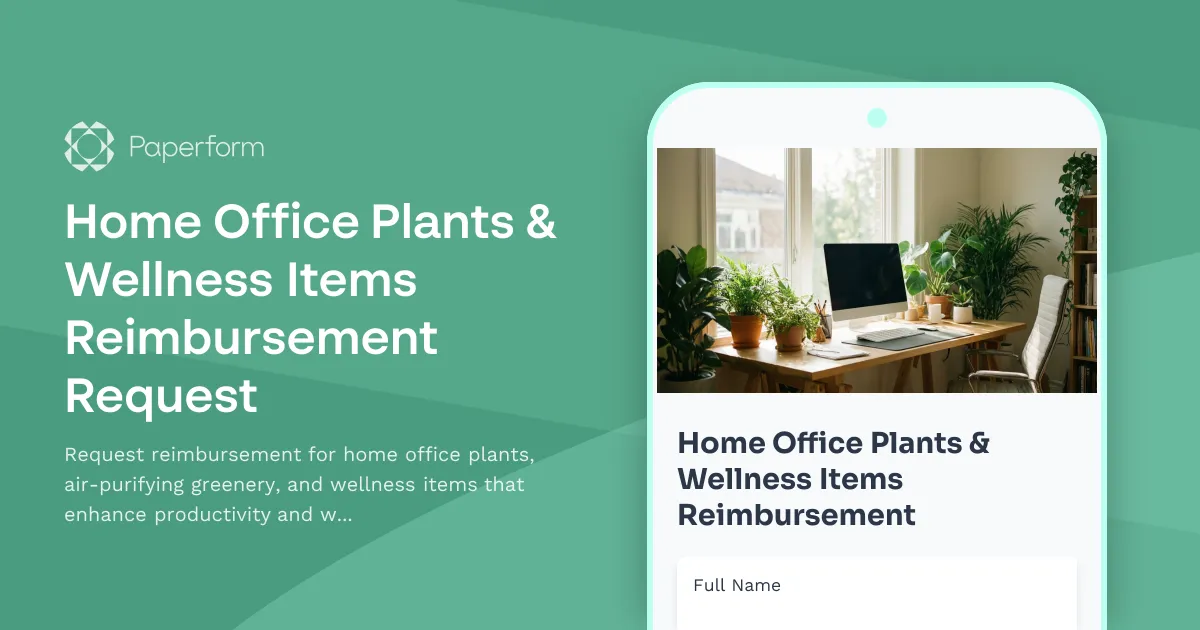
Home Office Plants & Wellness Items Reimbursement Request
Request reimbursement for home office plants, air-purifying greenery, and wellness items that enhance productivity and workspace quality.