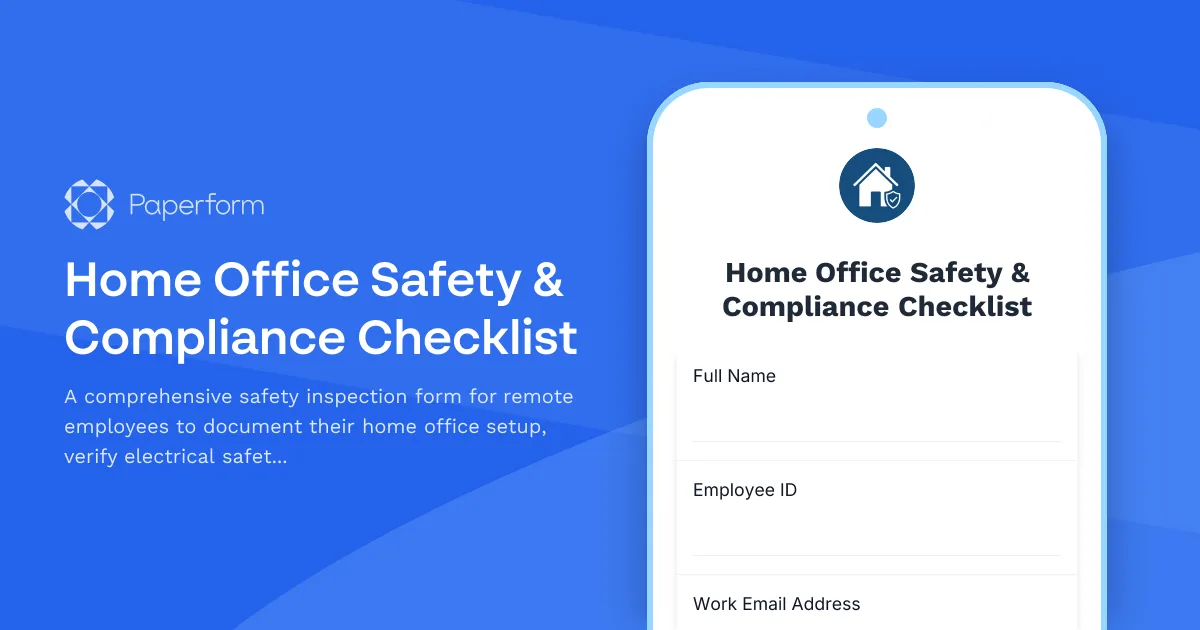
Ensure Safe, Compliant Home Offices with Paperform
As remote and hybrid work becomes the standard, employers face a new challenge: ensuring home office environments meet the same safety and compliance standards as traditional workplaces. Whether you're managing a fully remote team or supporting hybrid employees, a Home Office Safety & Compliance Checklist is essential for protecting your staff and your organization.
This Paperform template gives you a comprehensive, professional solution for documenting home office setups, verifying electrical safety, confirming fire protection measures, and maintaining OSHA compliance records—all without the paperwork headaches.
Why Home Office Safety Matters
When employees work from home, your duty of care doesn't disappear. Unsafe electrical setups, inadequate fire safety measures, and poor ergonomic conditions can lead to injuries, workers' compensation claims, and potential liability issues. A structured safety checklist helps you:
- Protect employee wellbeing by identifying and addressing hazards before they cause harm
- Maintain compliance with OSHA and workplace safety regulations that extend to remote work environments
- Reduce liability by documenting that you've taken reasonable steps to ensure safe working conditions
- Create accountability with clear standards that employees can follow and verify
What This Template Does
This home office safety checklist template covers all the critical areas of remote workspace safety:
Electrical Safety Inspections – Employees document outlet conditions, cord safety, surge protection, and proper grounding. Photo uploads provide visual verification that electrical setups meet safety standards.
Fire Safety Equipment – Verify the presence and functionality of smoke detectors, fire extinguishers, and carbon monoxide detectors. Set clear expectations for what safety equipment should be within reach of home workspaces.
Workspace Environment – Capture details about lighting, ventilation, emergency exits, and potential hazards. This ensures the physical space supports safe, productive work.
Ergonomic Assessment – Document desk height, chair support, monitor positioning, and keyboard placement to prevent repetitive strain injuries and musculoskeletal issues.
OSHA Compliance Certification – Include acknowledgment sections where employees confirm they understand safety requirements and agree to maintain compliant workspaces.
Photo Documentation – Multiple image upload fields let employees provide visual evidence of their setup, making it easy for safety officers or HR teams to review and approve home offices remotely.
Perfect for HR, Safety Officers, and Remote-First Companies
This template is ideal for:
- Human resources teams rolling out remote work policies and need to document safety compliance
- Safety officers and compliance managers responsible for workplace safety across distributed teams
- IT and facilities teams verifying that home offices meet technical and environmental standards
- Insurance and risk management departments building documentation for coverage and claims
- Companies in regulated industries where safety compliance is non-negotiable
The form works equally well for new remote employees setting up their first home office or for periodic re-certifications of existing remote workspaces.
Streamline Compliance with Automation
Once an employee submits their safety checklist, Paperform makes it easy to keep your compliance workflow moving. Use Stepper (stepper.io) to automatically:
- Route submissions to safety officers or HR managers for review and approval
- Create tasks in your project management system when issues need follow-up
- Send approval or rejection emails with specific feedback on what needs to change
- Update employee records in your HRIS with compliance status and inspection dates
- Schedule reminder workflows for annual re-inspections or equipment checks
You can also integrate directly with Google Sheets or Airtable to maintain a central database of all home office inspections, making it simple to pull compliance reports or identify trends across your remote workforce.
Brand It, Customize It, Make It Yours
Paperform's doc-style editor makes it easy to adapt this template to your company's specific safety requirements. Add your logo and brand colors, include your workplace safety policies, customize questions for industry-specific hazards, or adjust compliance language to match your legal requirements—all without touching code.
Use conditional logic to show different questions based on employee location (different states or countries may have varying regulations), job role (engineering setups versus administrative roles), or equipment type (standing desks, dual monitors, specialized tools).
Create a professional, on-brand experience that reflects your commitment to employee safety while making compliance feel simple and straightforward.
Secure, Compliant Data Management
Home office inspections contain sensitive employee information—home addresses, photos of personal spaces, and compliance documentation. Paperform is SOC 2 Type II certified and GDPR compliant, giving you the security controls and data protection you need for handling workforce information responsibly.
Set up role-based access so only authorized personnel can review submissions, store data according to your retention policies, and maintain audit trails for compliance documentation.
Get Started in Minutes
Remote work is here to stay, and so is your responsibility to keep remote employees safe. This Home Office Safety & Compliance Checklist template gives you a professional, automated solution that protects your team and your organization—without adding complexity to your operations.
Whether you're managing 10 remote employees or 1,000, Paperform scales with your needs while keeping the experience simple for everyone involved. Start with this template, customize it to your requirements, and roll out a compliance program that actually works.



More templates like this

Home Office Electrical Capacity & Equipment Reimbursement Form
Assess your home office electrical needs, calculate circuit load requirements, and request reimbursement for power strips, outlets, and electrician consultations to ensure safe and compliant remote work setups.
Hybrid Work Ergonomic Assessment Form
A comprehensive ergonomic assessment form for hybrid and remote workers to evaluate home office setup, request equipment, and ensure a safe, comfortable workspace that meets workplace health standards.
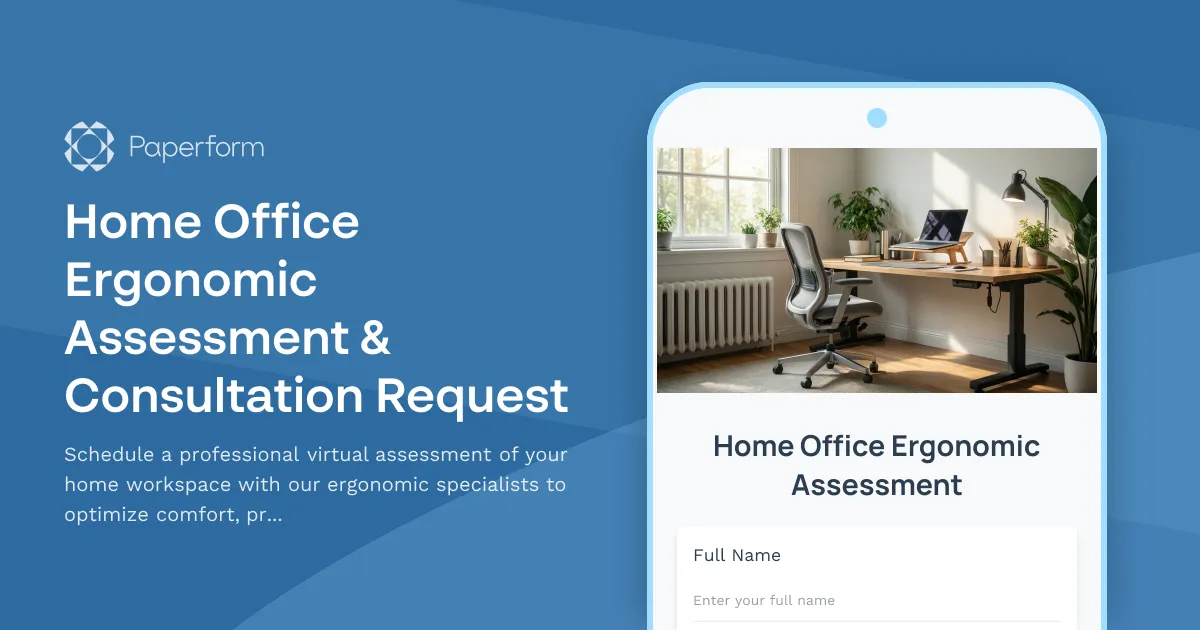
Home Office Ergonomic Assessment & Consultation Request
Schedule a professional virtual assessment of your home workspace with our ergonomic specialists to optimize comfort, productivity, and receive personalized equipment recommendations.
Home Office Soundproofing & Acoustic Treatment Request
Request acoustic improvements and soundproofing solutions for your home office to enhance audio quality and reduce noise distractions during remote work.

Hybrid Work Equipment Check-Out Form
A comprehensive form for hybrid and remote employees to request, check out, and track company equipment including laptops, monitors, peripherals, and accessories with return scheduling and liability acknowledgment.

Hybrid Work Equipment Insurance & Damage Assistance Form
Submit claims for accidental damage, theft, or loss of home office equipment with deductible assistance, repair cost sharing, and replacement support for hybrid workers.

Remote Work Monitor & Display Upgrade Request
Request approval for new monitors and display equipment for your home office setup. Submit screen specifications, multiple monitor needs, and mounting requirements for budget approval.
Smart Home Office Equipment Request Form
Request and set up smart home office equipment including voice assistants, automated lighting, climate control, and IoT devices with built-in security compliance for remote work productivity.

Emergency Communication Device Allowance Request
Request reimbursement or allowance for emergency communication equipment including satellite phones, emergency radios, and backup devices for remote work locations.
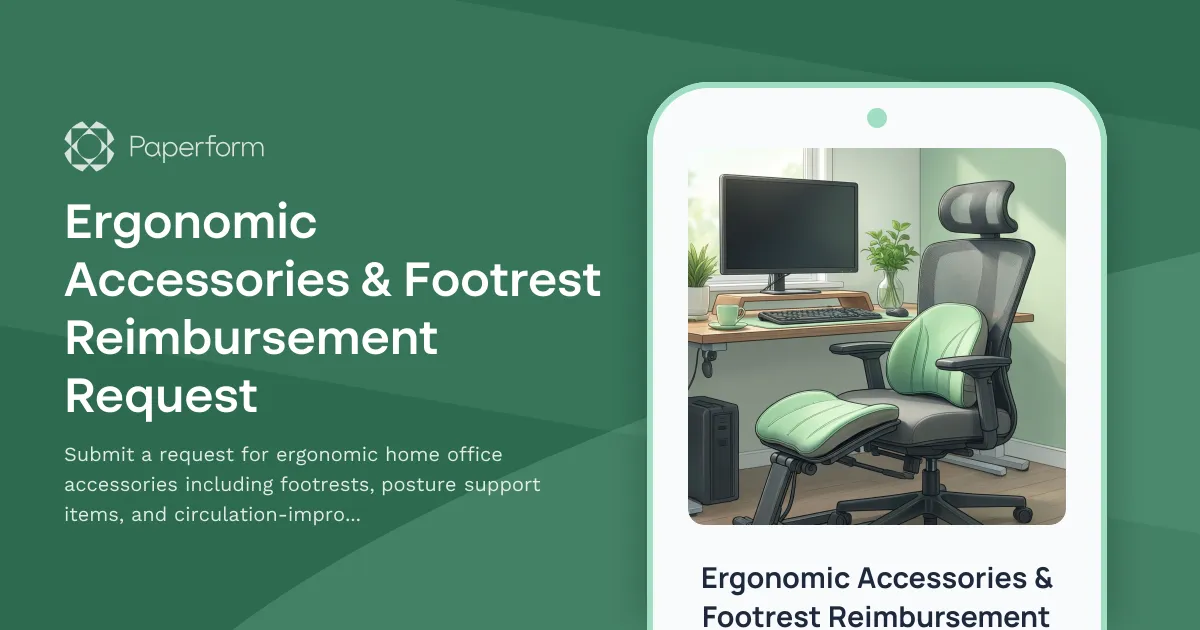
Ergonomic Accessories & Footrest Reimbursement Request
Submit a request for ergonomic home office accessories including footrests, posture support items, and circulation-improvement equipment to create a healthier remote workspace.
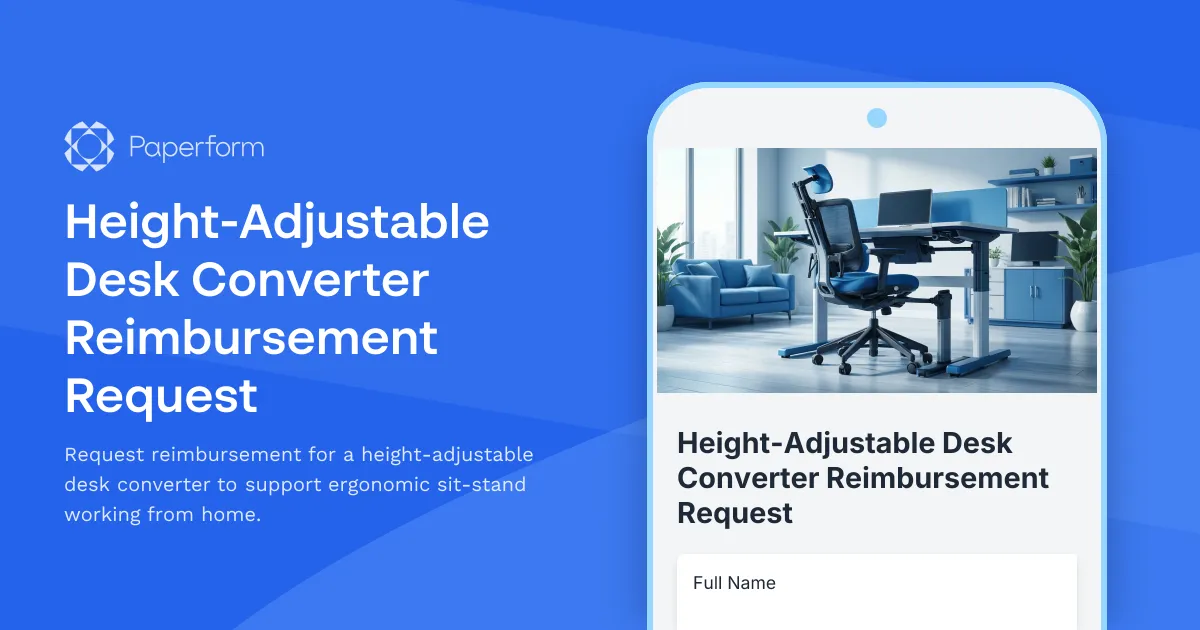
Height-Adjustable Desk Converter Reimbursement Request
Request reimbursement for a height-adjustable desk converter to support ergonomic sit-stand working from home.

Home Office Accessibility & Specialized Seating Request Form
Request specialized ergonomic seating, mobility equipment, and accessibility accommodations for your home office workspace with ADA compliance documentation and approval workflow.