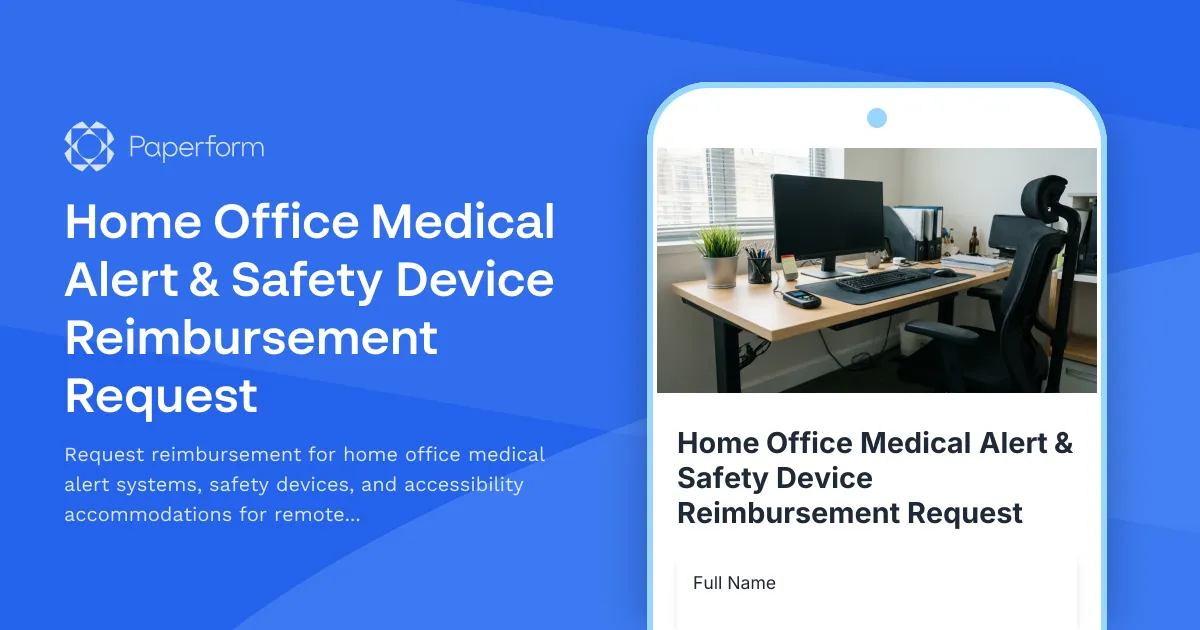
Home Office Medical Alert & Safety Device Reimbursement Request
Working remotely offers flexibility and opportunity, but for employees managing health conditions, setting up a safe home office environment requires specialized equipment and safety devices. This Home Office Medical Alert & Safety Device Reimbursement Request form helps organizations support remote workers by streamlining requests for medical alert systems, fall detection devices, medication reminders, accessibility accommodations, and emergency contact systems.
Why Remote Workers Need Medical Safety Equipment
When employees with chronic conditions, mobility challenges, or other health considerations work from home, they may not have immediate access to the same safety infrastructure available in traditional office settings. Medical alert devices, fall detection systems, and accessibility tools ensure remote workers can work safely and confidently, knowing help is available if needed.
This form template provides a dignified, professional way for employees to request necessary safety equipment while giving HR and facilities teams the documentation needed to process reimbursements efficiently and compliantly.
What This Form Covers
Our comprehensive reimbursement request form addresses the full spectrum of home office medical and safety equipment, including:
- Medical alert systems and emergency call buttons for immediate access to emergency services
- Fall detection devices and wearable sensors that automatically alert contacts or emergency services
- Medication reminder systems including smart dispensers and alert devices
- Accessibility accommodations such as ergonomic equipment, adaptive technology, and assistive devices
- Environmental safety modifications like grab bars, non-slip mats, and improved lighting
- Emergency contact systems and communication devices for workers in isolated home environments
The form collects essential information about the requested equipment, medical justification, cost estimates, and alternative solutions considered, creating a complete record for approval workflows and reimbursement processing.
Built for HR, Benefits, and Remote Work Programs
This template is designed specifically for HR professionals, benefits administrators, workplace safety coordinators, and DEI leaders managing remote work programs that prioritize employee health and safety. It's particularly valuable for:
- HR teams processing accommodation requests under ADA, FMLA, or similar workplace regulations
- Benefits administrators managing wellness budgets and employee reimbursement programs
- Remote work coordinators ensuring home office environments meet safety standards
- Disability inclusion specialists facilitating reasonable accommodations for distributed teams
- Occupational health professionals assessing workplace safety needs for remote employees
Compliance, Privacy, and Accommodation Support
Medical information is sensitive, and this form is structured to collect only essential details while respecting employee privacy. The template includes appropriate medical documentation upload fields and conditional logic that shows relevant questions based on the type of device requested.
Organizations using this form can integrate it with Stepper (stepper.io) to create automated approval workflows that route requests to HR, benefits teams, occupational health, and finance for review, ensure compliance with accommodation policies, and trigger reimbursement processes upon approval. For teams requiring formal agreements or acknowledgments, Papersign (papersign.com) can transform submissions into eSignature-ready accommodation agreements or reimbursement policy acknowledgments.
Paperform Makes Reimbursement Requests Simple and Supportive
Unlike generic request forms or email-based processes, Paperform creates an accessible, on-brand experience that treats medical accommodation requests with appropriate sensitivity and professionalism. The doc-style editor lets you add clear guidance text, supportive messaging, and helpful resources about available accommodations.
Conditional logic ensures employees only see questions relevant to their specific request type, while calculation fields can automatically compute estimated costs or reimbursement amounts based on company policy caps. Integration with your HRIS, benefits platforms, or project management tools means requests automatically flow into your existing processes without manual data entry.
For organizations managing multiple office locations, client brands (for agencies), or business units, Paperform's templates can be customized per department while maintaining consistent data collection and approval standards.
Who Benefits from This Form Template
This form is valuable for any organization with remote workers who may need medical or safety accommodations:
- Technology companies and startups with fully remote or hybrid workforces
- Healthcare organizations supporting clinical and administrative remote workers
- Financial services firms ensuring compliance with workplace safety for distributed teams
- Consulting and professional services accommodating consultants working from home
- Government agencies and nonprofits serving employees with diverse accessibility needs
- Customer service and support centers with remote agent populations
- Any employer committed to inclusive, accessible remote work programs
Get Started with Paperform Today
This template gives you a professional, compliant foundation for managing home office medical alert and safety device reimbursements. Customize the questions, branding, and approval workflows to match your organization's policies, then embed the form in your intranet, benefits portal, or employee resource center.
With Paperform's SOC 2 Type II compliance, role-based permissions, and enterprise-grade security, you can confidently collect sensitive medical information while meeting your organization's privacy and data protection standards. Start streamlining your accommodation requests and supporting your remote workforce with the tools they need to work safely from home.



More templates like this
Home Office Accessibility & Equipment Request Form
Request home office equipment and accessibility accommodations with disability assessment, assistive technology needs, and ADA compliance verification for inclusive remote work.

Home Office Accessibility & Specialized Seating Request Form
Request specialized ergonomic seating, mobility equipment, and accessibility accommodations for your home office workspace with ADA compliance documentation and approval workflow.
Remote Work Posture Monitoring & Ergonomic Device Request Form
Request posture monitoring devices, wearable tech, and ergonomic coaching tools to improve your home office setup and prevent work-related discomfort.
Bone Marrow & Organ Donation Remote Work Request Form
Request remote work accommodations for employees participating in life-saving bone marrow or organ donation, including pre-procedure testing, surgical recovery, and donor registry participation.
Chronic Fatigue Syndrome Remote Work Accommodation Request Form
A comprehensive accommodation request form for employees with chronic fatigue syndrome (CFS/ME) seeking remote work arrangements with energy management support, flexible rest periods, and specialist appointment scheduling.
Employee Hybrid Work Preference Survey
A comprehensive survey to understand employee preferences for hybrid work schedules, including focus time needs, social interaction requirements, and work style assessment to optimize flexible work arrangements.
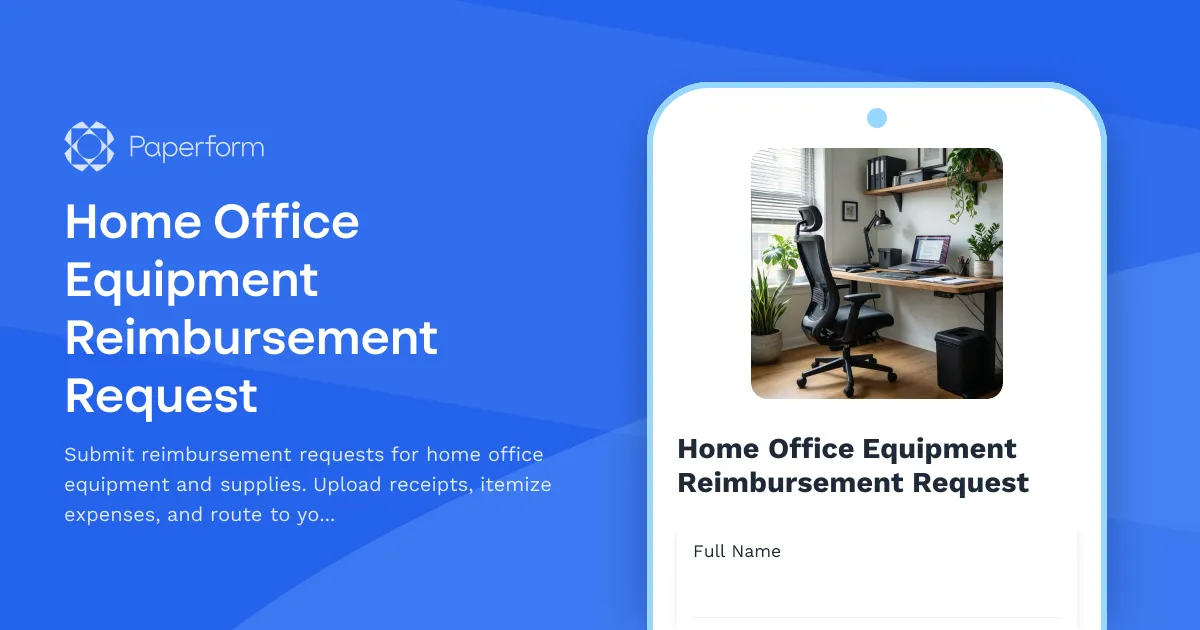
Home Office Equipment Reimbursement Request
Submit reimbursement requests for home office equipment and supplies. Upload receipts, itemize expenses, and route to your manager for approval.
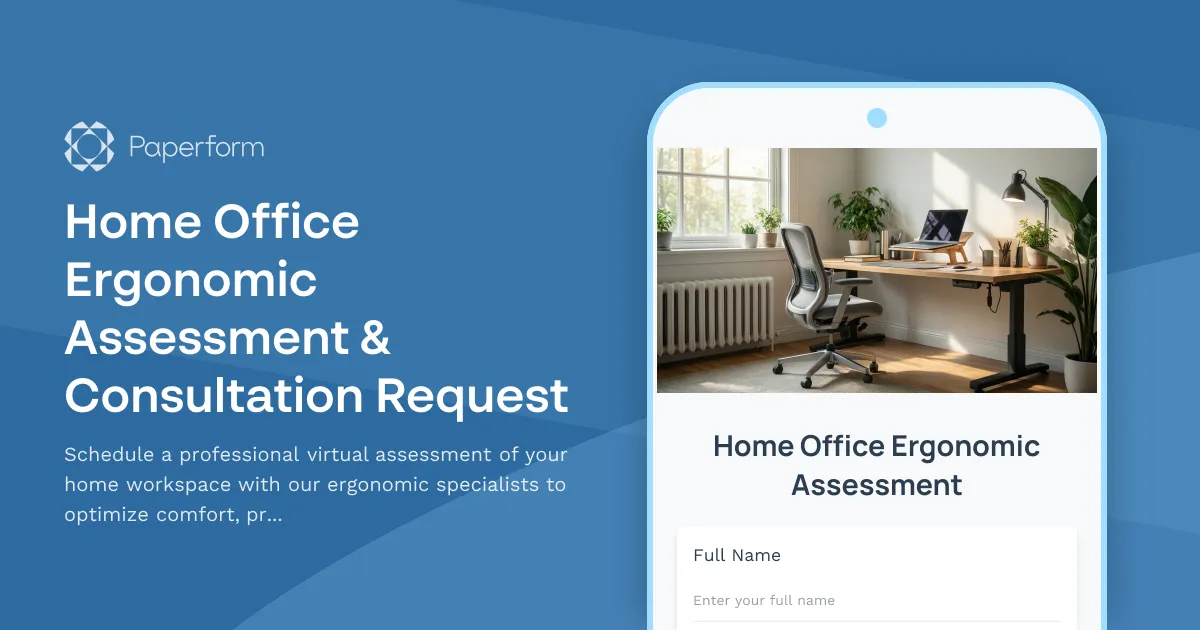
Home Office Ergonomic Assessment & Consultation Request
Schedule a professional virtual assessment of your home workspace with our ergonomic specialists to optimize comfort, productivity, and receive personalized equipment recommendations.
Home Office Humidity Control Equipment Reimbursement Form
Request reimbursement for dehumidifiers, humidifiers, and humidity control equipment to optimize your home office environment and protect work equipment.
Home Office Wellness & First Aid Allowance Request
Request reimbursement for home office wellness supplies, ergonomic support items, first aid essentials, and preventive health products to create a healthier remote work environment.

Hybrid Work Equipment Insurance & Damage Assistance Form
Submit claims for accidental damage, theft, or loss of home office equipment with deductible assistance, repair cost sharing, and replacement support for hybrid workers.
Hybrid Work Schedule Effectiveness Metrics Collection Form
Measure the impact of your hybrid work model with comprehensive metrics on commute savings, productivity gains, cost benefits, and employee satisfaction to optimize your flexible work strategy.