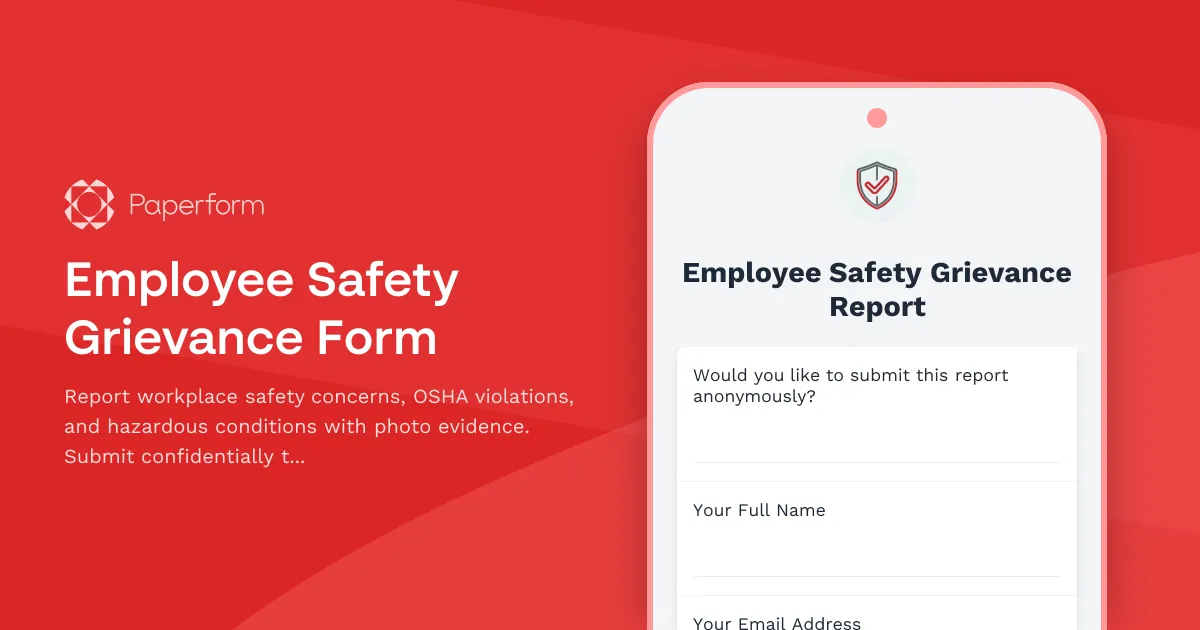
Protect Your Workplace: Employee Safety Grievance Form
Workplace safety isn't just a legal obligation—it's a fundamental right. When employees encounter unsafe conditions, OSHA violations, or hazardous situations, they need a clear, confidential way to report concerns without fear of retaliation. This Employee Safety Grievance Form template provides exactly that: a structured, professional channel for documenting safety issues and triggering the appropriate response.
Why Safety Reporting Matters
According to OSHA, thousands of workplace injuries and illnesses occur each year that could have been prevented with proper reporting and intervention. Whether it's inadequate fall protection on a construction site, missing machine guards in manufacturing, exposure to hazardous chemicals without proper PPE, or ergonomic issues causing repetitive strain injuries, early reporting can prevent serious harm.
This form template is designed for HR teams, safety officers, facilities managers, and compliance professionals who need to create a trusted reporting mechanism that employees will actually use. It balances comprehensive data collection with ease of use, ensuring that critical safety information reaches the right people quickly.
What Makes This Template Effective
Anonymous Reporting Option: The form includes a clear yes/no option for anonymous submissions, allowing employees who fear retaliation to still report dangerous conditions. When anonymity is selected, contact information fields become optional, ensuring psychological safety for whistleblowers.
OSHA-Aligned Documentation: The template captures essential details that align with OSHA reporting requirements, including violation categories, specific hazard descriptions, location details, witness information, and whether injuries have occurred. This structured approach helps safety teams assess severity and prioritize response.
Visual Evidence Upload: Photo and video evidence can be the difference between a vague complaint and immediate action. The form includes image upload fields so employees can document exactly what they're seeing—whether it's a frayed electrical cord, blocked emergency exit, spill hazard, or improperly stored chemicals.
Injury Documentation: If an incident has already occurred, the form captures injury details, medical treatment received, and time lost from work. This information is crucial for workers' compensation claims, OSHA 300 Log reporting, and root cause analysis.
Immediate vs. Ongoing Hazards: The template distinguishes between immediate dangers requiring urgent response and ongoing safety concerns that need systematic correction, helping safety teams triage effectively.
How Businesses Use This Form
Manufacturing and Warehousing: Production facilities use this form to capture reports about machine hazards, lockout/tagout violations, forklift safety issues, and ergonomic concerns before they lead to serious injuries.
Construction Sites: Contractors implement this form for reporting fall hazards, scaffolding issues, electrical safety violations, and missing personal protective equipment, maintaining compliance with strict OSHA construction standards.
Healthcare Facilities: Hospitals and clinics use safety grievance forms to report needlestick risks, exposure to infectious materials, lifting hazards, workplace violence threats, and chemical exposure concerns.
Corporate Offices: Even office environments need safety reporting for ergonomic issues, indoor air quality problems, fire safety violations, electrical hazards, and accessibility barriers.
Retail and Hospitality: Customer-facing businesses use these forms to document slip and fall hazards, inadequate lighting, security concerns, equipment malfunctions, and emergency preparedness gaps.
Automating Safety Response with Stepper
Once a safety grievance is submitted through Paperform, the real work begins—and that's where Stepper comes in. Stepper can automatically route urgent safety reports to the right people based on severity, location, or violation type. For example:
- Immediate hazard reports trigger instant alerts to safety managers and facilities teams via Slack or SMS
- OSHA-reportable injuries automatically create incident investigation workflows with assigned tasks and deadlines
- Anonymous reports route through a secure channel to compliance officers without exposing reporter identity
- Follow-up workflows ensure that each grievance receives a timely response, investigation, and resolution documentation
- Trend analysis aggregates multiple reports about the same location or hazard type to identify systemic issues
By connecting Paperform to your HRIS, project management tools, and communication platforms through Stepper, you create a closed-loop safety management system that prevents issues from falling through the cracks.
Building Trust Through Transparency
The most sophisticated safety form in the world won't help if employees don't trust the process. That's why successful implementations of this template include:
- Clear communication about how reports will be handled and who will see them
- Anti-retaliation policies prominently stated on the form
- Regular updates to employees who submit non-anonymous reports
- Visible action taken on reported hazards, demonstrating that the system works
- Anonymous aggregate reporting showing employees that their concerns are being addressed company-wide
Compliance and Legal Protection
For HR teams and risk managers, a well-documented safety grievance process isn't just good practice—it's legal protection. This form helps organizations demonstrate:
- Good faith efforts to identify and correct hazards
- Documented compliance with OSHA's General Duty Clause requiring employers to provide a safe workplace
- Clear reporting channels that satisfy whistleblower protection requirements
- Audit trails for regulatory inspections and workers' compensation claims
- Proactive risk management that can reduce insurance premiums and liability exposure
Paperform's SOC 2 Type II compliance and robust security features mean sensitive safety reports are protected with enterprise-grade security while remaining accessible to authorized personnel.
Who Should Use This Template
This Employee Safety Grievance Form template is ideal for:
- HR and People Operations teams implementing comprehensive safety reporting systems
- Safety Officers and EHS Managers who need structured incident and hazard reporting
- Risk Managers and Compliance Officers ensuring OSHA and regulatory compliance
- Facilities Managers who respond to workplace hazard reports
- Operations Managers in manufacturing, construction, warehousing, and logistics
- General Contractors managing safety across multiple job sites and subcontractors
- Multi-location businesses needing consistent safety reporting across all sites
Whether you're a small business establishing your first formal safety program or an enterprise organization standardizing reporting across divisions, this template provides the foundation for a culture of safety where every employee feels empowered to speak up about hazards.
Get Started Today
With Paperform's intuitive editor, you can customize this template to match your specific workplace, adding company-specific hazard categories, adjusting notification workflows, and integrating with your existing safety management systems. The form works seamlessly on any device, meaning employees can report hazards from the shop floor, job site, or anywhere they spot a concern.
Create a safer workplace where employees trust that their safety matters—start with a form that makes reporting easy, confidential, and effective.



More templates like this
Workplace First Aid Kit Inadequacy Complaint Form
A formal complaint form for reporting inadequate or poorly maintained first aid kits and emergency medical supplies in the workplace, ensuring OSHA compliance and employee safety.
Employee Parking Lot Lighting Safety Grievance Form
A formal grievance form for employees to report inadequate parking lot lighting and related safety concerns, including security risks and potential assault hazards in workplace parking areas.
Queensland Workplace Health and Safety Incident Report
A comprehensive WHS incident report form for Queensland workplaces to document incidents, identify hazards, record corrective actions, and obtain WHS officer sign-off in compliance with Work Health and Safety Act 2011.
Workplace Drinking Water Quality & Access Complaint Form
Submit formal complaints about workplace drinking water quality, fountain maintenance issues, or inadequate hydration station access to ensure a safe and healthy work environment.
Workplace Ergonomic Injury Report Form
A comprehensive form for reporting workplace ergonomic injuries, documenting repetitive stress details, workstation assessment, and accommodation needs to prevent future incidents.
Workplace Pest Control Inadequacy Complaint Form
A formal complaint form for employees to report inadequate pest control measures, health hazards, allergic reactions, and employer maintenance failures in the workplace.
Workplace Temperature and Conditions Grievance Form
Document workplace temperature concerns, environmental conditions, and health impacts while requesting ergonomic assessments and OSHA compliance reviews.
Workplace Ventilation and Air Quality Grievance Form
A formal grievance form for employees to report workplace ventilation issues, air quality concerns, health symptoms, and potential OSHA or building code violations.
Workplace Violence Incident Report Form
Document workplace violence incidents with detailed threat assessments, witness statements, security timelines, and emergency response evaluations to ensure employee safety and regulatory compliance.
Emergency Action Plan Drill Documentation Form
Document emergency evacuation drills with evacuation times, headcount verification, emergency contact notifications, and areas for improvement to ensure workplace safety compliance.
Environmental Health Hazard Complaint Form
Report workplace environmental health hazards including air quality issues, mold exposure, and sick building syndrome symptoms to ensure a safe and healthy work environment.
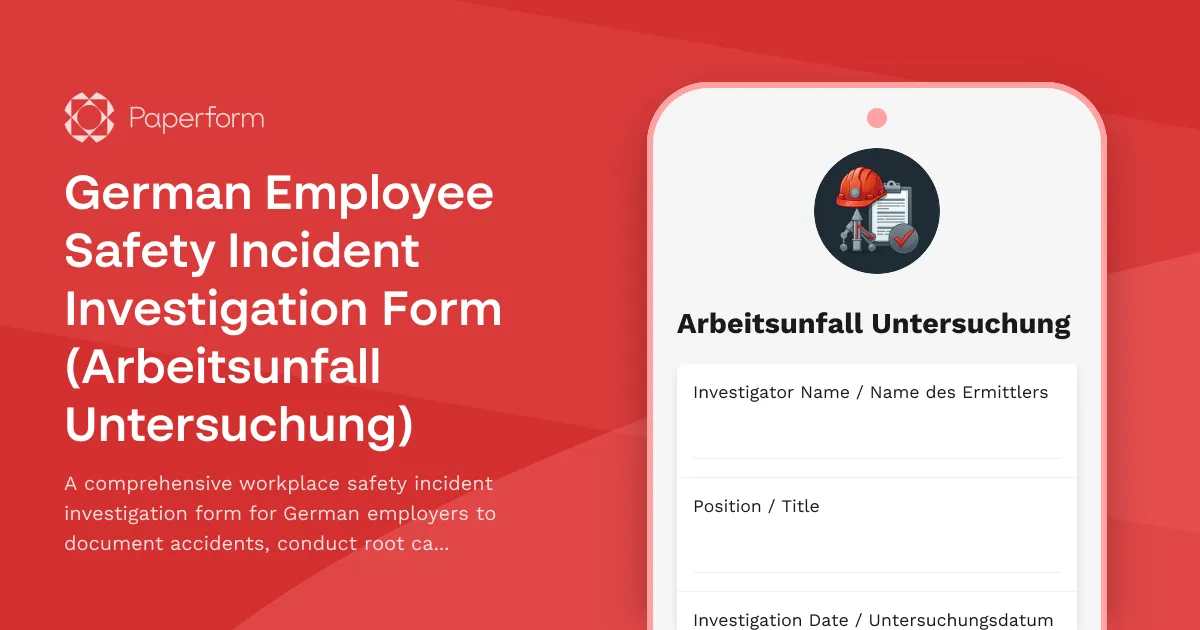
German Employee Safety Incident Investigation Form (Arbeitsunfall Untersuchung)
A comprehensive workplace safety incident investigation form for German employers to document accidents, conduct root cause analysis, interview witnesses, and develop prevention measures in compliance with German occupational safety regulations.