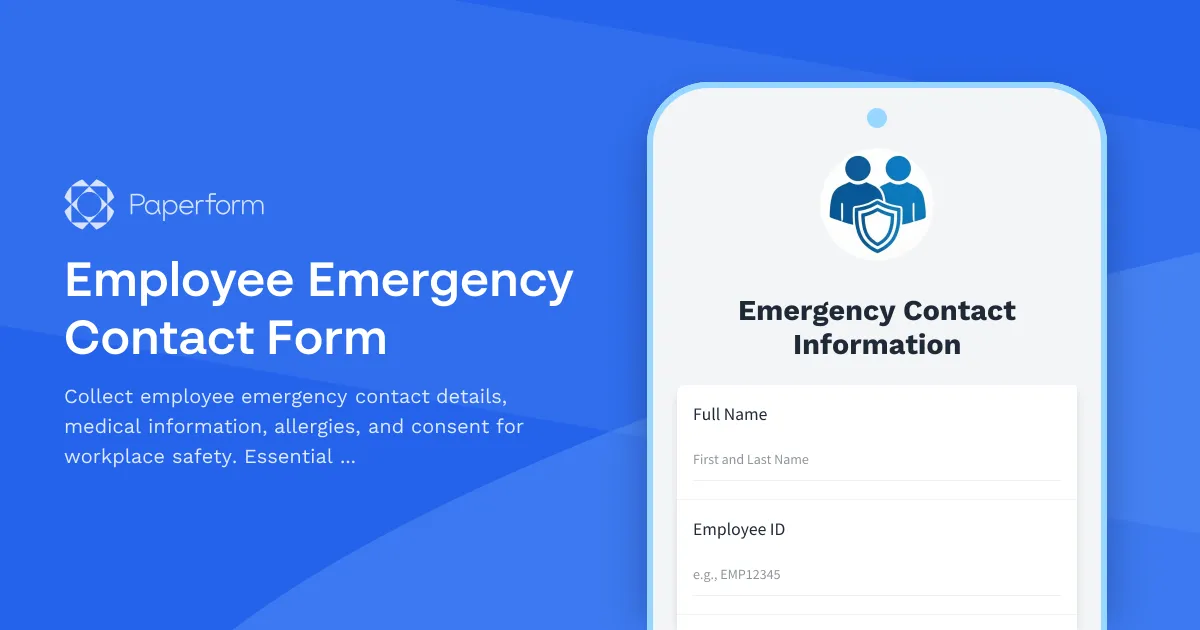
Employee Emergency Contact Form Template
Every workplace needs a reliable way to reach the right people when an emergency happens. Whether it's a medical incident, workplace accident, or urgent family matter, having up-to-date emergency contact information can make all the difference. This Employee Emergency Contact Form template helps HR teams and employers collect, organize, and securely store critical contact details, medical information, and consent—so you're prepared when it matters most.
Why emergency contact forms matter for workplace safety
Emergency contact forms are more than a checkbox on your onboarding checklist. They're a vital part of your duty of care to employees. When someone is injured, unwell, or facing a crisis at work, you need to know who to call, what medical conditions to be aware of, and whether there are allergies that could affect treatment. Without this information readily available, response times slow down and risks increase.
This template is designed for HR managers, office managers, and business owners who want a professional, compliant way to collect emergency contact information from employees—whether you're onboarding new hires or updating records for your existing team.
What this template includes
This employee emergency contact form captures everything you need in one place:
- Employee information: Full name, employee ID, department, and direct contact details
- Primary emergency contact: Name, relationship, phone numbers (mobile and alternative), and email
- Secondary emergency contact: A backup contact with the same detail level, in case the primary contact can't be reached
- Medical information: Known medical conditions, current medications, and physician contact details
- Allergies and dietary restrictions: Critical information for medical emergencies and workplace events
- Medical consent and HIPAA authorization: Clear consent for sharing medical information in emergencies, ensuring compliance and peace of mind
- Acknowledgment and signature: Employee confirmation that the information is accurate and up to date
All fields are clearly labeled, with helpful descriptions where needed, so employees understand exactly what you're asking for and why.
Built for HR teams and growing businesses
If you're managing employee records across a small or medium-sized business, you know how quickly spreadsheets and paper forms can become outdated, hard to find, or lost entirely. Paperform gives you a better way.
Every submission is stored securely, searchable by employee name or department, and accessible from anywhere—so whether you're in the office, working remotely, or responding to an emergency after hours, the information you need is always at your fingertips. You can export data to Google Sheets, Airtable, or your HRIS, and use Stepper (stepper.io) to automate follow-up workflows like sending confirmation emails, updating employee databases, or triggering annual review reminders.
This form is also SOC 2 Type II compliant, meaning it meets strict security and privacy standards—essential when handling sensitive employee health data. While Paperform is not HIPAA compliant, it provides robust data protection suitable for most workplace emergency contact collection needs.
Customizable, on-brand, and easy to use
This template works out of the box, but you can also tailor it to fit your organization's needs. Add your company logo, adjust the color scheme to match your brand, include custom fields for role-specific information (like site location or shift patterns), or embed the form directly into your employee portal or intranet.
Because Paperform uses a doc-style editor, making changes is as simple as typing in a document—no design skills or IT support required. You can also set up conditional logic to show or hide certain fields based on answers (for example, only asking for physician details if an employee indicates they have a medical condition), keeping the form streamlined and relevant for every employee.
Automate updates and stay compliant
Emergency contact information changes—people move, phone numbers update, relationships shift. With Paperform, you can send out annual update requests via email, pre-fill existing data so employees only need to confirm or correct details, and track who has and hasn't responded. Combine this with Stepper to automatically update your HR system, flag incomplete records, or send reminders to managers when forms are overdue.
You can also use eSignatures via Papersign (papersign.com) to turn this form into a legally binding record of consent, perfect for organizations that need audit trails for compliance or insurance purposes.
Trusted by HR teams, built for real-world use
From small businesses to growing teams across healthcare, education, retail, hospitality, construction, and professional services, this Employee Emergency Contact Form template is built to fit the way you actually work. It's used by HR managers, office administrators, safety officers, and operations teams who need a fast, secure, and professional way to keep their people safe.
Whether you're onboarding your first employee or updating records for a team of hundreds, Paperform makes it easy to collect, store, and act on the information that matters most—so you can focus on supporting your team, not chasing down paperwork.
Get started with this template today and give your team the peace of mind that comes from being prepared for anything.



More templates like this
Workplace Violence Incident Report
Professional incident report form for documenting workplace violence, threats, and aggressive behavior with threat assessment and safety protocols.

Corporate Event Emergency Contact Form
Collect emergency contact details, dietary restrictions, accessibility needs, and hotel information from corporate event attendees to ensure their safety and comfort.
Extreme Weather Remote Work Request Form
Request temporary remote work arrangements during severe weather conditions. Ensure employee safety while maintaining business continuity with clear emergency contacts and safety protocols.
Emergency Evacuation Check-In Form
A professional evacuation accountability form for corporate office buildings to conduct headcounts, verify employee safety, and confirm assembly point attendance during emergency situations.

Corporate Executive Medical Emergency Response Form
Critical incident form for reporting and managing medical emergencies affecting corporate executives, including EMS activation, business continuity protocols, and emergency contact notification.
Corporate Wellness Retreat Missing Participant Report
Report a missing executive participant at your corporate wellness retreat with details about their schedule, dietary needs, and emergency contacts for swift and coordinated response.
Environmental Services Emergency Response Form
A comprehensive emergency response form for environmental services teams to prioritize facility cleaning, maintain infection control protocols, and manage hazardous waste during crisis situations.
Manufacturing Workplace Injury Emergency Report
A comprehensive emergency report form for documenting workplace injuries in manufacturing facilities, with built-in OSHA compliance fields, first aid documentation, and workers' compensation initiation capabilities.
National Park Missing Hiker Report
Report a missing hiker in a national park with detailed trail information, equipment, and experience level to activate search and rescue operations quickly and effectively.
Remote Employee Wellness Check-In Form
A compassionate wellness check-in form designed for remote employees to assess mental health, identify work-from-home challenges, and connect with supportive resources.
Utility Emergency Water Supply Contingency Plan
A comprehensive form for critical facilities to register emergency water supply plans including storage capacity, delivery logistics, and activation protocols with municipal utilities.
Airport Employee Missing Person Report for Special Needs Traveler
A comprehensive form for airport staff to report missing special needs travelers, including flight details, disability information, and airline coordination for rapid response and welfare checks.