
Future-Proof Your Remote Workspace with Strategic Technology Upgrades
As remote and hybrid work becomes the norm, staying ahead of the technology curve isn't just about comfort—it's about maintaining productivity, security, and competitive advantage. Our Work From Home Technology Upgrade Program Application is designed for forward-thinking organizations that recognize their remote workforce deserves the same level of technological investment as traditional office environments.
Why Technology Refresh Cycles Matter for Remote Teams
Remote workers rely entirely on their home office technology stack to stay connected, productive, and secure. Unlike traditional office environments where equipment naturally gets refreshed through centralized IT upgrades, remote workers can easily fall behind without a structured program. This Paperform template helps HR teams, IT departments, and operations managers establish a clear, repeatable process for evaluating and approving technology upgrade requests based on strategic criteria rather than ad-hoc decisions.
Built for Organizations Investing in Long-Term Remote Success
This form template is perfect for:
- Technology companies and SaaS businesses managing distributed engineering, product, and customer success teams who need cutting-edge tools
- Marketing agencies and creative studios where remote team members require powerful hardware for design, video editing, and content creation
- Professional services firms (consulting, accounting, legal) maintaining secure, compliant home office environments
- Scale-ups and growth-stage companies building remote-first cultures with proper infrastructure from day one
- Enterprise organizations with formal technology lifecycle management programs extending to home offices
What Makes This Template Strategic (Not Just Another Request Form)
Unlike basic equipment request forms, this template captures the strategic rationale behind upgrade requests:
Technology Lifecycle Planning: Employees document current equipment age, performance issues, and expected lifespan, helping IT teams identify patterns and plan proactive refreshes rather than reactive replacements.
Emerging Technology Adoption: The form includes sections for requesting cutting-edge tools—standing desks with smart controls, AI-enhanced webcams, noise-canceling technology, ergonomic innovations—that keep your team at the forefront of remote work best practices.
Scalability Justification: Requesters explain how upgrades support growing responsibilities, new projects, or changing work requirements, connecting individual requests to broader business objectives.
ROI and Productivity Impact: Built-in fields for quantifying productivity gains, time savings, and performance improvements help finance and leadership make data-driven approval decisions.
Budget Category Routing: The form intelligently routes requests between standard equipment refreshes (IT budget), ergonomic improvements (facilities budget), and innovation experiments (R&D or innovation budget), streamlining approvals across departments.
Designed with Multi-Stakeholder Workflows in Mind
This form integrates beautifully with modern HR and IT workflows. When an employee submits their upgrade request through Paperform, you can use Stepper (stepper.io) to automatically:
- Route requests to the appropriate approver based on cost, category, or department
- Send parallel approvals to both IT (for technical vetting) and Finance (for budget approval)
- Trigger procurement workflows once approved, including vendor selection and shipping coordination
- Update HRIS or asset management systems with new equipment assignments
- Schedule follow-up surveys to measure actual productivity impact post-upgrade
The conditional logic built into this form ensures employees only see relevant questions based on their request type, making the experience smooth whether they're requesting a monitor upgrade or pitching an experimental VR headset for collaborative design work.
Perfect for HR Teams Building Remote Work Equity
One of the biggest challenges in hybrid organizations is ensuring remote employees have equal access to resources as their office-based colleagues. This form template helps HR and People Operations teams demonstrate tangible investment in remote workers by:
- Creating transparent criteria for what qualifies for upgrade consideration
- Establishing regular refresh cycles (every 3 years for laptops, 5 years for monitors, etc.)
- Allocating innovation budgets specifically for remote team experimentation
- Tracking equipment equity across departments, locations, and tenure
For rapidly growing companies, this approach prevents the common pitfall where early remote hires have outdated equipment while new office spaces get outfitted with the latest gear.
Compliance, Security, and Asset Management Built In
The template includes essential fields for IT security and compliance teams:
- Current equipment serial numbers and specifications for asset tracking
- Data handling requirements and security clearance levels
- Trade-in or recycling preferences for replaced equipment
- Acknowledgment of company technology policies and acceptable use guidelines
These details ensure your technology upgrade program doesn't create security gaps or asset tracking blind spots, which is especially critical for regulated industries or companies handling sensitive data.
Seamless Integration with Your Existing Tech Stack
Paperform's flexibility means this template works with whatever tools you already use. Native integrations and Stepper workflows let you:
- Log all requests in Airtable or Google Sheets for transparency and reporting
- Create approval tasks in Asana, Monday.com, or ClickUp
- Send notifications through Slack to relevant channels
- Update BambooHR, Workday, or other HRIS platforms
- Connect to procurement systems and purchasing workflows
- Track budget consumption in real-time through your finance tools
And because Paperform is SOC 2 Type II compliant, you can trust that employee equipment requests and justifications are handled with enterprise-grade security.
The Business Case for Structured Technology Upgrades
Organizations that implement formal technology refresh programs for remote workers report:
- Higher employee satisfaction and retention, especially among tech-savvy talent who view outdated equipment as a signal of underinvestment
- Improved security posture through proactive replacement of aging devices before they become vulnerabilities
- Better budget predictability by moving from reactive emergency purchases to planned, negotiated procurement
- Measurable productivity gains when employees have the right tools for their evolving responsibilities
- Stronger remote culture where distributed team members feel equally valued
Getting Started Takes Minutes
This template is ready to customize and deploy right away. Simply adjust the approval thresholds to match your organization's spending authority, modify the equipment categories to reflect your specific technology stack, and connect your preferred integrations. You can embed the form in your company intranet, share it via email, or add it to your HRIS self-service portal.
Whether you're a 50-person startup establishing your first equipment policy or a 5,000-person enterprise scaling a remote-first strategy, this Paperform template gives you the structure to invest strategically in your distributed workforce. Your remote team isn't just working from home—they're representing your company, serving customers, and driving innovation from kitchens and home offices around the world. They deserve technology that matches the moment.
Start future-proofing your remote workforce technology strategy today with Paperform's Work From Home Technology Upgrade Program Application.



More templates like this

Remote Work Monitor & Display Upgrade Request
Request approval for new monitors and display equipment for your home office setup. Submit screen specifications, multiple monitor needs, and mounting requirements for budget approval.

Home Office Battery Backup & UPS Request Form
Request battery backup and UPS equipment for your home office to ensure business continuity during power outages. Assess your power needs, prioritize critical devices, and plan for uninterrupted remote work.
Remote Work Focus & Concentration Equipment Request
Request specialized equipment to enhance focus and minimize distractions in your home office environment.

Hybrid Work Equipment Check-Out Form
A comprehensive form for hybrid and remote employees to request, check out, and track company equipment including laptops, monitors, peripherals, and accessories with return scheduling and liability acknowledgment.
Work From Home Webcam & Video Equipment Upgrade Request Form
Request and justify webcam and video equipment upgrades for professional remote work, with technical specifications, budget assessment, and home office needs evaluation.
Home Office Plants & Wellness Items Reimbursement Request
Request reimbursement for home office plants, air-purifying greenery, and wellness items that enhance productivity and workspace quality.
Home Office Whiteboard & Brainstorming Equipment Request
Request whiteboards, collaboration tools, and creative workspace equipment for your remote office setup with streamlined approval and reimbursement tracking.

Hybrid Work Equipment Insurance & Damage Assistance Form
Submit claims for accidental damage, theft, or loss of home office equipment with deductible assistance, repair cost sharing, and replacement support for hybrid workers.
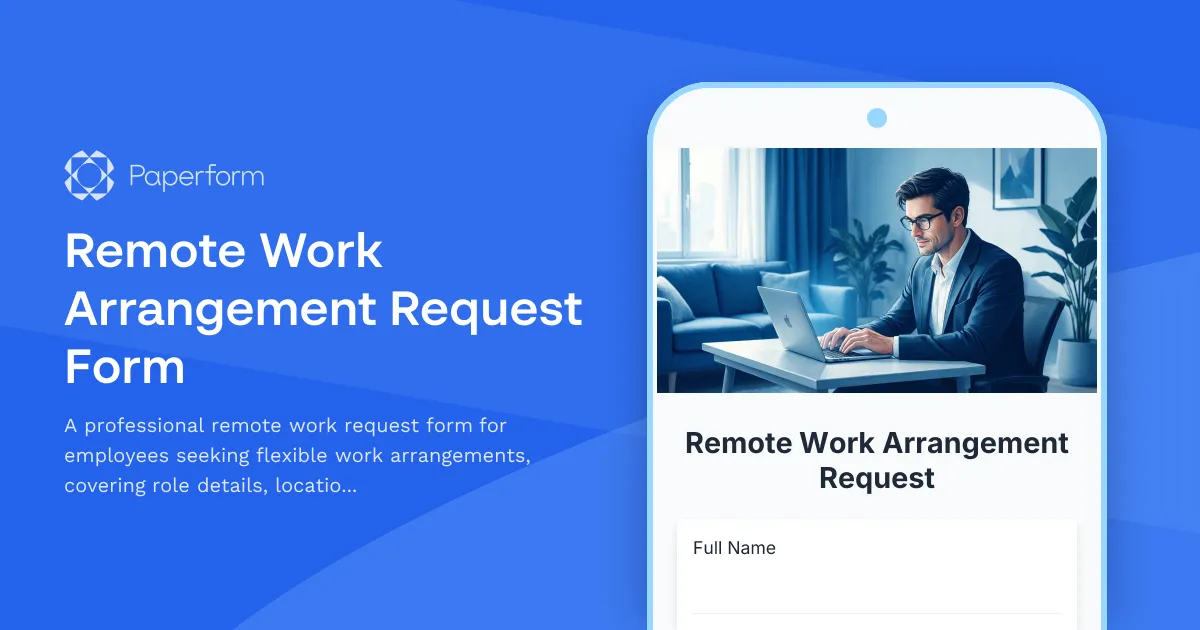
Remote Work Arrangement Request Form
A professional remote work request form for employees seeking flexible work arrangements, covering role details, location preferences, equipment needs, and connectivity requirements.

Remote Work Desk Accessories & Organizers Allowance Form
Submit requests for remote work desk accessories, organizers, and workspace optimization items with budget tracking and approval workflow.
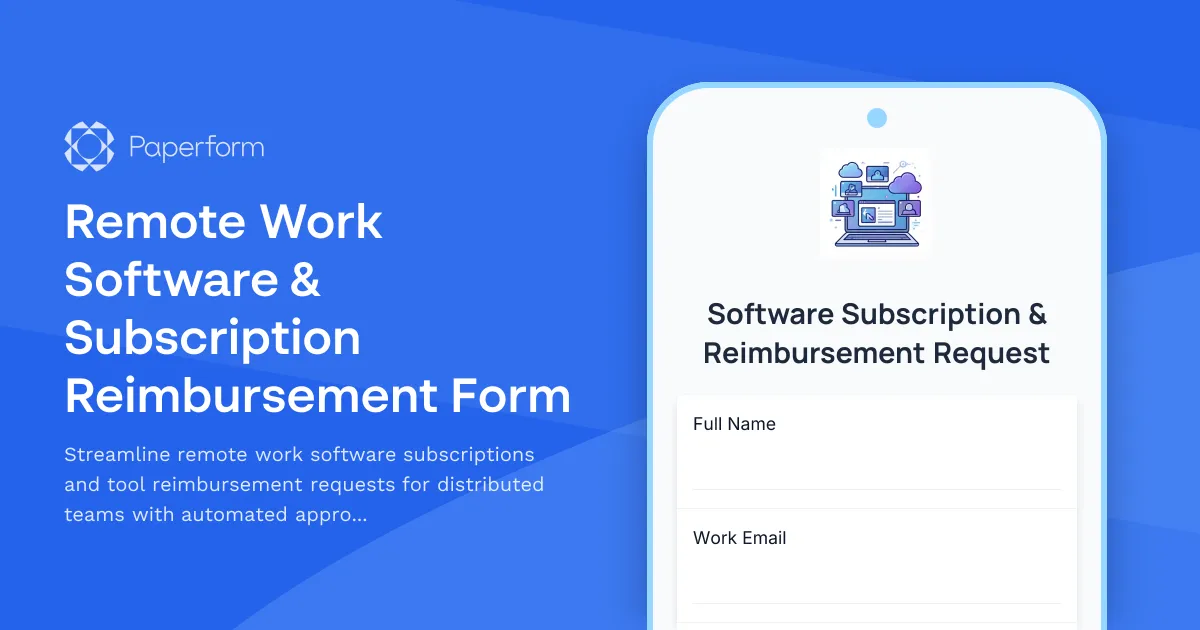
Remote Work Software & Subscription Reimbursement Form
Streamline remote work software subscriptions and tool reimbursement requests for distributed teams with automated approval workflows and consolidated expense tracking.

Collaboration Workspace Admin Access Request
Request administrative access to collaboration workspaces including member management, content moderation, and archive permissions for project teams.