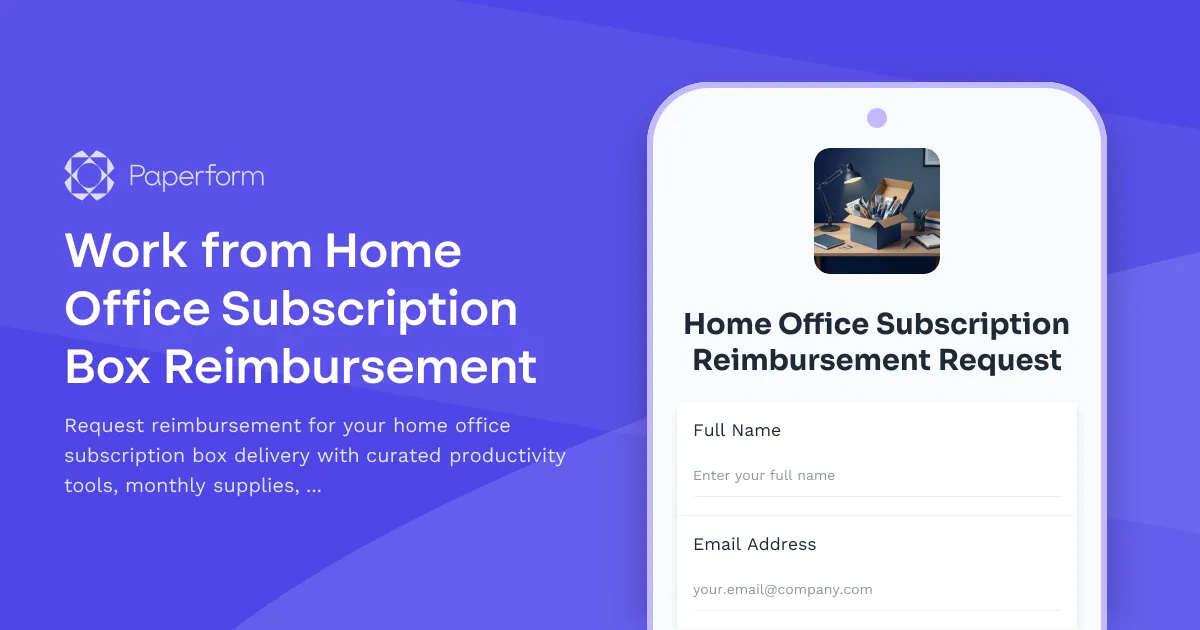
Simplify Your Home Office Reimbursement Process
Remote and hybrid work has transformed how we approach productivity, and keeping your home workspace stocked with the right tools shouldn't be complicated. This Work from Home Office Subscription Box Reimbursement Form template makes it simple for employees to request reimbursement for curated productivity subscriptions, monthly supply deliveries, and try-before-you-buy remote work solutions.
Why This Template Works for Remote Teams
Managing home office expenses across distributed teams can quickly become administrative chaos. This template streamlines the entire reimbursement process by capturing all the essential details in one organized submission—from subscription service details and monthly delivery costs to specific items received and their workplace value.
Whether your team subscribes to productivity tool boxes, ergonomic equipment trials, or seasonal office refresh services, this form ensures HR and finance teams have everything they need to process reimbursements quickly and accurately. Employees appreciate the clarity and transparency, while managers gain visibility into what's helping their remote workers stay productive.
Perfect for Modern Workplace Teams
This reimbursement form template is ideal for:
- HR teams managing remote work stipends and home office allowances
- Finance departments tracking and approving subscription-based equipment expenses
- Operations managers supporting distributed teams with productivity resources
- People & culture teams fostering employee wellbeing through workspace optimization
- Startups and scale-ups offering flexible home office benefits
- Companies with hybrid work policies that include equipment trial programs
What Makes This Form Special
Unlike generic expense forms, this template is specifically designed for the unique nature of subscription box services and try-before-you-buy programs. It captures the recurring nature of these expenses while allowing employees to highlight specific items that enhance their productivity.
The form includes sections for documenting the subscription service provider, monthly cost breakdown, delivery details, and itemized contents. This level of detail helps finance teams understand exactly what employees are investing in and whether these subscriptions align with company remote work policies.
Built with Paperform's doc-style editor, you can easily customize this template to match your company's brand, add your logo, and adjust reimbursement fields to align with your specific policies—all without touching a line of code.
Streamline Approvals with Workflow Automation
Once an employee submits their reimbursement request, you can connect this form to your existing tools using Stepper (stepper.io), Paperform's AI-native workflow builder. Automatically route submissions to the appropriate manager for approval, send confirmation emails, update your expense tracking spreadsheet or accounting software, and notify finance when items are approved.
For example, you might set up a workflow that:
- Sends the submission to the employee's direct manager for review
- Flags high-value subscriptions for additional approval
- Logs approved expenses directly into your accounting system
- Sends the employee a confirmation with expected reimbursement timeline
- Updates a central dashboard tracking home office spend across the organization
Key Features Built Into This Template
Subscription Service Details: Capture the name of the subscription box service, subscription tier, monthly cost, and billing frequency to ensure accurate reimbursement processing.
Item Documentation: Let employees itemize what they received in their latest delivery, helping finance understand the value and relevance of each subscription.
Try-Before-You-Buy Tracking: Perfect for companies offering equipment trial programs where employees can test ergonomic chairs, standing desks, or productivity tools before committing to a purchase.
Policy Compliance: Include acknowledgment sections to ensure employees understand reimbursement limits, eligible expenses, and return requirements for trial items.
Receipt Upload: Built-in file upload fields make it simple for employees to attach invoices, receipts, and subscription confirmations.
Designed for Employee Experience
Remote workers juggle enough already—expense reimbursement shouldn't add to their cognitive load. This form uses clear, conversational language and a logical flow that takes just a few minutes to complete. Conditional logic can show or hide relevant fields based on whether the employee is requesting reimbursement for a subscription, a one-time purchase, or a trial program.
The confirmation page can be customized to remind employees of next steps, expected processing times, and where to direct questions, creating a transparent experience that builds trust in your remote work benefits program.
Integrate With Your Existing Stack
Paperform plays nicely with the tools your HR and finance teams already use. Connect this form to:
- Accounting software like Xero, QuickBooks, or FreshBooks to log expenses automatically
- HR platforms such as BambooHR or Workday to track employee benefits utilization
- Communication tools like Slack to notify finance teams of new submissions
- Spreadsheets such as Google Sheets or Airtable to maintain a central expense log
- Payment platforms to process reimbursements quickly once approved
With native integrations and the power of Stepper, you can eliminate manual data entry and reduce the time from submission to reimbursement.
Customizable for Your Company's Policies
Every organization has different remote work policies and reimbursement limits. This template is fully customizable to reflect your specific guidelines:
- Set monthly or annual reimbursement caps
- Add approval workflows based on expense amounts
- Include required fields for receipt documentation
- Customize subscription categories that align with your approved vendor list
- Add company-specific acknowledgment or policy agreement sections
Built on a Secure, Scalable Platform
Managing employee reimbursement data requires trust and security. Paperform is SOC 2 Type II compliant with robust data protection, GDPR compliance, and enterprise-grade security features. Your employee submissions are encrypted, secure, and accessible only to authorized team members.
As your remote team grows, Paperform scales with you—from startups with a handful of remote workers to enterprises managing thousands of distributed employees across multiple regions.
Get Started in Minutes
Whether you're rolling out a new home office subscription benefit or streamlining an existing reimbursement process, this template gives you a professional, branded form ready to deploy immediately. Customize the questions, connect your workflows, and start receiving organized, complete reimbursement requests that make everyone's lives easier.
Over 500,000 teams worldwide trust Paperform to power their forms, payments, and workflows. Join them and transform how you support your remote workforce with home office benefits that actually work.



More templates like this
Home Office Reference Library & Professional Development Allowance Request
Request reimbursement for home office reference materials, professional books, industry subscriptions, and learning resources to support your remote work setup.

Remote Work Desk Accessories & Organizers Allowance Form
Submit requests for remote work desk accessories, organizers, and workspace optimization items with budget tracking and approval workflow.
Remote Workspace Personality & Customization Allowance Form
Request a personalized home office setup budget for motivational decor, cultural expression items, and workspace customization that reflects your authentic style while maintaining professional standards.
Dependent Care Workspace Setup Request Form
Request specialized home office equipment and workspace separation tools for remote employees balancing childcare or dependent care responsibilities while working from home.
Digital Nomad Coworking & Community Integration Expense Claim Form
Submit expense claims for coworking spaces, expatriate community integration fees, professional networking, and global citizen support programs as a digital nomad or remote worker.

Home Office Accessibility & Specialized Seating Request Form
Request specialized ergonomic seating, mobility equipment, and accessibility accommodations for your home office workspace with ADA compliance documentation and approval workflow.
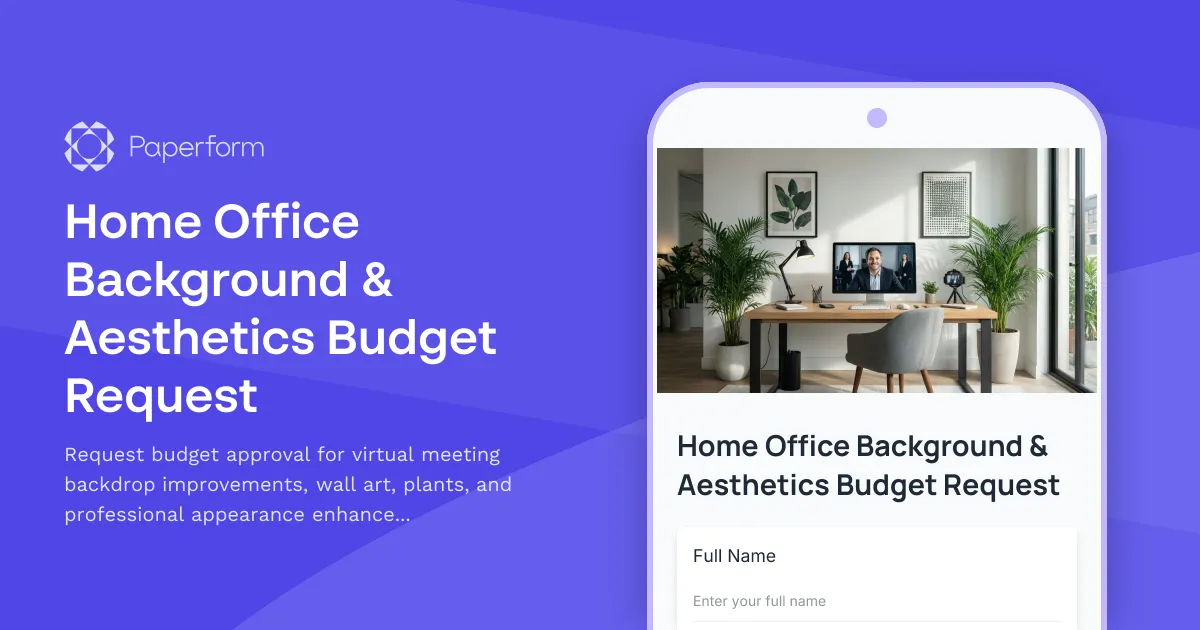
Home Office Background & Aesthetics Budget Request
Request budget approval for virtual meeting backdrop improvements, wall art, plants, and professional appearance enhancements for your home office setup.
Home Office Wellness & First Aid Allowance Request
Request reimbursement for home office wellness supplies, ergonomic support items, first aid essentials, and preventive health products to create a healthier remote work environment.

Hybrid Work Equipment Insurance & Damage Assistance Form
Submit claims for accidental damage, theft, or loss of home office equipment with deductible assistance, repair cost sharing, and replacement support for hybrid workers.
Remote Work Broadband & Connectivity Reimbursement Application
Apply for internet and connectivity reimbursement with speed test verification, plan documentation, and automated monthly stipend calculation for remote and hybrid workers.

Remote Work Monitor & Display Upgrade Request
Request approval for new monitors and display equipment for your home office setup. Submit screen specifications, multiple monitor needs, and mounting requirements for budget approval.
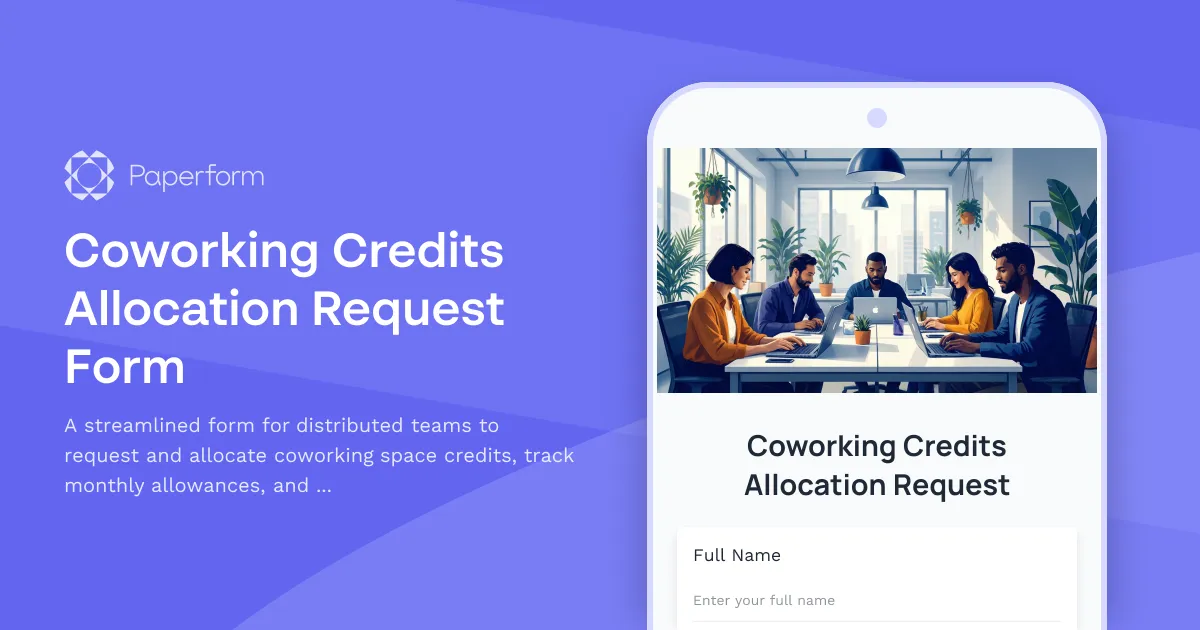
Coworking Credits Allocation Request Form
A streamlined form for distributed teams to request and allocate coworking space credits, track monthly allowances, and acknowledge usage policies.