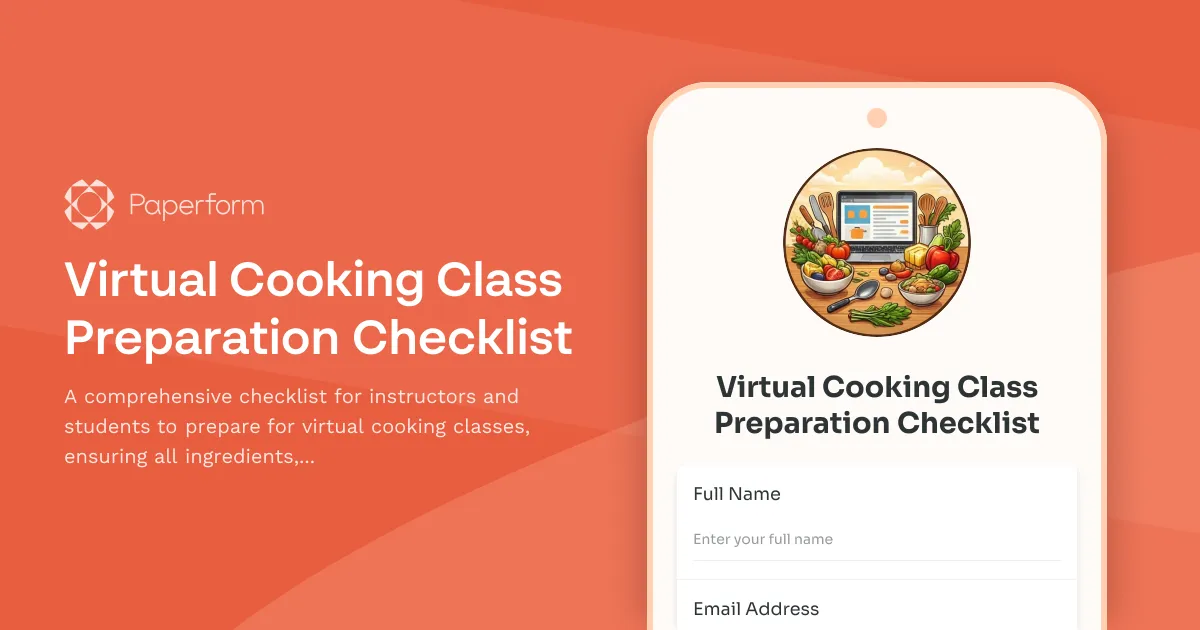
Streamline Your Virtual Cooking Classes with a Professional Preparation Checklist
Virtual cooking classes have transformed culinary education, allowing instructors to teach students worldwide from the comfort of their own kitchens. However, the success of these sessions relies heavily on proper preparation—both for the instructor and participants. A well-designed virtual cooking class preparation checklist ensures every session runs smoothly, with all ingredients prepped, equipment ready, and technical aspects tested before class begins.
Why Virtual Cooking Class Instructors Need a Digital Checklist
Traditional cooking classes allowed instructors to control the environment, but virtual classes introduce unique challenges. Participants join from different kitchens with varying equipment, internet connections, and cooking experience levels. Without proper preparation verification, instructors face:
- Students arriving without essential ingredients or substitutions
- Technical difficulties that eat into valuable cooking time
- Poor camera angles that prevent participants from seeing techniques
- Kitchen safety issues that could have been prevented
- Time wasted troubleshooting instead of teaching
A dedicated preparation checklist transforms this chaos into a seamless experience. By collecting information before class, instructors can proactively address issues, send personalized setup tips, and ensure everyone arrives ready to cook.
What Makes This Template Perfect for Cooking Instructors
This Paperform template is specifically designed for culinary educators, cooking studios, private chefs offering virtual lessons, and food content creators who host live cooking sessions. The form guides participants through:
Pre-Class Ingredient Verification: Participants confirm they have all ingredients or note substitutions needed, allowing instructors to adjust recipes or techniques accordingly.
Equipment and Kitchen Setup: Checklist items verify essential tools (knives, cutting boards, pots, pans) and safety measures are in place, reducing mid-class interruptions.
Technical Requirements Testing: Camera angle verification, microphone checks, and lighting confirmation ensure participants can see demonstrations clearly and instructors can provide feedback.
Recipe Card Distribution Confirmation: Participants acknowledge receipt of recipe cards and any prep work needed before class starts.
Dietary Restrictions and Skill Level: Capturing this information helps instructors tailor their teaching pace and provide appropriate alternatives.
How This Template Fits Into Your Virtual Teaching Workflow
The real power of this checklist isn't just data collection—it's how it integrates into your teaching workflow. Here's how successful cooking instructors use this template:
5-7 Days Before Class: Send the preparation checklist to registered participants via email. Set a deadline 48 hours before class for completion.
48 Hours Before Class: Review submissions to identify anyone missing key ingredients or equipment. Send personalized emails with substitution suggestions or shopping lists.
24 Hours Before Class: Follow up with participants who haven't completed the checklist. This is also when you can review camera setup photos and send positioning tips.
Day of Class: Start on time with confidence, knowing everyone has what they need and their technical setup is tested.
Automate Follow-Ups and Streamline Communication with Stepper
Take your preparation checklist to the next level by connecting it to Stepper, Paperform's AI-powered workflow automation platform. Here's how cooking instructors are using Stepper to automate their virtual class prep:
- Conditional ingredient emails: Automatically send shopping lists only to participants who indicated missing ingredients
- Camera setup tutorials: Trigger an automated email with setup videos when someone indicates they need help with camera positioning
- Reminder sequences: Create automated reminder flows for participants who haven't completed the checklist 48 hours before class
- Calendar invites with prep instructions: Automatically send calendar appointments with personalized prep notes based on their skill level
- Post-class recipe follow-ups: After class, automatically send recipe variations or bonus content based on dietary preferences collected in the form
With Stepper, you're not just collecting information—you're building an intelligent system that responds to each participant's needs without manual work.
Perfect for Multiple Teaching Formats
Whether you teach one-on-one private lessons, small group workshops, or large webinar-style cooking demonstrations, this template adapts to your format. Use Paperform's conditional logic to show different questions based on:
- Class type (beginner, intermediate, advanced)
- Cuisine style (baking, international cuisine, healthy cooking)
- Group size (adjusting ingredient quantities accordingly)
- Equipment availability (offering alternative techniques for those without specialized tools)
The form works beautifully on mobile devices, so participants can complete it while checking their pantry or testing their camera angles in their actual cooking space.
Built for Food Professionals Who Value Brand Experience
Cooking is as much about presentation as it is about flavor, and your registration experience should reflect your brand. Paperform's document-style editor lets you customize every aspect of the checklist—add your logo, use your brand colors, embed mouthwatering photos of finished dishes, and even include short instructional videos.
The form can live on your own domain, embed seamlessly into your teaching website, or send as a standalone link. Every touchpoint feels professional and cohesive with your culinary brand.
Ready When You Are, No Technical Skills Required
You don't need to be tech-savvy to use this template. Simply customize the ingredient lists for your specific recipes, adjust the equipment checklist based on what you use in class, and send the link to your students. Submissions collect in your Paperform dashboard where you can review them at a glance, export to spreadsheets, or integrate with your email marketing and calendar tools.
For cooking instructors, food bloggers teaching live sessions, culinary schools moving online, and private chefs building virtual offerings, this template handles the logistics so you can focus on teaching the art and science of great cooking.
Start your next virtual cooking class fully prepared with a checklist that handles the details, so you can focus on what you do best—inspiring people to cook delicious food.



More templates like this
Music Lesson Preparation Checklist
A comprehensive checklist for music teachers to prepare lessons, track student progress, select appropriate materials, and plan practice assignments.
Outdoor Rock Climbing Guide Preparation Checklist
A comprehensive pre-climb checklist for outdoor climbing guides to ensure gear safety, assess conditions, plan routes, and establish emergency protocols before heading out.
Shawarma Cart Shift Log
Track daily shawarma cart operations including meat rotation, sales, prep work, customer service metrics, and equipment performance for shift accountability.
Aquarium Maintenance Checklist
A comprehensive aquarium maintenance checklist for tracking water quality testing, equipment inspections, livestock health, and feeding schedules to ensure a thriving aquatic environment.
Arepas Cart Shift Report
Track daily operations for your arepas cart including ingredient usage, fillings prepared, equipment maintenance, and customer preferences to optimize inventory and service.
Bagel Shop Daily Operations Log
Track daily bagel production, baking schedules, cream cheese sales, and catering orders with this comprehensive operations log designed for bagel shops and bakeries.
Breakfast Burrito Cart Morning Log
A daily morning log for breakfast burrito cart operators to track inventory usage, sales metrics, and rush hour performance for each shift.
Dance Studio Class Preparation Checklist
A comprehensive checklist for dance instructors to ensure proper class preparation, including music cuing, equipment setup, attendance tracking, and emergency contact verification before each session.
Dumpling Cart Event Shift Log
Track your dumpling cart shift performance with this comprehensive log covering dumplings steamed, sauce packets distributed, customer count, cooking times, and revenue collection.
Food Truck Daily Operations Report
A comprehensive daily report for food truck operators to track location, sales, inventory, equipment issues, and health compliance in one simple form.
Fried Rice Cart Shift Report
Track daily operations for your fried rice cart with detailed logs of rice cooked, protein usage, egg consumption, vegetable inventory, and wok maintenance.
Gyro Cart Shift Operations Log
Track daily gyro cart operations including meat cooked, supplies used, customer count, and equipment maintenance for street food vendors and mobile food businesses.