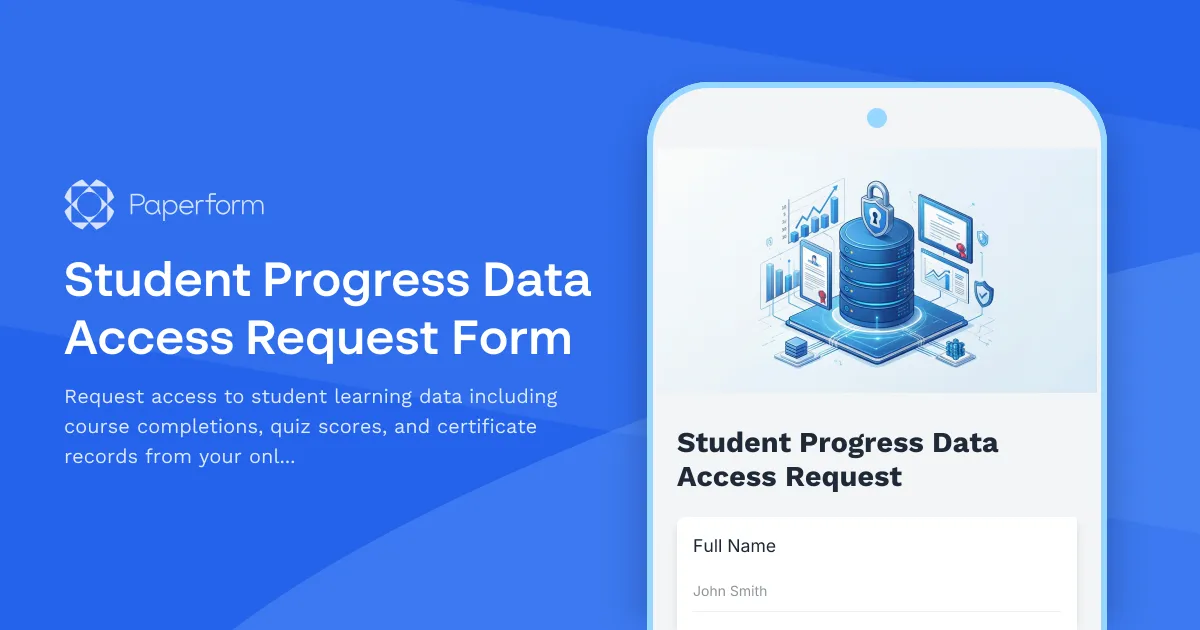
Streamline Student Data Access Requests with Paperform
Managing student progress data requests in an online learning platform requires a secure, organized system that protects privacy while providing authorized users with the information they need. This Student Progress Data Access Request Form template is designed for educational technology platforms, e-learning providers, and online course administrators who need to handle data access requests efficiently and compliantly.
Why You Need a Structured Data Access Request Process
Online learning platforms collect valuable student data—from course completion rates and quiz scores to certificate achievements and learning milestones. Whether you're responding to requests from instructors, program administrators, academic advisors, or students themselves, having a formal request process ensures:
- Data security and privacy compliance with FERPA, GDPR, and other education data regulations
- Clear audit trails of who accessed what data and when
- Efficient processing that routes requests to the right people
- Standardized documentation that captures all necessary approval information
Built for Educational Technology Teams
This template is perfect for:
- Online learning platforms managing thousands of student records
- Corporate training departments tracking employee learning progress
- Educational institutions with digital learning programs
- Course creators and academy owners who need to share progress reports
- LMS administrators handling data export requests
The form captures everything needed to process a data access request: requester information, the specific student records needed, the type of data being requested (completions, scores, certificates), the business justification, and the intended use of the data.
How This Template Works
When someone submits a data access request, they'll specify exactly what student data they need and why. The form uses conditional logic to show relevant fields based on the type of request—whether it's for a single student, a cohort, or a full course roster. Fields for date ranges, specific courses, and data types ensure requests are precise and actionable.
Once submitted, you can use Stepper (stepper.io) to automate what happens next. Route requests to the appropriate approver based on data sensitivity, send automatic notifications to stakeholders, create tickets in your project management system, or update your compliance tracking database. Stepper's AI-native workflows mean you can build sophisticated approval processes without writing code.
For requests that require formal authorization, Papersign (papersign.com) integration lets you attach data sharing agreements or confidentiality clauses directly to the process. The requester can review and eSign before receiving access, creating a legally binding record that stays connected to the original request.
Designed for Compliance and Security
Education data requests aren't just operational tasks—they're compliance obligations. This template helps you meet regulatory requirements by:
- Documenting the purpose and legal basis for each data access
- Collecting necessary approvals before data is shared
- Creating timestamped records of all requests
- Ensuring requesters understand data handling responsibilities
The form can be customized to include your organization's specific data classification levels, approval workflows, or compliance requirements. Add fields for IRB numbers, research protocols, or internal authorization codes as needed.
Customization Made Simple
Paperform's doc-style editor makes it easy to adapt this template to your exact needs. Add your learning platform's branding, include custom data categories specific to your system, or build in calculation logic to estimate the scope of the request. Use conditional fields to streamline the experience—showing certificate-specific options only when certificate data is requested, for example.
You can embed this form directly into your LMS admin dashboard, link it from your data governance portal, or send it to specific users when they need to request student information. The responsive design works perfectly on any device.
Integrate with Your Ed-Tech Stack
Connect this form to the tools your team already uses. Send approved requests to Airtable or Google Sheets for tracking, create tasks in Asana or Monday for your data team to fulfill, ping Slack when high-priority requests come in, or push details directly into your student information system via webhook.
With Paperform's payment features, you can even monetize data access if you provide detailed analytics reports to external partners or researchers—though most educational data requests will be internal or no-cost.
Perfect for Remote and Hybrid Teams
Whether your ed-tech team is fully remote, hybrid, or in-office, this digital request form ensures consistent data governance. No more email chains, lost attachments, or unclear approval status. Everything is captured, timestamped, and trackable from a single source of truth.
Start Managing Data Access Requests Today
This template gives online learning platforms, course creators, and educational administrators a professional, compliant way to handle student data access requests. With Paperform's intuitive builder, powerful automation through Stepper, and eSignature capabilities via Papersign, you can transform a typically manual, risky process into a streamlined, secure workflow.
Whether you're supporting ten students or ten thousand, this form scales with your platform while keeping student privacy and data security at the forefront. Get started today and bring structure to your student data access process.



More templates like this
Virtual Lab Environment Request Form
Request and provision virtual lab environments for training, education, or testing purposes. Specify student count, software images, resource allocation, and scheduling requirements.
Workstation Imaging Request Form
Request a new workstation image with standard builds, custom software, data migration, and flexible scheduling. Streamline IT provisioning for your team.
Accessibility Software & Hardware Request Form
Request assistive technology, accessibility software, and adaptive hardware to support workplace accommodations and ensure ADA compliance.

Accessibility Specialist Performance Review
Evaluate accessibility specialist performance with WCAG compliance tracking, user testing insights, developer collaboration metrics, and training effectiveness assessment.
Cloud Storage File Metadata & Access Request Form
Request file metadata, access logs, sharing permissions, and version history from your cloud storage service. Comprehensive data access request form for IT administrators and users.
Customer Master Data Management System Access Request
Request access to the customer master data management system with granular permissions for golden record editing, duplicate resolution, and data governance compliance.
Cybersecurity Awareness Training Quiz
Test employee knowledge on phishing detection, password security, and data protection with this comprehensive cybersecurity awareness quiz designed for workplace training programs.
IT Hardware and Software Request Form
Request IT hardware, software, and equipment with technical specifications, compatibility requirements, security clearance, and asset tracking.
IT Helpdesk Problem Report Form
A comprehensive IT problem reporting form with asset tracking, priority assessment, and automatic SLA routing to streamline technical support workflows.
IT Helpdesk Ticket Submission Form
Submit IT support requests with issue details, urgency level, and screenshots. Track your tickets and get faster resolutions with our streamlined helpdesk form.
Multi-Factor Authentication Password Reset Form
Secure password reset form with multi-factor authentication, security question validation, and SMS verification to ensure safe account recovery for IT systems and applications.
SQL Database Read-Only Access Request Form
Request temporary read-only access to SQL databases with schema selection, business justification, and approval workflow for secure data access management.