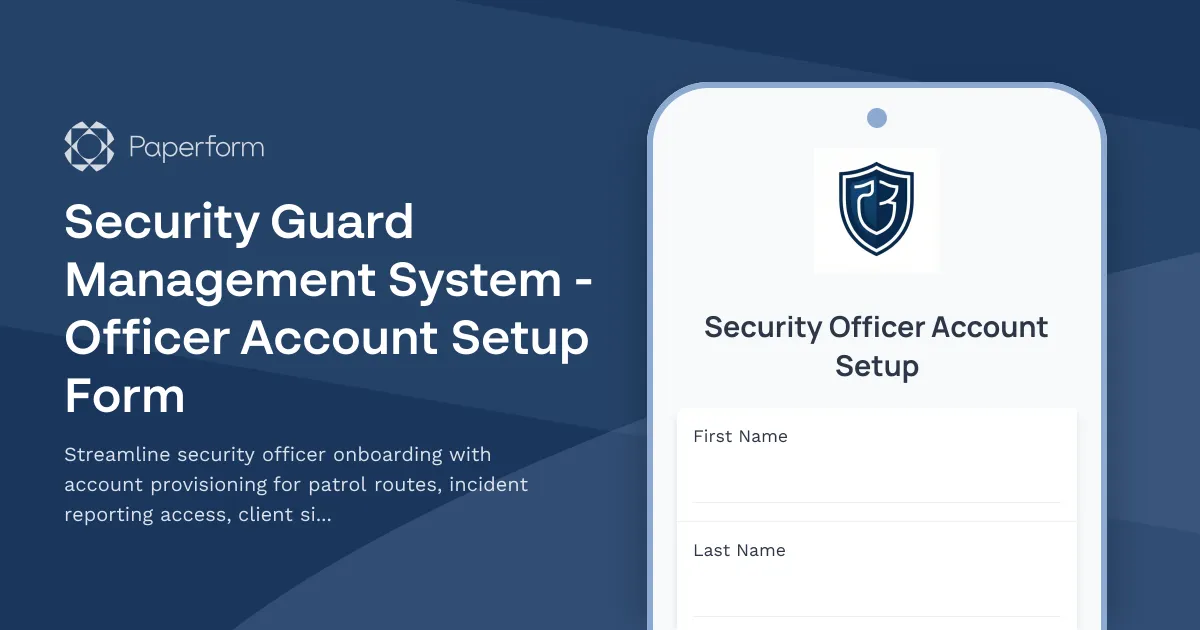
Security Guard Management System Officer Account Setup Form
Managing security personnel across multiple client sites requires careful coordination of access permissions, patrol assignments, and certification tracking. This Security Guard Management System Officer Account Setup Form is designed specifically for security companies and property management firms that need to quickly and accurately provision new security officer accounts while maintaining strict compliance and operational standards.
Streamline Security Officer Onboarding
When a new security officer joins your team, there's no time to waste. This form template captures all essential information in one organized workflow—from basic contact details and employment information to emergency contacts and certification verification. Instead of juggling spreadsheets, email chains, and manual data entry across multiple systems, you can onboard security personnel in minutes while ensuring nothing falls through the cracks.
The form guides supervisors or HR staff through the complete account setup process, collecting uniform sizes, shift preferences, equipment assignments, and client site access requirements all in one place. Every submission feeds directly into your security management platform, triggering the right permissions and assignments automatically.
Comprehensive Certification and Compliance Tracking
Security work demands rigorous certification tracking. This form includes dedicated sections for security licenses, guard cards, firearms permits, first aid certifications, and specialized training credentials. Capture license numbers, issuing authorities, and expiration dates to maintain compliance with state and local regulations.
The built-in date fields make it easy to track when certifications need renewal, while file upload capabilities let officers submit scanned copies of their credentials during the provisioning process. This creates a complete digital record that can be referenced during audits, client reviews, or incident investigations.
Intelligent Patrol Route and Client Site Assignment
One of the most powerful features of this form is the ability to assign patrol routes and client site permissions during initial account setup. Using conditional logic, the form adapts based on the officer's assigned locations, collecting site-specific information such as access codes, emergency contacts, special instructions, and site-specific training requirements.
Security supervisors can select which client sites the officer will cover, what level of access they need (read-only monitoring, full incident reporting, supervisor privileges), and which patrol routes they're authorized to perform. This granular permission control ensures officers only see the locations and data relevant to their assignments, maintaining client confidentiality and operational security.
Incident Reporting Access Configuration
Different security roles require different levels of incident reporting capability. This form lets you configure exactly what reporting permissions each officer receives—from basic incident logging to supervisor review capabilities and client communication access. You can specify whether the officer can create, edit, or only view incident reports, and whether they need access to historical incidents or just current shift data.
This permission structure prevents unauthorized access to sensitive incident data while ensuring every officer has the tools they need to do their job effectively.
Equipment and Technology Provisioning
Modern security work relies on technology. The form includes sections for provisioning mobile devices, body cameras, two-way radios, GPS trackers, and access to mobile apps or web portals. Capture device serial numbers, assign login credentials, and document equipment handoff—all tracked in your system for accountability and asset management.
Why Security Companies Choose Paperform
Paperform is the perfect platform for security management firms because it combines professional form design with powerful automation capabilities. Your officer account setup form can match your company's brand with custom logos, colors, and professional styling that reinforces your commitment to quality and attention to detail.
Behind the scenes, Paperform's conditional logic adapts the form based on officer roles, assigned locations, and equipment needs. Integration capabilities mean every submission can automatically flow into your security management software, update HR systems, or trigger onboarding workflows in Stepper (stepper.io)—your AI-native workflow builder that can route approvals, generate account credentials, schedule orientation sessions, and keep all your tools in sync without any coding.
For security firms managing multiple client contracts, Paperform's Agency+ plan lets you create branded forms for different client portals while managing everything from a central dashboard. With SOC 2 Type II compliance and enterprise-grade security features, you can trust that sensitive officer information and client data remain protected.
Perfect for Security Services Across Industries
Whether you manage security for corporate offices, residential communities, retail locations, construction sites, event venues, or healthcare facilities, this form template adapts to your specific operational needs. It's ideal for:
- Security Service Companies provisioning accounts for new hires and contract officers
- Property Management Firms onboarding security personnel for residential and commercial properties
- Corporate Security Teams setting up internal security officer accounts
- Event Security Providers rapidly provisioning temporary staff for events and festivals
- Security Operations Centers managing access for monitoring and response personnel
Automate Your Security Operations Workflow
Don't let manual account provisioning slow down your security operations. This form connects seamlessly with your existing tech stack through Paperform's native integrations or Stepper workflows. Automatically create user accounts in your security management platform, send welcome emails with login credentials, schedule orientation sessions, assign training modules, and notify site supervisors when new officers are cleared for duty.
The combination of Paperform's smart forms with Stepper's workflow automation means you can build a complete officer onboarding pipeline that runs itself—freeing your management team to focus on delivering excellent security services rather than paperwork.
Get Started in Minutes
This template is ready to use right out of the box, but fully customizable to match your specific security management system, client requirements, and operational procedures. Add your company branding, adjust permission levels, modify patrol route options, and customize notification emails to create the perfect account provisioning workflow for your security operation.
Join the 500,000+ teams worldwide who trust Paperform to handle their critical business processes with professional forms, secure data handling, and powerful automation—all without writing a single line of code.



More templates like this
Collaboration Tool Guest Access Request Form
Streamline external partner access to your collaboration tools with automated permissions, project assignments, and built-in confidentiality agreements.
Contractor & Vendor Access Request Form
Streamline temporary access provisioning for contractors and vendors with sponsor approval, NDA verification, and automated badge printing integration.

Corporate VPN Access Request Form
Streamline remote access requests with this corporate VPN access form. Collect employee details, device information, security clearance levels, and route for manager approval—all in one secure workflow.
CRM System User Access Request Form
Request user access to your CRM system with role-based permissions, data visibility controls, and sales territory assignments for efficient team management.
Cybersecurity SOC Analyst Account Provisioning Form
Streamline the onboarding of new SOC analysts with comprehensive account provisioning for SIEM dashboards, incident response systems, threat intelligence platforms, and vulnerability scanning tools.

Employee Offboarding IT Access Revocation Checklist
Comprehensive IT offboarding checklist to systematically revoke employee system access, track equipment returns, and ensure secure account closure across all platforms.
Remote Penetration Tester Onboarding Form
Comprehensive onboarding form for remote penetration testers including environment access, tool provisioning, certification verification, and rules of engagement acknowledgment.
South Korea Access Control Request Form
Professional access control request form for South Korean organizations. Manage authorization levels, track approval workflows, and maintain comprehensive audit trails for regulatory compliance.
VPN Access Request Form
A comprehensive VPN access request form for IT teams managing remote access, security protocols, and access control systems with built-in incident reporting capabilities.
Active Directory Access Modification Request Form
Request changes to Active Directory access, group memberships, and permission levels with built-in approval workflows and audit trail logging.
Consulting Firm Client Site VPN Access Request
A comprehensive VPN access request form for consulting firms requiring client site access, including engagement verification, client approval workflow, and conflict of interest disclosure.
Incident Response Team On-Call Rotation Management Form
Streamline your incident response team's on-call rotations with skill coverage tracking, escalation contact verification, and burnout prevention monitoring to ensure your security operations run smoothly.