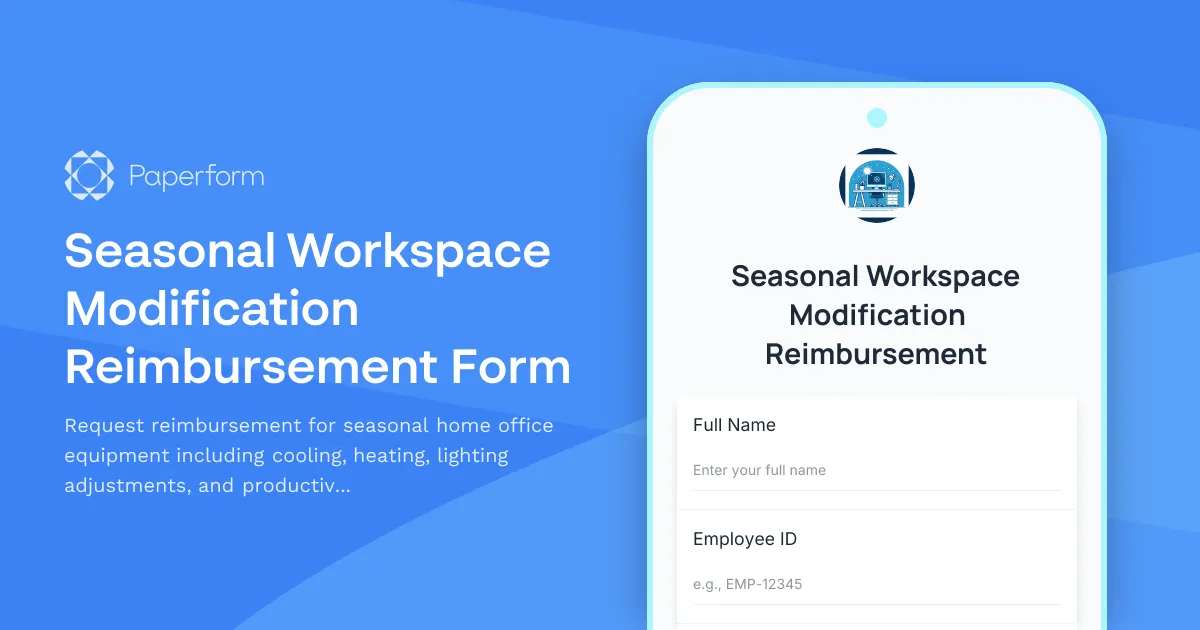
Working remotely means your home office needs to adapt to changing seasons and weather conditions throughout the year. From sweltering summer heat to frigid winter mornings, maintaining a comfortable and productive workspace requires seasonal adjustments—and the right equipment can make all the difference.
This Seasonal Workspace Modification Reimbursement Form template helps remote employees request reimbursement for seasonal comfort equipment and productivity enhancements, while giving HR and operations teams a clear, structured way to review and approve these requests.
Why seasonal workspace modifications matter for remote teams
Remote work has transformed where we work, but it's also highlighted how much our environment affects our productivity. Temperature extremes, inadequate lighting during shorter winter days, and poor air quality can all impact focus, energy levels, and overall job satisfaction.
Forward-thinking employers recognize that supporting seasonal workspace needs isn't just a perk—it's an investment in employee wellbeing and sustained productivity. Whether it's a portable air conditioner for a home office that gets afternoon sun, a space heater for an uninsulated spare room, or a SAD lamp for winter months, these modifications help remote workers stay comfortable and focused year-round.
Common seasonal workspace needs this form addresses
Summer cooling solutions: Desk fans, tower fans, portable air conditioners, cooling pads, window treatments and blackout solutions to manage heat and sun exposure.
Winter heating equipment: Space heaters, heated foot warmers, thermal desk mats, draft stoppers, and insulation improvements for drafty workspaces.
Seasonal lighting adjustments: SAD/light therapy lamps for winter months, adjustable task lighting, anti-glare solutions for summer brightness, and smart bulbs for optimal color temperature throughout the day.
Weather-related comfort items: Dehumidifiers for humid climates, humidifiers for dry winter air, air purifiers for seasonal allergies, and noise machines to mask weather-related distractions.
Year-round productivity optimization: Ergonomic improvements that become more important with seasonal posture changes, monitor arms for better seasonal light positioning, and cable management solutions for seasonal equipment rotation.
How Paperform makes seasonal reimbursement requests seamless
This template leverages Paperform's powerful features to streamline the entire reimbursement process:
Conditional logic shows relevant fields based on the season and equipment type selected, keeping the form clean and focused on what matters for each request.
File upload fields let employees attach photos, receipts, and product links, giving reviewers everything they need to make quick decisions.
Calculation fields can automatically flag requests over certain thresholds or calculate remaining annual allowances if you have budget caps per employee.
Custom approval workflows through Stepper (stepper.io) can route requests to the right manager based on department, cost, or equipment type—then automatically update your expense tracking system, notify payroll, and confirm approval with the employee, all without manual handoffs.
Payment integration means you can even set up direct reimbursement through the form if you process reimbursements via Stripe or PayPal, cutting days off the approval-to-payment cycle.
Who benefits from this template
HR and People Operations teams managing remote work policies and employee wellbeing programs will appreciate having a centralized, auditable system for tracking seasonal equipment requests and budget allocation.
Finance and Accounting departments get clear documentation with receipts and justifications attached, making expense reconciliation and compliance straightforward.
Remote employees across all roles—from customer service representatives working in converted bedrooms to executives in dedicated home offices—gain an easy, transparent way to request the equipment they need to stay comfortable and productive.
Operations and Facilities managers can identify patterns in seasonal needs, helping them proactively stock recommended equipment or negotiate bulk pricing for commonly requested items.
Customizing the template for your remote work policy
Every organization has different approaches to home office reimbursement. This template is designed to be flexible:
- Adjust budget caps and approval thresholds to match your policy
- Add or remove equipment categories based on what your company covers
- Include fields for recurring seasonal needs versus one-time purchases
- Set up multi-stage approval workflows in Stepper for high-value items
- Integrate with your HRIS, expense management system, or procurement platform
Extending the workflow with Stepper automation
Once a request is submitted, Stepper can automate your entire approval and reimbursement workflow:
- Route requests to direct managers for initial approval
- Flag high-cost items for additional finance review
- Send approved requests to accounting with all documentation attached
- Update employee records with equipment inventory
- Schedule follow-up surveys to track satisfaction with approved equipment
- Generate quarterly reports on seasonal spending trends and ROI
This means your team spends less time chasing down approvals and more time supporting your distributed workforce.
Supporting remote employee wellbeing year-round
Seasonal workspace modifications aren't just about comfort—they're about recognizing that remote employees face unique environmental challenges that office-based workers don't encounter. By making it easy to request and receive appropriate equipment, you're signaling that your organization takes remote work seriously and values employee wellbeing.
With Paperform's intuitive form builder, you can have this template customized and deployed in minutes, not days. The doc-style editor makes it simple to adjust questions, add your company branding, and embed the form directly into your intranet or HR portal. And because Paperform is SOC 2 Type II compliant, you can trust that sensitive employee and financial information is handled securely.
Whether you're managing a fully remote team, a hybrid workforce, or just a handful of distributed employees, this template helps you support seasonal comfort needs with professionalism and efficiency—turning what could be an administrative headache into a smooth, employee-friendly experience that demonstrates your commitment to remote work done right.



More templates like this
Home Office Ergonomic Assessment & Consultation Request
Schedule a professional virtual assessment of your home workspace with our ergonomic specialists to optimize comfort, productivity, and receive personalized equipment recommendations.

Hybrid Work Equipment Insurance & Damage Assistance Form
Submit claims for accidental damage, theft, or loss of home office equipment with deductible assistance, repair cost sharing, and replacement support for hybrid workers.

Remote Work Monitor & Display Upgrade Request
Request approval for new monitors and display equipment for your home office setup. Submit screen specifications, multiple monitor needs, and mounting requirements for budget approval.
Ergonomic Accessories & Footrest Reimbursement Request
Submit a request for ergonomic home office accessories including footrests, posture support items, and circulation-improvement equipment to create a healthier remote workspace.
Height-Adjustable Desk Converter Reimbursement Request
Request reimbursement for a height-adjustable desk converter to support ergonomic sit-stand working from home.

Home Office Accessibility & Specialized Seating Request Form
Request specialized ergonomic seating, mobility equipment, and accessibility accommodations for your home office workspace with ADA compliance documentation and approval workflow.

Home Office Electrical Capacity & Equipment Reimbursement Form
Assess your home office electrical needs, calculate circuit load requirements, and request reimbursement for power strips, outlets, and electrician consultations to ensure safe and compliant remote work setups.
Home Office Emergency Kit & Supplies Request Form
Request essential emergency supplies and safety equipment for your home office, including first aid kits, backup power solutions, emergency contact devices, and disaster preparedness items to ensure business continuity during unforeseen events.
Home Office Window Treatment & Glare Reduction Request Form
Request window treatments for your home office to reduce screen glare, improve privacy, and enhance workspace comfort while working remotely.

Hybrid Work Equipment Check-Out Form
A comprehensive form for hybrid and remote employees to request, check out, and track company equipment including laptops, monitors, peripherals, and accessories with return scheduling and liability acknowledgment.
Hybrid Work Ergonomic Assessment Form
A comprehensive ergonomic assessment form for hybrid and remote workers to evaluate home office setup, request equipment, and ensure a safe, comfortable workspace that meets workplace health standards.
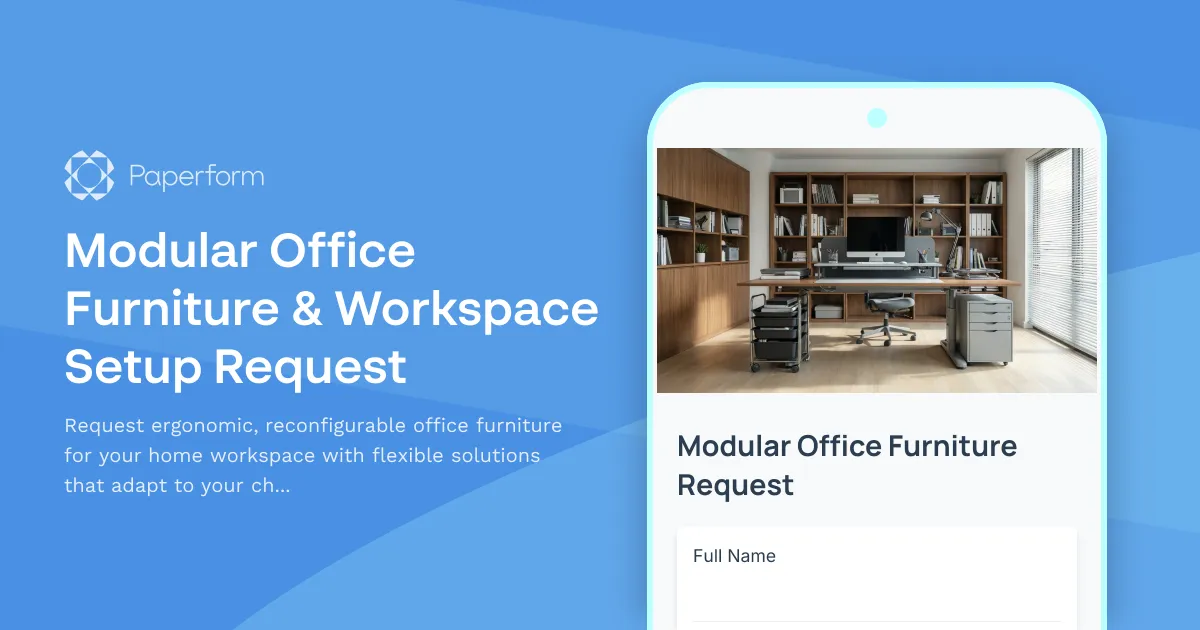
Modular Office Furniture & Workspace Setup Request
Request ergonomic, reconfigurable office furniture for your home workspace with flexible solutions that adapt to your changing needs and multi-use space requirements.