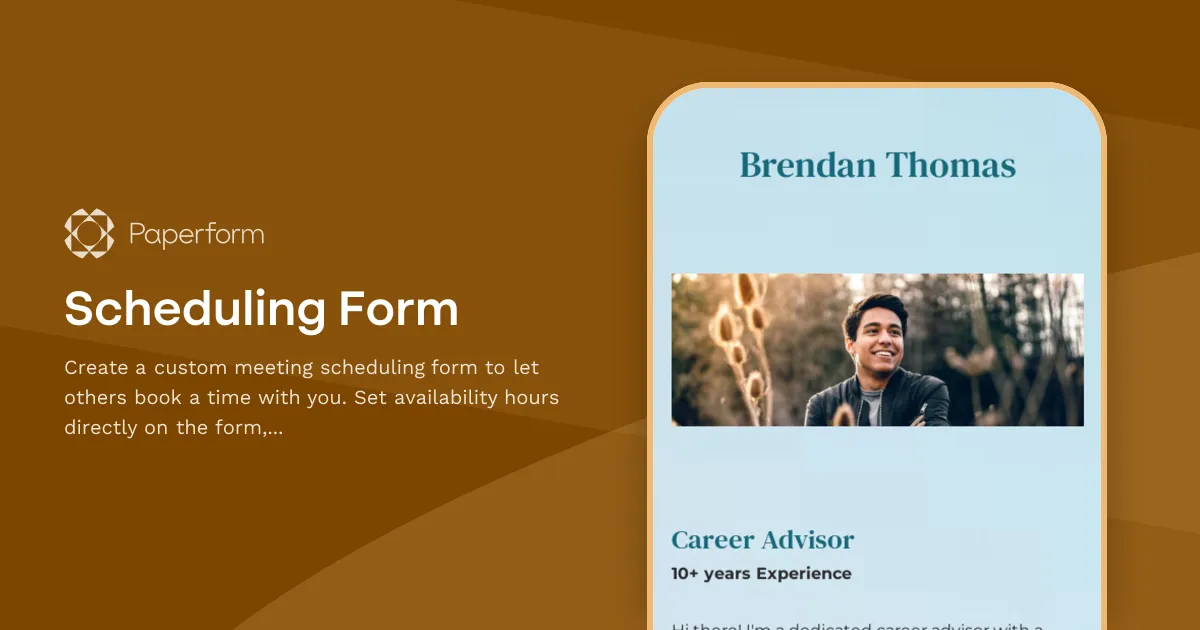
Scheduling Form Template
Create a custom online appointment scheduling form to let your clients, employees, or colleagues book a meeting time in your calendar in a matter of minutes.
With this easy-to-use Scheduling Form Template, you can set your own availability hours directly on the form, and connect the template with your Google Calendar to prevent double bookings. Then, simply share the link with your clients or copy-paste the embed code of the form onto your website so others can book a time slot in your calendar without leaving your site.
This template includes built-in email automation that sends custom email responses to anyone who submits this form. By default, this confirms the meeting time and attendees and provides a meeting link (or address) for the booking.
The versatile appointment form template is fully customizable so you can use it for anything from managing massage studio bookings to managing candidate interview bookings for your hiring process.
[FAQ]
How can I let my clients schedule a time in my calendar with this form?
Simply follow the steps below to integrate the online Scheduling Form with your calendar and embed the form into your website:
- First, click on "Use this template" to copy the template to your Paperform Dashboard.
- Then, connect the form to your Google Calendar. Scroll down to the Calendar Appointment question on the template and click on "Configure". From there, you can connect the form to your Google Calendar and set your availability.
- Once the integration is established, you'll have options to customize how the calendar events are created. You can map the form field for date and time to the corresponding fields in Google Calendar, specify event duration, add event reminders, and set the event title or description.
- After testing, publish the form by clicking on the "Share" button. To embed the form onto your website, copy the Embed Code from under "Embed" and paste it onto your website on the page where you want it to appear.
- Your clients will now be able to select a suitable date and time using the form straight from your website, and the chosen appointment details will be automatically added to your Google Calendar.
How can I send automatic appointment confirmation emails with this Scheduling Form?
This template has an automatic email notification feature that lets you send appointment confirmation emails. To add the automatic emails, simply head over to "After Submission > Emails" settings and click on "Add email".
Then, set the recipient email address to the client's email field in the form, or use a dedicated email field for clients to enter their email addresses. Craft the email subject and body to provide a confirmation message, including the appointment details such as date, time, location, and any other relevant information.
Can I integrate the scheduling form template with other tools?
Yes, you can connect this form with over 3,000 third-party tools via Zapier or Make to enhance its functionality and automate your meeting scheduling processes. For example:
- Integrate your scheduling form with Google Calendar, Outlook Calendar, or Apple Calendar
- Connect the form with email marketing platforms such as Mailchimp, ConvertKit, or Constant Contact, so you can automatically add form respondents to specific email lists or trigger email sequences based on their form submissions.
- If you use a CRM system like Salesforce, HubSpot, or Zoho CRM, you can connect the scheduling form to automatically create new leads or contacts within your CRM when someone submits the form.
- If you want to collect payments for appointments or services, you can integrate it with payment gateways like PayPal, Stripe, or Square to securely process payments directly within the form.
These are just a few examples of the integration possibilities. See all the integrations available with Paperform.
Key Features
This template is designed to help you collect information efficiently and professionally. It includes carefully crafted questions and fields that gather all the essential details you need.
Why Use This Template
- Save time: Start with a pre-built structure instead of creating from scratch
- Professional design: Looks polished and trustworthy to respondents
- Easy customization: Modify fields, colors, and branding to match your needs
- Mobile-friendly: Works seamlessly on all devices
How to Use This Template
- Click "Use this template" to import it into your Paperform account
- Customize the questions and fields to match your specific requirements
- Adjust the design and branding to reflect your organization
- Share the form link or embed it on your website
- Start collecting responses and managing submissions
Customization Options
Paperform's visual editor makes it easy to:
- Add or remove questions
- Change colors, fonts, and images
- Set up conditional logic to show/hide fields
- Configure email notifications and integrations
- Accept payments if needed
Get started today and create a professional form in minutes.



More templates like this
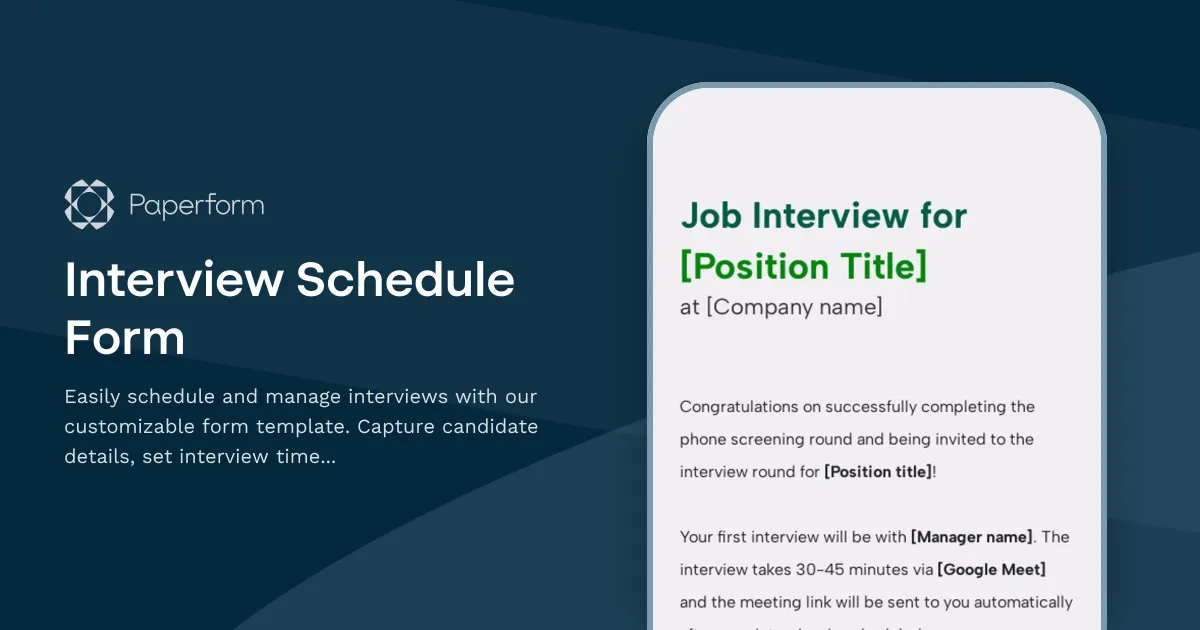
Interview Schedule Form
Easily schedule and manage interviews with our customizable form template. Capture candidate details, set interview times, and add notes for a seamless process. Ideal for HR and recruiters.
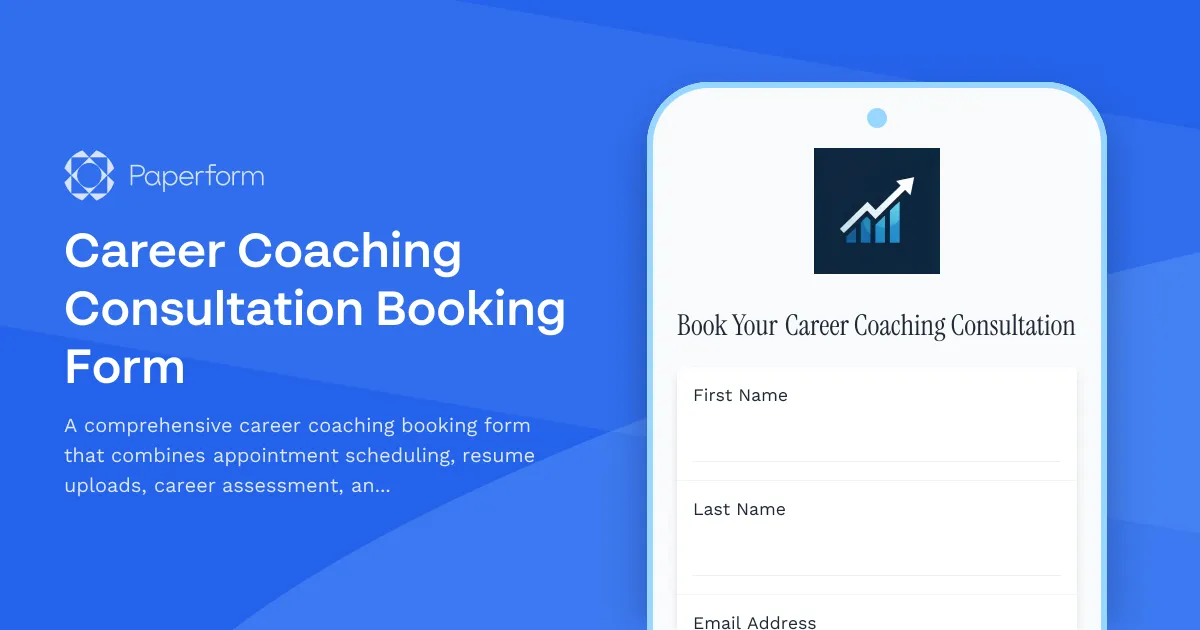
Career Coaching Consultation Booking Form
A comprehensive career coaching booking form that combines appointment scheduling, resume uploads, career assessment, and goal-setting questions to help coaches prepare for meaningful consultations.

Scuba Diving Course Registration Form
Use this online form to collect bookings for your scuba diving course.
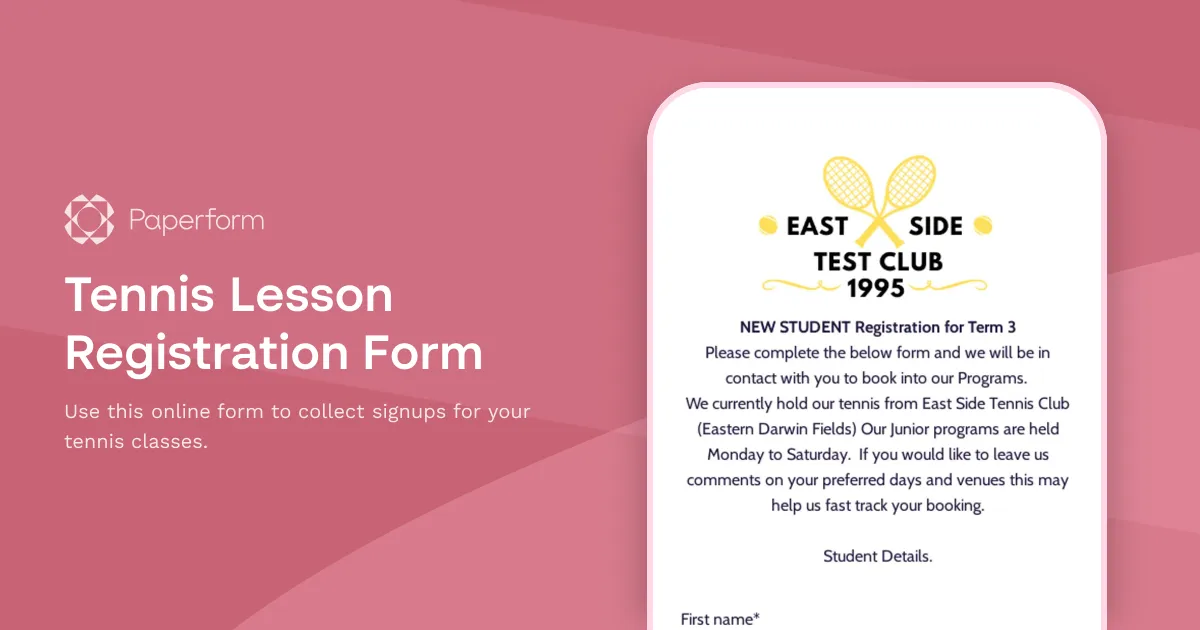
Tennis Lesson Registration Form
Use this online form to collect signups for your tennis classes.
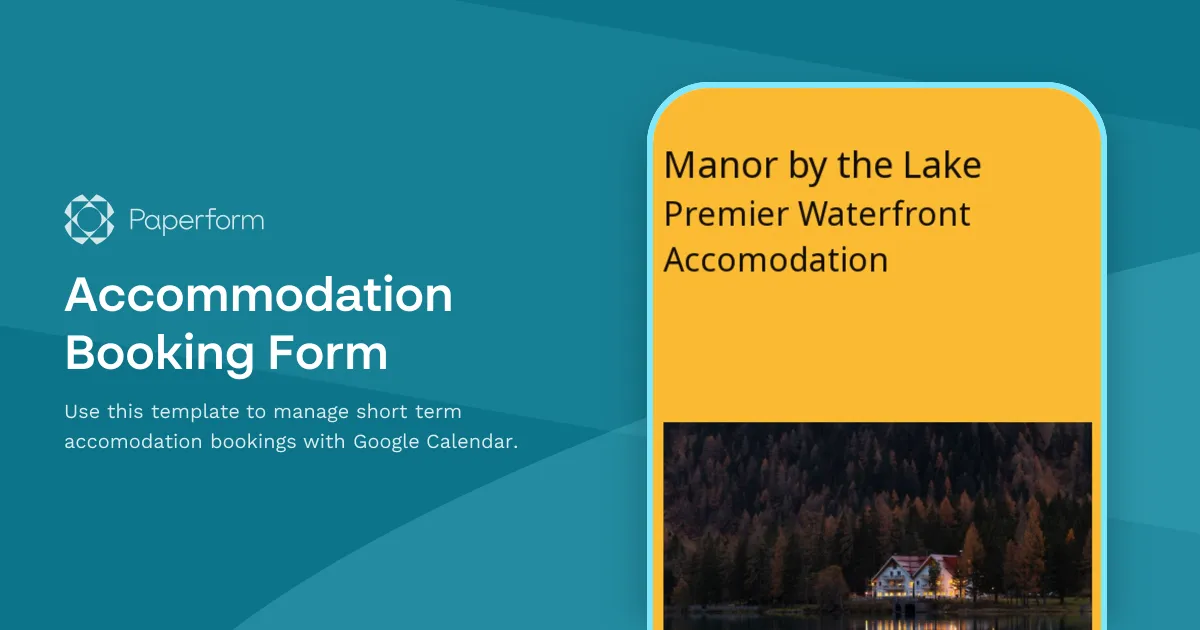
Accommodation Booking Form
Use this template to manage short term accomodation bookings with Google Calendar.
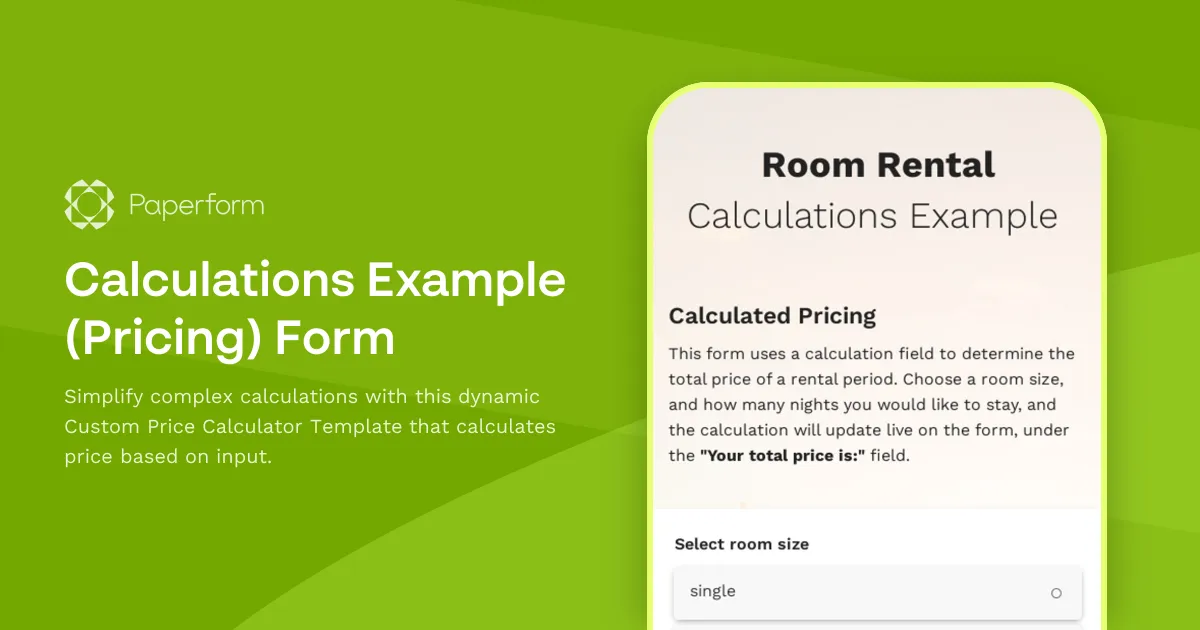
Calculations Example (Pricing) Form
Simplify complex calculations with this dynamic Custom Price Calculator Template that calculates price based on input.
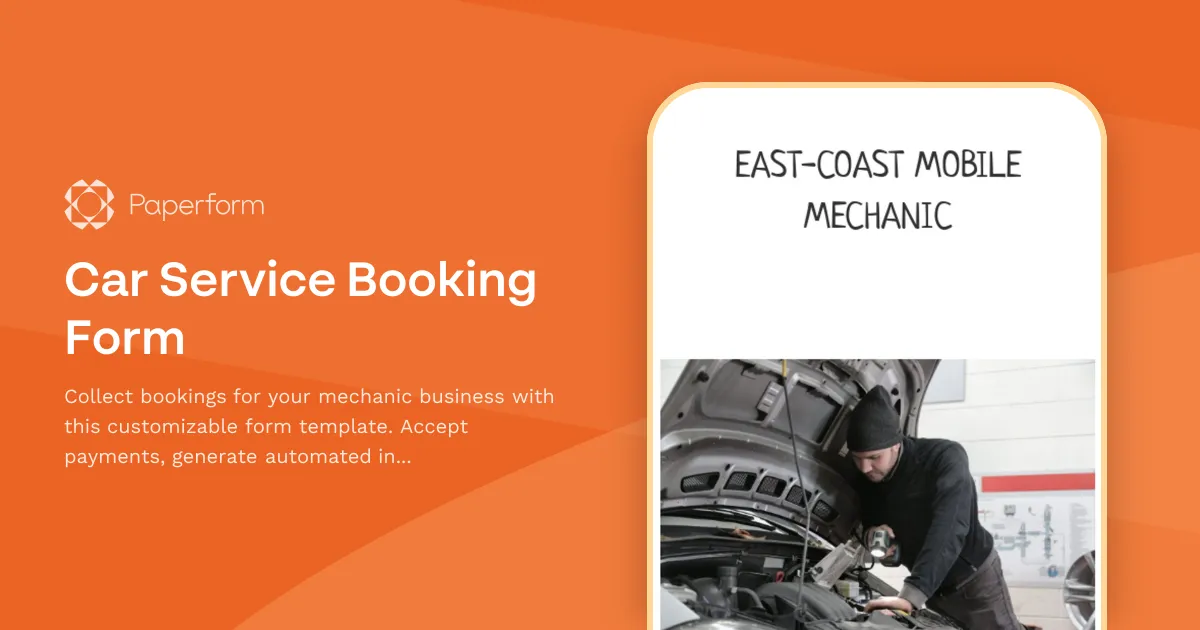
Car Service Booking Form
Collect bookings for your mechanic business with this customizable form template. Accept payments, generate automated invoices & more.
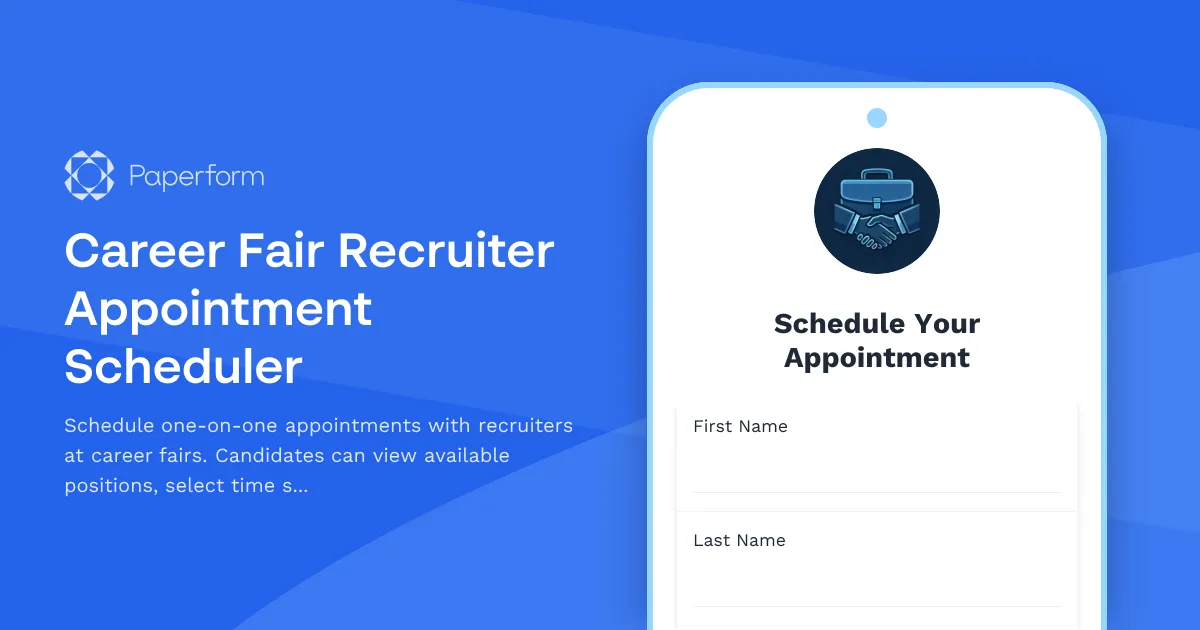
Career Fair Recruiter Appointment Scheduler
Schedule one-on-one appointments with recruiters at career fairs. Candidates can view available positions, select time slots, and provide their information for a more productive meeting.
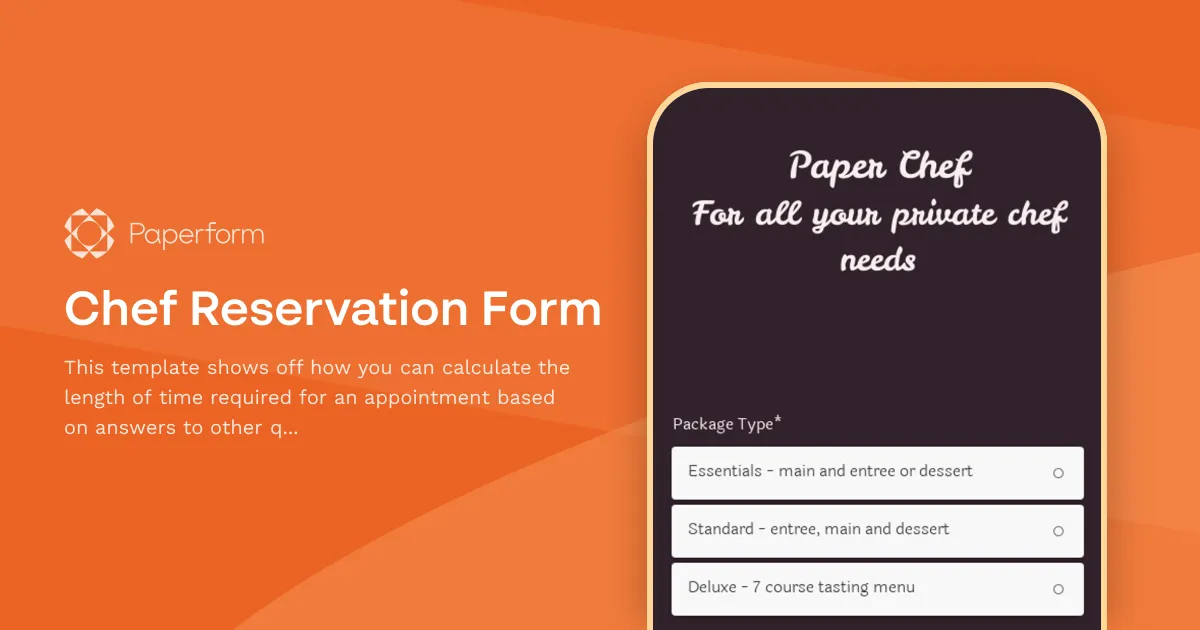
Chef Reservation Form
This template shows off how you can calculate the length of time required for an appointment based on answers to other questions.
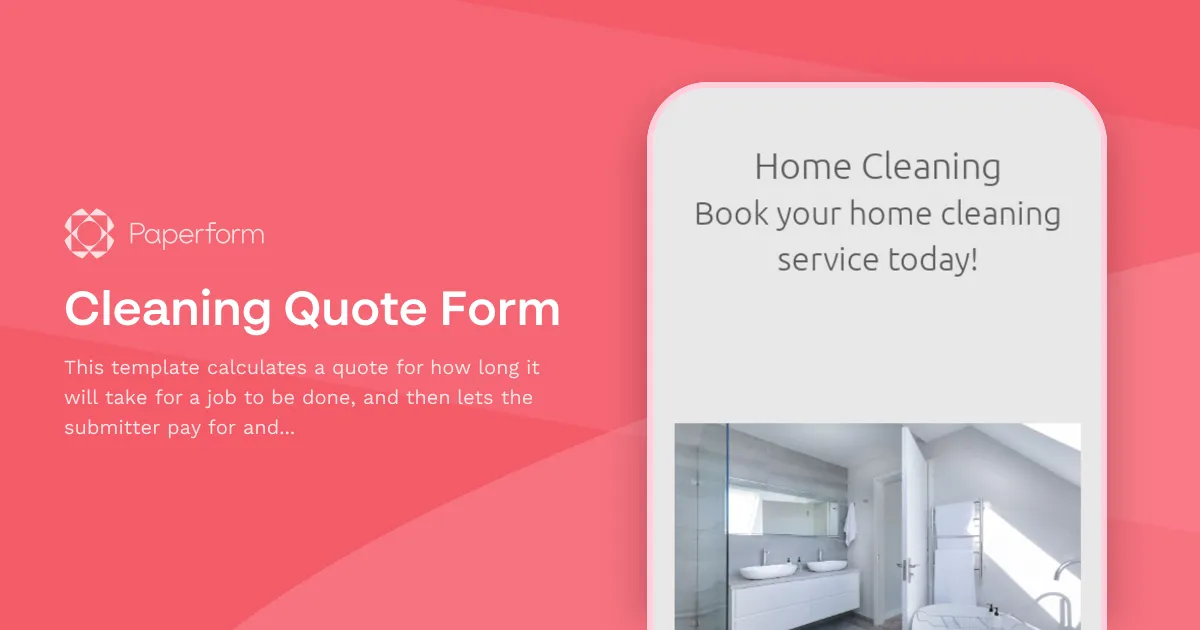
Cleaning Quote Form
This template calculates a quote for how long it will take for a job to be done, and then lets the submitter pay for and schedule the quoted time in the same submission.
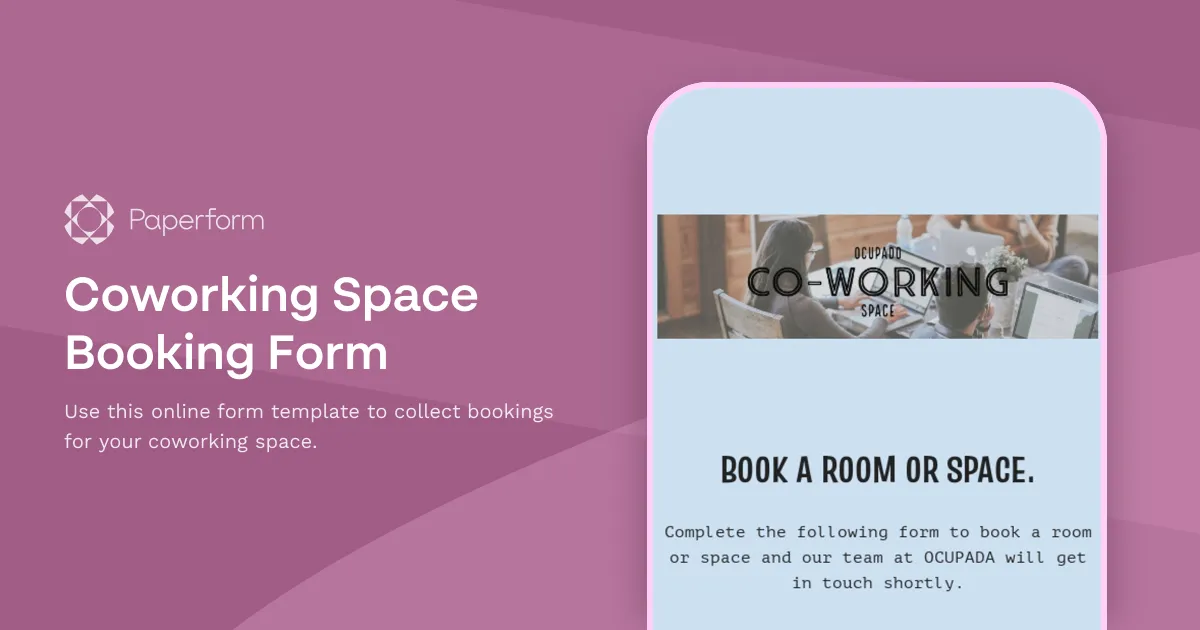
Coworking Space Booking Form
Use this online form template to collect bookings for your coworking space.
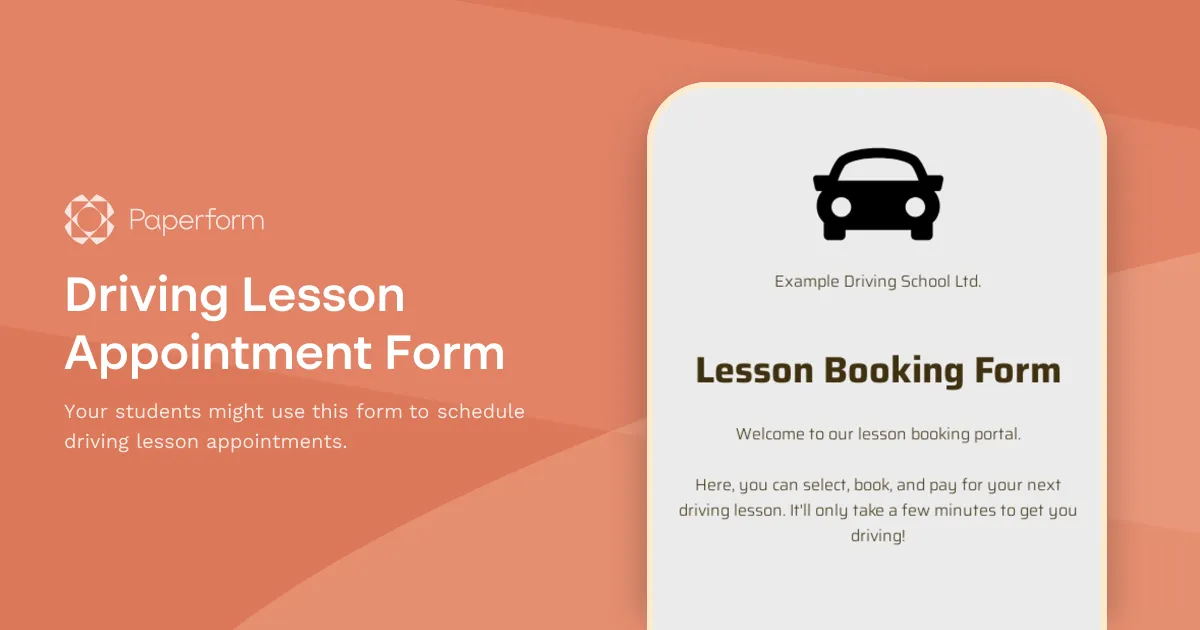
Driving Lesson Appointment Form
Your students might use this form to schedule driving lesson appointments.