
Streamline Your Remote Work Monitor Requests with Paperform
Working from home shouldn't mean compromising on productivity. Whether you're a designer who needs color-accurate displays, a developer juggling multiple code windows, or a financial analyst comparing spreadsheets side-by-side, the right monitor setup can transform your remote work experience.
This Remote Work Monitor & Display Upgrade Request template helps HR teams, IT departments, and operations managers process equipment requests efficiently while giving remote employees a clear, professional way to justify their display needs.
Why Your Business Needs a Structured Monitor Request Process
As hybrid and remote work become permanent fixtures, companies are facing a surge in home office equipment requests. Without a standardized process, you risk:
- Inconsistent approvals that create equity issues across teams
- Budget overruns from ad-hoc purchasing decisions
- Incompatible equipment that doesn't work with existing IT infrastructure
- Delayed productivity while requests bounce between email threads
This template creates a single source of truth for all monitor and display requests, ensuring every team member provides the information needed for quick, fair decisions.
What Makes This Template Essential for Remote Teams
Detailed Technical Specifications: Employees can specify screen size, resolution preferences (1080p, 1440p, 4K), panel type (IPS, VA, TN), and refresh rate requirements. This prevents back-and-forth clarification emails and ensures IT can source the right equipment the first time.
Multiple Monitor Configuration Planning: The form captures whether employees need single, dual, triple, or custom monitor setups, along with their current configuration. This context helps managers understand the productivity gains and justify the investment.
VESA Mount and Ergonomic Compatibility: Including fields for mounting preferences (desk mount, wall mount, monitor arm) and VESA compatibility ensures the complete ergonomic setup is considered, not just the screens themselves.
Business Justification and ROI: Built-in fields for work-related reasons, productivity impact, and current equipment limitations help employees articulate why the upgrade matters—making it easier for managers to approve legitimate requests.
Budget-Aware Workflow: The form includes budget range selection and allows for flexible approval routing, so requests can be escalated appropriately based on cost.
Perfect for These Industries and Roles
This template is particularly valuable for:
- Technology companies and SaaS businesses with distributed engineering and product teams
- Creative agencies where designers, video editors, and content creators need professional-grade displays
- Financial services firms with remote analysts and traders who rely on multi-monitor setups
- Consulting firms transitioning to permanent hybrid models
- Marketing agencies supporting remote creative and social media teams
- Software development teams working across multiple codebases and environments
Whether you're an IT manager standardizing remote equipment policies, an HR specialist managing work-from-home budgets, an operations manager streamlining approval workflows, or a facilities manager coordinating home office setups, this template adapts to your needs.
Automate Your Approval Workflow with Stepper
Once a monitor request is submitted, your work is just beginning. That's where Stepper comes in. With Stepper's workflow automation, you can:
- Route requests automatically based on budget thresholds—send sub-$500 requests to team leads, while higher amounts go to finance
- Create approval chains where managers review justifications, IT validates technical specs, and procurement sources equipment
- Update inventory systems like Airtable or Google Sheets with approved equipment
- Trigger purchase orders in your procurement software or notify vendors directly
- Send status updates to employees via Slack or email as their request moves through approval stages
- Log all equipment in asset management systems for compliance and auditing
Stepper transforms this form from a simple data collector into the trigger point for your entire equipment request workflow—no developers needed.
Built-In Reporting and Insights
Paperform's AI Insights feature helps you understand trends across all monitor requests:
- Which teams are requesting the most upgrades?
- What screen sizes and resolutions are most popular?
- How many employees need multiple monitor setups?
- What are the most common justifications for upgrades?
These insights help you forecast equipment budgets, identify teams with the greatest needs, and make data-driven decisions about remote work policies.
Customizable, On-Brand, and Ready to Use
This template works beautifully out of the box, but you can customize everything:
- Add your company branding, colors, and logo
- Include conditional logic to show different questions based on department or role
- Integrate with your HRIS, asset management, or procurement tools
- Set up custom email notifications for different approval stages
- Embed directly into your company intranet or employee portal
With Paperform's document-style editor, you can make these changes in minutes—no coding required.
Security and Compliance Your IT Team Will Appreciate
Employee equipment requests contain sensitive information about work setups and budget allocations. Paperform is SOC 2 Type II certified and GDPR compliant, ensuring your data is protected. With SSO support, role-based permissions, and data residency controls, your IT and security teams can deploy this form with confidence.
Get Started in Minutes
Remote and hybrid work is here to stay. Give your team a professional, efficient way to request the equipment they need to do their best work—and give your operations team the structure they need to manage requests at scale.
This template is trusted by forward-thinking companies that understand that investing in home office equipment isn't an expense—it's an investment in productivity, employee satisfaction, and retention.



More templates like this

Work From Home Technology Upgrade Program Application
Apply for technology upgrades and equipment refreshes for your home office setup. Request emerging tech, scalability improvements, and innovation budget for long-term remote work success.

Home Office Battery Backup & UPS Request Form
Request battery backup and UPS equipment for your home office to ensure business continuity during power outages. Assess your power needs, prioritize critical devices, and plan for uninterrupted remote work.

Hybrid Work Equipment Check-Out Form
A comprehensive form for hybrid and remote employees to request, check out, and track company equipment including laptops, monitors, peripherals, and accessories with return scheduling and liability acknowledgment.

Hybrid Work Equipment Insurance & Damage Assistance Form
Submit claims for accidental damage, theft, or loss of home office equipment with deductible assistance, repair cost sharing, and replacement support for hybrid workers.

Remote Work Desk Accessories & Organizers Allowance Form
Submit requests for remote work desk accessories, organizers, and workspace optimization items with budget tracking and approval workflow.
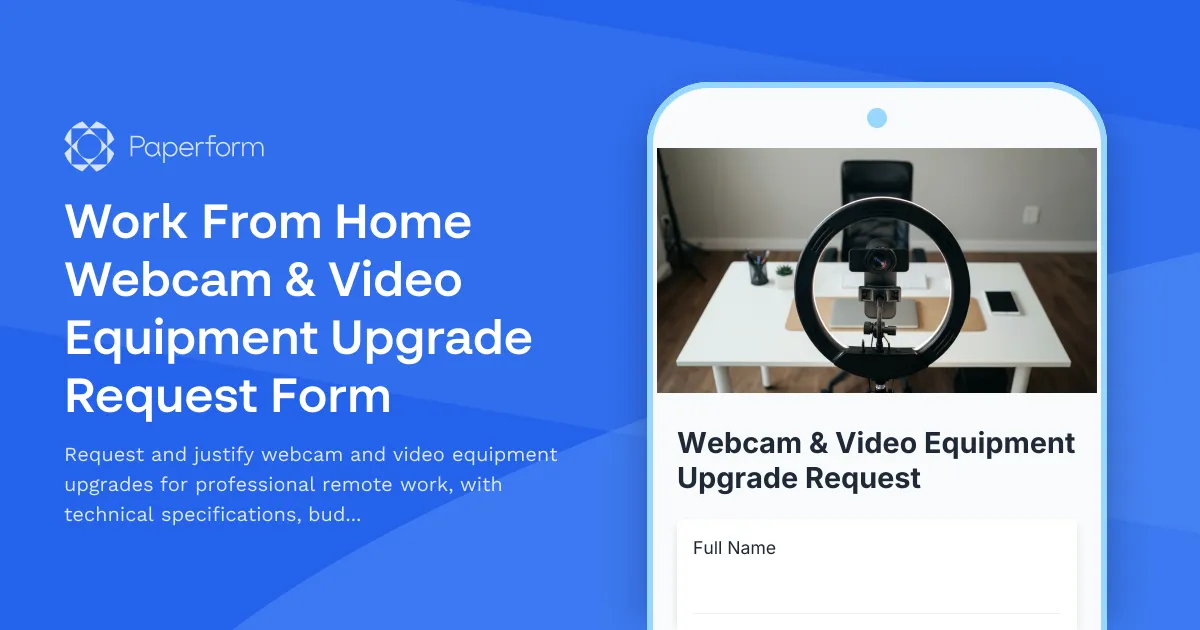
Work From Home Webcam & Video Equipment Upgrade Request Form
Request and justify webcam and video equipment upgrades for professional remote work, with technical specifications, budget assessment, and home office needs evaluation.

Home Office Accessibility & Specialized Seating Request Form
Request specialized ergonomic seating, mobility equipment, and accessibility accommodations for your home office workspace with ADA compliance documentation and approval workflow.
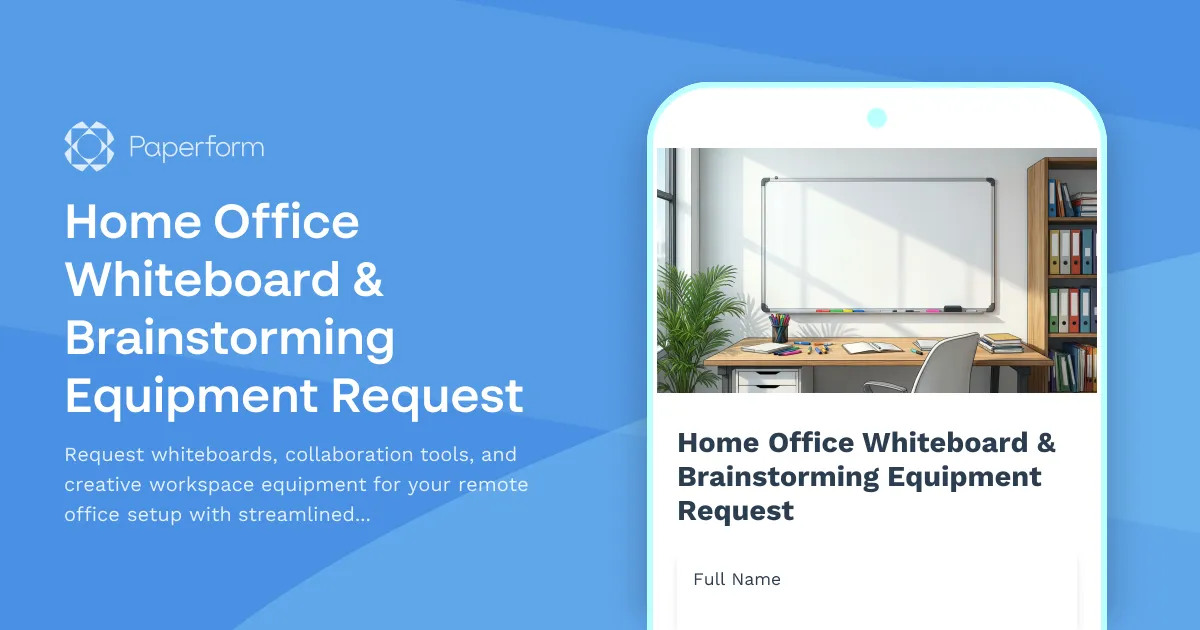
Home Office Whiteboard & Brainstorming Equipment Request
Request whiteboards, collaboration tools, and creative workspace equipment for your remote office setup with streamlined approval and reimbursement tracking.
Remote Technology Emergency Replacement Request
Streamline emergency tech replacement for remote employees with expedited shipping, loaner equipment, and same-day IT support to ensure business continuity.
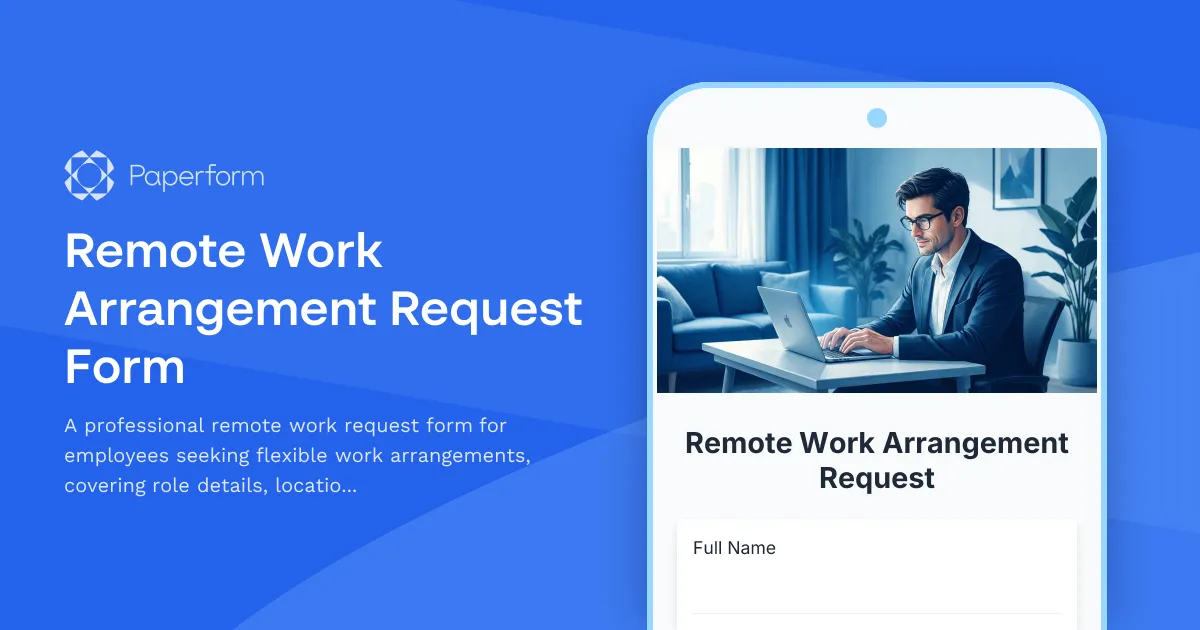
Remote Work Arrangement Request Form
A professional remote work request form for employees seeking flexible work arrangements, covering role details, location preferences, equipment needs, and connectivity requirements.
Remote Work Focus & Concentration Equipment Request
Request specialized equipment to enhance focus and minimize distractions in your home office environment.
Remote Work Policy Exception Request Form
Request exceptions to standard remote work policies with built-in security assessment, equipment provisioning, manager approval, and IT coordination workflows.