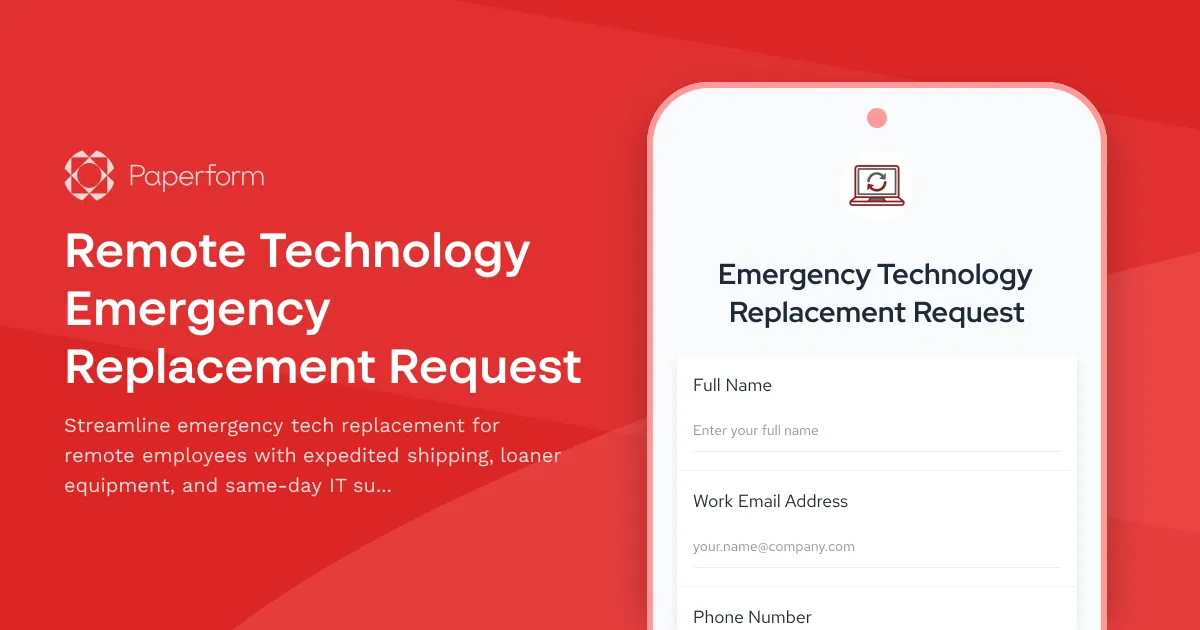
Keep Your Remote Team Running: Emergency Technology Replacement Made Simple
When a remote employee's laptop crashes, monitor fails, or keyboard stops responding, every minute of downtime costs your business productivity and revenue. Traditional IT procurement processes weren't built for the urgency of remote work emergencies—but this Remote Technology Emergency Replacement Request form was.
Built for Modern Remote & Hybrid Workforces
Whether you're managing a fully distributed team or supporting hybrid employees working from home, equipment failures happen. And when they do, your team needs a rapid response system that matches the pace of modern business. This Paperform template transforms what used to be a multi-day email chain into a single, streamlined submission that triggers your entire emergency response protocol.
The form captures everything your IT team needs to assess, approve, and dispatch replacement equipment in hours instead of days: device details, failure symptoms, business impact, shipping addresses, and backup equipment status. Conditional logic ensures employees only see relevant questions based on their specific situation, while urgent cases are automatically flagged for immediate attention.
Perfect for IT Managers, Operations Teams & Remote-First Companies
This template is ideal for:
- IT managers supporting distributed teams who need to triage emergency requests and coordinate rapid replacements
- Operations directors responsible for business continuity and minimizing remote work disruptions
- HR teams managing employee equipment programs and ensuring remote workers have functional tools
- Technology companies, agencies, consulting firms, and professional services teams where equipment downtime directly impacts billable hours and client deliverables
- Customer support, sales, and client-facing teams where communication tools are mission-critical
How Paperform Accelerates Emergency Equipment Response
With Paperform's no-code platform, this emergency replacement form becomes the hub of your rapid response program:
Instant prioritization: Conditional logic surfaces critical failures first, automatically routing urgent requests to different notification channels or approval workflows based on severity and business impact.
Complete context capture: Custom fields collect device serial numbers, error messages, troubleshooting attempts, and photos of failure symptoms—giving your IT team everything they need to diagnose issues without back-and-forth emails.
Embedded workflows with Stepper: Connect this form to Stepper to automatically create IT tickets, check inventory for replacement devices, initiate shipping workflows, schedule same-day support calls, and update asset management systems—all triggered the moment someone clicks submit.
Real-time notifications: Send instant Slack alerts to on-call IT staff, email confirmations with expected resolution timelines to employees, and status updates to managers when critical equipment fails.
Seamless integrations: Push emergency requests directly into your existing systems—whether that's ServiceNow, Jira Service Management, Freshservice, Google Sheets inventory trackers, or your custom IT asset management database.
A Professional Experience That Matches the Urgency
Unlike generic IT request forms, this template is designed specifically for emergency situations. The clean, focused design helps stressed employees submit accurate information quickly, while the mobile-responsive layout ensures they can request help even if their primary device is down.
The form's professional appearance reassures remote workers that their emergency is being taken seriously, with clear explanations of response timelines and next steps. Custom success pages can provide immediate troubleshooting resources, loaner equipment pickup instructions, or emergency IT support contact information while the replacement process begins.
Business Continuity Built Into Every Submission
For remote teams, technology failures aren't just inconveniences—they're business continuity risks. This form helps you track patterns (are certain devices failing frequently?), measure response times (how fast does your team actually respond to emergencies?), and demonstrate your commitment to keeping distributed employees productive.
With Paperform's calculation fields, you can even capture estimated business impact in real time—helping leadership understand the true cost of equipment failures and justify investments in better devices, backup equipment programs, or enhanced IT support.
Secure, Compliant, and Ready to Scale
Built on Paperform's SOC 2 Type II compliant platform, this form keeps sensitive employee data and equipment details secure. Set up role-based access so only IT staff see full request details, use SSO for seamless corporate authentication, and export data to your compliance tracking systems with confidence.
As your remote team grows, the form scales with you—handling everything from small startup teams to enterprise distributed workforces with thousands of remote employees across multiple time zones.
Get Started in Minutes, Not Days
No coding required, no IT project needed. Customize this template to match your company's equipment policies, add your branding, connect it to your existing tools with Stepper, and publish it to your employee portal or intranet. Your rapid response program can be live today.
Remote work demands remote-ready infrastructure. Start protecting your team's productivity with a proper emergency technology replacement process that works as fast as your business does.



More templates like this

Remote Work Monitor & Display Upgrade Request
Request approval for new monitors and display equipment for your home office setup. Submit screen specifications, multiple monitor needs, and mounting requirements for budget approval.

Work From Home Technology Upgrade Program Application
Apply for technology upgrades and equipment refreshes for your home office setup. Request emerging tech, scalability improvements, and innovation budget for long-term remote work success.
Work From Home Webcam & Video Equipment Upgrade Request Form
Request and justify webcam and video equipment upgrades for professional remote work, with technical specifications, budget assessment, and home office needs evaluation.

Home Office Battery Backup & UPS Request Form
Request battery backup and UPS equipment for your home office to ensure business continuity during power outages. Assess your power needs, prioritize critical devices, and plan for uninterrupted remote work.

Hybrid Work Equipment Insurance & Damage Assistance Form
Submit claims for accidental damage, theft, or loss of home office equipment with deductible assistance, repair cost sharing, and replacement support for hybrid workers.
Remote Employee Backup Internet Connection Reimbursement Form
Request reimbursement for backup internet services, secondary ISP costs, mobile hotspots, and failover connectivity to ensure business continuity for remote work.
Remote Work Focus & Concentration Equipment Request
Request specialized equipment to enhance focus and minimize distractions in your home office environment.
Remote Work Software & Subscription Reimbursement Form
Streamline remote work software subscriptions and tool reimbursement requests for distributed teams with automated approval workflows and consolidated expense tracking.
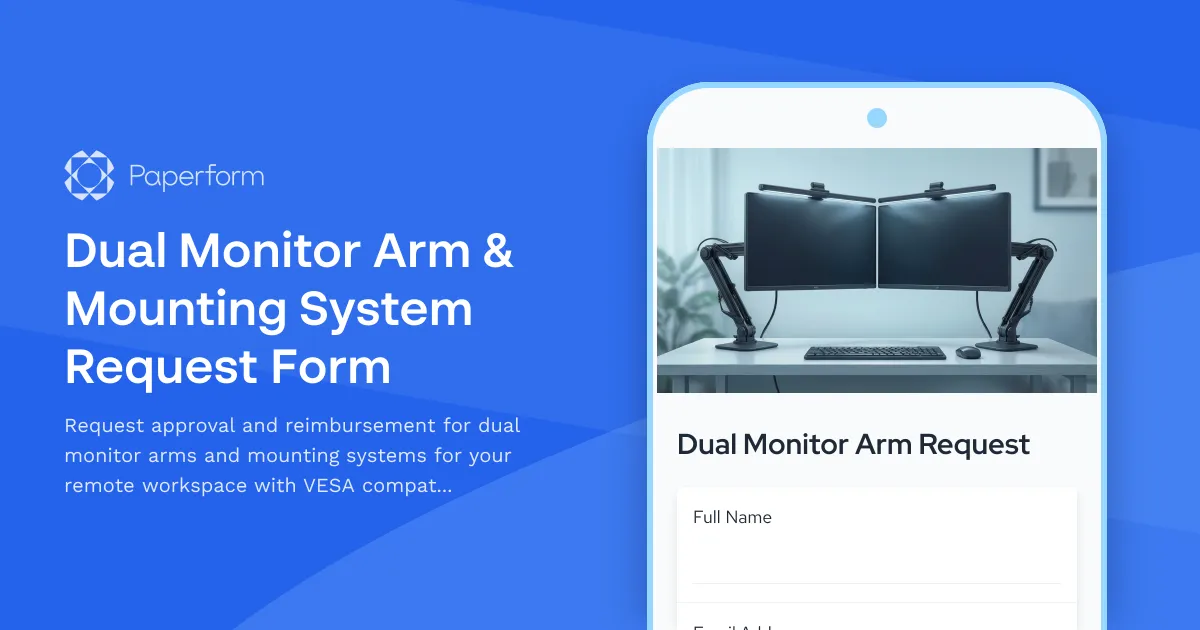
Dual Monitor Arm & Mounting System Request Form
Request approval and reimbursement for dual monitor arms and mounting systems for your remote workspace with VESA compatibility, weight capacity, and ergonomic specifications.

Emergency Communication Device Allowance Request
Request reimbursement or allowance for emergency communication equipment including satellite phones, emergency radios, and backup devices for remote work locations.

Home Office Accessibility & Specialized Seating Request Form
Request specialized ergonomic seating, mobility equipment, and accessibility accommodations for your home office workspace with ADA compliance documentation and approval workflow.

Home Office Electrical Capacity & Equipment Reimbursement Form
Assess your home office electrical needs, calculate circuit load requirements, and request reimbursement for power strips, outlets, and electrician consultations to ensure safe and compliant remote work setups.