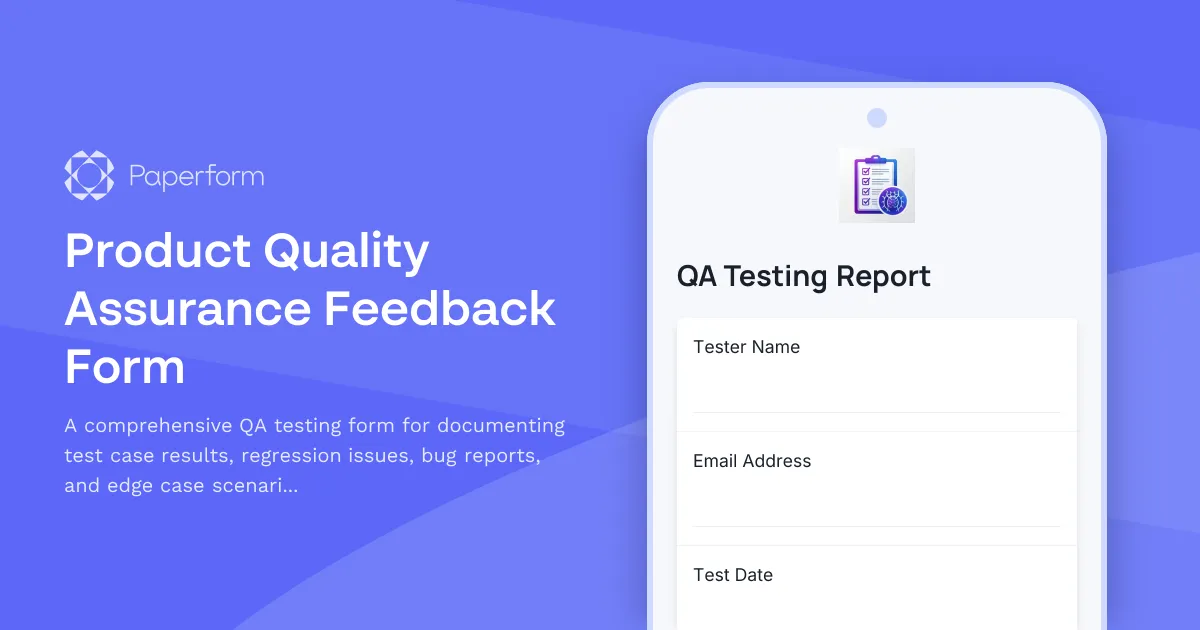
Streamline Your QA Process with a Professional Quality Assurance Feedback Form
For SaaS companies and startups building software products, quality assurance is the bridge between development and release. QA testers need a reliable, structured way to document test case results, flag regression issues, report bugs, and capture edge cases that could impact user experience.
This Product Quality Assurance Feedback Form template is purpose-built for QA teams, software testers, and product managers who need to centralize feedback from testing cycles in one organized system. Instead of juggling spreadsheets, scattered bug reports, and email threads, use Paperform to create a single source of truth for your QA process.
Built for QA Teams and Product Development Workflows
Whether you're running exploratory testing, regression tests, or pre-release validation, this form captures everything your team needs: test case IDs, pass/fail results, severity ratings, reproduction steps, browser and device details, and supporting screenshots or videos. Conditional logic ensures testers only see relevant fields based on their responses, keeping the form fast and focused.
The form integrates seamlessly with project management tools like Jira, Linear, Asana, and ClickUp—meaning every bug report or feature request can automatically create a ticket in your workflow. Use Stepper to route critical bugs to the right developers, notify stakeholders when regressions are found, or trigger follow-up workflows when edge cases need investigation.
Why Paperform for QA Feedback?
Unlike rigid survey tools or basic forms, Paperform gives your QA team a professional, branded experience that feels tailored to your product. Customize colors, fonts, and layouts to match your internal design system, and embed the form directly into your testing portal or Notion workspace.
With file upload fields for screenshots, screen recordings, and logs, plus conditional logic to handle different test types (functional, UI/UX, performance, security), this template adapts to any testing scenario. AI Insights can help you quickly summarize recurring issues across multiple test cycles, identify patterns in edge case reports, and generate summaries for sprint retrospectives.
If your QA process includes sign-offs or approvals, you can extend this workflow with Papersign to capture eSignatures on test completion certificates or release readiness documents.
Trusted by Agile Teams and Fast-Moving Startups
QA teams at SaaS companies, software agencies, and tech startups use Paperform to centralize testing feedback, reduce time spent on admin, and ensure nothing slips through the cracks before release. With SOC 2 Type II compliance and robust integrations, Paperform is ready to support your quality assurance workflow at scale.
Get started with this template and turn your QA feedback process into a streamlined, automated system that keeps your product quality high and your team aligned.



More templates like this
API Developer Feedback Form
Gather comprehensive feedback from developers on your API's performance, documentation quality, and feature requests to continuously improve your developer experience.
Mobile App Offline Mode Feedback Form
Gather user feedback on your mobile app's offline functionality, sync reliability, conflict resolution, and feature availability to improve the offline experience.
SaaS Batch Processing Feedback Form
Collect detailed feedback on batch processing features including job queueing, progress tracking, and error handling to improve your platform's performance and user experience.
SaaS Integration Framework Feedback Form
Gather user feedback on your custom integration framework, connector marketplace, OAuth flows, and webhook builder to improve developer and user experience.
SaaS Sandbox Environment Request Form
Request a secure sandbox environment for testing, development, and training with full isolation, data reset capabilities, and production parity.
SaaS Webhook Reliability Feedback Form
Gather technical feedback on webhook reliability, delivery guarantees, retry logic, and payload customization. Perfect for SaaS platforms looking to improve their webhook infrastructure and developer experience.
Beta Feedback & Bug Report Form
Gather actionable feedback from beta testers with structured bug reporting, feature requests, and UX ratings to improve your product before launch.
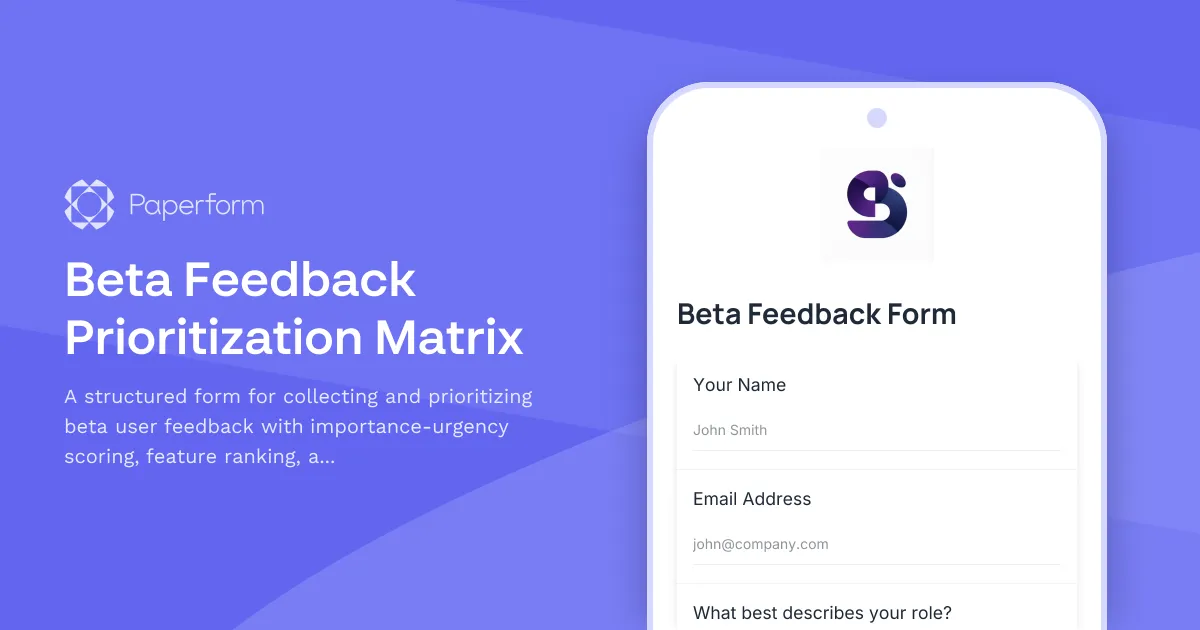
Beta Feedback Prioritization Matrix
A structured form for collecting and prioritizing beta user feedback with importance-urgency scoring, feature ranking, and development impact assessment to guide your product roadmap.
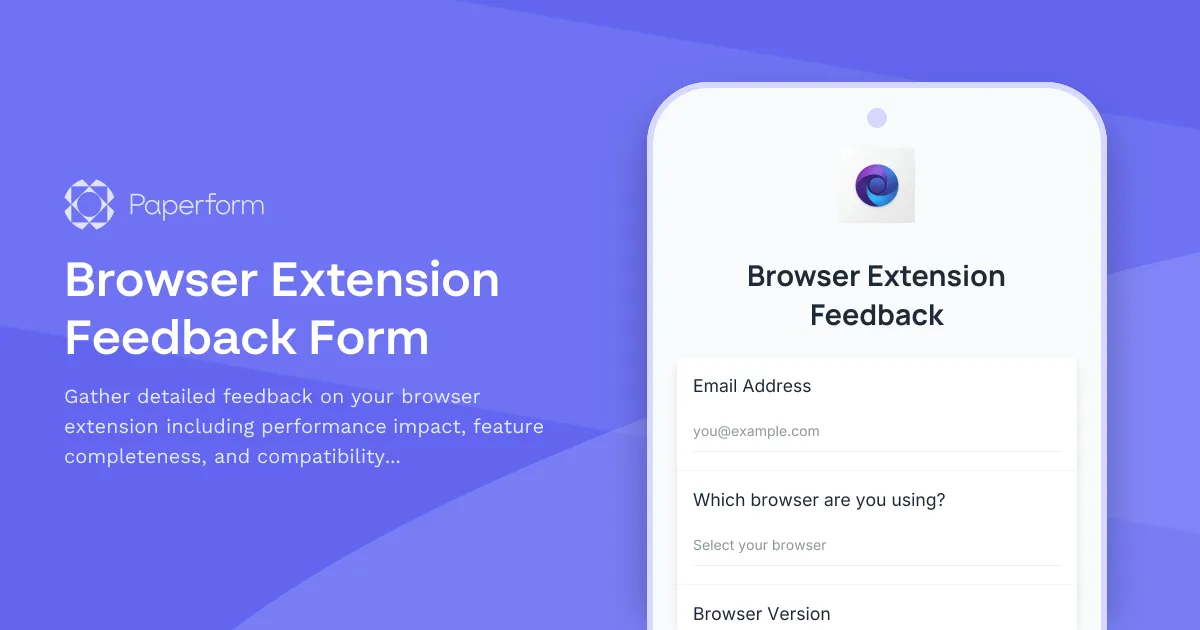
Browser Extension Feedback Form
Gather detailed feedback on your browser extension including performance impact, feature completeness, and compatibility issues. Perfect for SaaS teams building browser-based tools.

Community Content Moderation Feedback Form
Collect user feedback on content moderation decisions, guideline clarity, and moderation tools to improve your community platform's trust and safety systems.
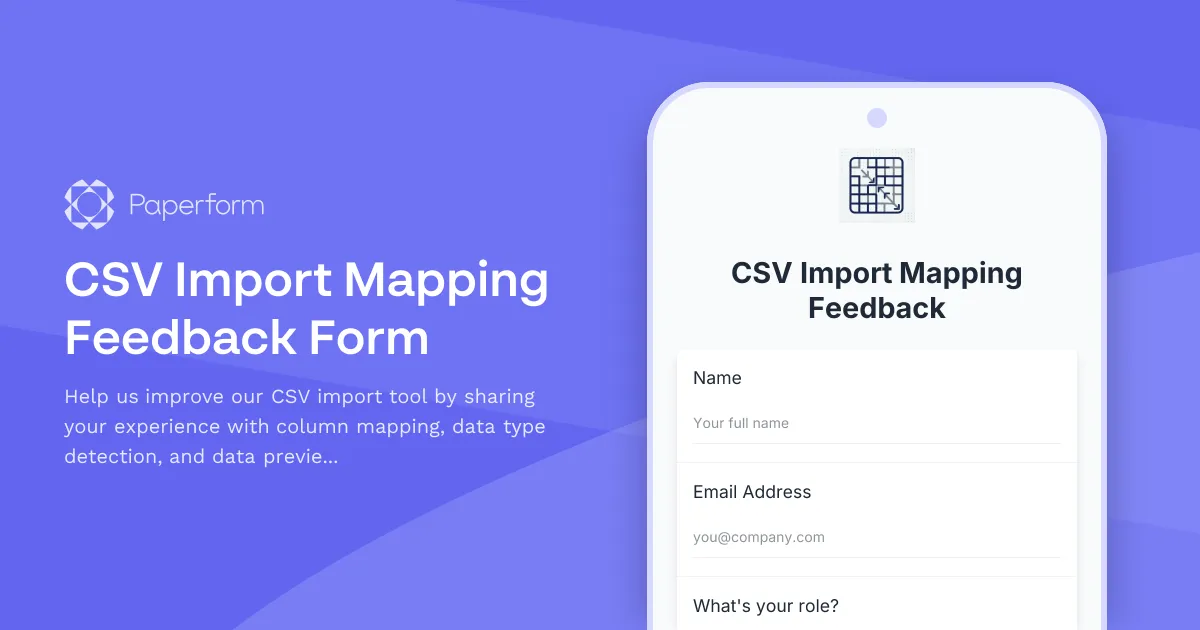
CSV Import Mapping Feedback Form
Help us improve our CSV import tool by sharing your experience with column mapping, data type detection, and data preview features.
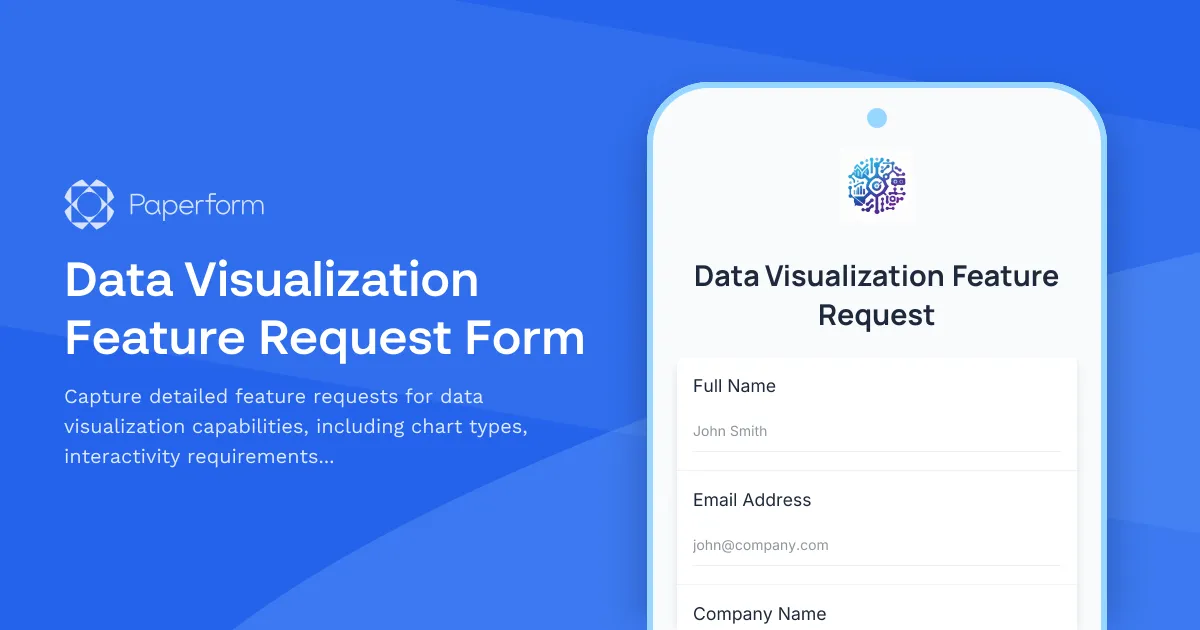
Data Visualization Feature Request Form
Capture detailed feature requests for data visualization capabilities, including chart types, interactivity requirements, and embedding options to prioritize your product roadmap.