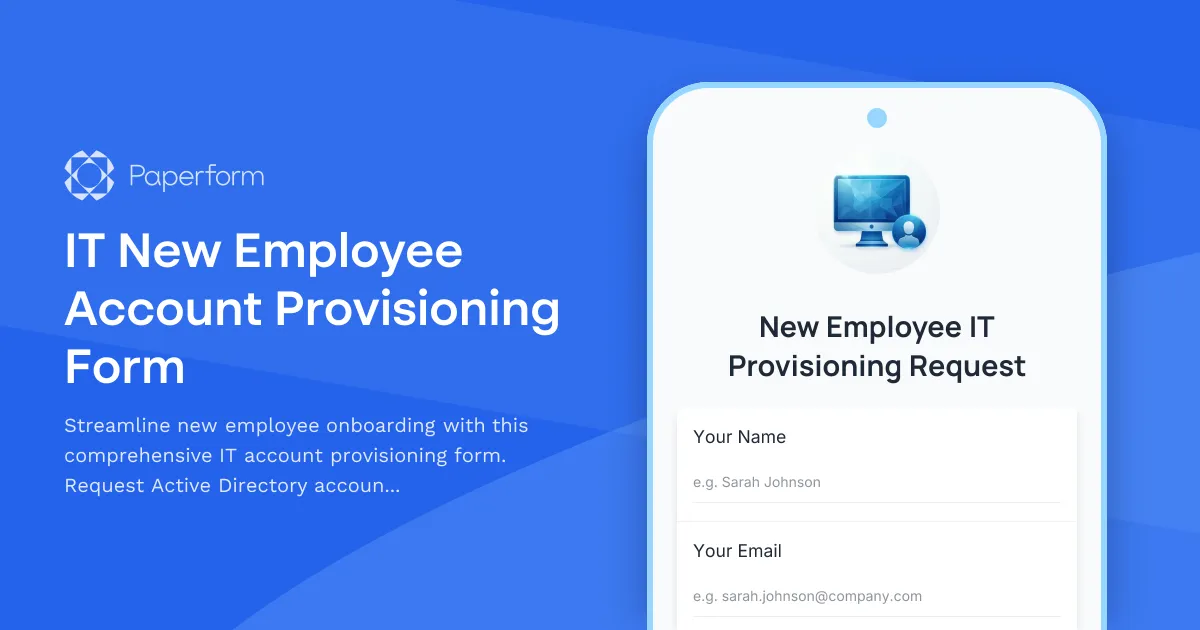
Simplify IT Onboarding with Paperform's New Employee Account Provisioning Template
Setting up new employees with the right accounts, software, and hardware is critical to getting them productive on day one—but it shouldn't mean chasing down details across email threads, spreadsheets, and Slack messages.
This IT New Employee Account Provisioning Form template gives your IT department a single, structured intake form for every new hire setup request. HR and hiring managers can submit all the details you need—employee information, department, role, required software access, hardware preferences, and Active Directory account details—in one go, with conditional logic that surfaces exactly the right questions based on role and department.
Built for IT teams in growing SMBs
Whether you're a lean IT team supporting 20 people or a department managing hundreds of employees across multiple offices, this template helps you:
- Capture complete onboarding details upfront: Avoid back-and-forth by collecting employee name, department, job title, start date, manager details, and location in a clear, professional form.
- Automate access provisioning requests: Use checkboxes and conditional fields to request Active Directory accounts, email setup, VPN access, software licenses, and system permissions based on role and department.
- Assign hardware efficiently: Let requesters specify laptop type, monitor requirements, phone needs, and peripherals, so your team can prepare equipment before the start date.
- Route requests intelligently: Use Paperform's integrations or Stepper workflows to automatically notify the right IT team members, create tickets in your help desk system, update asset management databases, or log requests in project management tools.
How this template supports your workflow
The form is structured to mirror real IT provisioning processes:
- Employee Information: Basic details like name, job title, department, start date, and reporting manager.
- Account Setup: Active Directory username preferences, email address format, security groups, and access levels.
- Software & Systems Access: Conditional questions that show relevant software options based on department—such as design tools for creatives, CRM access for sales, or development environments for engineering.
- Hardware Assignment: Laptop specifications, monitor preferences, mobile devices, and accessories.
- Special Requests: Open fields for unique setup needs, access to shared drives, or custom configurations.
Every submission can trigger a Stepper workflow that creates tasks, assigns them to the right technicians, updates your CMDB or asset tracker, and sends confirmation emails to HR and the new hire's manager—keeping everyone in the loop without manual updates.
Designed for IT professionals and operations teams
This template is trusted by IT managers, system administrators, help desk coordinators, and operations teams who need a repeatable, auditable process for onboarding new employees. It's equally useful for managed service providers (MSPs) handling client onboarding or internal IT departments in industries like consulting, finance, SaaS, education, and professional services.
With Paperform's conditional logic, you can tailor the form experience to different employee types—contractors see different hardware options, executives get priority setup flags, and remote employees are automatically routed for VPN and collaboration tool access. And because Paperform is SOC 2 Type II compliant, you can trust it to handle sensitive employee and infrastructure data securely.
Integrate with your existing IT stack
Paperform connects natively to the tools IT teams already rely on—send submissions to Jira Service Management, ServiceNow, Freshservice, or other ticketing systems; log new hires in Google Sheets or Airtable; notify your team in Slack or Microsoft Teams; or use Stepper to orchestrate complex multi-step provisioning workflows that touch Active Directory, Okta, G Suite, Microsoft 365, and asset management platforms.
Get your new employees up and running faster with a professional, no-code IT provisioning form that works as hard as your team does.



More templates like this

Corporate VPN Access Request Form
Streamline remote access requests with this corporate VPN access form. Collect employee details, device information, security clearance levels, and route for manager approval—all in one secure workflow.
Collaboration Tool Guest Access Request Form
Streamline external partner access to your collaboration tools with automated permissions, project assignments, and built-in confidentiality agreements.

Remote Work Monitor & Display Upgrade Request
Request approval for new monitors and display equipment for your home office setup. Submit screen specifications, multiple monitor needs, and mounting requirements for budget approval.

Work From Home Technology Upgrade Program Application
Apply for technology upgrades and equipment refreshes for your home office setup. Request emerging tech, scalability improvements, and innovation budget for long-term remote work success.
Business Continuity Planning Software Request Form
Streamline business continuity software requests with impact analysis, recovery procedures, emergency contacts, and testing schedules to ensure organizational resilience.
Business Intelligence Tool Access Request Form
Request access to business intelligence tools and configure dashboard permissions, report creation rights, and data refresh scheduling preferences.

Collaboration Workspace Admin Access Request
Request administrative access to collaboration workspaces including member management, content moderation, and archive permissions for project teams.
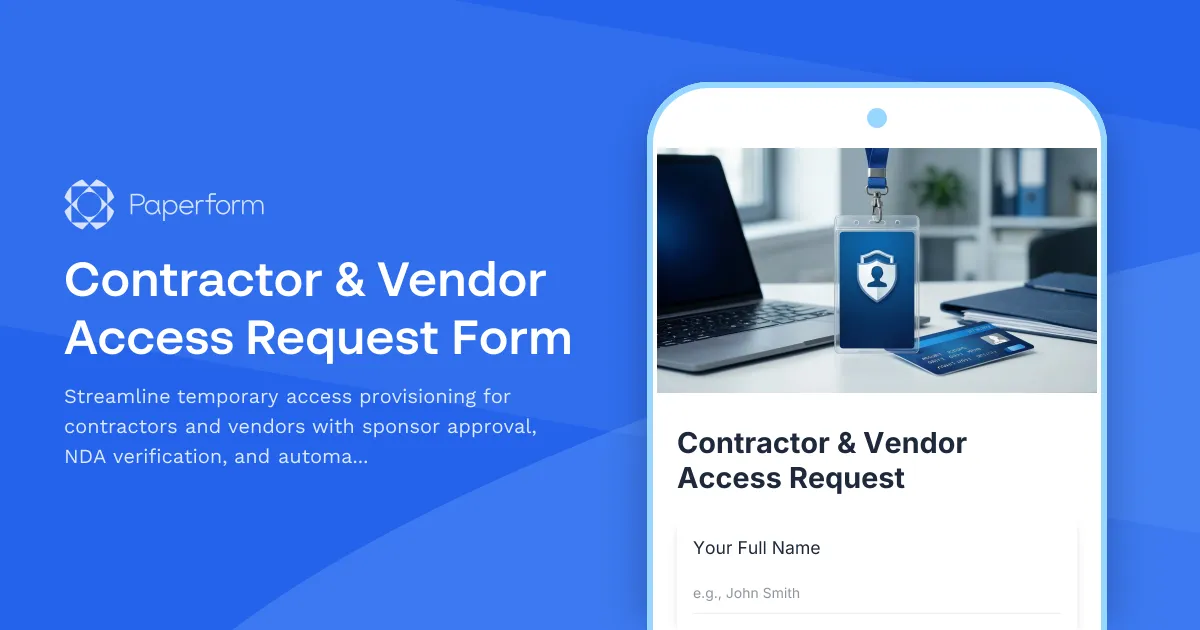
Contractor & Vendor Access Request Form
Streamline temporary access provisioning for contractors and vendors with sponsor approval, NDA verification, and automated badge printing integration.
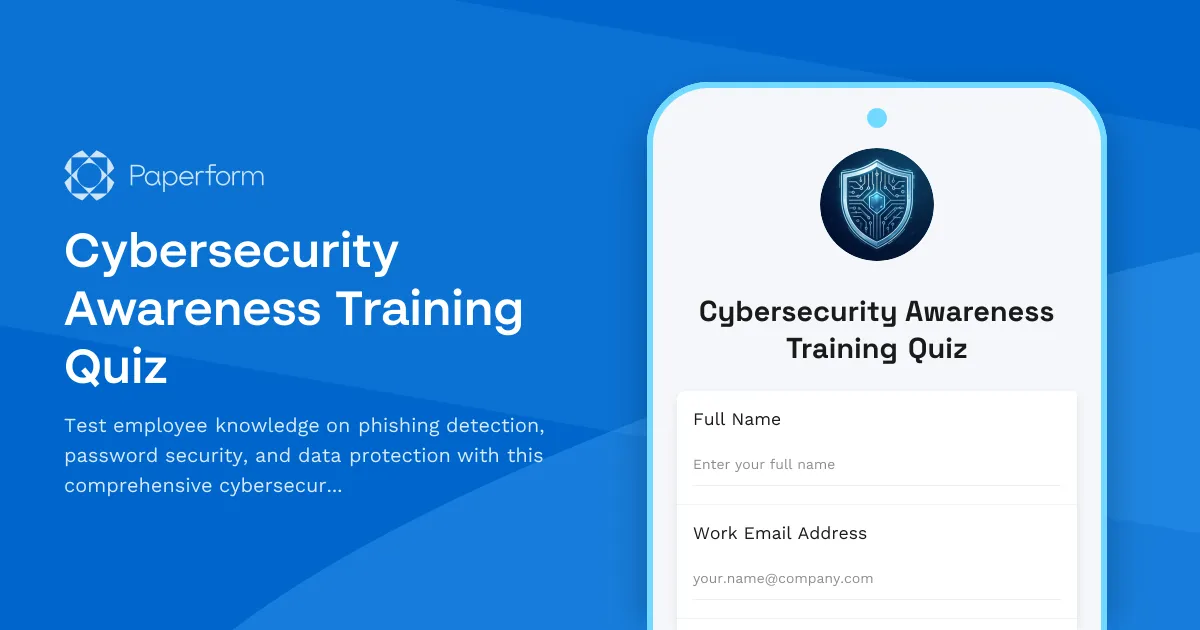
Cybersecurity Awareness Training Quiz
Test employee knowledge on phishing detection, password security, and data protection with this comprehensive cybersecurity awareness quiz designed for workplace training programs.

Employee Offboarding IT Access Revocation Checklist
Comprehensive IT offboarding checklist to systematically revoke employee system access, track equipment returns, and ensure secure account closure across all platforms.
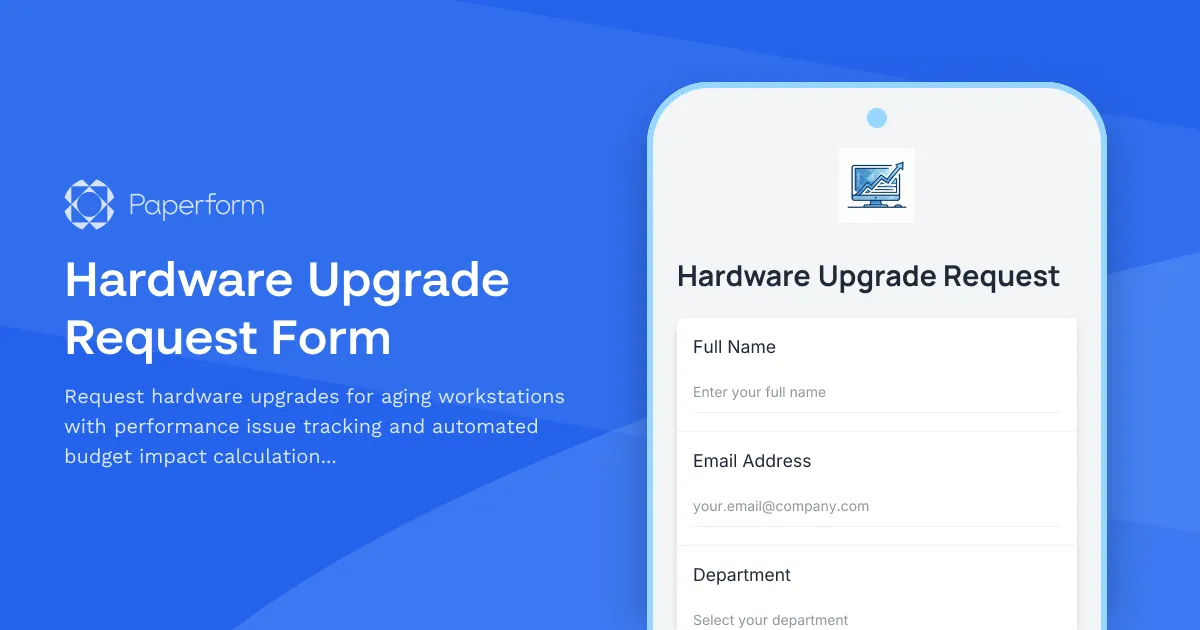
Hardware Upgrade Request Form
Request hardware upgrades for aging workstations with performance issue tracking and automated budget impact calculations.

Home Office Battery Backup & UPS Request Form
Request battery backup and UPS equipment for your home office to ensure business continuity during power outages. Assess your power needs, prioritize critical devices, and plan for uninterrupted remote work.