
Protect Your Home Office Investment with Equipment Insurance Support
Working from home comes with perks—but it also means your laptop, monitor, and other essential equipment face everyday risks like accidental spills, drops, theft, or damage. Our Hybrid Work Equipment Insurance & Damage Assistance Program is designed to give remote and hybrid employees peace of mind by offering deductible support, repair cost sharing, and streamlined replacement processes when the unexpected happens.
Why You Need This Form
Whether you've accidentally knocked over coffee on your keyboard, had equipment stolen from your car, or experienced a hardware failure outside warranty, this form simplifies the claims process. Instead of navigating complicated insurance paperwork or uncertain reimbursement policies, employees can quickly report incidents, upload documentation, and receive clear guidance on next steps—all in one place.
This template is ideal for HR teams, IT departments, operations managers, and remote work coordinators who want to support their distributed workforce with fair, consistent, and transparent equipment protection policies.
What Makes This Form Essential for Hybrid Teams
1. Accidental Damage Coverage Made Simple
Accidents happen—especially when your desk doubles as your kitchen table. This form captures the full story of what went wrong, from liquid spills and physical drops to electrical surges and cracked screens. Employees can describe the incident, upload photos of the damage, and specify which equipment was affected, ensuring IT and HR have everything they need to assess the claim.
2. Theft & Loss Protection with Clear Reporting
If company-issued equipment is stolen or lost, time is of the essence. The form includes dedicated fields for theft reporting, including police report numbers, incident dates, and theft circumstances. This speeds up insurance claims, replacement requests, and ensures proper documentation for both internal records and external carriers.
3. Repair Cost Sharing & Deductible Assistance
Not every incident requires a full replacement. This form helps employees understand their deductible obligations and request cost-sharing support for repairs. Whether it's a cracked screen that can be fixed or a malfunctioning component covered under extended warranty, the form routes requests to the right team and clarifies who pays what.
4. Replacement Timelines & Loaner Equipment Requests
Downtime kills productivity. The form includes fields for urgent replacement needs, loaner equipment requests, and expected turnaround times. IT teams can prioritize critical roles and ensure employees aren't left without the tools they need to do their jobs while claims are processed.
5. Incident Documentation & Photo Uploads
A picture is worth a thousand words—and often required for insurance claims. Employees can upload photos of damaged equipment, receipts, police reports, or repair estimates directly within the form, keeping all documentation centralized and accessible for approvals and audits.
6. Automated Workflow Routing with Stepper
Once submitted, this form can trigger smart workflows using Stepper—your AI-native workflow builder. Route claims to IT for assessment, notify HR for deductible approvals, ping finance for reimbursement processing, and update asset management systems—all automatically. Stepper keeps every stakeholder in sync without manual handoffs or lost emails.
7. Policy Acknowledgment & Eligibility Checks
Not all equipment or incidents are covered. The form includes conditional logic to check eligibility based on equipment type, incident circumstances, and employee tenure. Clear policy acknowledgments ensure employees understand coverage limits, deductibles, and their responsibilities before submitting a claim.
Who Should Use This Template
This form is built for organizations that:
- Support remote and hybrid workforces with company-issued equipment like laptops, monitors, keyboards, and accessories.
- Want to offer fair and transparent equipment protection without making employees navigate confusing insurance policies.
- Need to centralize incident reporting for IT, HR, and finance to streamline approvals and replacements.
- Operate in industries where downtime is costly—like consulting, software development, marketing agencies, customer support, and financial services.
Industries & Roles That Benefit Most
Industries:
- Software & SaaS companies with distributed engineering teams
- Marketing and creative agencies with designers working remotely
- Consulting firms with client-facing professionals on the go
- Financial services and insurance with compliance and security concerns
- Healthcare and telehealth providers with HIPAA-sensitive equipment
- Education and e-learning platforms with remote instructors
Roles:
- HR Managers and People Operations teams managing employee benefits
- IT Directors and Help Desk Coordinators handling equipment requests
- Office Managers and Operations Coordinators supporting hybrid policies
- Finance and Procurement teams approving reimbursements and replacements
- Remote Work Coordinators designing distributed workforce programs
Automate the Entire Claims Journey with Stepper
Paperform captures the data—Stepper turns it into action. When an employee submits a claim, Stepper can:
- Send the claim to IT for damage assessment and repair quotes
- Notify HR if deductible assistance is requested
- Trigger finance workflows for reimbursement approvals
- Update inventory systems when equipment is replaced
- Schedule loaner equipment delivery if urgency is flagged
- Send status updates to the employee at each stage
This keeps claims moving, prevents bottlenecks, and ensures nothing falls through the cracks—even as your team scales.
How Paperform Makes Equipment Claims Effortless
Paperform's flexible editor lets you build forms that feel less like insurance paperwork and more like a helpful assistant. With conditional logic, you can show or hide fields based on incident type, guide employees through the right steps, and ensure they only see what's relevant to their situation.
File upload fields let employees attach photos, receipts, and police reports directly in the form—no more email chains or lost attachments. And with Paperform's calculation engine, you can even auto-calculate deductible amounts, repair cost sharing, or replacement timelines based on policy rules.
Once submitted, responses flow into your existing tools via integrations with Google Sheets, Slack, Airtable, or your HRIS—or trigger multi-step workflows in Stepper to handle approvals, notifications, and asset tracking.
Why This Matters for Employee Experience
Offering equipment insurance and deductible assistance isn't just about protecting company assets—it's about showing your team you've got their back. When employees know they won't be stuck with a $500 repair bill or weeks without a laptop after an accident, they feel more supported, secure, and valued.
This form makes that support visible and accessible. It removes the stress of navigating unclear policies, speeds up the claims process, and ensures consistent, fair treatment for everyone—no matter where they work.
Get Started in Minutes
This template is ready to use out of the box, with all the fields, logic, and structure you need to launch your equipment insurance program today. Customize the wording to match your company's policies, adjust coverage limits and deductible rules, and add your branding to make it feel like home.
Whether you're launching a new hybrid work program or improving an existing one, this form gives your team the tools to handle equipment incidents with confidence, clarity, and care. Trusted by over 500,000 teams worldwide, SOC 2 Type II and GDPR compliant, Paperform makes professional, automated equipment management accessible to every HR and IT team—no coding required.



More templates like this

Remote Work Monitor & Display Upgrade Request
Request approval for new monitors and display equipment for your home office setup. Submit screen specifications, multiple monitor needs, and mounting requirements for budget approval.

Remote Work Desk Accessories & Organizers Allowance Form
Submit requests for remote work desk accessories, organizers, and workspace optimization items with budget tracking and approval workflow.

Home Office Battery Backup & UPS Request Form
Request battery backup and UPS equipment for your home office to ensure business continuity during power outages. Assess your power needs, prioritize critical devices, and plan for uninterrupted remote work.
Hybrid Work Audio Privacy Equipment Request Form
Request white noise generators, sound masking devices, and audio privacy equipment for confidential remote and hybrid work conversations.
Remote Work Backup Power Supply Request Form
Request backup power equipment for your remote workspace. Submit UPS specifications, runtime requirements, and equipment protection needs for home office power continuity.

Work From Home Technology Upgrade Program Application
Apply for technology upgrades and equipment refreshes for your home office setup. Request emerging tech, scalability improvements, and innovation budget for long-term remote work success.

Emergency Communication Device Allowance Request
Request reimbursement or allowance for emergency communication equipment including satellite phones, emergency radios, and backup devices for remote work locations.

Home Office Accessibility & Specialized Seating Request Form
Request specialized ergonomic seating, mobility equipment, and accessibility accommodations for your home office workspace with ADA compliance documentation and approval workflow.

Home Office Electrical Capacity & Equipment Reimbursement Form
Assess your home office electrical needs, calculate circuit load requirements, and request reimbursement for power strips, outlets, and electrician consultations to ensure safe and compliant remote work setups.
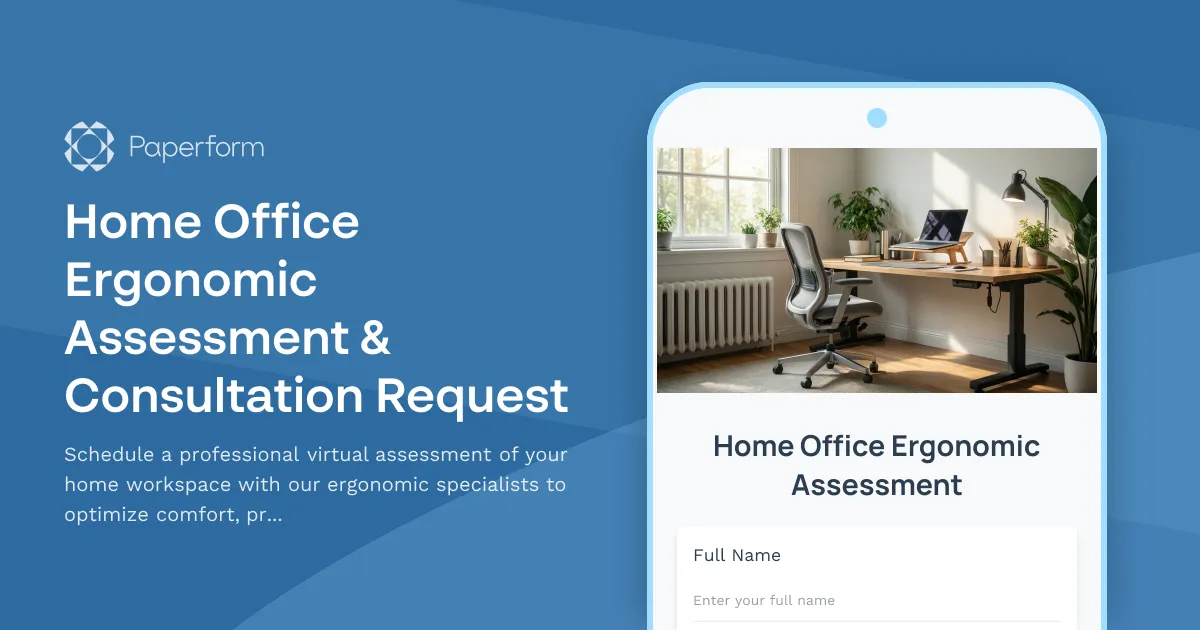
Home Office Ergonomic Assessment & Consultation Request
Schedule a professional virtual assessment of your home workspace with our ergonomic specialists to optimize comfort, productivity, and receive personalized equipment recommendations.
Home Office Storage & Filing Equipment Request Form
Request storage and filing equipment for your home office, including filing cabinets, shelving units, and organizational systems with security and fireproofing options.
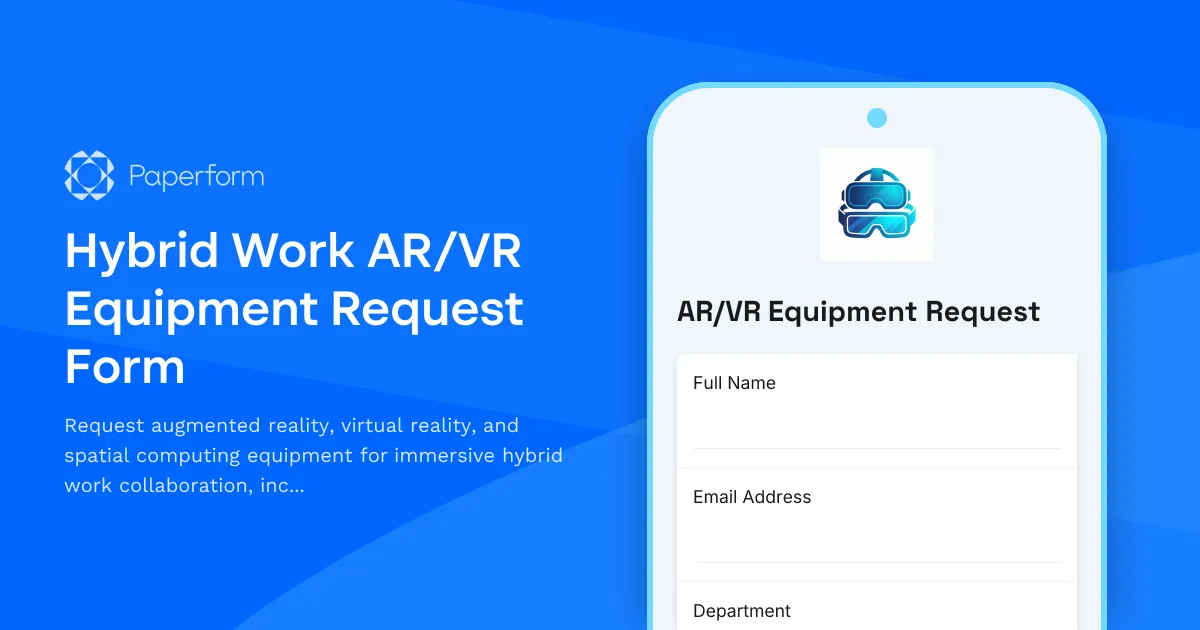
Hybrid Work AR/VR Equipment Request Form
Request augmented reality, virtual reality, and spatial computing equipment for immersive hybrid work collaboration, including VR headsets, AR glasses, and next-generation remote work technology.