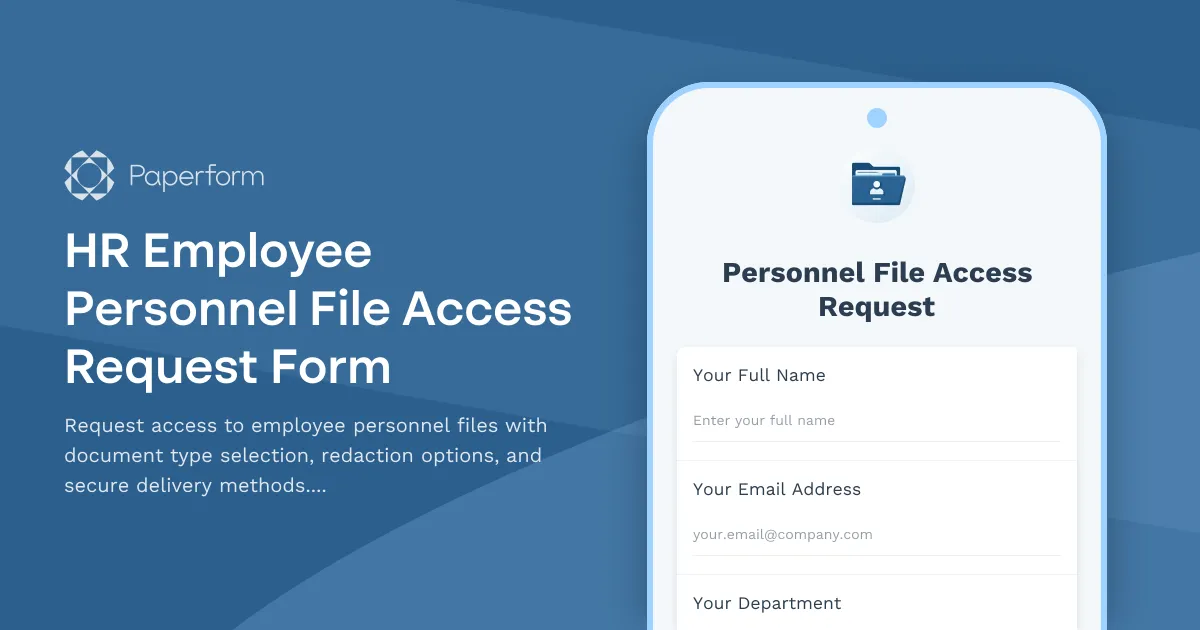
Streamline Personnel File Access Requests with Paperform
Managing employee personnel file access requests doesn't have to mean juggling email threads, paper forms, and manual approval processes. This HR Employee Personnel File Access Request Form template helps HR teams, managers, and compliance officers handle sensitive data access requests with professionalism and security built in.
Whether you're processing requests from current employees reviewing their own files, managers needing performance documentation, legal teams conducting investigations, or auditors requiring compliance records, this template ensures every access request is properly documented, justified, and tracked.
Why HR and Compliance Teams Choose This Template
For HR Professionals: Reduce the administrative burden of processing file access requests while maintaining complete audit trails. The form automatically captures who's requesting access, what documents they need, why they need them, and how they should be delivered—all the information you need for compliance and record-keeping.
For IT and Data Governance Teams: This template bridges the gap between HR and IT, creating a clear workflow for data access permissions that respects both operational needs and security policies. Every request includes business justification, helping you enforce least-privilege access principles.
For Legal and Compliance Officers: Built-in fields for redaction requirements and delivery methods help you manage sensitive information appropriately. The form creates documentation that demonstrates due diligence in protecting employee privacy while meeting legitimate business needs.
What Makes This Form Template Effective
The template guides requesters through a structured process that captures all necessary information upfront. Requesters specify which employee's file they need, select specific document types (employment contracts, performance reviews, disciplinary records, compensation details, benefits enrollment, training records, or medical documentation), and provide clear business justification for their access request.
Conditional logic ensures the form adapts to different scenarios. If someone requests medical or disciplinary records, they see additional fields about confidentiality requirements. The redaction options let requesters specify if certain sensitive details (like social security numbers, salary information, or medical details) should be removed before delivery.
Secure delivery method selection ensures files reach the right person through appropriate channels—whether that's encrypted email, secure file portal, in-person pickup, or controlled on-site viewing. The form also captures urgency levels and timeframe requirements, helping HR teams prioritize requests appropriately.
How Paperform Elevates This Workflow
This isn't just a data collection form—it's the foundation of a secure, compliant personnel file access workflow. With Paperform's conditional logic, the form only shows relevant questions based on the type of access being requested, keeping the experience streamlined while capturing all necessary details.
The built-in calculation and validation features ensure requesters can't submit incomplete or illogical requests. Required fields guarantee you have all the information needed to process the request, while dropdown menus and checkboxes standardize responses for easier processing and reporting.
Extend Your Workflow with Stepper
Take this form further by connecting it to Stepper (stepper.io), Paperform's AI-native workflow automation platform. When someone submits a personnel file access request, Stepper can automatically:
- Route the request to the appropriate approver based on document type and sensitivity level
- Send notifications to HR, the employee's manager, and compliance teams as needed
- Create a ticket in your HRIS or document management system
- Track approval status and send automatic reminders for pending requests
- Log all access requests in a centralized audit database
- Generate delivery receipts when files are accessed or downloaded
- Trigger periodic access reviews for ongoing or recurring access grants
This automation transforms a simple form into an enterprise-grade access management workflow, reducing processing time from days to hours while maintaining complete compliance documentation.
Built for Regulated Industries
If your organization operates under GDPR, CCPA, HIPAA (note: Paperform itself is not HIPAA compliant, but this form can support your internal HIPAA compliance processes), SOX, or other data protection regulations, this template helps you document the "who, what, when, and why" of personnel file access—critical elements of compliance audits.
The form creates timestamped records of every request, including the requester's identity, their relationship to the employee, the business purpose, approval status, and delivery confirmation. This documentation demonstrates your organization's commitment to data protection and privacy.
Perfect for These Teams and Scenarios
Human Resources Teams processing routine access requests from employees wanting to review their own files or managers needing documentation for performance discussions.
Legal and Compliance Departments conducting workplace investigations, responding to litigation holds, or auditing HR practices and record-keeping.
Finance and Payroll Teams needing access to compensation history, tax forms, or benefits enrollment documents for financial reporting or auditing.
External Auditors and Consultants who need controlled access to personnel files for compliance reviews, certification processes, or organizational assessments.
IT and Security Teams managing role-based access controls, conducting access reviews, or investigating security incidents involving employee data.
Customization Made Simple
While this template works perfectly out of the box, Paperform's intuitive editor makes customization effortless. Add your organization's logo and branding, include specific document categories unique to your industry, add approval workflow stages, or integrate with your existing HRIS, document management system, or identity management platform.
You can embed the form directly on your employee portal, share it via a custom URL, or integrate it into your intranet—whatever works best for your team's workflow.
Security and Compliance You Can Trust
Paperform is SOC 2 Type II certified and offers enterprise-grade security features including SSO, role-based permissions, data residency controls, and comprehensive audit logs. For organizations managing personnel files across multiple entities or regions, Paperform's Agency+ and Enterprise plans provide the controls and oversight you need.
Your personnel file access requests deserve a solution that's both user-friendly and security-conscious. This template delivers both, helping you process requests efficiently while maintaining the highest standards of data protection and compliance documentation.
Get started with this template today and transform your personnel file access process from a paperwork headache into a streamlined, auditable workflow.



More templates like this
Union Collective Bargaining Agreement Database Access Request
Request access to union contract database including wage scales, benefit provisions, and grievance procedures. Streamline data requests for labor relations, HR, and union representatives.
Accessibility Software & Hardware Request Form
Request assistive technology, accessibility software, and adaptive hardware to support workplace accommodations and ensure ADA compliance.
Archive System Access Request Form
Request access to archived records and historical data with compliance tracking for legal holds and retention policies.
Collaboration Tool Guest Access Request Form
Streamline external partner access to your collaboration tools with automated permissions, project assignments, and built-in confidentiality agreements.
Compliance Reporting System Access Request
Request access to compliance reporting systems with role-based permissions, audit trail viewing capabilities, and regulatory report generation tools while maintaining strict confidentiality requirements.
Contract Lifecycle Management System Access Request
Request access to your organization's contract lifecycle management system with customized permissions for authoring, approvals, and obligation tracking.
Cybersecurity Awareness Training Quiz
Test employee knowledge on phishing detection, password security, and data protection with this comprehensive cybersecurity awareness quiz designed for workplace training programs.
Digital Workplace Platform Access Request
Request access to your organization's digital workplace platform, including intranet publishing permissions, employee directory management, and engagement analytics viewing capabilities.
GDPR Data Access Request Form
A GDPR-compliant form for customers to request access to their personal data, with identity verification and clear processing timelines.
Job Board Applicant Data Access Request
Request access to job board applicant data including resumes, application status, and employer view analytics for recruitment and HR purposes.
Labor Union Grievance Database Access Request
Request secure access to the grievance database containing case details, arbitration records, and settlement agreements for authorized union representatives and staff.
Privacy Management Platform Access Request
A comprehensive form for managing privacy platform access requests, consent tracking permissions, data subject requests, and privacy impact assessment workflows for IT and compliance teams.