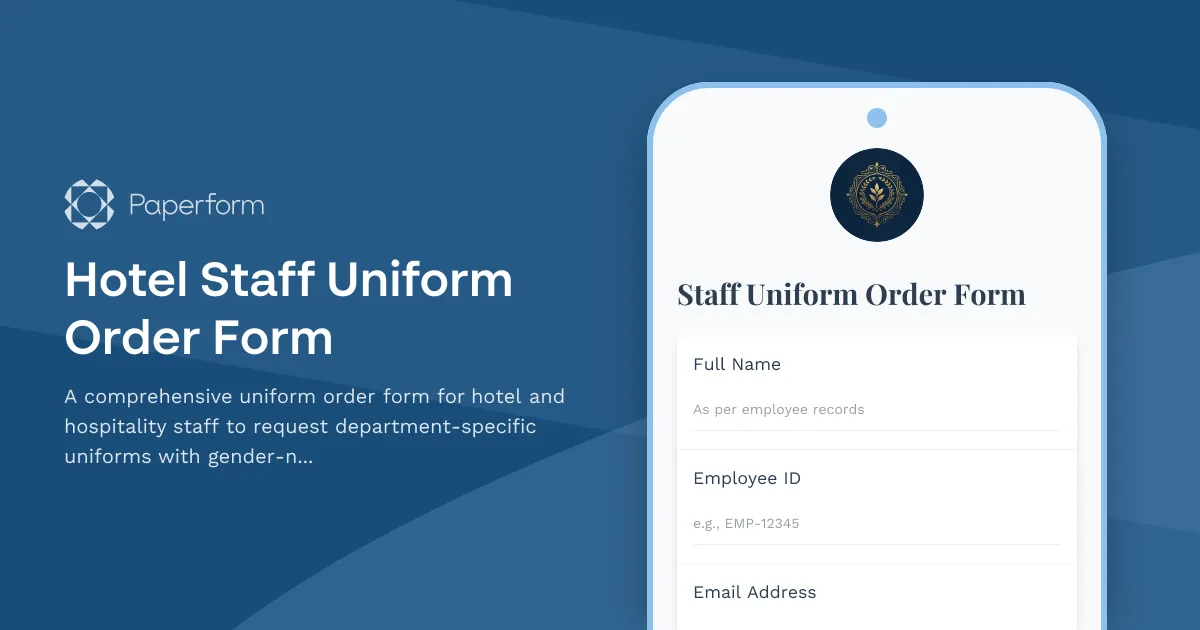
Managing staff uniforms across a hotel or hospitality property can be complex—different departments have different standards, sizing needs vary, and keeping track of who has what becomes a logistical puzzle. This Hotel Staff Uniform Order Form template is designed specifically for hospitality teams who want to streamline uniform ordering, maintain brand standards, and ensure every team member has what they need to look professional and feel comfortable.
Why hospitality teams need a dedicated uniform order form
In hotels, resorts, restaurants, and other hospitality settings, uniforms aren't just clothing—they're part of your brand experience. Guests expect consistency, and staff need uniforms that fit well and suit their role. A structured uniform order form helps you:
- Maintain department standards: Ensure front desk, housekeeping, food & beverage, concierge, and other teams get the right uniform pieces for their role.
- Simplify sizing and fit: Use gender-neutral sizing charts and capture accurate measurements to reduce returns and alterations.
- Track uniform issuance: Link orders to contract periods and staff records so you know what was issued, when, and to whom.
- Manage alteration requests: Collect specific fit adjustments upfront so uniforms are ready to wear from day one.
- Reduce admin time: Replace email chains and paper forms with a single, clear submission process that feeds directly into your procurement or HR system.
This template is perfect for hotel managers, HR coordinators, uniform managers, and facilities teams responsible for outfitting new hires, seasonal staff, or teams refreshing their wardrobes.
What's included in this template
The form covers everything you need to process uniform requests efficiently:
- Staff details: Name, employee ID, department, position, and contract period to tie each order to the right person and timeframe.
- Position and department selection: Conditional fields that show the correct uniform standards and options based on role (e.g., front desk blazers, housekeeping tunics, F&B aprons).
- Gender-neutral sizing: Clear sizing fields using inclusive, gender-neutral size charts (XS–5XL or numeric sizing) with measurement guides to help staff choose accurately.
- Uniform piece selection: Checkboxes or quantity fields for shirts, trousers, skirts, blazers, shoes, and accessories, with options tailored to each department.
- Alteration requests: Free-text or structured fields to capture hem length, sleeve adjustments, waist alterations, and other fit preferences.
- Delivery and approval: Manager approval fields, delivery location (department or locker), and expected start date to coordinate timing.
The form is designed to be mobile-friendly, so staff can complete it during onboarding or ahead of their first shift, and managers can review and approve submissions from anywhere.
How Paperform makes uniform ordering seamless
Paperform's flexibility and built-in automation features make it ideal for hospitality uniform management:
- Conditional logic: Show different uniform options and sizing fields based on department and position, so staff only see what's relevant to them.
- File uploads: Attach measurement guides, sizing charts, or uniform catalogues directly in the form for easy reference.
- Calculations: Automatically calculate totals if you're charging a uniform deposit or tracking inventory costs.
- Approval workflows: Use conditional email notifications to route orders to the right manager or uniform coordinator based on department or location.
- Integration with your tools: Send submissions to Google Sheets, Airtable, or your HRIS to keep uniform records in sync with employee data.
And because Paperform forms are fully customisable, you can match your hotel's branding, add your logo, and create an experience that feels professional and on-brand—even for an internal form.
Automate your uniform process with Stepper
Once a uniform order is submitted, there's often a workflow to manage: checking stock, arranging alterations, getting manager approval, and scheduling delivery. With Stepper (stepper.io), Paperform's AI-native workflow builder, you can automate the entire process:
- Route approvals: Send orders to department heads or HR for sign-off, then notify the uniform coordinator once approved.
- Check inventory: Query your stock system or spreadsheet to see if items are available, and flag orders that need to be restocked.
- Schedule alterations: If alteration requests are submitted, create a task for your tailor or alterations team and track progress.
- Update employee records: Log uniform issuance in your HRIS or staff database, including contract period and items issued.
- Send delivery notifications: Let staff know when their uniforms are ready for pickup, and send reminders if they haven't collected them.
Stepper keeps everything moving without manual handoffs, so your team spends less time chasing orders and more time supporting your guests.
Who this template is for
This template is designed for:
- Hotel managers and operations teams coordinating uniforms across multiple departments and locations.
- HR and onboarding coordinators outfitting new hires and seasonal staff quickly and accurately.
- Uniform managers and facilities teams responsible for inventory, alterations, and delivery.
- Hospitality groups and resorts managing uniform standards across properties or brands.
- Restaurants, event venues, and catering companies that need consistent, professional staff presentation.
Whether you're a boutique hotel, a large resort, a restaurant group, or a hospitality staffing agency, this form gives you a clear, scalable way to manage uniform requests without the usual chaos.
Customise to match your property and standards
Every hospitality brand has its own uniform standards, and Paperform makes it easy to adapt this template to yours. You can:
- Add or remove uniform pieces based on your department offerings (e.g., vests, ties, scarves, shoes, name badges).
- Adjust sizing options to match your supplier's size chart or measurement system.
- Include conditional fields for seasonal uniforms, special events, or role-specific accessories.
- Add budget approval fields or cost breakdowns if staff are responsible for deposits or replacements.
- Embed the form on your intranet, staff portal, or onboarding site for easy access.
And with Paperform's theme editor, you can match your hotel's brand colours, fonts, and imagery so the form feels like a natural part of your internal experience.
Get started with Paperform today
Managing hotel and hospitality staff uniforms doesn't have to be a logistical headache. With this Hotel Staff Uniform Order Form template, you can streamline requests, maintain brand standards, and ensure every team member has a uniform that fits—literally and professionally.
Trusted by over 500,000 teams worldwide, Paperform is SOC 2 Type II and GDPR compliant, with 30,000+ designer form templates. It's built for businesses that need professional, automated forms and workflows—without coding.



More templates like this

Restaurant Uniform Order Form
A professional uniform ordering form for restaurant staff with position-based requirements, size tracking, laundry service options, and payroll deduction authorization.
Board Game Cafe Staff Apparel Order Form
Professional staff uniform order form for board game cafes, featuring role-specific apparel options, geek culture designs, and custom sizing for game gurus and barista teams.

Corporate Uniform Order Form
Streamline employee uniform ordering with size selection, department tracking, quantity management, and automatic bulk pricing calculations.
Craft Brewery Taproom Staff Merchandise Order Form
A streamlined merchandise order form for craft brewery taproom staff to request branded apparel, uniforms, and personalized merchandise with employee purchase or uniform issue options.
Karaoke Room Reservation Form
A stylish karaoke room booking form that lets customers reserve private rooms by party size, choose song system packages, and add food, beverage, and bottle service options with time extensions.
Restaurant Grease Trap Cleaning Service Scheduling Form
Schedule professional grease trap cleaning services with trap specifications, service frequency, compliance documentation, access instructions, and emergency service options.
Restaurant Staff Scheduling Software Trial Request
A comprehensive trial request form for restaurant staff scheduling software that captures team size, shift patterns, integration needs, and implementation requirements to match the perfect scheduling solution.
Abbey Bakery Wedding Venue Booking Form
A beautiful wedding venue booking form for a converted abbey bakery featuring historic ovens, artisan baking traditions, and monastic-inspired hospitality. Perfect for couples seeking a unique, heritage-rich wedding celebration.
Airline Crew Uniform Order Form
Streamline uniform orders for flight attendants and cabin crew with detailed measurements, piece selection, base location tracking, and allowance management in one professional form.

Axe Throwing Venue Staff Uniform Order Form
A professional uniform order form for axe throwing venue staff, with role-specific clothing options, size selection, reinforced fabric areas, and staffing details.
Bakery Bulk Ingredient Order Form
Professional B2B ingredient ordering form for bakeries with allergen tracking, organic certification verification, supplier comparison tools, and built-in recipe scaling calculator for accurate bulk purchasing.
Bed and Breakfast Dietary Requirements Form
A comprehensive dietary requirements form for bed and breakfast guests to communicate allergies, religious restrictions, dietary preferences, and meal time needs to ensure a safe and enjoyable dining experience.