Optimize Your Standing Desk Setup with Ergonomic Flooring Solutions
Working from home at a standing desk brings tremendous health benefits, but without proper flooring support, prolonged standing can lead to fatigue, discomfort, and even long-term health issues. This Home Office Anti-Fatigue Flooring & Mat Request Form makes it simple for remote and hybrid employees to request ergonomic flooring solutions that keep them comfortable and productive throughout their workday.
Why Anti-Fatigue Flooring Matters for Remote Workers
Standing desks have become essential equipment for health-conscious remote workers, but the foundation beneath your feet is just as important as the desk itself. Anti-fatigue mats and specialized cushioned flooring reduce pressure on joints, improve circulation, and help prevent the muscle fatigue that comes from standing on hard surfaces for hours at a time.
For HR managers, facilities teams, and remote work coordinators, providing proper ergonomic flooring shows a genuine commitment to employee wellbeing. It's not just about compliance—it's about creating home office environments where people can do their best work without physical strain.
Built for Remote Work Equipment Programs
Paperform's flexible form builder lets you create professional home office equipment request forms that match your brand and integrate seamlessly with your existing workflows. This template is specifically designed for companies with remote work stipends, ergonomic equipment programs, or home office reimbursement policies.
The form captures everything you need to evaluate and approve flooring requests: employee information, workspace details, flooring preferences (anti-fatigue mats, cushioned floor tiles, ergonomic runners), surface specifications, budget considerations, and even photo uploads of the current workspace. Conditional logic ensures employees only see relevant questions based on their flooring type selection, making the experience smooth and professional.
Streamline Approvals and Procurement with Automated Workflows
Once an employee submits their flooring request, you don't want the form to disappear into an email black hole. With Stepper (stepper.io), Paperform's AI-native workflow automation platform, you can automatically route requests to the right approvers, update your equipment tracking spreadsheet, notify procurement teams, and even trigger purchase orders—all without manual data entry.
For example, you might set up a workflow that sends requests under $200 directly to the employee's manager for quick approval, while higher-value requests route through both the manager and facilities team. Once approved, Stepper can automatically create a task in your project management tool, add the item to your equipment inventory in Airtable or Google Sheets, and send the employee a confirmation email with expected delivery timelines.
Perfect for HR Teams, Remote Work Managers, and Operations Leaders
This form template is ideal for:
- HR managers overseeing remote work equipment programs and employee wellness initiatives
- Facilities coordinators managing home office setup requests and ergonomic assessments
- Operations managers tracking equipment spend and optimizing remote work budgets
- Remote work program administrators ensuring consistent equipment standards across distributed teams
- IT and procurement teams coordinating equipment orders and vendor relationships
The form works beautifully whether you're a 50-person startup building your first formal remote work policy or a 500-person company scaling an established home office equipment program.
Beyond Forms: Complete Equipment Management Workflows
Paperform isn't just about collecting information—it's about powering your entire equipment request and approval workflow. The platform includes:
- Payment integration if employees are purchasing items for later reimbursement
- File uploads for workspace photos, doctor's notes, or ergonomic assessment reports
- Conditional logic to show different flooring options based on workspace type, budget tier, or employee role
- Email notifications to keep requesters and approvers in the loop at every step
- Data export to your HRIS, expense management system, or equipment tracking database
When you need formal approval documentation, Papersign (papersign.com) lets you turn approved requests into signed equipment agreements or reimbursement forms, creating a clean audit trail that finance teams will appreciate.
Designed for Real Business Needs
This template anticipates the practical details that matter when evaluating flooring requests: Is the employee's current flooring hard surface or carpeted? How many hours per day do they stand? Do they have any existing conditions that require specialized support? What's their workspace size and configuration?
By capturing this context upfront, you can make informed decisions about which flooring solution best fits each situation—whether that's a premium 3/4-inch anti-fatigue mat for someone standing 6+ hours daily, modular cushioned tiles for a larger workspace, or a simple desk runner for occasional standing.
The form also includes budget fields and approval workflows, so you can manage spend responsibly while still providing employees with the ergonomic support they need to stay healthy and productive.
Trusted by Remote-First Organizations Worldwide
Over 500,000 teams worldwide trust Paperform to power their critical business workflows. The platform is SOC 2 Type II certified and GDPR compliant, giving you the security and data protection standards that modern HR and operations teams require.
Whether you're building a new remote work program from scratch or optimizing an existing one, this anti-fatigue flooring request form gives you a professional, branded starting point that you can customize to match your specific policies, budget tiers, and approval processes.
Get Started in Minutes
Simply customize this template with your company's specific flooring options, budget guidelines, and approval workflow, then share it with your team via email, Slack, your intranet, or embed it directly on your HR portal. Employees get a simple, clear way to request the ergonomic support they need, while you get structured data and automated workflows that save hours of administrative work.
Start building better home offices today—one ergonomic surface at a time.



More templates like this
Alternative Ergonomic Seating Request Form
Request approval for posture-correcting chairs and alternative ergonomic seating solutions for your home office, including kneeling chairs, balance balls, saddle chairs, and active sitting options.

Home Office Battery Backup & UPS Request Form
Request battery backup and UPS equipment for your home office to ensure business continuity during power outages. Assess your power needs, prioritize critical devices, and plan for uninterrupted remote work.
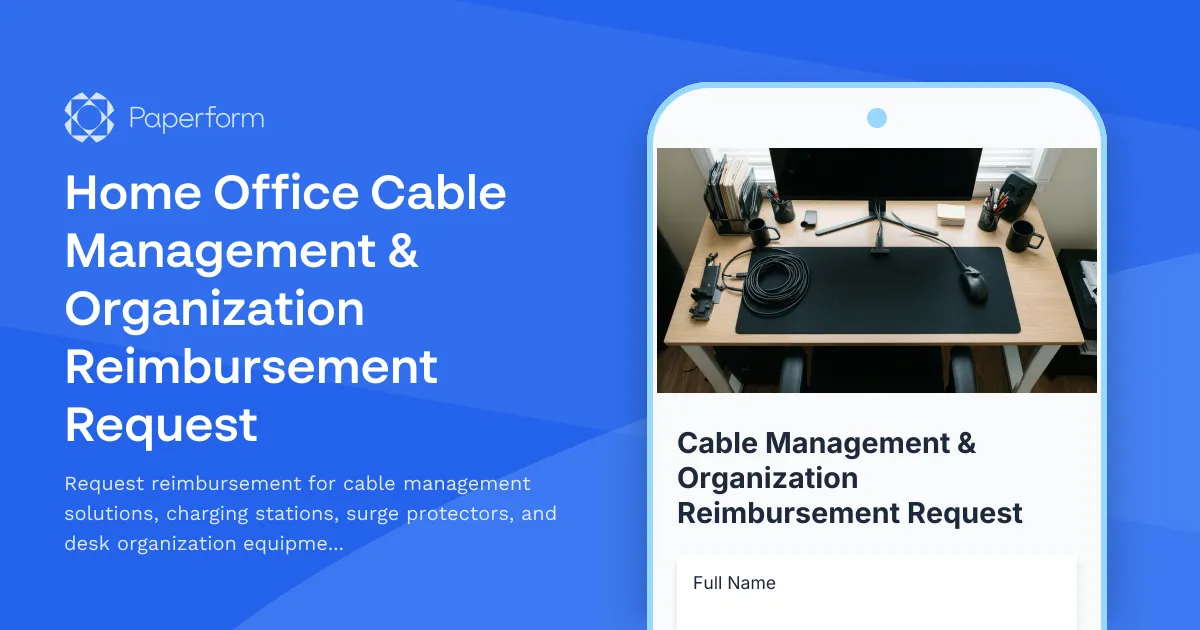
Home Office Cable Management & Organization Reimbursement Request
Request reimbursement for cable management solutions, charging stations, surge protectors, and desk organization equipment for your remote workspace with safety compliance verification.

Home Office Electrical Capacity & Equipment Reimbursement Form
Assess your home office electrical needs, calculate circuit load requirements, and request reimbursement for power strips, outlets, and electrician consultations to ensure safe and compliant remote work setups.
Home Office Emergency Kit & Supplies Request Form
Request essential emergency supplies and safety equipment for your home office, including first aid kits, backup power solutions, emergency contact devices, and disaster preparedness items to ensure business continuity during unforeseen events.
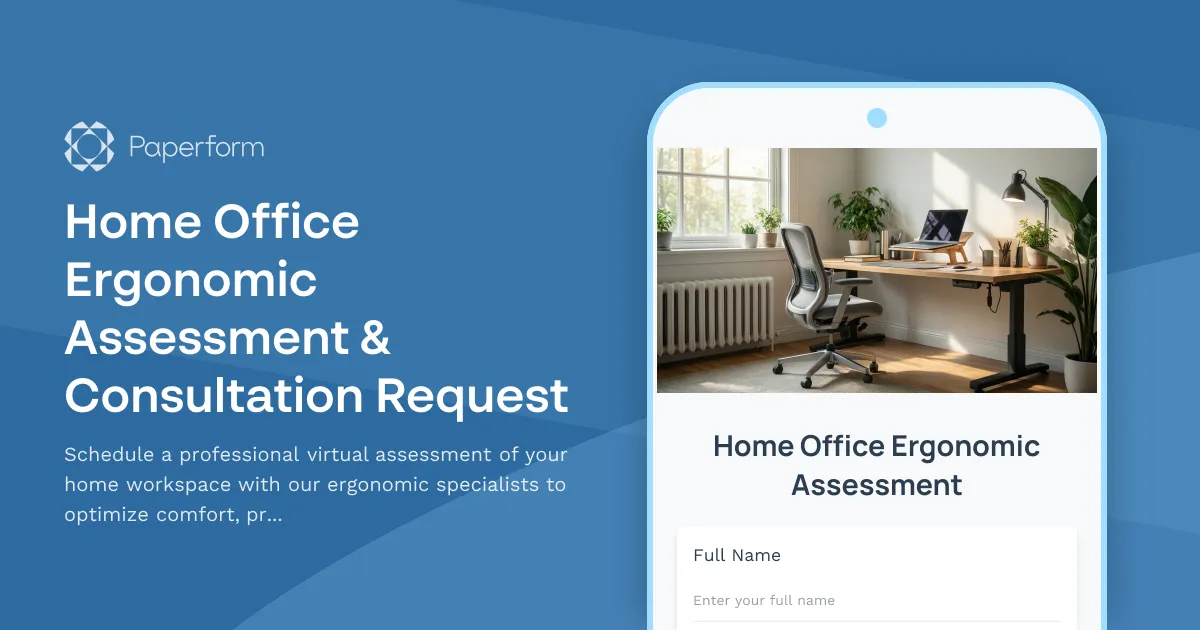
Home Office Ergonomic Assessment & Consultation Request
Schedule a professional virtual assessment of your home workspace with our ergonomic specialists to optimize comfort, productivity, and receive personalized equipment recommendations.
Home Office Temperature Control Request Form
Request temperature control equipment and reimbursement for your home office setup, including smart thermostats, space heaters, desk fans, and comfort optimization solutions for remote work.
Home Office Window Treatment & Glare Reduction Request Form
Request window treatments for your home office to reduce screen glare, improve privacy, and enhance workspace comfort while working remotely.

Hybrid Work Equipment Check-Out Form
A comprehensive form for hybrid and remote employees to request, check out, and track company equipment including laptops, monitors, peripherals, and accessories with return scheduling and liability acknowledgment.

Hybrid Work Equipment Insurance & Damage Assistance Form
Submit claims for accidental damage, theft, or loss of home office equipment with deductible assistance, repair cost sharing, and replacement support for hybrid workers.
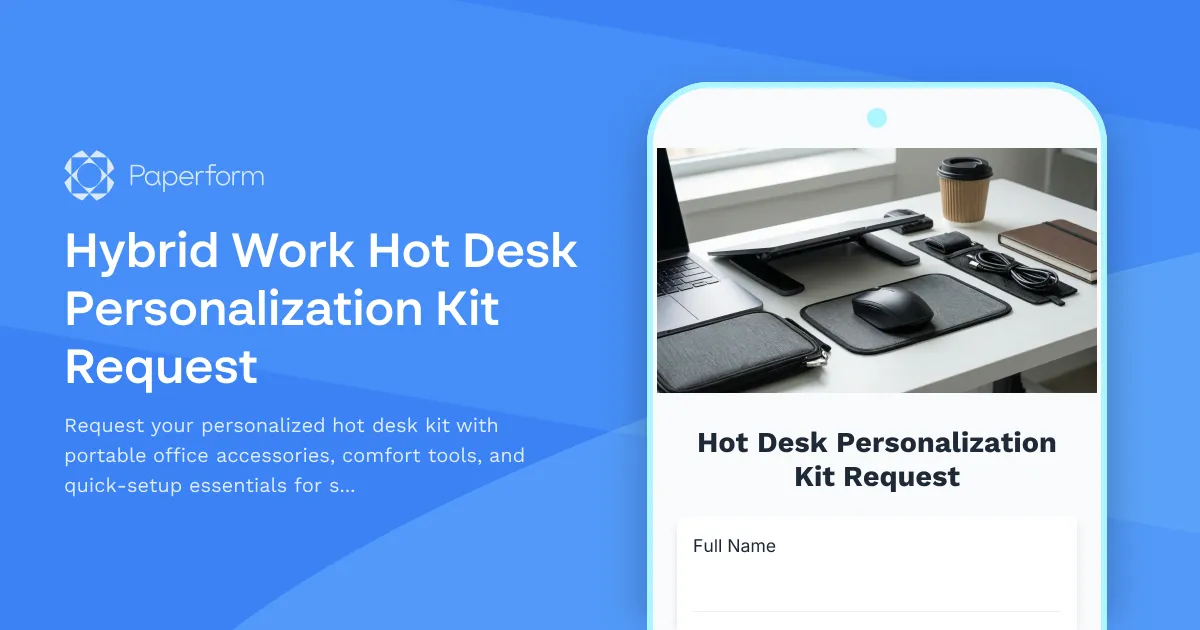
Hybrid Work Hot Desk Personalization Kit Request
Request your personalized hot desk kit with portable office accessories, comfort tools, and quick-setup essentials for seamless hybrid workdays.
Pet-Friendly Home Office Equipment Reimbursement Form
Request reimbursement for home office equipment and modifications designed to accommodate pets while maintaining professional remote work standards.