Professional Contractor Pre-Qualification Made Simple
Finding reliable, qualified contractors is critical for construction projects, facilities management, and procurement teams. This General Contractor Pre-Qualification Form gives you a structured, professional way to vet potential contractors before awarding contracts—capturing everything from licensing and insurance to safety records and past project experience in one streamlined submission.
Built for construction firms, property managers, facilities teams, procurement departments, and general contractors looking to qualify subcontractors, this template replaces scattered emails, incomplete spreadsheets, and inconsistent vetting processes with a single, comprehensive form that collects all the information you need to make confident hiring decisions.
What This Form Covers
This pre-qualification form is designed to assess contractor capability across all the dimensions that matter:
- Business information including company structure, years in operation, and areas of expertise
- License verification with fields for license numbers, types, and expiration dates
- Insurance requirements covering general liability, workers' compensation, and professional liability
- Safety record including OSHA compliance, EMR ratings, and incident history
- Financial stability with references and bonding capacity
- Past project portfolio allowing contractors to showcase relevant experience
- References from previous clients to verify quality and reliability
The form uses conditional logic to adapt based on contractor type and project scope, ensuring you only collect relevant information while maintaining thoroughness.
Why Use Paperform for Contractor Pre-Qualification?
Paperform transforms contractor vetting from a manual, time-consuming process into an efficient, automated workflow:
File uploads let contractors submit proof of insurance, licenses, safety certifications, and project photos directly in the form. Conditional logic tailors questions based on contractor specialty, ensuring HVAC contractors aren't asked irrelevant questions meant for electrical contractors. Required fields guarantee you never receive an incomplete submission, while calculation fields can automatically flag contractors who don't meet minimum insurance thresholds.
Once a contractor submits, you can use Stepper to automatically route submissions to your procurement team, trigger background checks, send qualification status emails, or update your approved vendor database. For contractors who pass pre-qualification, you can even send contracts through Papersign for eSignature, keeping everything connected and auditable.
All data is stored securely with SOC 2 Type II compliance, giving you peace of mind that sensitive business information, insurance documents, and financial details are protected. You can export submissions to Google Sheets or integrate directly with your project management tools to maintain a centralized contractor database.
Perfect for Growing Construction and Facilities Teams
Whether you're a general contractor building a roster of qualified subcontractors, a facilities manager maintaining an approved vendor list, or a procurement team standardizing your qualification process, this template gives you the professional foundation you need—without requiring a developer or complex procurement software.
Start collecting complete, consistent contractor qualifications today, and make better hiring decisions faster with Paperform.



More templates like this
Flooring Contractor Qualification Form
Pre-qualify flooring contractors by evaluating their certifications, equipment, material expertise, and installation capabilities to ensure quality workmanship and project success.
HVAC Contractor Application Form
A comprehensive application form for HVAC contractors to register their services, verify licensing credentials, showcase capabilities, and demonstrate insurance coverage and emergency availability.
Plumbing Contractor Pre-Qualification Form
A comprehensive form for pre-qualifying plumbing contractors, verifying licenses, insurance, certifications, and references before project engagement.
Security Systems Contractor Pre-Qualification Form
Pre-qualify security contractors with licensing, certifications, and technical capabilities for alarm installation, camera integration, and access control projects.
Commercial Cleaning Contractor Qualification Form
A comprehensive pre-qualification form for commercial cleaning contractors that assesses green cleaning certifications, background check policies, supply chain management, and emergency response capabilities.
Commercial Insulation Contractor Application Form
A comprehensive application form for commercial insulation contractors to showcase their expertise, certifications, specializations, and service capabilities including spray foam, fireproofing, and energy audits.
Contractor Background Check Authorization Form
Streamline contractor vetting with this comprehensive background check authorization form. Verify licenses, insurance, and client references in one secure submission.
Door Hardware Contractor Vetting Form
Pre-qualify door hardware contractors and locksmiths by verifying licenses, certifications, compliance knowledge, and experience with access control systems, fire doors, and ADA-compliant installations.
Electrical Contractor Application Form
A professional application form for electrical contractors to apply for projects. Captures licensing, experience, insurance, safety records, and service capabilities.
Electrical Contractor Qualification Form
A comprehensive pre-qualification form for electrical contractors that collects licensing information, bonding capacity, safety certifications, insurance details, and specialized equipment inventory to assess contractor readiness and compliance.
Irrigation Contractor Qualification Form
Pre-qualify irrigation contractors with verification of backflow prevention certifications, water auditing capabilities, smart controller programming expertise, and landscape drainage qualifications.
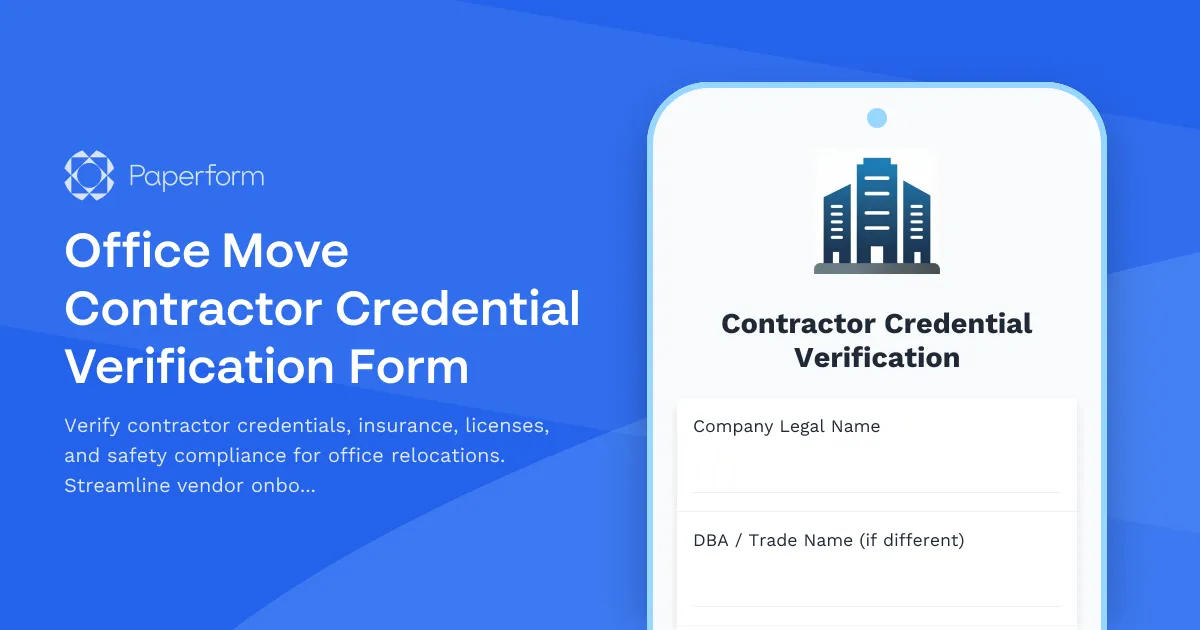
Office Move Contractor Credential Verification Form
Verify contractor credentials, insurance, licenses, and safety compliance for office relocations. Streamline vendor onboarding with comprehensive documentation checks.