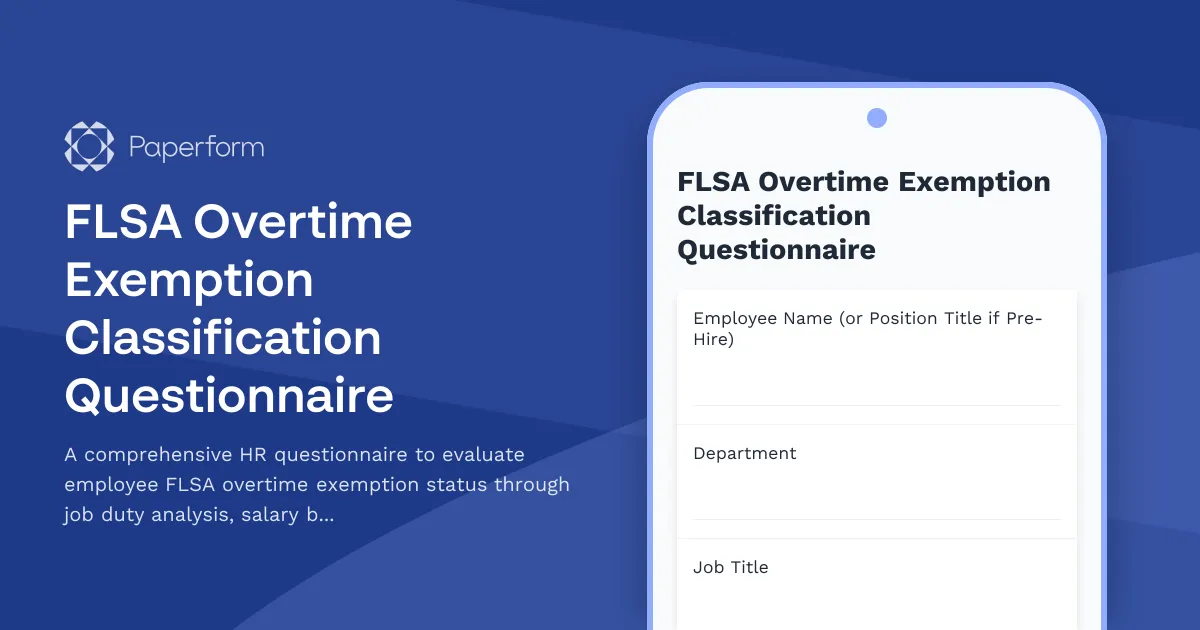
Classify Employees Correctly and Minimize FLSA Compliance Risk
The Fair Labor Standards Act (FLSA) sets the rules for overtime pay, minimum wage, and employee classification—and getting it wrong can be costly. Misclassifying an employee as exempt when they should be non-exempt exposes your business to back pay claims, penalties, and potential lawsuits. For HR professionals, maintaining proper FLSA compliance isn't optional—it's a legal necessity that protects both your organization and your workforce.
This FLSA Overtime Exemption Classification Questionnaire is designed to help HR managers, HR specialists, compliance officers, and business owners systematically evaluate whether a position qualifies for overtime exemption under federal law. It walks you through the critical tests—salary basis, salary level, and job duties—so you can make informed, defensible classification decisions.
Why this template matters for HR and compliance teams
FLSA exemption analysis isn't a one-size-fits-all checklist. It requires a detailed understanding of what an employee actually does day-to-day, how they're paid, and whether their primary duties align with executive, administrative, professional, computer, or outside sales exemptions. This template guides you through:
- Salary basis and salary level tests: Confirming the employee is paid on a salary basis and meets the current Department of Labor threshold.
- Primary duty analysis: Evaluating the employee's actual job responsibilities against FLSA exemption criteria, not just their job title.
- Risk assessment and documentation: Identifying red flags for misclassification and capturing the rationale behind your decision for audit readiness.
By documenting your classification process in a structured form, you create a clear paper trail that demonstrates compliance intent and due diligence—critical if your classification decisions are ever questioned during a DOL audit or employee dispute.
Who should use this form
This questionnaire is purpose-built for organizations across all industries that need to maintain FLSA compliance, including:
- HR managers and HR specialists conducting initial classifications or reclassification reviews
- Compliance officers and legal teams auditing employee classifications and assessing organizational risk
- Business owners and executives who need to ensure their payroll practices align with federal wage and hour law
- Consultants and advisors supporting clients through classification projects or DOL audits
Whether you're onboarding a new hire, conducting an internal audit, or responding to an overtime claim, this form helps you capture the details that matter most for defensible decision-making.
How Paperform makes FLSA compliance easier
Paperform's flexible form builder is ideal for creating professional, legally-focused HR forms that feel approachable but capture critical compliance data. With conditional logic, you can tailor follow-up questions based on exemption type or job category, ensuring reviewers only see the fields relevant to their analysis. Calculation fields let you automatically flag salary level issues or scoring thresholds, while rich text formatting makes it easy to include explanatory guidance, legal references, and internal policy notes directly in the form.
Once submitted, responses can be routed automatically to legal counsel for review, logged into your HRIS or compliance tracking system, or saved to a secure folder for audit documentation. Paperform integrations with tools like Google Sheets, Airtable, Slack, and webhooks mean your classification data stays organized and accessible without manual data entry.
For teams managing multiple reviews, Paperform's multi-user collaboration and Agency+ plans make it easy to standardize the classification process across departments, business units, or client organizations—ensuring consistency and reducing the risk of ad-hoc, undocumented decisions.
Automate your compliance workflows with Stepper
Once you've captured classification data, the real work begins: routing for approval, updating payroll systems, notifying managers, and setting review reminders. That's where Stepper, Paperform's AI-native workflow builder, comes in.
With Stepper, you can turn each FLSA questionnaire submission into a multi-step compliance workflow:
- Route high-risk classifications to legal or senior HR for secondary review based on exemption type or risk score.
- Update your HRIS or payroll system automatically with the approved classification and effective date.
- Trigger reminder emails for annual reclassification reviews or when salary thresholds change.
- Generate audit-ready reports summarizing all classification decisions, including supporting documentation and approval history.
Stepper's no-code automation means your HR and compliance teams can build sophisticated workflows without IT support, keeping your FLSA compliance process efficient, transparent, and defensible.
Built for teams that take compliance seriously
FLSA compliance is one of those areas where "close enough" doesn't cut it. Misclassification can result in costly litigation, employee relations issues, and regulatory penalties that far outweigh the investment in getting it right. This template gives HR and compliance professionals a structured, repeatable way to evaluate exemption status, document their analysis, and reduce organizational risk.
Paperform is trusted by over 500,000 teams worldwide and is SOC 2 Type II and GDPR compliant, so your sensitive HR data is protected by enterprise-grade security that meets the needs of growing businesses. Whether you're a small business managing your first classifications or a mid-sized organization conducting a company-wide audit, Paperform gives you the tools to standardize, document, and defend your FLSA decisions with confidence.



More templates like this
Hong Kong Employment Equity Monitoring Report
Comprehensive workforce diversity report for Hong Kong businesses to track equity metrics, pay gap analysis, advancement opportunities, and regulatory compliance with detailed annual board reporting.
URSSAF Economic Dismissal Procedure Form (Licenciement Économique)
A comprehensive French employment termination form for documenting economic dismissal procedures, including justification, reclassification efforts, and required administrative notifications to comply with URSSAF and French labour law.
Caregiver Discrimination Grievance Form
A comprehensive form for employees to report caregiver discrimination, FMLA interference, family responsibility bias, schedule accommodation denials, and related Title VII violations in the workplace.
Compelled Speech & Conscience Protection Complaint Form
A confidential form for employees to report concerns about compelled speech, belief requirements, training objections, or conscience protection issues in the workplace.
Constructive Discharge Complaint Form
Document intolerable working conditions, resignation timeline, and coordinate unemployment benefits with this comprehensive constructive discharge complaint form.
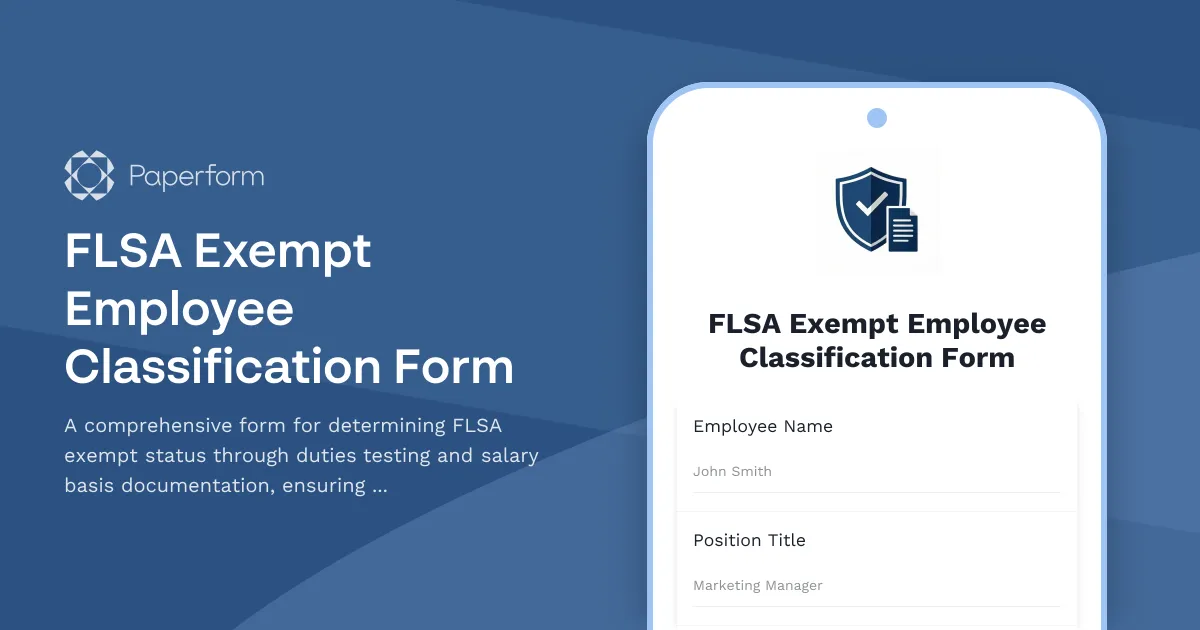
FLSA Exempt Employee Classification Form
A comprehensive form for determining FLSA exempt status through duties testing and salary basis documentation, ensuring proper employee classification and DOL compliance.
French International Assignment Form
Professional international assignment form for French employees with expatriation/detachment options, tax equalization, and social security coverage declarations for URSSAF compliance.
French Mandatory Annual Negotiation (NAO) Minutes Template
Professional template for documenting mandatory annual negotiation meetings (NAO) in France, including salary review, working conditions, and representative signatures.
French Workplace Psychological Risk Assessment Form
A comprehensive psychological risk assessment form for French workplaces to evaluate stress factors, prevent harassment, and support employee mental health in compliance with French labor regulations.
GDPR Data Breach Assessment Form
Structured assessment form to evaluate data breaches and determine if notification to supervisory authority is required under GDPR Article 33 within 72 hours.
German Foreign Assignment Agreement (Entsendung Ausland)
A comprehensive foreign assignment agreement form for German employees being posted abroad, covering host country details, assignment duration, compensation, and social security status determination in compliance with German employment law.

Korean Labor Union Formation Notification Form
A comprehensive notification form for establishing labor unions in South Korea, including collective bargaining agreement details and regulatory compliance requirements under Korean labor law.