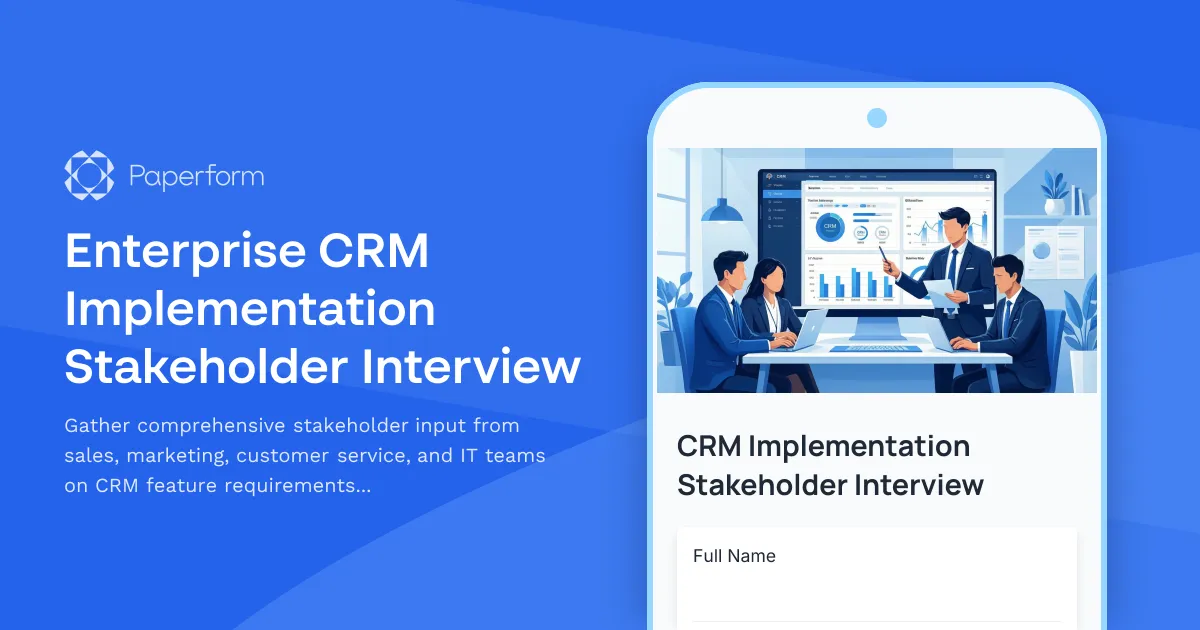
Streamline Your CRM Implementation with Stakeholder-Driven Insights
Implementing an enterprise CRM system is a transformative investment that affects every customer-facing team in your organization. Success depends on understanding the unique needs, workflows, and concerns of each stakeholder group—from sales and marketing to customer service and IT.
This Enterprise CRM Implementation Stakeholder Interview template helps you systematically gather critical input during the discovery and planning phases of your CRM project. Rather than relying on assumptions or incomplete requirements, you can collect detailed feedback on feature priorities, integration needs, data migration concerns, training expectations, and potential adoption barriers.
Why stakeholder interviews matter for CRM success
CRM implementations often fail not because of technical limitations, but because the system doesn't align with how teams actually work. By conducting structured stakeholder interviews early in the process, you can:
- Identify feature requirements that matter most to daily workflows across sales, marketing, and service teams
- Uncover integration dependencies with existing tools like marketing automation, ERP systems, support platforms, and analytics tools
- Prioritize data migration to ensure historical customer data, deal pipelines, and campaign records transfer accurately
- Design targeted training programs based on team skill levels, change readiness, and learning preferences
- Surface adoption concerns before launch so you can proactively address resistance and build buy-in
This template is specifically designed for IT leaders, CRM project managers, business analysts, and implementation consultants who need to gather structured, actionable input from multiple departments before finalizing system requirements and configuration.
How Paperform makes stakeholder research effortless
Traditional stakeholder interviews involve scheduling dozens of meetings, manually consolidating notes, and trying to spot patterns across scattered feedback. Paperform transforms this process into a streamlined, self-serve experience:
- Professional, on-brand forms that reflect the importance of the project and encourage thoughtful responses
- Conditional logic that shows relevant questions based on department, role, and current tool usage
- AI-powered insights that automatically analyze open-ended responses to identify common themes, concerns, and feature requests across stakeholders
- Rich media support so you can embed demo videos, mockups, or explainer content to give context before asking questions
- Real-time notifications via Slack, email, or project management tools when key stakeholders submit their input
Automate your CRM implementation workflow with Stepper
Once you've gathered stakeholder input, Paperform integrates with Stepper to automate the entire implementation workflow:
- Route submissions to the appropriate project workstream (feature design, integration planning, data migration, training development)
- Create tasks in project management tools like Asana, Monday, or Jira based on submitted requirements
- Update CRM vendor shared workspaces with consolidated requirements
- Trigger follow-up interviews or clarification requests for incomplete responses
- Sync feedback into your requirements documentation in Notion, Confluence, or SharePoint
Perfect for software companies, IT departments, and consultants
This template is ideal for:
- IT leaders and CRM project managers overseeing enterprise CRM implementations
- Business analysts responsible for requirements gathering and system design
- Implementation consultants working with clients to configure CRM platforms
- Change management teams preparing organizations for CRM adoption
- Department heads in sales, marketing, and customer service who need a voice in the selection process
Whether you're implementing Salesforce, HubSpot, Microsoft Dynamics, Zoho, or another enterprise CRM platform, this stakeholder interview template ensures you capture the right information to build a system that actually gets used.
Secure, compliant, and enterprise-ready
Paperform is SOC 2 Type II compliant and offers enterprise-grade security features including SSO, role-based permissions, and data residency controls—essential when gathering sensitive business requirements and strategic insights from leadership teams.
Start gathering stakeholder input today and build a CRM implementation roadmap backed by real needs, not assumptions.



More templates like this
Agile Transformation Stakeholder Interview
Gather critical insights from development teams, product owners, and executives about current process pain points, collaboration challenges, and requirements for a successful agile transformation.
Cybersecurity Initiative Stakeholder Interview
Gather strategic input from IT staff, executives, and end users on cybersecurity priorities, threat assessment, compliance needs, and training requirements to inform your security roadmap.
Data Governance Framework Stakeholder Interview
Gather strategic input from data owners, analysts, compliance officers, and IT teams to establish comprehensive data governance standards, access controls, and stewardship responsibilities.
Financial Services Digital Transformation Stakeholder Interview
Gather critical input from stakeholders on security requirements, user experience expectations, regulatory compliance needs, integration priorities, and change management concerns for your financial services digital transformation initiative.
Process Automation Discovery Project Kickoff Form
A comprehensive project brief template for automation discovery initiatives, capturing workflow documentation, pain points, automation opportunities, tool requirements, and ROI projections to guide successful implementation.
Business Continuity Planning Focus Group Recruitment
Screen and recruit IT managers for a business continuity planning focus group. Evaluate disaster recovery testing practices, backup frequency, downtime tolerance, and remote work capabilities.
Change Management Scope of Work
A comprehensive change management scope of work template for defining stakeholder analysis, communication strategies, training plans, resistance mitigation, and adoption metrics for organizational change initiatives.
CMS Migration Stakeholder Interview Form
Gather comprehensive stakeholder feedback on CMS migration requirements, workflow needs, integration priorities, and training expectations from marketing, IT, content, and executive teams.
CRM Implementation Discovery Form
A comprehensive discovery form for CRM implementation projects that captures sales process requirements, lead management workflows, integration needs, and data migration planning to ensure successful CRM deployment.
Cybersecurity Services Data & Network Access Consent Form
Obtain client consent for managed cybersecurity services including network vulnerability scans, security monitoring, employee training tracking, and threat intelligence sharing.
Disaster Recovery Planning Discovery Form
A comprehensive discovery form for assessing disaster recovery needs, documenting critical systems, defining recovery objectives, and establishing backup and communication protocols for business continuity planning.
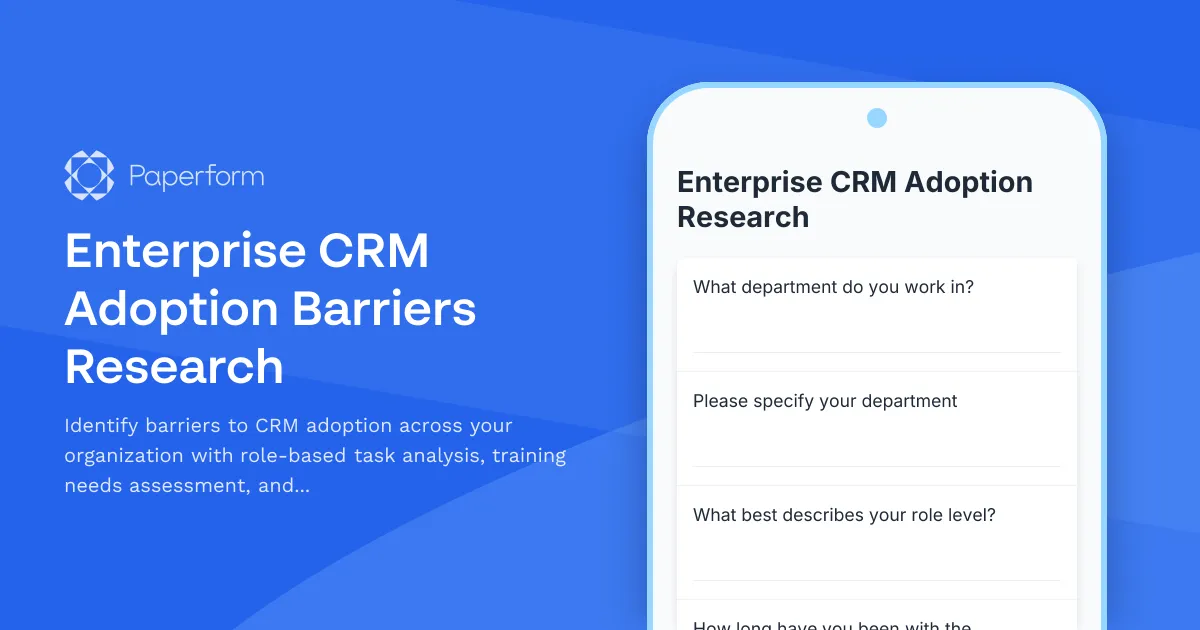
Enterprise CRM Adoption Barriers Research
Identify barriers to CRM adoption across your organization with role-based task analysis, training needs assessment, and feature prioritization insights.