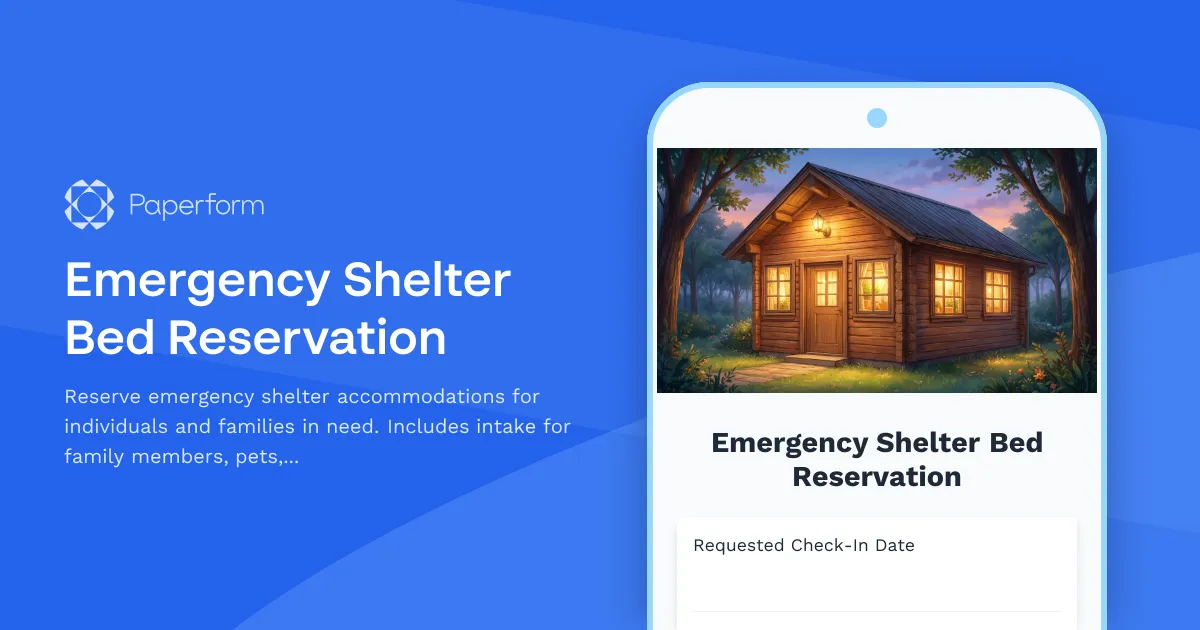
Emergency Shelter Bed Reservation Form
When individuals and families face housing crises, every moment counts. This Emergency Shelter Bed Reservation Form helps social services agencies, municipal shelters, and nonprofit organizations streamline the intake process, ensuring that people experiencing homelessness or housing emergencies can quickly access safe, dignified accommodations.
Why Digital Emergency Shelter Intake Matters
Traditional paper-based shelter intake can create delays when beds are urgently needed. By digitizing your reservation and check-in process with Paperform, you create a faster, more compassionate pathway for people in crisis while capturing the essential information your staff needs to provide appropriate care and services.
This form template is designed specifically for:
- Municipal emergency shelters managing nightly bed assignments
- Nonprofit housing organizations coordinating temporary accommodation
- Social services departments responding to housing crises
- Faith-based shelters providing overnight or transitional housing
- Domestic violence shelters offering safe haven and support services
- Youth outreach programs assisting unhoused young people
What This Template Includes
This comprehensive shelter reservation form captures:
- Check-in date and estimated arrival time to help staff prepare for incoming guests
- Personal contact information for case follow-up and emergency contacts
- Family composition details including number of adults and children
- Pet accommodation requests recognizing that many guests have animal companions
- Medical conditions and accessibility needs ensuring appropriate room assignments and care
- Allergies and dietary restrictions for meal planning and safety
- Case management enrollment connecting guests with longer-term support services
- Length of stay estimate to assist with capacity planning
- Emergency contact information for guest safety
- Special circumstances and additional needs captured through open-ended questions
How Paperform Transforms Shelter Intake
Accessible 24/7 intake: Guests can submit reservation requests online from a library, phone, or community center, reducing the need to arrive in person only to discover no beds are available.
Mobile-friendly design: The form works seamlessly on any device, recognizing that many people experiencing housing instability access the internet primarily through phones.
Conditional logic for complex needs: The form automatically shows relevant follow-up questions—for example, if someone indicates they have children, additional fields appear for ages and school enrollment details.
Real-time notifications: Shelter staff receive instant email alerts when new reservations come in, allowing for quick bed assignments and preparation.
Centralized data collection: All intake information flows into one secure system, eliminating the need to re-enter data across multiple databases or case management systems.
Extending Your Shelter Management with Stepper
After a guest submits their reservation, you can use Stepper to automate what happens next:
- Auto-assign beds based on family size, accessibility needs, and current capacity
- Send confirmation messages via SMS or email with shelter address, check-in instructions, and what to bring
- Create case files automatically in your case management system
- Schedule intake appointments with social workers or housing navigators
- Trigger background checks if required by your shelter policies
- Update bed availability in real-time across your website or referral network
- Generate daily rosters for shelter staff with guest names, arrival times, and special needs
These automations free up your team to focus on direct service delivery rather than administrative coordination.
Compliance, Privacy, and Dignity
When serving vulnerable populations, trust is everything. Paperform is SOC 2 Type II compliant and offers robust data security features to protect sensitive personal information. You can configure forms to collect only essential data, clearly communicate your privacy practices, and ensure guests understand how their information will be used.
The form's thoughtful design—using warm, respectful language and offering privacy around sensitive questions—helps maintain the dignity of people in difficult circumstances.
Customizing for Your Shelter's Needs
Every shelter operates differently. You might want to add:
- Intake screening questions for health and safety protocols
- Transportation assistance questions to help guests reach your location
- Language preference fields to arrange interpreter services
- Veterans status to connect with VA-specific resources
- Previous shelter history if tracking repeat guests
- Substance use support to offer appropriate services
- Document collection for ID uploads if needed for government reporting
Paperform's intuitive editor makes these customizations simple—no developer required.
Who Benefits from Digital Shelter Intake
Social services case managers can review reservation details before guests arrive, preparing appropriate resources and referrals in advance.
Shelter coordinators gain visibility into nightly capacity, allowing better planning for staffing, meals, and bed assignments.
Guests themselves experience a more streamlined, less stressful intake process during what may be one of the most difficult moments of their lives.
Government agencies receive more complete, consistent data for reporting and funding compliance.
Integrating with Your Existing Systems
Paperform connects seamlessly with the tools many social services organizations already use:
- Send intake data to Google Sheets or Airtable for daily tracking
- Notify staff via Slack when urgent needs or medical conditions are flagged
- Update your case management system like Salesforce Nonprofit Cloud or Apricot
- Sync with your website to show current bed availability
- Connect to SMS services to send check-in reminders
You can also use webhooks or Paperform's API to connect with specialized shelter management software.
Making Emergency Services More Accessible
Housing instability affects people from all walks of life—families fleeing domestic violence, veterans facing mental health challenges, young people aging out of foster care, workers hit by sudden job loss. This form template is designed to serve all of these populations with compassion, efficiency, and respect.
By bringing your emergency shelter intake online with Paperform, you're not just digitizing a process—you're removing barriers, reducing wait times, and creating a more welcoming first point of contact for people who need help right now.
Whether you're running a 10-bed overnight shelter or coordinating a network of emergency housing sites across a region, this template gives you a professional, customizable starting point that you can launch today and refine as your needs evolve.



More templates like this
Addiction Recovery Housing Application Form
A comprehensive application form for individuals seeking admission to addiction recovery housing programs. Captures personal information, recovery history, sobriety commitment, treatment completion, employment status, and house rules acknowledgment.
Child Welfare Prevention Services Intake Form
Comprehensive intake form for child welfare prevention services with family strengths assessment, risk identification, voluntary services agreement, and safety planning.
Community Reentry Services Application
A comprehensive application for formerly incarcerated individuals seeking community reentry support, including housing assistance, employment resources, benefit restoration, and legal aid services.
Crisis Respite Care Application for Caregivers
Apply for temporary crisis respite care services to support caregivers of elderly or disabled family members. Request facility-based or in-home respite care with comprehensive assessment of care needs.
Crisis Youth Mobile Response Request Form
Request immediate crisis intervention for child behavioral emergencies. Connect with mobile response teams for in-home stabilization, safety assessment, and family support services.
Emergency Cash Assistance Application
Apply for emergency financial assistance to prevent eviction, utility shutoff, or other urgent financial crises. Upload supporting documents and learn about repayment options.
Emergency Prescription Assistance Program Application
Apply for emergency prescription assistance to help cover medication costs when you're facing financial hardship or insurance denial. Quick application process with income verification and pharmacy coordination.
Emergency Rent Arrearage Mediation Application
Apply for emergency rent assistance and landlord-tenant mediation services. Submit payment plan proposals, document disputes, and access tenant rights resources to resolve arrearage and prevent eviction.
Emergency Rental Assistance Application
Apply for emergency rental assistance with household income verification, lease documentation, and hardship statement to help cover rent and prevent eviction.
Emergency Student Housing Assistance Application
A comprehensive application for homeless and unaccompanied youth to access emergency housing assistance and educational support under the McKinney-Vento Act.
Emergency Utility Reconnection Assistance Application
Apply for emergency assistance to reconnect essential utility services. Request help with water, electricity, or gas reconnection due to financial hardship, medical necessity, or household vulnerability.
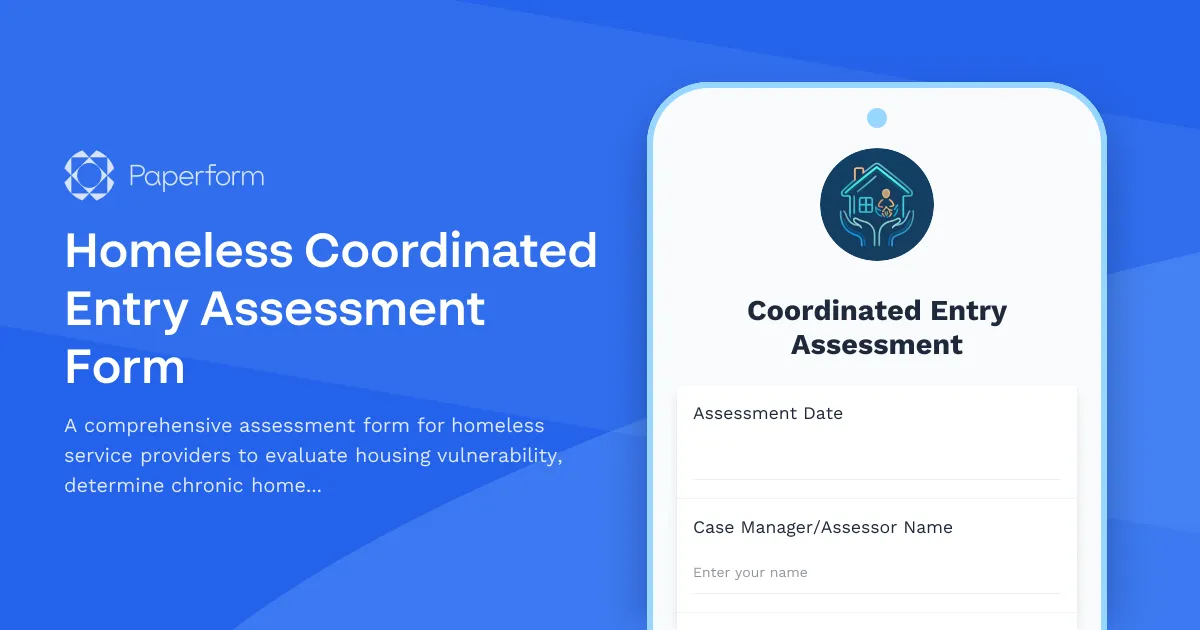
Homeless Coordinated Entry Assessment Form
A comprehensive assessment form for homeless service providers to evaluate housing vulnerability, determine chronic homelessness status, identify barriers, and match individuals with appropriate housing interventions.