Professional Ear Piercing Studio Permit Application Form
Operating a safe, compliant ear piercing studio requires careful attention to health regulations, equipment standards, and client safety protocols. Whether you're opening a new piercing studio, adding piercing services to an existing salon, or renewing your operational permit, this Ear Piercing Studio Permit Application template streamlines the entire licensing process while ensuring you meet all health department requirements.
Why Paperform is Perfect for Permit Applications
Paperform transforms complex, multi-page permit applications into a smooth, professional experience. Unlike rigid government forms or clunky PDF applications, Paperform's document-style editor lets you create an on-brand application that feels modern and trustworthy—critical when you're establishing credibility with health inspectors and licensing officials.
The conditional logic built into this template means applicants only see relevant questions based on their specific situation. For example, if an applicant is under 18, the form automatically reveals parental consent sections. If they're applying for multiple piercing locations, additional address fields appear seamlessly. This smart branching keeps applications clean, reduces errors, and speeds up processing time for overworked health department staff.
Built for Beauty, Wellness & Personal Services Industries
This template is specifically designed for:
- Beauty salon owners adding ear piercing services to their existing offerings
- Tattoo and body piercing studios expanding into ear piercing or seeking separate permits
- Jewelry retailers who want to offer professional piercing services in-store
- Mobile piercing services requiring permits for pop-up or event-based operations
- Mall kiosk operators specializing in ear piercing
- Health department officials who need a standardized intake form for permit applications
The form covers all critical compliance areas including sterilization equipment specifications, jewelry material certifications (surgical steel, titanium, 14k+ gold), autoclave maintenance records, biohazard disposal procedures, and staff training documentation. It also handles the sensitive age verification and parental consent requirements that protect both minors and your business from liability.
Key Features That Save Time and Reduce Errors
Smart conditional logic ensures minors trigger parental consent sections automatically, while adult applicants bypass unnecessary fields entirely. File upload fields let you attach photos of your sterilization equipment, certificates of autoclave calibration, jewelry supplier certifications, and staff training credentials—all organized in one submission.
Built-in calculations can handle permit fee structures based on the number of piercing stations, staff members, or service types you're applying for. The form can even calculate renewal dates and send automated reminders via email when permits are due for renewal.
Digital signatures make it easy to capture applicant signatures, parental consent signatures, and health department official signatures all within the same workflow. This eliminates the print-sign-scan cycle that slows down traditional permit processing.
Automate Your Permit Workflow with Stepper
Once a permit application is submitted through Paperform, you can connect it to Stepper to automate your entire approval workflow. Set up a process where:
- Applications automatically route to the appropriate health inspector based on location or service type
- Incomplete applications trigger email requests for missing documentation
- Approved permits generate official PDF certificates with unique permit numbers
- Renewal reminders are sent 30, 60, and 90 days before expiration
- Payment confirmations sync with your accounting software
- Compliance checklists are sent to applicants with next steps
This automation transforms permit processing from a paper-heavy bottleneck into a smooth, trackable workflow that gives both applicants and officials visibility into application status at every stage.
Compliance Made Simple
Health department compliance doesn't have to be complicated. This template includes sections for:
- Sterilization protocols: Document your autoclave model, maintenance schedule, and biological indicator testing procedures
- Jewelry quality standards: Verify materials meet nickel-free, hypoallergenic requirements with supplier certifications
- Age verification procedures: Outline your ID checking process and minor consent protocols
- Aftercare instruction delivery: Confirm how you provide written aftercare guidelines to every client
- Blood-borne pathogen training: Upload staff certifications and training completion dates
- Infection control measures: Detail your single-use needle policies and cross-contamination prevention
The form also captures emergency contact information, business insurance details, and premises inspection readiness—everything health officials need to complete a thorough review without multiple back-and-forth requests.
Perfect for Solo Practitioners and Multi-Location Operators
Whether you're a solo esthetician adding ear piercing to your services or a regional beauty chain applying for permits across multiple locations, this template scales to your needs. The form can be duplicated and customized for different jurisdictions with varying requirements, ensuring compliance no matter where you operate.
For stylists, estheticians, and salon owners, this represents a professional, organized approach to expanding your service offerings. For health department compliance officers, it provides a standardized intake format that makes review and approval faster and more consistent.
Get Started in Minutes
With Paperform's template library, you don't need to build this complex application from scratch. Customize the fields to match your local health department requirements, add your jurisdiction's specific regulations, and publish to your website or share via direct link. Submissions come straight to your inbox, are stored securely in Paperform's SOC 2 Type II compliant platform, and can be exported to spreadsheets or connected to your existing systems.
Whether you're navigating permit applications for the first time or streamlining an existing licensing process, Paperform gives you the professional tools to handle it with confidence—no coding required.
Ready to simplify your ear piercing studio permit application process? Start with this template and create a compliant, professional experience that gets you approved faster.



More templates like this
Body Contouring Clinic Permit Application
Apply for a permit to operate a body contouring clinic offering non-invasive aesthetic procedures with equipment certification and medical oversight documentation.
Eyelash Extension Salon Permit Application
Complete permit application for eyelash extension salons covering facility requirements, safety protocols, technician qualifications, and client care standards.
Tanning Salon Permit Application
Apply for a tanning salon operating permit with equipment certification, safety protocols, and compliance documentation.
Teeth Whitening Studio Permit Application
A comprehensive permit application for teeth whitening studios covering business details, technician qualifications, product safety protocols, consent procedures, and compliance requirements.
Vape Shop License Application
A comprehensive vape shop license application form for tobacco retailers covering business details, product compliance, age verification systems, signage requirements, and online sales protocols.
Butchery Operating License Application & Meat Handling Certification
Complete application form for butchery operating licenses in Kenya, including meat handling certification, refrigeration compliance, and veterinary inspection scheduling.
CrossFit Gym Business License Application
Apply for or renew your CrossFit gym business license with equipment safety certification, trainer credentials verification, and comprehensive liability documentation.
Dubai Fashion Pavilion Boutique License Application
Complete application for Dubai boutique retail trade license covering fashion pavilion registration, brand partnership agreements, and luxury goods handling protocols for UAE regulatory compliance.
Durable Medical Equipment Supplier Permit Application
Comprehensive permit application for DME suppliers covering business operations, inventory management, delivery services, equipment fitting capabilities, insurance billing, and quality assurance protocols.
Esthetician Business License Application
Complete business license application for estheticians including state board certification, sanitation protocols, product safety documentation, and compliance verification.
Fitness Studio Operating Permit Application
Apply for a fitness or yoga studio operating permit with facility specifications, safety requirements, and instructor credentials verification.
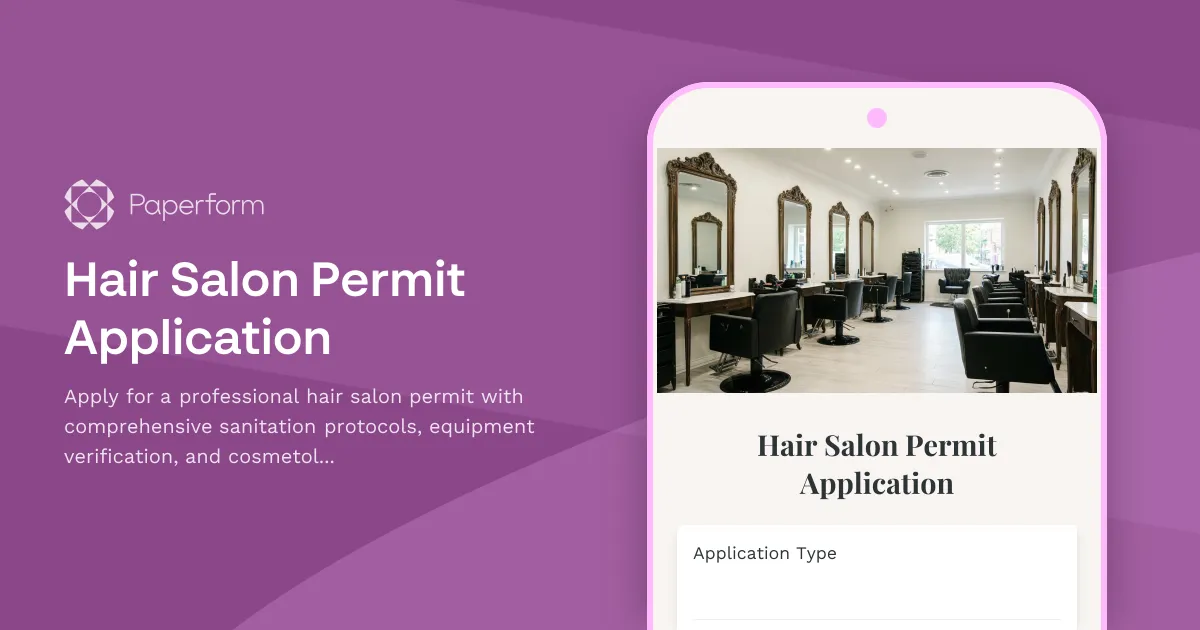
Hair Salon Permit Application
Apply for a professional hair salon permit with comprehensive sanitation protocols, equipment verification, and cosmetology license validation.