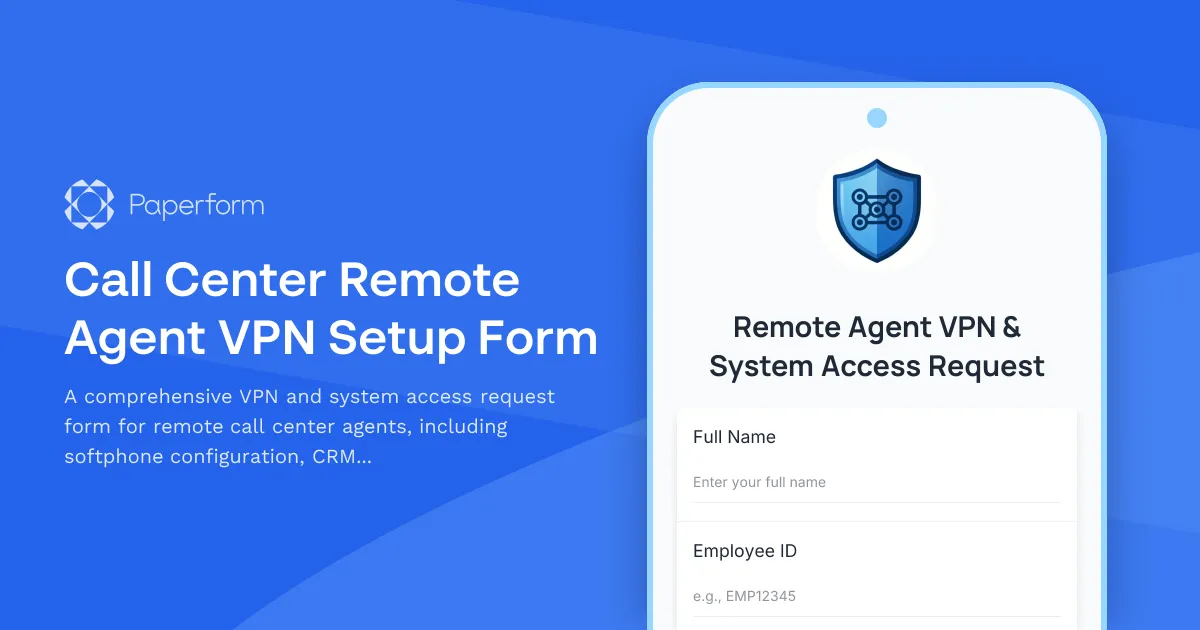
Setting up remote call center agents requires careful coordination of VPN access, softphone systems, CRM permissions, and compliance documentation. This Call Center Remote Agent VPN Setup Form streamlines the entire onboarding process into one professional, secure workflow.
Designed for IT teams, contact center managers, and HR departments, this template collects everything needed to provision a remote agent with the right tools and access levels. From personal details and employment information to technical requirements and monitoring consent, you'll capture all the details in one submission—no back-and-forth emails or incomplete setup requests.
The form walks agents through providing their device information, preferred softphone settings, required CRM access level, and acknowledgment of quality monitoring policies. Conditional logic ensures that only relevant questions appear based on the agent's role and device type, creating a smooth experience that respects their time.
Built on Paperform, this template gives you full control over branding and design. Customize the questions, add your company logo, match your brand colors, and embed it directly into your employee portal or send it as a standalone link. If you need to route different agent types to different IT queues or trigger specific provisioning workflows, connect this form to Stepper to automate ticket creation, send welcome emails with credentials, or update your HR systems—no code required.
With SOC 2 Type II compliance and enterprise-grade security, Paperform ensures sensitive employee data and system access requests are handled with the protection your IT and compliance teams expect. Whether you're onboarding five agents or fifty, this template turns a complex multi-step process into a single, streamlined form.



More templates like this

Corporate VPN Access Request Form
Streamline remote access requests with this corporate VPN access form. Collect employee details, device information, security clearance levels, and route for manager approval—all in one secure workflow.

Home Office Battery Backup & UPS Request Form
Request battery backup and UPS equipment for your home office to ensure business continuity during power outages. Assess your power needs, prioritize critical devices, and plan for uninterrupted remote work.
Telecom & Phone System Support Request
Submit technical support requests for phone system issues, call quality problems, voicemail troubleshooting, and escalate carrier-related issues with this comprehensive telecom support form.
Consulting Firm Client Site VPN Access Request
A comprehensive VPN access request form for consulting firms requiring client site access, including engagement verification, client approval workflow, and conflict of interest disclosure.
CRM System User Access Request Form
Request user access to your CRM system with role-based permissions, data visibility controls, and sales territory assignments for efficient team management.
Digital Workplace Platform Access Request
Request access to your organization's digital workplace platform, including intranet publishing permissions, employee directory management, and engagement analytics viewing capabilities.
Distributed Engineering Team Onboarding Form
A comprehensive remote onboarding form for distributed engineering teams covering cloud access, repository permissions, sprint preferences, documentation standards, and on-call rotation availability.

Employee Offboarding IT Access Revocation Checklist
Comprehensive IT offboarding checklist to systematically revoke employee system access, track equipment returns, and ensure secure account closure across all platforms.
Hybrid Work Audio Privacy Equipment Request Form
Request white noise generators, sound masking devices, and audio privacy equipment for confidential remote and hybrid work conversations.

Hybrid Work Equipment Check-Out Form
A comprehensive form for hybrid and remote employees to request, check out, and track company equipment including laptops, monitors, peripherals, and accessories with return scheduling and liability acknowledgment.

Hybrid Work Equipment Insurance & Damage Assistance Form
Submit claims for accidental damage, theft, or loss of home office equipment with deductible assistance, repair cost sharing, and replacement support for hybrid workers.
IT Equipment Request Form for Remote Employees
Streamline remote employee equipment requests with this comprehensive IT form covering laptops, monitors, peripherals, and ergonomic home office accessories.