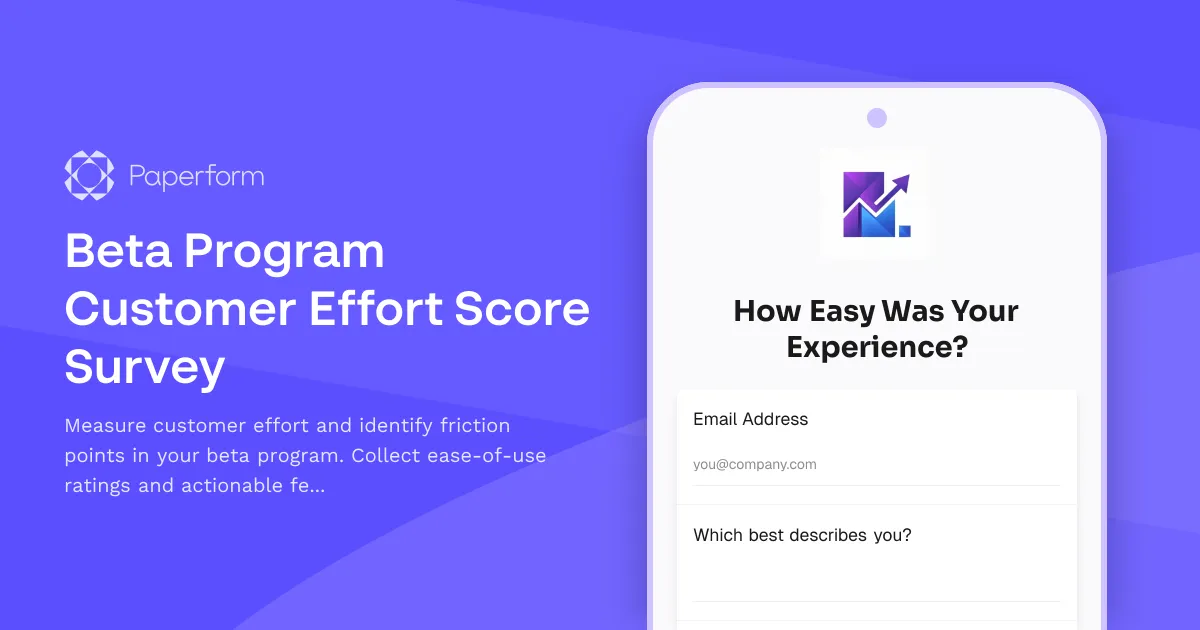
Measure Beta User Effort and Optimize Your Product Launch
Customer Effort Score (CES) is one of the most predictive metrics for customer loyalty and product success. For SaaS startups and product teams running beta programs, understanding where users encounter friction is critical to shipping a product people actually want to use.
This Beta Program Customer Effort Score Survey helps you capture honest feedback from early adopters about how easy—or difficult—your product is to use. Instead of waiting for launch to discover UX problems, you'll identify friction points, workflow bottlenecks and usability issues while you still have time to fix them.
Why Customer Effort Score Matters for Beta Programs
Traditional satisfaction surveys ask "how happy are you?"—but CES asks the more actionable question: "how easy was this to do?" Research shows that reducing customer effort is one of the strongest drivers of retention and word-of-mouth growth, especially for early-stage products competing in crowded markets.
For beta testers who are volunteering their time and patience, measuring effort helps you:
- Prioritize fixes based on where users struggle most, not just what they say they want
- Reduce churn risk by smoothing out the workflows that create the most friction
- Build loyalty by showing beta users you're listening and improving based on their real experience
- De-risk your launch by validating that core flows are genuinely easy before you scale
What This Template Captures
This template is designed to be fast to complete (under 5 minutes) while capturing high-signal feedback across the full user journey:
- Overall effort rating: The core CES question using a 7-point scale from "Very Difficult" to "Very Easy"
- Friction point identification: Open-ended questions about specific tasks or workflows that felt hard, confusing or slow
- Feature-level ease ratings: Drill into the usability of key features with granular ratings
- Workflow optimization feedback: Understand what users expected vs. what they experienced
- Comparison benchmarks: Ask how your product compares to alternatives they've tried
- Suggested improvements: Let beta users tell you exactly what would make their experience easier
The form uses conditional logic to dig deeper when users flag friction, so you get actionable detail without overwhelming people who had smooth experiences.
How Paperform Powers Better Beta Feedback
Paperform's visual editor and conditional logic make it easy to create branded, conversational surveys that feel less like market research and more like a dialogue. You can:
- Match your brand: Use custom fonts, colors and imagery so the survey feels like part of your product experience, not a generic Google Form
- Show or hide questions based on previous answers, so beta testers only see what's relevant to their experience
- Embed media: Include screenshots, GIFs or video clips to jog memory and make questions easier to answer
- Analyze with AI Insights: Once responses come in, use Paperform's built-in AI to summarize themes, flag common friction points and generate charts—no need to export to a separate analytics tool
For teams using Stepper, you can automate what happens next: route high-effort responses to product managers, create linear issues from reported bugs, send Slack alerts when someone identifies critical friction, or trigger personalized follow-up emails to users who struggled.
Who Should Use This Template
This survey is built for:
- SaaS founders and product managers running private or public beta programs
- Startup teams preparing for a product launch and need to de-risk onboarding flows
- Growth and product marketers who want to understand which features create the most delight (or friction)
- UX researchers conducting lightweight usability testing with early adopters
- Customer success teams supporting beta users and capturing structured feedback
Whether you're in closed beta with 10 power users or open beta with hundreds of early adopters, this template helps you measure what matters most: how easy your product actually is to use.
Start collecting customer effort scores today, identify the friction that's holding your product back, and ship a smoother, more intuitive experience at launch.



More templates like this
Feature Bundling & Pricing Preferences Survey
Gather customer insights on product bundling preferences, pricing sensitivity, and integration needs to inform your SaaS product strategy and roadmap decisions.
Mobile vs Desktop Experience Survey
A comprehensive survey designed for SaaS teams to gather user feedback on mobile and desktop experience differences, assess feature parity gaps, and understand cross-device workflow preferences.

SaaS Onboarding Experience Survey
Gather detailed feedback on your SaaS onboarding process with step-by-step ratings, drop-off point identification, and actionable improvement suggestions from new users.
Early Access Product-Market Fit Survey
Validate product-market fit with early adopters through problem validation, solution fit scoring, and strategic decision-making input for your beta launch.
Keyboard Shortcut Feedback & Discovery Form
Gather user feedback on keyboard shortcuts, discover customization needs, and identify shortcut conflicts to improve your product's accessibility and user experience.
Product Feature Prioritization Survey
A comprehensive B2B SaaS survey to gather customer feedback on feature requests, assess business impact, and understand implementation preferences to guide product roadmap decisions.
Product Onboarding Feedback Form
Gather contextual feedback on your product onboarding experience with trigger timing, relevance scoring, and completion incentives to improve user activation.
SaaS Feature Prioritization Survey
A comprehensive product research survey combining Kano model methodology, feature voting matrix, and willingness-to-pay analysis to help SaaS product managers prioritize their roadmap based on real customer insights.
Beta Feedback & Bug Report Form
Gather actionable feedback from beta testers with structured bug reporting, feature requests, and UX ratings to improve your product before launch.
Beta Feedback Prioritization Matrix
A structured form for collecting and prioritizing beta user feedback with importance-urgency scoring, feature ranking, and development impact assessment to guide your product roadmap.
Beta Program Power User Identification Form
Identify and invite your most engaged beta users to join an exclusive super-user community based on usage analytics, feature adoption, and product engagement.
Browser Extension Feedback Form
Gather detailed feedback on your browser extension including performance impact, feature completeness, and compatibility issues. Perfect for SaaS teams building browser-based tools.