When your team relies on collaboration platforms like Slack, Microsoft Teams, or similar tools to stay connected and productive, technical issues can bring work to a standstill. This Workplace Collaboration Tool Support Request form helps IT teams efficiently manage support tickets related to channel access, file sharing, integrations, and bot configurations.
Built for IT support teams, help desk managers, and collaboration tool specialists, this template streamlines the troubleshooting process by collecting detailed information upfront—reducing back-and-forth emails and accelerating resolution times. Whether you're managing a small team or supporting a multi-department organisation, this form ensures every support request is logged, prioritised, and routed to the right specialist.
Paperform makes IT support requests seamless. Embed this form in your internal knowledge base, Slack workspace, or company intranet so team members can submit issues the moment they arise. Use conditional logic to show relevant fields based on issue type, automatically route urgent requests to senior specialists, and integrate with tools like Jira, ServiceNow, or Zendesk via Stepper to create tickets and track resolution status without manual data entry.
With customisable fields for priority levels, affected platforms, error messages, and screenshots, you'll capture everything your IT team needs to diagnose and fix issues quickly. Plus, automated email notifications keep requesters informed while your team works behind the scenes. This form template is perfect for IT professionals, system administrators, and operations managers who want to deliver fast, organised support for the collaboration tools that keep modern workplaces running.



More templates like this
Project Management Software Technical Support Request
Submit technical support requests for project management software issues including task assignment errors, Gantt chart problems, resource allocation bugs, time tracking integration issues, and escalation to the PMO team.
Remote Desktop Service Configuration Change Request Form
A professional IT change request form for managing remote desktop service configurations, including access policies, performance settings, and security controls with approval workflow.

Collaboration Workspace Admin Access Request
Request administrative access to collaboration workspaces including member management, content moderation, and archive permissions for project teams.

Corporate VPN Access Request Form
Streamline remote access requests with this corporate VPN access form. Collect employee details, device information, security clearance levels, and route for manager approval—all in one secure workflow.
Server Provisioning Request Form
Streamline server provisioning with this comprehensive request form for IT infrastructure teams. Capture OS requirements, hardware specs, storage needs, backup policies, and application installations in one organized workflow.
Business Intelligence Tool Access Request Form
Request access to business intelligence tools and configure dashboard permissions, report creation rights, and data refresh scheduling preferences.

Employee Offboarding IT Access Revocation Checklist
Comprehensive IT offboarding checklist to systematically revoke employee system access, track equipment returns, and ensure secure account closure across all platforms.
Hardware Upgrade Request Form
Request hardware upgrades for aging workstations with performance issue tracking and automated budget impact calculations.

Hybrid Work Equipment Check-Out Form
A comprehensive form for hybrid and remote employees to request, check out, and track company equipment including laptops, monitors, peripherals, and accessories with return scheduling and liability acknowledgment.
IT Help Desk Ticket Submission Form
A professional IT support ticket form for streamlined technical issue reporting. Includes issue categorization, priority levels, device details, and file attachments to help your IT team resolve problems faster.
IT Helpdesk Problem Report Form
A comprehensive IT problem reporting form with asset tracking, priority assessment, and automatic SLA routing to streamline technical support workflows.
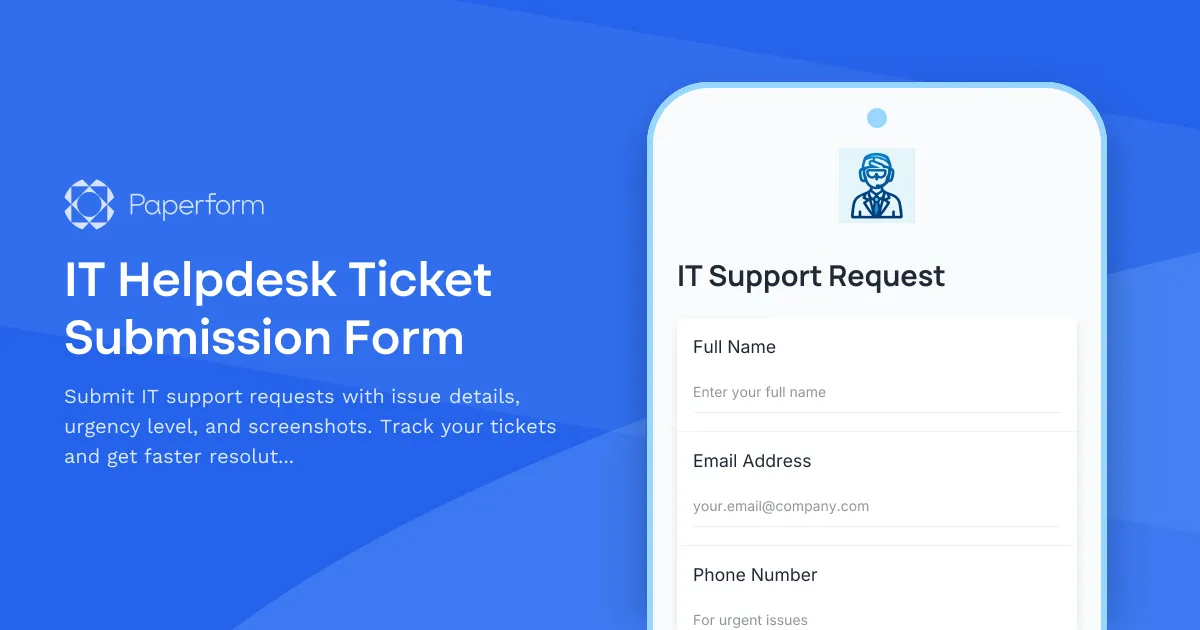
IT Helpdesk Ticket Submission Form
Submit IT support requests with issue details, urgency level, and screenshots. Track your tickets and get faster resolutions with our streamlined helpdesk form.