
Streamline Your Home Office Audio Equipment Reimbursements with Paperform
If your team includes transcriptionists, court reporters, medical transcriptionists, researchers, journalists, or any professionals who rely on high-quality audio recording and transcription equipment to work from home, managing equipment reimbursement requests can quickly become overwhelming. Paper forms, email chains, and manual approval processes create bottlenecks, while ensuring employees purchase the right equipment at appropriate price points requires clear guidelines and documentation.
Our Work from Home Voice Recording & Transcription Equipment Reimbursement Request template is designed specifically for remote and hybrid teams that need a streamlined, professional system for approving and tracking audio equipment purchases. Built with Paperform's intuitive form builder, this template helps HR teams, finance departments, and operations managers create a smooth reimbursement process that keeps remote workers equipped with professional-grade tools.
Why Audio Equipment Reimbursements Need a Better Process
Remote transcription and recording work demands specialized equipment—digital voice recorders with excellent audio quality, foot pedals for hands-free playback control, noise-cancelling headphones, and sometimes even audio interfaces or microphones. Unlike standard office supplies, these purchases require technical specifications, budget approval, and proper documentation for accounting purposes.
Traditional reimbursement processes often involve:
- Back-and-forth emails to clarify equipment specifications
- Confusion about budget limits and approved vendors
- Missing receipts and incomplete purchase documentation
- Delays in approval workflows
- Difficulty tracking equipment inventory across remote teams
This template eliminates those pain points by creating a single, structured request form that captures all necessary information upfront, applies conditional logic to show relevant fields based on equipment type, and integrates seamlessly with your existing approval and payment workflows.
What Makes This Template Effective
This template is specifically designed for transcription and recording equipment requests, with fields tailored to the technical requirements of audio professionals:
Equipment-Specific Request Sections: The form uses conditional logic to display relevant specification fields based on the type of equipment requested—whether it's a digital voice recorder, transcription foot pedal, headphones, microphone, or audio interface. This ensures employees provide all technical details needed for informed approval decisions.
Audio Quality Requirements: Built-in fields capture critical audio specifications like recording format (WAV, MP3, DSS), bit rate, sample rate, and file compatibility requirements. This helps ensure purchased equipment meets your organization's documentation workflow standards.
Budget and Justification Tracking: Clear fields for estimated cost, business justification, and intended use help managers make quick approval decisions while maintaining budget accountability. The form can include automatic budget limit notifications using Paperform's calculation features.
Receipt and Documentation Upload: File upload fields let employees attach quotes, product specifications, and receipts all in one place, creating a complete audit trail for finance teams.
Approval Workflow Integration: With Paperform's integration capabilities, you can route requests to the appropriate approvers based on cost thresholds or equipment type, then automatically notify finance teams once approved.
How Different Teams Benefit
Medical Transcription Services can standardize equipment across their remote transcriptionist workforce, ensuring consistent audio quality for medical documentation while maintaining HIPAA-compliant record-keeping through secure form submissions.
Legal Firms and Court Reporting Agencies can ensure their remote staff have professional-grade recording equipment that meets legal documentation standards, with clear specifications for audio quality and file format requirements.
Research Institutions conducting qualitative research through interviews can equip their remote research teams with consistent recording tools while tracking equipment inventory and budgets across multiple projects or departments.
Media and Journalism Organizations can manage equipment requests from remote reporters and podcasters, ensuring quality standards while controlling equipment budgets and maintaining records for tax and accounting purposes.
Corporate Transcription Departments can streamline requests from administrative staff, executive assistants, or accessibility teams who need transcription tools for meeting documentation and accessibility compliance.
Automation That Saves Time and Reduces Errors
Once you've collected a reimbursement request through Paperform, the real efficiency gains come from automation. Using Stepper (stepper.io)—Paperform's AI-native workflow builder—you can create sophisticated approval and reimbursement workflows without writing a single line of code:
- Smart Routing: Automatically send requests under a certain dollar amount directly to finance, while routing higher-value requests through manager approval first
- Approval Notifications: Trigger email or Slack notifications to approvers with all request details and a simple approve/deny interface
- Accounting Integration: Once approved, automatically create expense records in your accounting software like QuickBooks, Xero, or NetSuite
- Equipment Inventory Tracking: Log approved equipment in Airtable or Google Sheets to maintain a database of remote equipment by employee and purchase date
- Reimbursement Processing: Trigger payment processing or notify payroll to include the reimbursement in the next pay cycle
These automations transform what used to be a multi-day, multi-email process into a streamlined workflow that completes in hours with minimal manual intervention.
Payments and Digital Recordkeeping
While many organizations handle reimbursements through payroll or direct deposit, Paperform's built-in payment integrations offer additional flexibility. You could even allow employees to purchase pre-approved equipment directly through the form using a company card integration, or set up a stipend system where employees receive an equipment allowance they can spend through approved vendors.
For organizations that need even tighter documentation, Papersign (papersign.com) can be integrated to have employees digitally sign equipment agreements or remote work policies as part of the reimbursement request, creating a complete digital paper trail that's easy to audit and fully compliant.
Designed for Remote and Hybrid Teams
This template recognizes the unique needs of distributed workforces. Remote employees working across different time zones need a self-service system that doesn't depend on someone being available to answer questions. The form's clear instructions, conditional logic that shows only relevant fields, and automatic confirmation emails provide a smooth experience that works 24/7.
For hybrid teams, the form can include fields to differentiate between home office equipment (permanent) and temporary equipment for occasional remote work, helping you manage inventory and set appropriate budget limits for different work arrangements.
Customization for Your Organization's Needs
While this template is designed specifically for voice recording and transcription equipment, Paperform's document-style editor makes it easy to customize for your unique requirements:
- Add or remove equipment categories based on your team's needs
- Adjust budget limits and approval thresholds
- Include custom fields for vendor preferences or approved supplier lists
- Modify equipment specifications to match your organization's standards
- Add fields for department codes, cost centers, or project billing
- Include pre-purchase approval workflows for larger expenses
The template includes professional styling and clear instructions, but you can easily adjust fonts, colors, and layouts to match your company's brand guidelines.
Security and Compliance for Financial Forms
Equipment reimbursement forms handle sensitive employee information and financial data, making security non-negotiable. Paperform is SOC 2 Type II certified and GDPR compliant, ensuring your employee data is protected with enterprise-grade security. Features like SSO, role-based permissions, and data residency controls give larger organizations the governance they need, while the platform remains simple enough for small HR teams to manage independently.
Submissions are encrypted, access can be restricted to authorized personnel, and you can set up automated data retention policies to comply with your organization's record-keeping requirements.
Getting Started
This template is ready to use immediately or can be customized in minutes using Paperform's intuitive editor. You can embed it on your company intranet, share it via a link in your employee handbook or Slack workspace, or send it directly to employees as needed.
Whether you're managing reimbursements for a team of five remote transcriptionists or hundreds of hybrid employees across multiple departments, this template provides the structure, automation, and professional experience that makes equipment reimbursements quick, accurate, and audit-ready.
Trusted by over 500,000 teams worldwide, Paperform offers the flexibility of a document editor with the power of an enterprise workflow platform—perfect for growing organizations that need sophisticated capabilities without technical complexity.



More templates like this
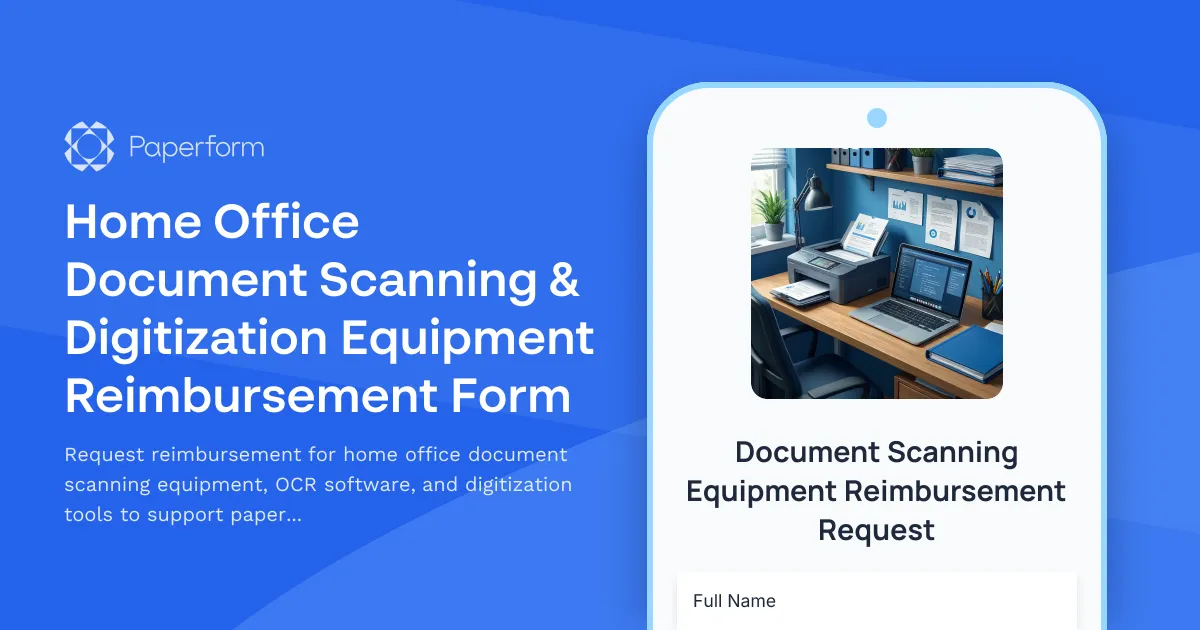
Home Office Document Scanning & Digitization Equipment Reimbursement Form
Request reimbursement for home office document scanning equipment, OCR software, and digitization tools to support paperless workflow transition.
Home Office Storage & Filing Equipment Request Form
Request storage and filing equipment for your home office, including filing cabinets, shelving units, and organizational systems with security and fireproofing options.

Home Office Accessibility & Specialized Seating Request Form
Request specialized ergonomic seating, mobility equipment, and accessibility accommodations for your home office workspace with ADA compliance documentation and approval workflow.
Home Office Accessibility & Equipment Request Form
Request home office equipment and accessibility accommodations with disability assessment, assistive technology needs, and ADA compliance verification for inclusive remote work.
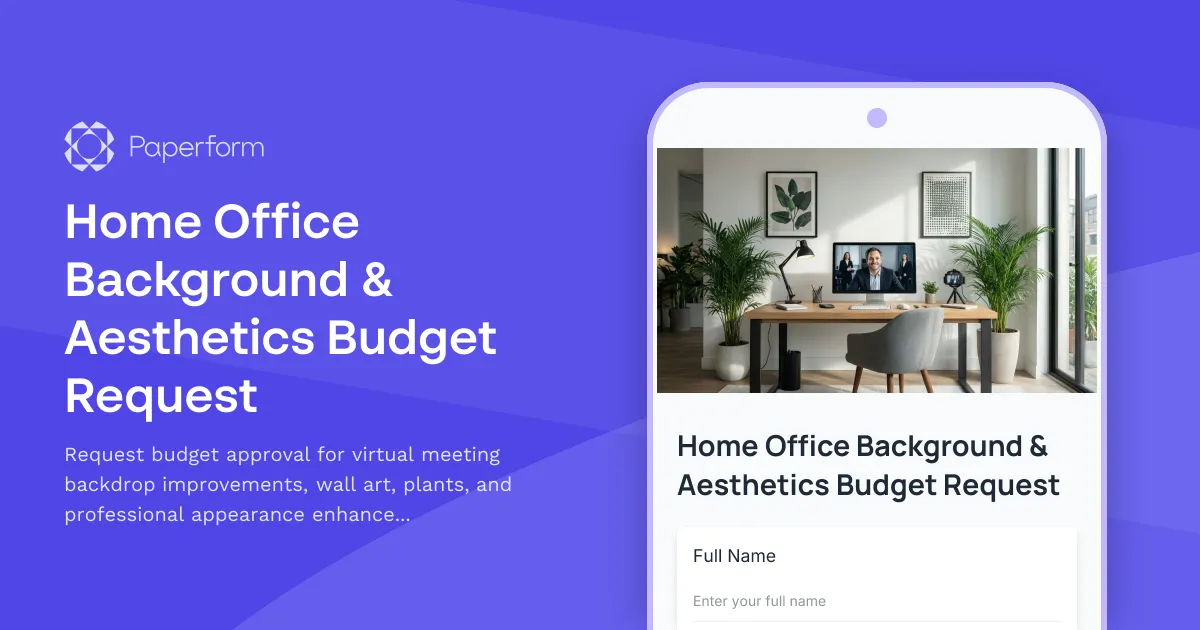
Home Office Background & Aesthetics Budget Request
Request budget approval for virtual meeting backdrop improvements, wall art, plants, and professional appearance enhancements for your home office setup.
Home Office Coffee & Beverage Station Allowance Request
Request reimbursement for home office coffee makers, water filtration systems, and beverage station equipment to fuel your remote work productivity.
Home Office Medical Alert & Safety Device Reimbursement Request
Request reimbursement for home office medical alert systems, safety devices, and accessibility accommodations for remote workers with health conditions.
Home Office Printer & Supplies Reimbursement Request
Request reimbursement for home office printer equipment and supplies with detailed usage tracking and cost justification for remote work positions.
Home Office Wellness & First Aid Allowance Request
Request reimbursement for home office wellness supplies, ergonomic support items, first aid essentials, and preventive health products to create a healthier remote work environment.
Hybrid Work Audio Privacy Equipment Request Form
Request white noise generators, sound masking devices, and audio privacy equipment for confidential remote and hybrid work conversations.
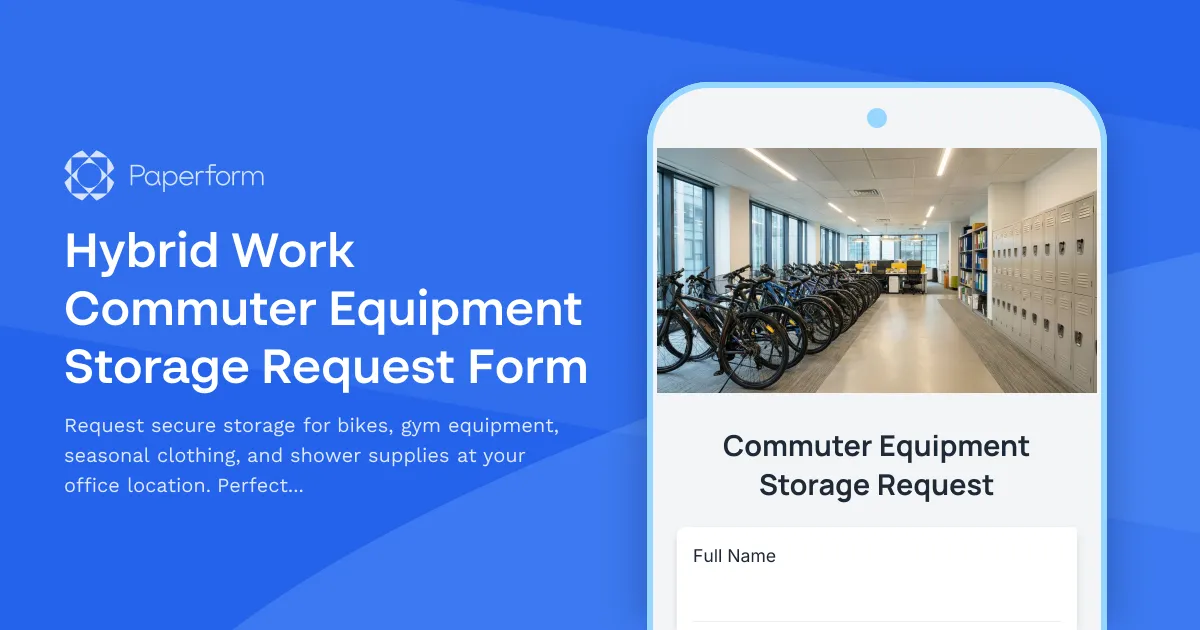
Hybrid Work Commuter Equipment Storage Request Form
Request secure storage for bikes, gym equipment, seasonal clothing, and shower supplies at your office location. Perfect for hybrid workers who commute actively and need reliable on-site storage solutions.

Hybrid Work Equipment Insurance & Damage Assistance Form
Submit claims for accidental damage, theft, or loss of home office equipment with deductible assistance, repair cost sharing, and replacement support for hybrid workers.