Streamline Your Remote Work Technology Upgrades with Paperform
Managing remote and hybrid workforce technology needs can be complex—especially when employees work from home and need equipment upgrades, replacements, or new devices to stay productive. Our Work From Home Technology Upgrade Request Form template helps IT teams, HR departments, and operations managers create a professional, efficient approval workflow for home office technology requests.
Why Use This Template?
Whether you're supporting a fully remote team or managing hybrid workplace policies, this template gives you everything you need to handle technology upgrade requests systematically. Employees can submit detailed requests that include their current equipment inventory, clear justification for upgrades, compatibility requirements, and even trade-in value calculations—all in one streamlined form.
The form walks requesters through a logical process: documenting what they currently have, explaining why they need an upgrade, checking compatibility with company systems, and routing the request to IT for approval. This structure reduces back-and-forth emails, ensures all necessary information is captured upfront, and helps IT teams make informed decisions quickly.
Perfect for Remote-First and Hybrid Workplaces
This template is ideal for:
- IT departments managing device lifecycles and technology standards across distributed teams
- HR and operations teams processing home office setup and equipment reimbursement requests
- Finance teams tracking technology spend and ensuring budget compliance
- Small to medium businesses establishing clear remote work technology policies
- Agencies and professional services firms supporting client-facing teams with appropriate equipment
Whether your team uses company-issued equipment or allows BYOD (bring your own device) with reimbursements, this form adapts to your specific remote work technology policy.
Key Features Built Into This Template
Current Equipment Inventory: Employees document their existing home office technology setup, including laptops, monitors, peripherals, and accessories. This gives IT teams visibility into what's already deployed and helps identify genuine upgrade needs versus redundant requests.
Justification and Business Case: The form prompts users to explain why they need the upgrade, how it will improve their productivity, and whether their current equipment is causing work disruptions. This ensures requests are thoughtful and tied to business outcomes.
Compatibility Verification: Built-in questions help verify that requested equipment will work with company systems, software requirements, and security policies—reducing the risk of purchasing incompatible devices.
Trade-In Value Calculator: For devices being replaced, the form can capture trade-in estimates or residual value, helping finance teams track asset disposal and potential cost recovery.
IT Approval Workflow: The request flows to IT for review and approval, with space for technical notes, alternative recommendations, and final decision documentation.
Automate Your Technology Approval Process with Stepper
Take your technology request workflow even further by connecting this form to Stepper, Paperform's AI-native workflow automation platform. When an employee submits a technology upgrade request, Stepper can automatically:
- Route requests to the appropriate IT approver based on equipment type or cost threshold
- Send notifications to procurement teams when requests are approved
- Update asset management systems with new equipment assignments
- Create tickets in your IT service management platform
- Track approval times and identify bottlenecks in your technology request process
- Generate monthly reports on technology spending and upgrade trends
This means less manual handoff work for IT teams and faster turnaround times for employees waiting on equipment approvals.
Customizable for Your Remote Work Policy
Every organization has different remote work technology policies. This template is fully customizable in Paperform's doc-style editor, so you can:
- Add specific device models or vendors your company has standardized on
- Include budget caps or cost tiers that require different approval levels
- Incorporate your company's equipment return or trade-in procedures
- Add fields for shipping addresses if you're sending equipment directly to home offices
- Include ergonomic assessments or health and safety considerations
- Embed links to your remote work policy documents or IT support resources
The conditional logic built into Paperform means you can show or hide questions based on previous answers—so if someone requests a laptop upgrade, they see laptop-specific compatibility questions, while monitor requests show different options entirely.
Secure, Compliant, and Professional
Paperform is SOC 2 Type II compliant, ensuring that sensitive employee information and technology asset data is handled securely. With role-based permissions, you can control who sees submitted requests and who can approve them. All submissions are encrypted and stored securely, with audit trails for compliance and accountability.
For IT teams supporting remote workers across multiple regions, Paperform's data residency controls let you choose where form data is stored, helping you meet local data protection requirements.
Built for IT Teams and Operations Professionals
This template is designed with the needs of IT professionals, HR teams, and operations managers in mind. It captures all the technical details IT needs to make informed decisions—device specifications, software compatibility, network requirements—while remaining user-friendly enough that any employee can complete it without technical expertise.
The form can integrate directly with tools your IT team already uses. Send approved requests to Slack for team visibility, log them in Airtable or Google Sheets for tracking, sync with HubSpot or your CRM for employee asset records, or trigger Stepper workflows that orchestrate your entire procurement and deployment process.
Get Started in Minutes
With over 30,000 designer templates and an intuitive doc-style editor, Paperform makes it easy to launch your work from home technology upgrade request process today. Start with this template, customize it to match your remote work policies and branding, and share it with your team via email, your intranet, or embedded directly into your employee portal.
Whether you're managing a team of 10 or 1,000 remote workers, this template helps you bring structure, transparency, and efficiency to your technology approval process—so your team has the equipment they need to do their best work from anywhere.



More templates like this

Home Office Battery Backup & UPS Request Form
Request battery backup and UPS equipment for your home office to ensure business continuity during power outages. Assess your power needs, prioritize critical devices, and plan for uninterrupted remote work.

Hybrid Work Equipment Insurance & Damage Assistance Form
Submit claims for accidental damage, theft, or loss of home office equipment with deductible assistance, repair cost sharing, and replacement support for hybrid workers.
Hybrid Work Technology Insurance & Protection Plan Request
Request insurance and protection coverage for your home office equipment with custom coverage options, deductible preferences, and comprehensive loss and damage protection policies.
Remote Work Backup Power Supply Request Form
Request backup power equipment for your remote workspace. Submit UPS specifications, runtime requirements, and equipment protection needs for home office power continuity.

Remote Work Monitor & Display Upgrade Request
Request approval for new monitors and display equipment for your home office setup. Submit screen specifications, multiple monitor needs, and mounting requirements for budget approval.
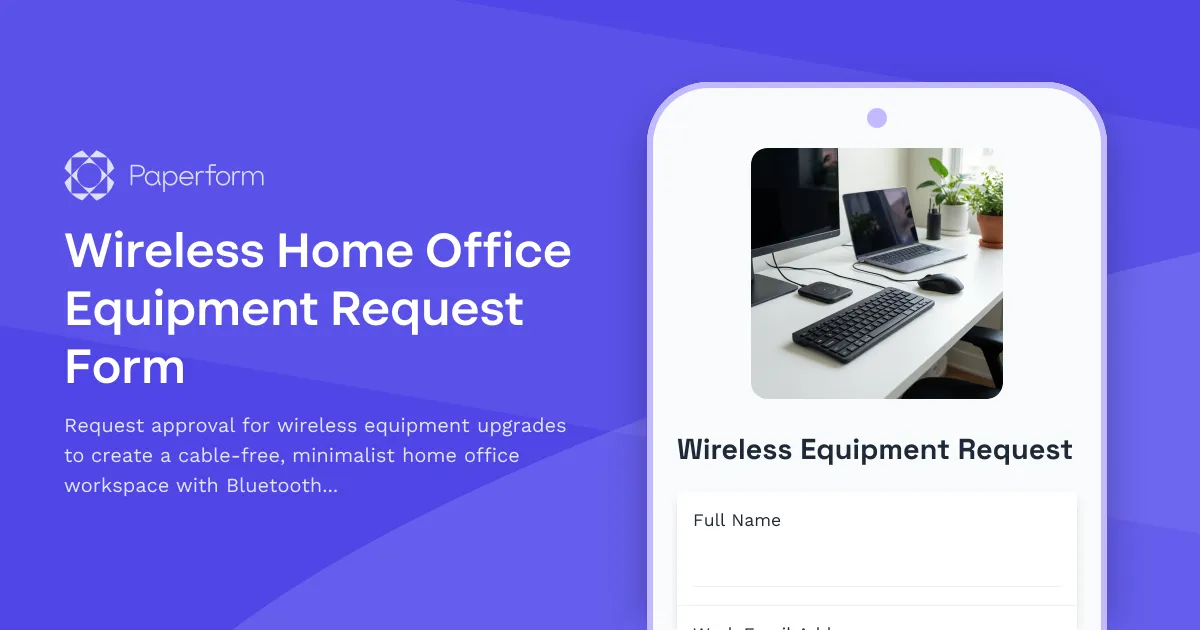
Wireless Home Office Equipment Request Form
Request approval for wireless equipment upgrades to create a cable-free, minimalist home office workspace with Bluetooth peripherals and wireless charging solutions.

Work From Home Technology Upgrade Program Application
Apply for technology upgrades and equipment refreshes for your home office setup. Request emerging tech, scalability improvements, and innovation budget for long-term remote work success.
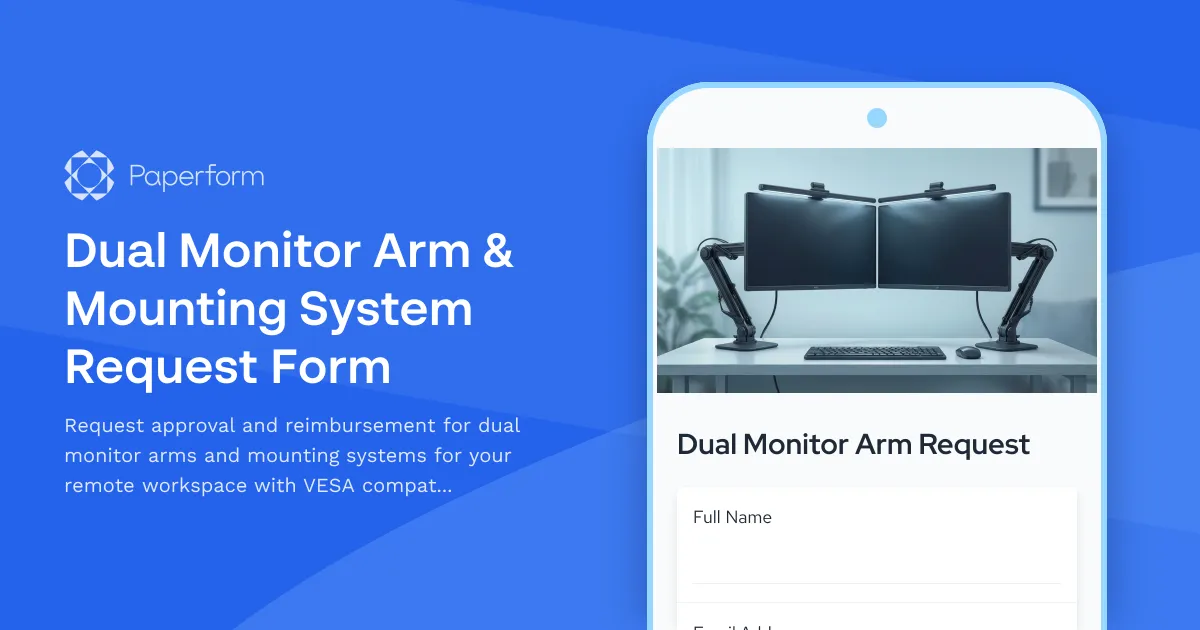
Dual Monitor Arm & Mounting System Request Form
Request approval and reimbursement for dual monitor arms and mounting systems for your remote workspace with VESA compatibility, weight capacity, and ergonomic specifications.

Emergency Communication Device Allowance Request
Request reimbursement or allowance for emergency communication equipment including satellite phones, emergency radios, and backup devices for remote work locations.

Home Office Electrical Capacity & Equipment Reimbursement Form
Assess your home office electrical needs, calculate circuit load requirements, and request reimbursement for power strips, outlets, and electrician consultations to ensure safe and compliant remote work setups.
Home Office Noise Cancellation Equipment Request Form
Request noise cancellation equipment for your home office, including headphones, microphones, and video conferencing gear with department approval routing.
Hybrid Work AR/VR Equipment Request Form
Request augmented reality, virtual reality, and spatial computing equipment for immersive hybrid work collaboration, including VR headsets, AR glasses, and next-generation remote work technology.