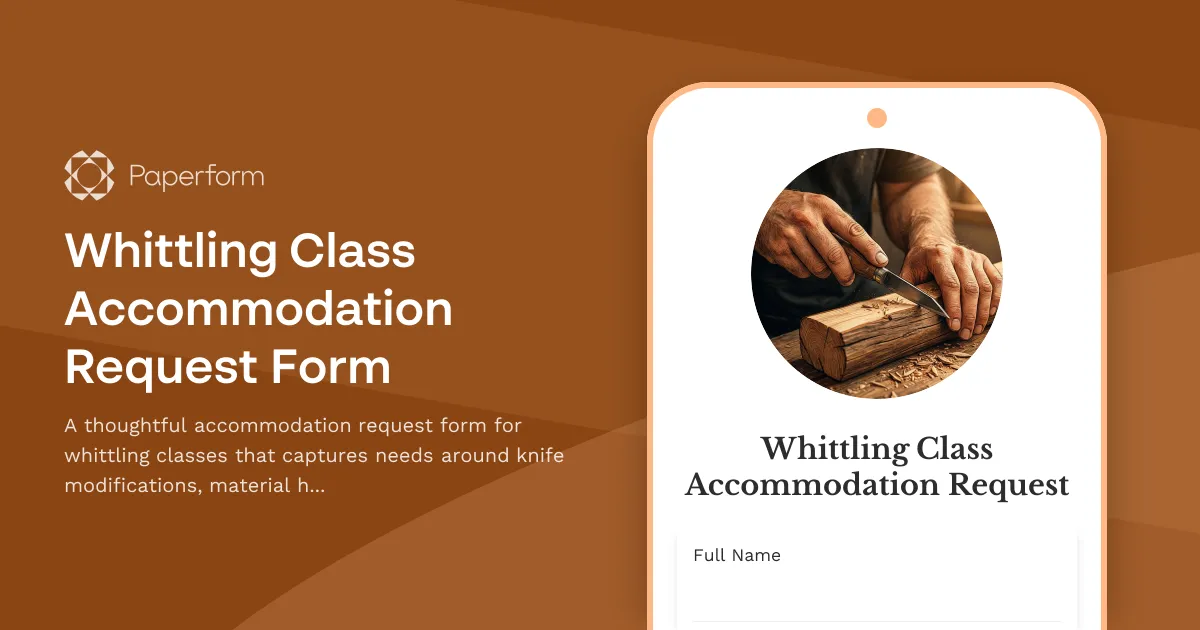
Learning a traditional craft like whittling should be accessible to everyone, regardless of physical ability or learning preferences. Our Whittling Class Accommodation Request Form helps instructors understand and prepare for the specific needs of each student, ensuring a safe, comfortable, and inclusive learning experience.
Whether you need adaptive knife grips, material handling assistance, visual or tactile instruction modifications, or seating arrangements that work for your body, this form captures the details that matter. By submitting your accommodation needs in advance, instructors can prepare modified tools, arrange for assistant support, and tailor their teaching approach to match how you learn best.
Why accommodation requests matter in hands-on classes
Craft classes involve fine motor skills, tool handling, and often complex verbal instructions—all areas where individualized support can make the difference between frustration and mastery. This form goes beyond generic accessibility questions to ask about the specific challenges of whittling: grip strength, hand positioning, visual acuity for detail work, sensory sensitivities to wood dust, and comprehension of spatial instructions.
Built for craft instructors and community education
This template is designed for woodworking schools, community centers, craft studios, recreation departments, and independent whittling instructors who are committed to inclusive teaching. Paperform makes it easy to collect detailed accommodation requests without overwhelming your students, and conditional logic ensures people only see questions relevant to their needs.
Once submitted, you can use Stepper (stepper.io) to automatically notify teaching assistants, trigger equipment preparation checklists, or update your class roster with accommodation notes—keeping your team coordinated without manual data entry.
What makes this form effective
This accommodation request form uses conditional logic to adapt to each person's needs. If someone indicates they need knife modifications, they'll see follow-up questions about grip style and hand dominance. If they request instruction format changes, the form asks specifically about visual demonstrations, verbal cues, and hands-on guidance preferences.
The form also includes space for medical or safety information that instructors should know, emergency contact details, and an open field for any accommodations not covered by the structured questions. This ensures nothing falls through the cracks while keeping the form efficient for those with straightforward requests.
Connect your accommodation workflow
Paperform integrates seamlessly with Google Sheets, Airtable, Notion, and your CRM, so accommodation requests can flow directly into your class planning tools. Use Stepper to create workflows that alert the right team members, order specialized equipment, or send confirmation emails that outline what accommodations will be provided.
With Paperform's design flexibility, this form can match your studio's branding and be embedded directly on your class registration page, ensuring accommodation requests are collected at the right moment in the enrollment process. Trusted by education providers and community organizations, Paperform is SOC2 Type II and GDPR compliant, giving you confidence that sensitive accommodation information is handled securely.



More templates like this
Enameling Workshop Accommodation Request Form
A comprehensive form for participants to request disability and accessibility accommodations for enameling workshops, including kiln accessibility needs, tool modifications, and instruction format preferences.
Juggling Class Accommodation Request Form
A comprehensive form for requesting disability and accessibility accommodations in juggling classes, including equipment modifications, practice space adjustments, and instruction format preferences.
Origami Class Accommodation Request Form
A welcoming form for students to request accessibility accommodations for origami classes, including paper handling modifications, folding technique adaptations, and alternative instruction methods.
Calligraphy Class Accommodation Request Form
Request accessibility accommodations for calligraphy classes including pen modifications, paper positioning adaptations, and preferred instruction formats to ensure an inclusive learning experience.
Leatherworking Class Accommodation Request Form
Request accessibility accommodations for leatherworking classes, including tool adaptations, workspace modifications, and personalized instruction methods to ensure an inclusive learning experience.
Mosaic Art Class Accommodation Request Form
Request accessibility accommodations for mosaic art classes including workspace modifications, material handling assistance, and alternative instruction methods.
Nalbinding Workshop Accommodation Request Form
A comprehensive accommodation request form for nalbinding workshops, allowing participants to request needle modifications, material handling assistance, and alternative instruction methods to ensure an accessible learning experience.
Ocarina Lesson Accommodation Request Form
Request accessibility accommodations for ocarina lessons, including instrument modifications, alternative music notation formats, and personalized instruction methods.
Pottery Studio Accommodation Request Form
A comprehensive form for pottery students and members to request disability accommodations, including wheel accessibility modifications, adaptive tools, and alternative instruction formats.
Quilting Machine Operation Class Accommodation Request Form
A comprehensive accommodation request form for quilting machine operation classes, designed to capture accessibility needs including equipment modifications, workspace adjustments, and instruction method alternatives.
Scrimshaw Workshop Accommodation Request Form
A comprehensive form for scrimshaw workshop participants to request disability and accessibility accommodations, including tool modifications, workspace adjustments, and preferred instruction formats.

Taxidermy Workshop Accommodation Request Form
Request disability accommodations for taxidermy workshops, including tool modifications, workspace adjustments, and alternative instruction methods to ensure accessible hands-on learning.