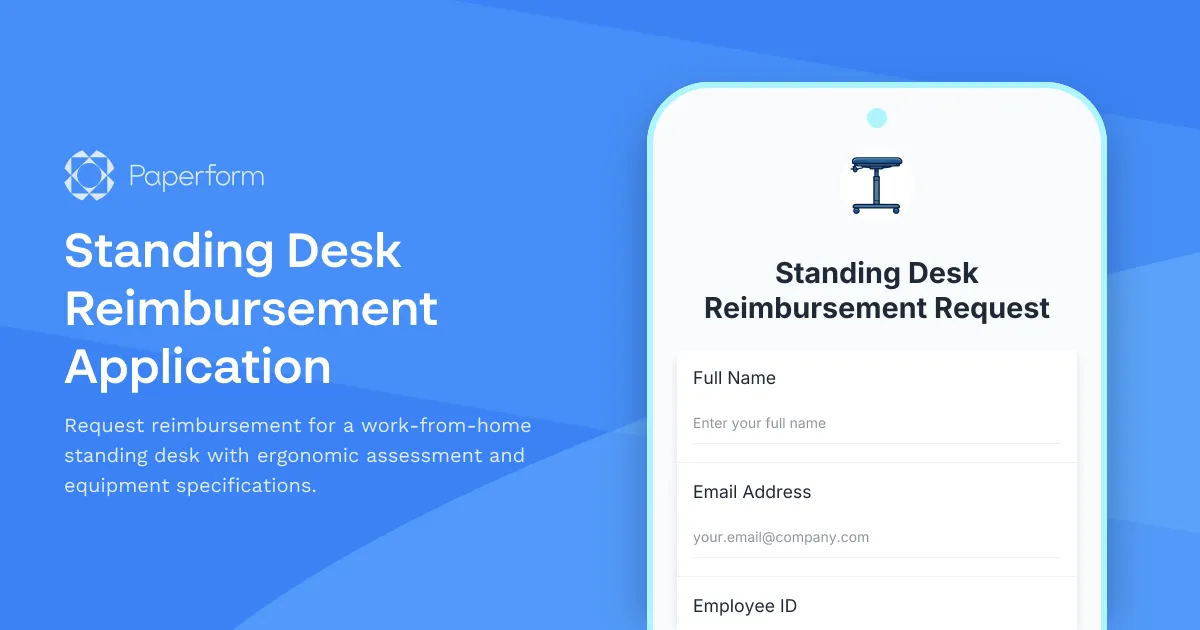
Make Your Home Office Healthier with a Standing Desk Reimbursement Form
As remote and hybrid work becomes the norm, companies are recognizing that employee wellbeing doesn't stop at the office door. Providing ergonomic equipment like standing desks for home offices isn't just good for morale—it's an investment in productivity, health, and long-term employee retention.
This standing desk reimbursement application template helps HR teams, operations managers, and remote work coordinators streamline the process of evaluating, approving, and reimbursing standing desk requests from employees working from home.
Why Companies Need a Structured Standing Desk Reimbursement Process
Without a clear process, home office equipment requests can become chaotic. Employees don't know what's covered, managers can't consistently evaluate requests, and finance teams struggle to track spending. A dedicated reimbursement form solves these problems by:
- Setting clear expectations about eligible equipment, budget limits, and approval criteria
- Collecting ergonomic data to ensure the desk will actually improve the employee's workspace
- Standardizing specifications so employees choose appropriate, high-quality equipment
- Creating an audit trail for compliance, tax purposes, and budget tracking
- Streamlining approvals with conditional logic that routes requests to the right stakeholders
This Paperform template captures everything you need: employee information, current workspace assessment, ergonomic requirements, desk specifications, budget details, and manager approval—all in one professional, mobile-friendly form.
Who Benefits from This Template
HR Managers and People Operations Teams can deploy this form across their remote workforce to manage equipment requests at scale. Instead of scattered emails and spreadsheets, every request comes through a single channel with consistent data.
Office Managers and Facilities Coordinators can use the ergonomic assessment data to recommend appropriate equipment and ensure employees are making informed choices that will genuinely improve their workspace.
Finance and Procurement Teams get the budget information, receipts, and specifications they need for reimbursement processing, vendor relationships, and tax documentation—all automatically collected and organized.
Employees Working from Home appreciate having a clear, dignified process for requesting the equipment they need. The form guides them through assessing their current setup and articulating their requirements without feeling like they're asking for a favor.
How This Form Works
The template starts by collecting basic employee information and current workspace details, including an assessment of existing ergonomic issues like neck strain, back pain, or poor posture. This context helps managers understand why the standing desk is needed, not just what's being requested.
Next, employees specify their ergonomic requirements based on their height, workspace dimensions, and usage patterns. The form captures preferences for height adjustment range, desktop size, weight capacity, and stability features—ensuring they choose a desk that will actually work for their space and body.
The budget and vendor section lets employees provide cost estimates, preferred suppliers, and any relevant product links. You can set spending limits and approval thresholds, and use Paperform's conditional logic to automatically route high-value requests to senior management.
Finally, the form can collect manager approval and installation support preferences, so employees know whether they'll get help setting up their new desk or need to handle it themselves.
Automate Your Equipment Request Workflow with Stepper
Once a standing desk request is submitted, the real workflow begins. Using Stepper, Paperform's AI-native workflow builder, you can automate the entire approval and reimbursement process:
- Route requests automatically to the employee's direct manager, then to finance if approved
- Send approval notifications via email or Slack with all the details managers need to decide
- Update your HRIS or expense management system with the request details and approval status
- Trigger procurement actions like sending approved specifications to preferred vendors
- Create reimbursement records in your accounting software once receipts are submitted
- Schedule follow-up surveys 30 days after delivery to assess whether the desk improved ergonomic comfort
These workflows run in the background, turning each form submission into a complete multi-step process without anyone needing to remember the next step or copy-paste data between systems.
Design That Fits Your Brand
This template comes pre-styled with a clean, professional theme suitable for any company, but Paperform's doc-style editor makes it easy to match your employer brand. Update fonts, colors, and imagery to align with your internal communications style, add your logo, or embed the form directly into your intranet or employee portal.
You can also customize the confirmation page and email to provide clear next steps, expected timelines, and links to ergonomic setup guides or approved vendor lists.
Security and Compliance for HR Data
Home office reimbursement requests often include personal information, financial data, and health-related details about ergonomic issues. Paperform is SOC 2 Type II compliant, with data encryption, SSO support, and configurable data residency to ensure employee information is handled securely and in compliance with your organization's policies.
Who This Template Is For
This standing desk reimbursement form is designed for:
- Remote-first and hybrid companies offering home office stipends or equipment budgets
- HR and people operations teams managing remote work policies and employee wellbeing programs
- Startups and SMBs that want to support distributed teams without administrative overhead
- Enterprises rolling out standardized remote work equipment programs across departments or regions
- Facilities and workplace experience teams responsible for ergonomic compliance and employee comfort
Getting Started
You can launch this form in minutes—customize the questions to match your reimbursement policy, set your budget thresholds, add conditional approval routing, and share the link with your team. As requests come in, responses are automatically organized in Paperform's response dashboard, or you can push them to Google Sheets, Airtable, your HRIS, or any other tool via integrations.
Whether you're supporting a handful of remote employees or managing equipment requests for a distributed workforce of hundreds, this template gives you the structure, data, and automation you need to make home office reimbursement simple, fair, and scalable.
Trusted by over 500K teams worldwide and built for businesses that care about employee experience, Paperform makes it easy to turn routine HR processes into moments that reinforce your culture and values.



More templates like this
Home Office Ergonomic Assessment & Consultation Request
Schedule a professional virtual assessment of your home workspace with our ergonomic specialists to optimize comfort, productivity, and receive personalized equipment recommendations.
Home Office Humidity Control Equipment Reimbursement Form
Request reimbursement for dehumidifiers, humidifiers, and humidity control equipment to optimize your home office environment and protect work equipment.

Hybrid Work Equipment Insurance & Damage Assistance Form
Submit claims for accidental damage, theft, or loss of home office equipment with deductible assistance, repair cost sharing, and replacement support for hybrid workers.
Pet-Friendly Home Office Equipment Reimbursement Form
Request reimbursement for home office equipment and modifications designed to accommodate pets while maintaining professional remote work standards.

Remote Work Monitor & Display Upgrade Request
Request approval for new monitors and display equipment for your home office setup. Submit screen specifications, multiple monitor needs, and mounting requirements for budget approval.
Seasonal Workspace Modification Reimbursement Form
Request reimbursement for seasonal home office equipment including cooling, heating, lighting adjustments, and productivity enhancements for remote work comfort throughout the year.
Air Quality & Ventilation Equipment Reimbursement Form
Request reimbursement for home office air purifiers, HEPA filters, and ventilation equipment to improve your remote workspace air quality and health.
Alternative Ergonomic Seating Request Form
Request approval for posture-correcting chairs and alternative ergonomic seating solutions for your home office, including kneeling chairs, balance balls, saddle chairs, and active sitting options.
Dependent Care Workspace Setup Request Form
Request specialized home office equipment and workspace separation tools for remote employees balancing childcare or dependent care responsibilities while working from home.
Employee Hybrid Work Preference Survey
A comprehensive survey to understand employee preferences for hybrid work schedules, including focus time needs, social interaction requirements, and work style assessment to optimize flexible work arrangements.
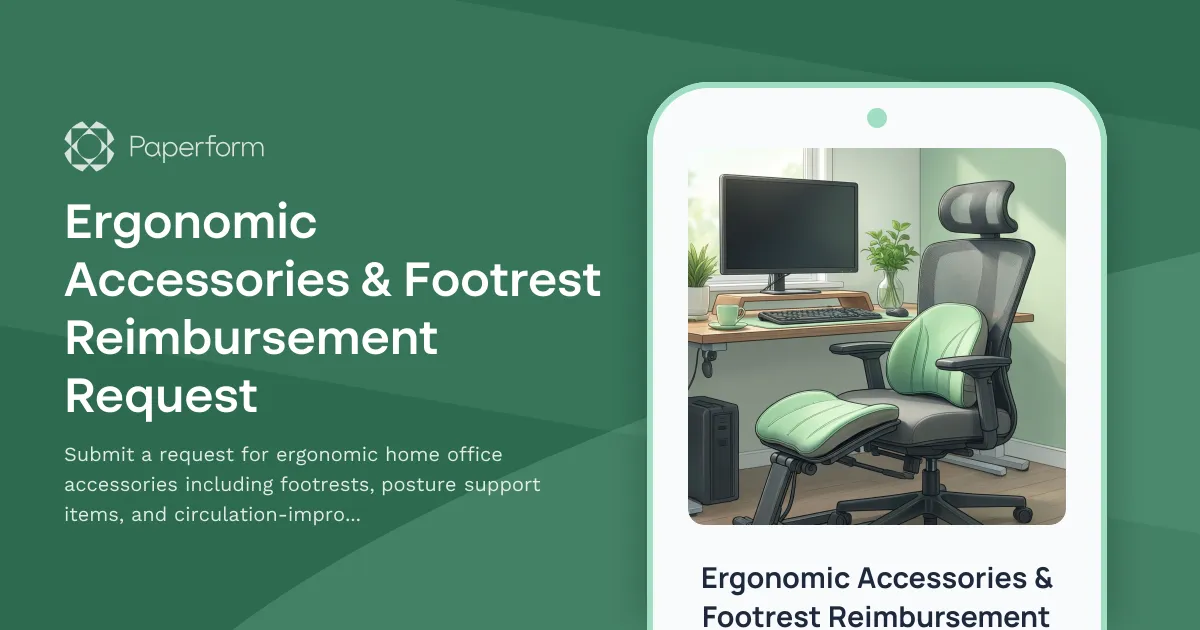
Ergonomic Accessories & Footrest Reimbursement Request
Submit a request for ergonomic home office accessories including footrests, posture support items, and circulation-improvement equipment to create a healthier remote workspace.
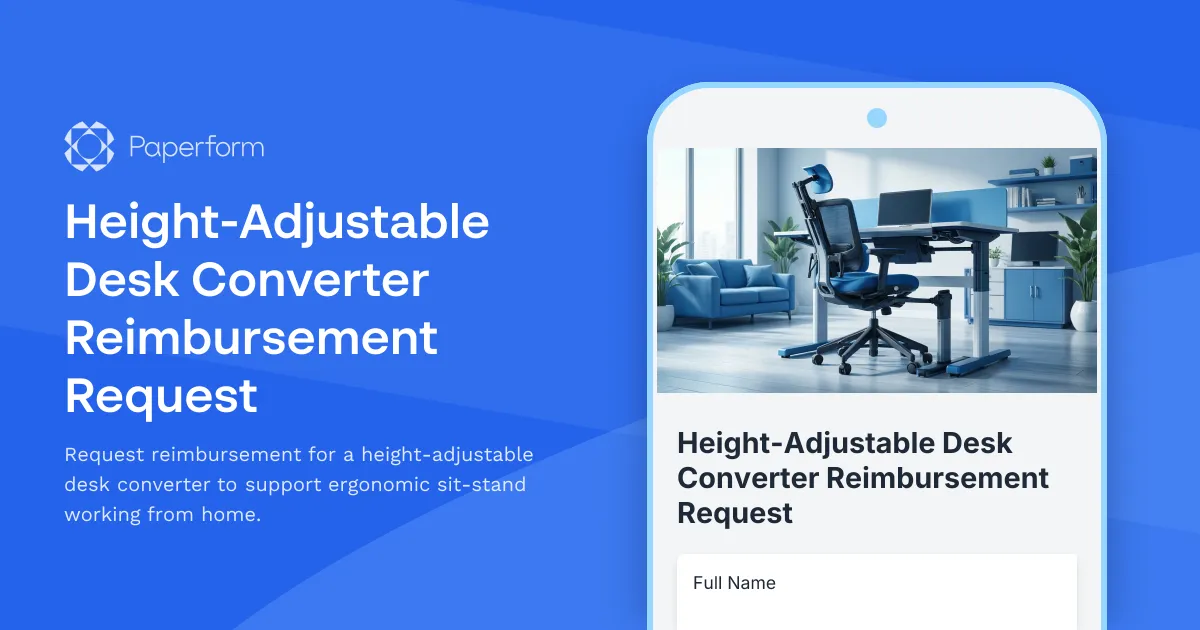
Height-Adjustable Desk Converter Reimbursement Request
Request reimbursement for a height-adjustable desk converter to support ergonomic sit-stand working from home.