Simplify Remote Work Software Reimbursements with Paperform
Managing software subscriptions and tool reimbursements for remote employees shouldn't feel like herding cats. When your team is distributed across time zones, home offices, and coworking spaces, keeping track of who needs what software—and what's already been approved—can quickly spiral into spreadsheet chaos.
That's where this Remote Work Software & Subscription Reimbursement Form comes in. Purpose-built for HR teams, operations managers, and finance departments supporting hybrid and remote workforces, this template helps you consolidate software requests, track recurring subscriptions, and process reimbursements in one clean, automated workflow.
Why remote teams need a dedicated software reimbursement form
The shift to remote work has transformed how businesses think about employee resources. Instead of standardized desk setups and company-wide software licenses, today's distributed teams need flexibility—personalized tool stacks that match their role, work style, and productivity needs.
But that flexibility comes with complexity. Without a clear process, you end up with:
- Duplicate subscriptions across departments that could be consolidated
- Shadow IT spending that bypasses procurement and creates security risks
- Reimbursement delays because requests get lost in email threads
- Budget overruns from untracked recurring charges
- Onboarding friction when new hires don't know what tools they can request
This form template solves those pain points by giving remote employees a single place to request productivity tools, cloud storage, professional development platforms, and software licenses—while giving your operations team full visibility and control.
What makes this template perfect for remote-first companies
Comprehensive software categories covered
The form walks employees through requesting different types of subscriptions: productivity and collaboration tools (think project management, time tracking, communication platforms), cloud storage and file sharing (Dropbox, Google Workspace add-ons, specialized storage), professional development and learning (online courses, certifications, industry subscriptions), and specialized software licenses relevant to their role.
Built-in cost justification and approval routing
Every request includes fields for business justification, expected usage, and whether the tool will be shared with teammates. This context helps managers make informed approval decisions and spot opportunities to consolidate licenses or negotiate team plans instead of multiple individual subscriptions.
Reimbursement and payment tracking
Employees can indicate whether they've already purchased a subscription (and need reimbursement) or prefer the company to purchase directly. Fields for invoice uploads, payment frequency, and renewal dates ensure your finance team has everything they need to process expenses and forecast recurring costs.
Conditional logic for smarter workflows
Using Paperform's powerful conditional logic, the form adapts based on user responses. Request a tool your company already has a license for? The form can display a message redirecting them to IT for access. Need a high-cost enterprise subscription? Additional approval fields and justification requirements automatically appear.
How HR and operations teams use this template
For HR managers and people operations:
Use this form during onboarding to set new remote hires up with the tools they need from day one. Include it in your welcome materials alongside hardware requests and benefits enrollment. You'll reduce back-and-forth emails and ensure every new employee has a consistent, professional experience.
For finance and procurement teams:
Consolidate all software spending into a single approval and tracking system. Export submissions to your expense management tool or accounting software, and use the data to identify cost-saving opportunities like consolidating point solutions or negotiating volume discounts.
For IT and security teams:
Maintain visibility into what software is being used across your organization. Review requests for security compliance, check for redundant tools, and ensure all subscriptions meet your data protection and access control standards.
Customize for your remote work policy
Every company's remote work setup is different, so this template is built to adapt:
- Add approval hierarchies: Use conditional logic to route high-value requests (say, subscriptions over $500/year) to senior leadership while auto-approving standard tool requests within budget.
- Integrate with your stack: Connect submissions to your HR platform, expense management system, or IT asset management tool using Paperform's native integrations or Stepper workflows for complex multi-step approval processes.
- Set budget guardrails: Add calculation fields that track total monthly or annual subscription costs and alert employees when they're approaching their department's software budget.
- Include security requirements: Add fields for data classification, vendor security reviews, or SSO requirements to ensure remote work tools meet your compliance standards.
Design matters, even for internal forms
Just because this is an internal operations form doesn't mean it should look like a relic from 2005. Paperform's doc-style editor lets you create an on-brand experience that feels like part of your employee experience platform—not a sterile government form.
Choose from thousands of designer templates, customize fonts and colors to match your brand, add your logo and helpful explainer text, and even embed demo videos or FAQ sections inline. A well-designed form signals to remote employees that their experience matters and makes them more likely to actually use your official process instead of expensing tools on personal credit cards.
Automate the boring parts with Stepper
Once a software request is submitted, what happens next? With Stepper—your AI-native workflow builder—you can automate the entire approval and fulfillment process:
- Route to the right approver based on cost threshold, department, or tool category
- Send Slack notifications to managers with one-click approve/deny buttons
- Create IT tickets automatically when a request is approved, triggering license provisioning
- Update your HRIS or asset tracking system so you always know who has access to what
- Set calendar reminders for subscription renewals and annual reviews
- Generate spending reports for finance showing software costs by employee, department, or category
Stepper connects Paperform to the rest of your remote work tech stack—no coding required.
Who this template is perfect for
This template is ideal for:
- Startups and scale-ups with growing remote teams that need to formalize their software approval process without adding bureaucracy
- HR and people operations teams at remote-first companies looking to improve the employee onboarding and support experience
- Finance teams trying to get visibility and control over SaaS sprawl and recurring subscription costs
- IT and security teams that need to track and approve software used by distributed employees for compliance and security
- Agencies and consultancies managing software reimbursements for freelancers, contractors, and project-based teams
Built for remote work, powered by Paperform
With over 500,000 teams trusting Paperform worldwide, SOC 2 Type II compliance, and flexible deployment options (embed in your intranet, send via email, or host on a custom domain), this template gives you the security and flexibility remote teams need.
Start with this template as-is, or customize every detail to match your remote work policies, approval workflows, and company culture. Because when your team is distributed, the tools that support them should be as flexible as the work itself.
Get started today and bring order to your remote work software chaos—no coding, no consultants, just a form that works as hard as your distributed team does.



More templates like this
Home Office Equipment Reimbursement Request
Submit reimbursement requests for home office equipment and supplies. Upload receipts, itemize expenses, and route to your manager for approval.

Remote Work Monitor & Display Upgrade Request
Request approval for new monitors and display equipment for your home office setup. Submit screen specifications, multiple monitor needs, and mounting requirements for budget approval.

Work From Home Technology Upgrade Program Application
Apply for technology upgrades and equipment refreshes for your home office setup. Request emerging tech, scalability improvements, and innovation budget for long-term remote work success.
Work From Home Webcam & Video Equipment Upgrade Request Form
Request and justify webcam and video equipment upgrades for professional remote work, with technical specifications, budget assessment, and home office needs evaluation.
Digital Nomad Coworking & Community Integration Expense Claim Form
Submit expense claims for coworking spaces, expatriate community integration fees, professional networking, and global citizen support programs as a digital nomad or remote worker.
Home Office Wellness & First Aid Allowance Request
Request reimbursement for home office wellness supplies, ergonomic support items, first aid essentials, and preventive health products to create a healthier remote work environment.
Remote Employee Flexible Workspace Stipend Request Form
A streamlined form for remote employees to request flexible workspace stipends, track monthly budgets, and submit coworking space expenses for manager approval.
Remote Work Expense Policy Clarification Request Form
Request clarification on remote work expenses with scenario-specific questions, receipt requirements, and approval process guidance to ensure policy compliance.
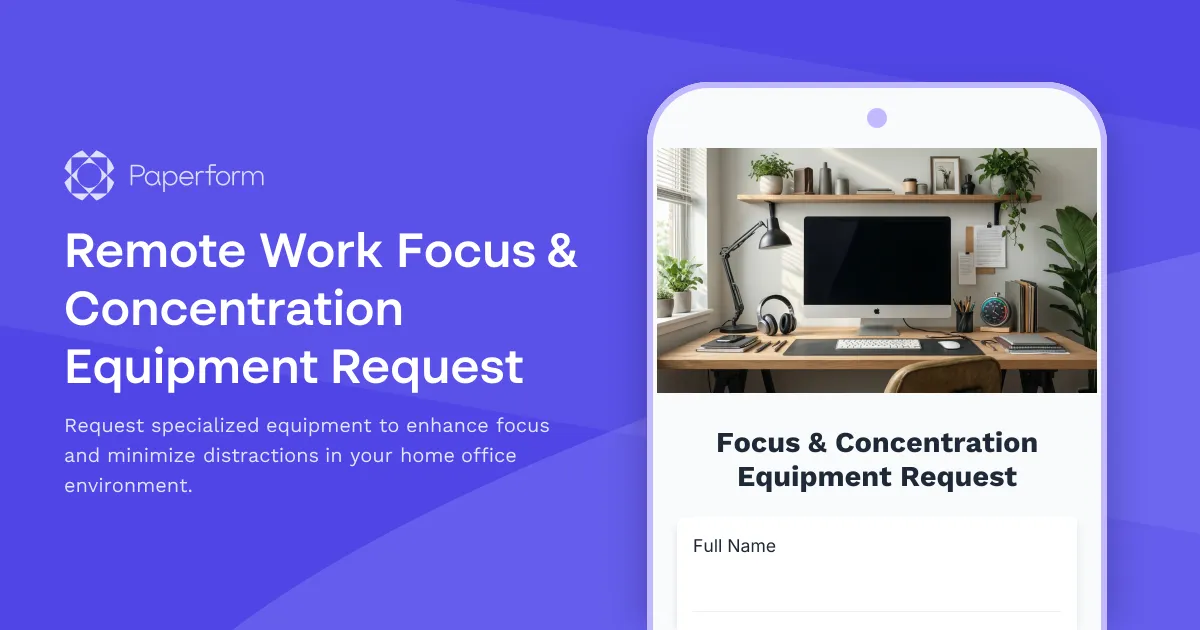
Remote Work Focus & Concentration Equipment Request
Request specialized equipment to enhance focus and minimize distractions in your home office environment.

Home Office Battery Backup & UPS Request Form
Request battery backup and UPS equipment for your home office to ensure business continuity during power outages. Assess your power needs, prioritize critical devices, and plan for uninterrupted remote work.
Home Office Noise Cancellation Equipment Request Form
Request noise cancellation equipment for your home office, including headphones, microphones, and video conferencing gear with department approval routing.
Home Office Soundproofing & Acoustic Treatment Request
Request acoustic improvements and soundproofing solutions for your home office to enhance audio quality and reduce noise distractions during remote work.