Keep Your Remote Work Running During Power Outages
Power interruptions shouldn't mean lost productivity, missed deadlines, or damaged equipment. Whether you're handling client calls, managing critical deadlines, or supporting global teams across time zones, a reliable backup power supply is essential infrastructure for today's remote workforce.
This Remote Work Backup Power Supply Request Form helps your organization evaluate, approve, and provision uninterruptible power supply (UPS) equipment for remote team members who need continuous power protection for their home offices.
Why Remote Workers Need Backup Power Solutions
Remote employees face unique challenges when it comes to power reliability. Unlike traditional offices with enterprise-grade UPS systems and redundant power infrastructure, home offices are vulnerable to:
- Sudden power outages that can corrupt files, interrupt video calls, and damage hardware
- Voltage fluctuations that degrade equipment lifespan and cause unexpected shutdowns
- Internet connectivity loss when modems and routers lose power
- Data loss from unsaved work during unexpected shutdowns
- Productivity gaps during extended outages in areas with unreliable power grids
For roles that require high availability—customer support, IT operations, sales, healthcare services, and financial services—having backup power isn't a luxury, it's a business necessity.
Who Should Use This Form Template
This template is designed for:
- IT departments managing remote work equipment provisioning and support
- HR teams coordinating home office equipment reimbursements and requests
- Operations managers ensuring business continuity for distributed teams
- Remote-first companies establishing power backup standards for their workforce
- Hybrid workplaces supporting employees who work from home regularly
- Facilities teams evaluating infrastructure needs for remote staff
Industries that particularly benefit from structured backup power requests include technology companies, contact centers, healthcare providers, financial services, consulting firms, and any organization with compliance or uptime requirements.
What This Template Includes
The form collects comprehensive information to ensure the right backup power solution is provisioned:
Employee Information & Work Patterns Capture essential details about the requester, their role, department, and remote work schedule to assess priority and business justification.
Power Outage Assessment Document the frequency, duration, and impact of power interruptions in the employee's location. This helps determine whether a basic battery backup or more robust solution is needed.
Equipment Protection Requirements Identify all devices that need power protection—computers, monitors, networking equipment, peripherals, and specialized hardware. Calculate total power draw to size the UPS appropriately.
UPS Capacity & Runtime Specifications Define required runtime (15 minutes for safe shutdown vs. 2+ hours for extended work), VA/watt capacity, number of outlets, and whether pure sine wave output is needed for sensitive equipment.
Internet Continuity Planning Ensure routers, modems, and mesh networking equipment are included in the backup power plan, maintaining connectivity during outages.
Business Justification Explain the business impact of power interruptions, including client-facing responsibilities, critical systems access, time-sensitive deadlines, and compliance requirements.
Budget & Reimbursement Details Specify whether this is a company-provided device, employee purchase with reimbursement, or rental equipment, along with estimated costs.
How Paperform Makes Equipment Requests Seamless
With Paperform's conditional logic, you can create intelligent workflows that adapt based on responses. For example:
- Show different UPS recommendations based on total equipment wattage
- Display reimbursement policies only when employees are purchasing their own equipment
- Require manager approval for high-capacity or premium backup power systems
- Route emergency requests differently than standard provisioning
Use calculations to automatically compute total wattage requirements based on listed equipment, helping employees and IT teams size the right UPS solution without manual math.
Connect submissions to your existing tools via Stepper (stepper.io) to automate your approval and fulfillment process:
- Send requests to IT ticketing systems or procurement platforms
- Route to managers for approval based on cost thresholds
- Create purchase orders or reimbursement records automatically
- Update inventory management systems when equipment is issued
- Trigger onboarding emails with UPS setup instructions and best practices
Business Continuity Meets Employee Productivity
Providing backup power support shows your remote team that their productivity and equipment safety matter. It reduces IT support burden from power-related incidents, minimizes data loss and recovery costs, and ensures consistent service delivery regardless of local power reliability.
For distributed teams working across regions with varying infrastructure quality—or even within the same city where some neighborhoods experience more frequent outages—this form helps you make data-driven decisions about where backup power investment delivers the highest return.
Getting Started
This template is ready to customize for your organization's equipment policies, budget parameters, and approval workflows. Adjust the form to match your UPS standards (specific brands or models you support), reimbursement limits, and any technical requirements specific to your industry.
Whether you're equipping a handful of critical remote positions or rolling out backup power standards across a global workforce, Paperform gives you the flexibility to scale while maintaining the professional experience your team expects.
Start collecting structured backup power requests today—and keep your remote workforce running, even when the lights go out.



More templates like this

Home Office Battery Backup & UPS Request Form
Request battery backup and UPS equipment for your home office to ensure business continuity during power outages. Assess your power needs, prioritize critical devices, and plan for uninterrupted remote work.

Hybrid Work Equipment Insurance & Damage Assistance Form
Submit claims for accidental damage, theft, or loss of home office equipment with deductible assistance, repair cost sharing, and replacement support for hybrid workers.

Remote Work Monitor & Display Upgrade Request
Request approval for new monitors and display equipment for your home office setup. Submit screen specifications, multiple monitor needs, and mounting requirements for budget approval.

Emergency Communication Device Allowance Request
Request reimbursement or allowance for emergency communication equipment including satellite phones, emergency radios, and backup devices for remote work locations.

Home Office Electrical Capacity & Equipment Reimbursement Form
Assess your home office electrical needs, calculate circuit load requirements, and request reimbursement for power strips, outlets, and electrician consultations to ensure safe and compliant remote work setups.
Hybrid Work Audio Privacy Equipment Request Form
Request white noise generators, sound masking devices, and audio privacy equipment for confidential remote and hybrid work conversations.

Hybrid Work Equipment Check-Out Form
A comprehensive form for hybrid and remote employees to request, check out, and track company equipment including laptops, monitors, peripherals, and accessories with return scheduling and liability acknowledgment.
Hybrid Work Technology Insurance & Protection Plan Request
Request insurance and protection coverage for your home office equipment with custom coverage options, deductible preferences, and comprehensive loss and damage protection policies.
Remote Employee Backup Internet Connection Reimbursement Form
Request reimbursement for backup internet services, secondary ISP costs, mobile hotspots, and failover connectivity to ensure business continuity for remote work.
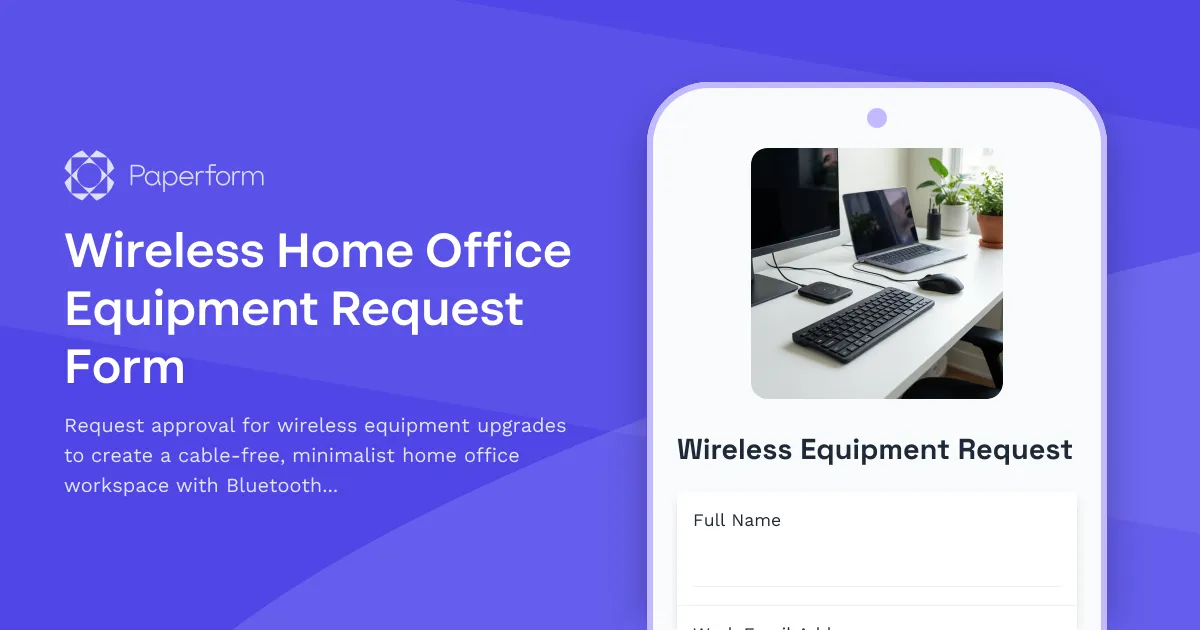
Wireless Home Office Equipment Request Form
Request approval for wireless equipment upgrades to create a cable-free, minimalist home office workspace with Bluetooth peripherals and wireless charging solutions.
Work From Home Phone System Setup Form
Request VoIP phone system setup, headset equipment, call forwarding, and telecom expense reimbursement for your home office.

Work From Home Technology Upgrade Program Application
Apply for technology upgrades and equipment refreshes for your home office setup. Request emerging tech, scalability improvements, and innovation budget for long-term remote work success.