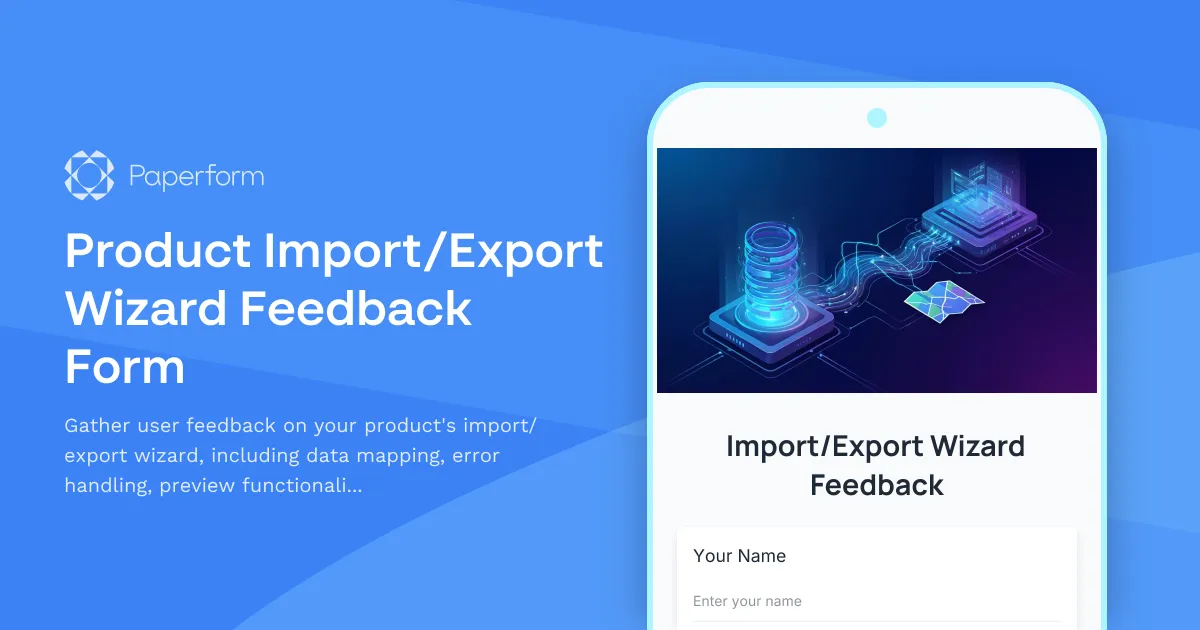
Optimize Your Import/Export Wizard with User Feedback
If you're building a SaaS product with data import/export capabilities, you know how critical these features are to user adoption and satisfaction. A well-designed import/export wizard can be a make-or-break feature for customers migrating from other platforms or integrating your product into their existing workflows.
This Product Import/Export Wizard Feedback Form helps you systematically collect insights from users about their experience with your data migration tools. Whether you're gathering feedback on field mapping interfaces, CSV handling, error messages, or preview functionality, this template ensures you capture the details that matter most.
Why This Matters for SaaS Products
Import/export functionality is often the first real test of your product's usability. Users need to get their data in quickly and accurately, or they'll abandon the onboarding process. By collecting structured feedback on:
- Mapping interface clarity – Can users easily match source fields to destination fields?
- Error handling effectiveness – Are error messages clear, actionable, and helpful?
- Preview functionality – Do users feel confident before committing the import?
- File format support – Are you supporting the formats your users actually need?
You'll identify friction points before they become deal-breakers and build a more intuitive data migration experience.
Perfect for Product Teams and Customer Success
This feedback form is designed for product managers, UX designers, developers, and customer success teams at SaaS companies and startups. Use it to:
- Validate new import/export features before full release
- Identify bugs and edge cases in production
- Prioritize improvements based on actual user pain points
- Track satisfaction trends over time as you iterate
The structured format makes it easy to analyze responses and share insights with your development team, while conditional logic ensures you only ask relevant follow-up questions based on user experiences.
Automate Your Feedback Workflow
Combine this form with Stepper to automatically route feedback to the right team members, create tickets in your project management tools like Linear or Jira, or update customer profiles in your CRM. You can even set up smart notifications so critical bug reports reach your dev team immediately, while feature requests flow into your product roadmap for review.
With Paperform's built-in analytics and AI Insights, you can quickly spot patterns in feedback, identify your most requested features, and make data-driven decisions about where to invest your engineering resources next.
Start gathering actionable feedback today and build import/export tools your users will actually love.



More templates like this
Mobile App Offline Mode Feedback Form
Gather user feedback on your mobile app's offline functionality, sync reliability, conflict resolution, and feature availability to improve the offline experience.
Browser Extension Feedback Form
Gather detailed feedback on your browser extension including performance impact, feature completeness, and compatibility issues. Perfect for SaaS teams building browser-based tools.
CSV Import Mapping Feedback Form
Help us improve our CSV import tool by sharing your experience with column mapping, data type detection, and data preview features.
Keyboard Shortcut Feedback & Discovery Form
Gather user feedback on keyboard shortcuts, discover customization needs, and identify shortcut conflicts to improve your product's accessibility and user experience.

Mobile Responsive Design Feedback Form
Gather detailed user feedback on mobile responsive design, touch target sizing, gesture support, and landscape orientation to improve your product's mobile experience.
Product Analytics Feedback Form
Gather user feedback on embedded analytics features including chart types, customization options, and export capabilities to improve your product's data visualization experience.
Product Collaboration Features Feedback Form
Gather detailed feedback on collaboration features including real-time sync, conflict resolution, and team workflow integration to improve your product experience.
Product Copy & Sharing Feedback Form
Collect detailed feedback on copy-to-clipboard functionality, deep linking accuracy, format options, and social preview generation for your SaaS product.
Product Feature Prioritization Survey
A comprehensive B2B SaaS survey to gather customer feedback on feature requests, assess business impact, and understand implementation preferences to guide product roadmap decisions.

Product Icon & Visual Language Feedback Form
Gather user feedback on product icons, visual design language, and accessibility. Perfect for SaaS teams evaluating icon recognizability, brand consistency, and colorblind-friendly design.

Product Search Feedback Form
Gather actionable feedback on your product search functionality, including relevance scoring, filter effectiveness, and result ranking accuracy to improve user experience.
Product Undo/Redo Functionality Feedback Form
Gather user feedback on undo/redo features, including history depth preferences, granularity requirements, and cross-session persistence needs for your SaaS product.