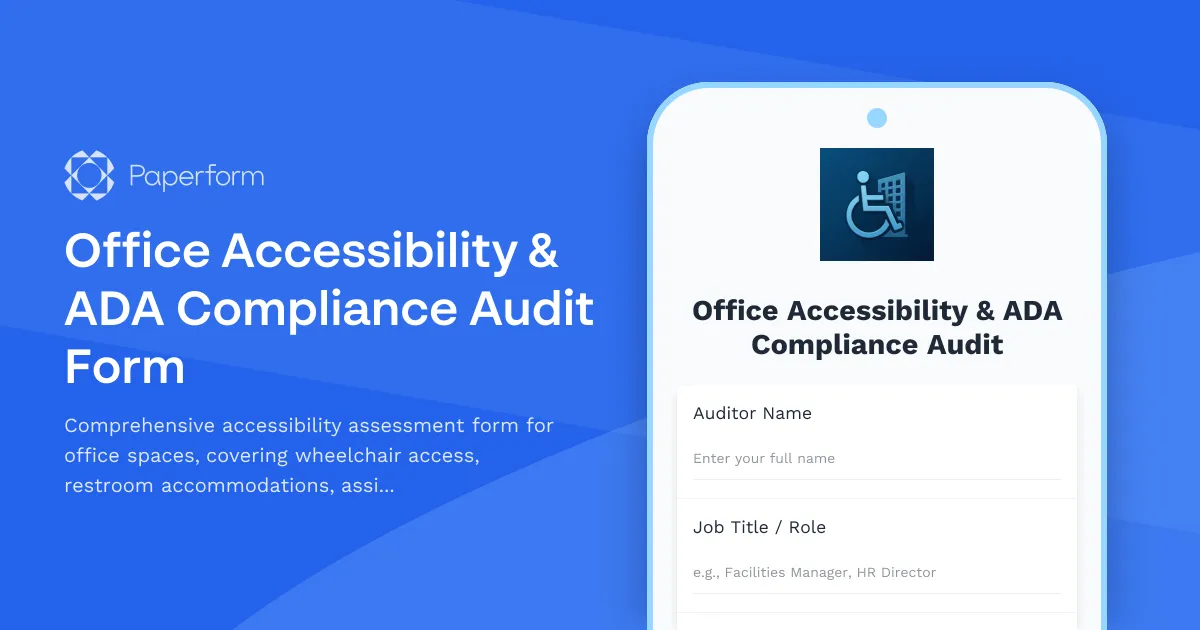
Moving into a new office or reconfiguring your workspace? Ensuring accessibility and ADA compliance isn't just a legal requirement—it's essential for creating an inclusive environment where every team member can thrive.
This Office Accessibility & ADA Compliance Audit Form template helps facilities managers, HR teams, and office administrators conduct thorough accessibility assessments during office moves, relocations, or space reconfigurations. Whether you're moving to a new building, redesigning your current space, or simply ensuring ongoing compliance, this form provides a structured approach to identifying accessibility gaps and implementing solutions.
The template covers all critical accessibility areas: wheelchair access verification for entrances, pathways, and workstations; restroom accommodations including grab bars and accessible fixtures; assistive technology requirements for employees with disabilities; emergency evacuation procedures tailored to accessibility needs; and a dedicated section for reasonable accommodation requests.
Paperform makes it easy to customize this template to match your organization's specific requirements. The conditional logic automatically shows relevant follow-up questions based on initial responses, streamlining the audit process while ensuring nothing gets overlooked. You can embed this form directly on your intranet or facilities portal, share it with your relocation team, or send it to employees to gather accommodation needs before the move.
Once submitted, use Stepper to automatically route audit findings to the right stakeholders—facilities teams for physical modifications, IT for assistive technology setup, HR for accommodation processing, and safety officers for emergency planning updates. You can create automated workflows that generate task lists, schedule follow-up inspections, and ensure compliance deadlines are met.
For organizations managing multiple office locations or coordinating complex relocations, this template ensures consistent accessibility standards across all spaces while demonstrating your commitment to an inclusive workplace for everyone.



More templates like this
Office Relocation Emergency Procedures Update Form
Update emergency procedures, evacuation routes, and safety information for employees following an office move or relocation. Ensure everyone knows new exit routes, muster points, and emergency contacts.
Hybrid Schedule Accessibility Accommodation Request Form
A comprehensive form for employees to request accessibility accommodations, ergonomic support, and workplace modifications for hybrid work arrangements, ensuring inclusive and comfortable work environments.
Workplace Drinking Water Quality & Access Complaint Form
Submit formal complaints about workplace drinking water quality, fountain maintenance issues, or inadequate hydration station access to ensure a safe and healthy work environment.
Workplace Pest Control Inadequacy Complaint Form
A formal complaint form for employees to report inadequate pest control measures, health hazards, allergic reactions, and employer maintenance failures in the workplace.
Employee Emergency Evacuation Assistance Grievance Form
A comprehensive form for employees to formally report concerns about emergency evacuation procedures, disability accommodations, drill participation, and rescue protocols in the workplace.
Environmental Health Hazard Complaint Form
Report workplace environmental health hazards including air quality issues, mold exposure, and sick building syndrome symptoms to ensure a safe and healthy work environment.

Home Office Accessibility & Specialized Seating Request Form
Request specialized ergonomic seating, mobility equipment, and accessibility accommodations for your home office workspace with ADA compliance documentation and approval workflow.
Mothers' Room & Lactation Space Setup Request Form
Request and configure a private mothers' room and lactation space with amenities, reservations, and maintenance protocols for nursing employees.
Office Move Change Adoption Tracking Form
Track employee concerns, resistance, and support needs during office relocations with objection logging, one-on-one requests, FAQ development, success stories, and change champion identification.
Office Move Hardship Accommodation Request Form
Request accommodations or flexible arrangements during office moves or relocations due to personal circumstances or hardship situations.
Workplace Ergonomics Assessment Scheduling Form
Schedule professional ergonomics assessments for your workplace. Choose between individual or group evaluations, specify workspace types, and find the best time for your team's ergonomic consultation.
Workplace Violence Incident Report Form
Document workplace violence incidents with detailed threat assessments, witness statements, security timelines, and emergency response evaluations to ensure employee safety and regulatory compliance.