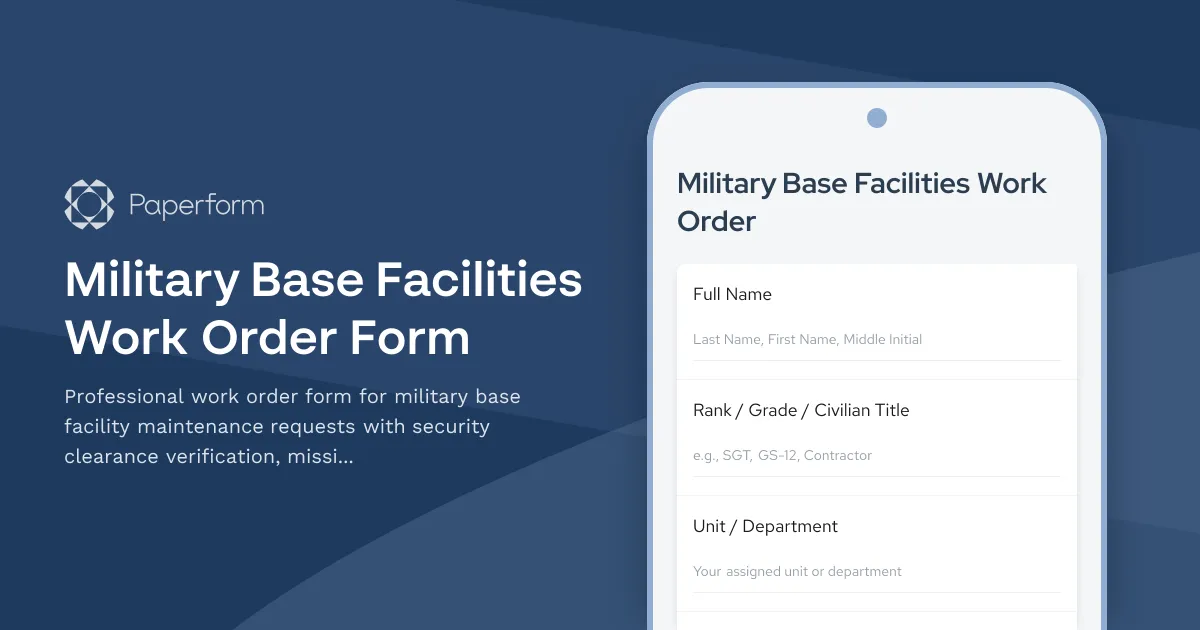
Military Base Facilities Work Order Form Template
Managing facilities on a military installation requires more than just tracking broken equipment—it demands strict security protocols, mission readiness considerations, and clear chains of command. This Military Base Facilities Work Order Form template is built specifically for Department of Defense installations, National Guard facilities, and military contractors who need to submit, prioritize, and approve maintenance requests while maintaining operational security.
Whether you're dealing with HVAC failures in barracks, electrical issues in command centers, plumbing problems in common areas, or urgent repairs to mission-critical infrastructure, this form captures everything from security clearance levels to mission impact, ensuring that requests are properly vetted, prioritized, and routed through the correct approval channels.
Why Military Facilities Need Specialized Work Order Forms
Unlike civilian maintenance requests, military facility work orders must account for:
- Security clearance requirements for contractors and personnel accessing restricted areas
- Mission impact assessment to prioritize repairs that affect operational readiness
- Chain of command approvals from facility managers up to base commanders for urgent or high-cost repairs
- Operational security (OPSEC) considerations when describing locations and issues
- Asset accountability with proper building numbers, room designations, and equipment identifiers
- Emergency response protocols for issues that threaten personnel safety or mission continuity
This template addresses all of these unique requirements while remaining straightforward enough for daily use by service members, civilians, and contractors across your installation.
What's Included in This Template
This military facilities work order form captures:
- Requestor information including rank, unit, security clearance level, and contact details
- Facility identification with building number, room/area, and installation location
- Issue classification by priority level, category (HVAC, electrical, plumbing, structural, etc.), and urgency
- Mission impact assessment to determine how the issue affects operational readiness
- Detailed problem description with photo upload capability for documentation
- Security considerations including clearance requirements for access and OPSEC concerns
- Approval workflow routing requests through facility managers and base command as needed
- Resource requirements for cost estimation and contractor coordination
The form uses conditional logic to show relevant follow-up questions based on issue type, priority level, and required approvals, ensuring each work order captures exactly the information needed without unnecessary complexity.
How Military Installations Use Paperform for Facility Management
Paperform is trusted by government facilities, military contractors, and defense support organizations to manage work orders, maintenance requests, and facility operations with the flexibility and security required for military environments.
With Paperform, you can:
- Capture detailed requests from personnel across your installation using mobile-friendly forms accessible from anywhere on base
- Route approvals automatically using conditional logic that triggers different workflows based on priority, cost, or mission impact
- Maintain security protocols with role-based access, secure data handling, and SOC 2 Type II compliance
- Track submissions centrally in your choice of tools—Google Sheets, Airtable, or facility management systems via integrations
- Generate reports and metrics using AI Insights to identify recurring issues, prioritize preventive maintenance, and demonstrate facility readiness
For installations managing hundreds of work orders monthly, Paperform's calculation fields can estimate costs, conditional pages can collect additional information for high-priority requests, and file upload fields ensure proper documentation with photos and diagrams.
Streamline Approvals and Workflows with Stepper
For complex approval chains—such as routing urgent requests to base command or coordinating with external contractors who require security vetting—Stepper integrates seamlessly with Paperform to automate multi-step workflows.
Use Stepper to:
- Route work orders to the appropriate department (civil engineering, DPW, base operations) based on issue category
- Trigger approval requests to facility managers, safety officers, or base commanders when thresholds are met
- Send notifications via email or Slack when critical infrastructure issues are reported
- Update tracking systems like ServiceNow, CMMS platforms, or internal databases automatically
- Coordinate contractor response by sending vetted work orders to approved vendors with security clearance
By connecting Paperform submissions to Stepper workflows, you create an end-to-end facility management system that maintains accountability, speeds response times, and keeps command informed—all without requiring IT development resources.
Built for Defense, Trusted by Facilities Worldwide
While this template is designed for military installations, the underlying infrastructure that makes Paperform reliable is trusted across government, healthcare, education, and enterprise:
- SOC 2 Type II compliance ensures your facility data is handled with enterprise-grade security
- Role-based permissions let you control who can view, edit, and approve work orders
- Data residency options keep sensitive information stored according to your requirements
- Audit trails track every submission, edit, and approval for accountability and reporting
Whether you're managing facilities at an Army base, Air Force station, Navy installation, Marine Corps depot, or Coast Guard facility, Paperform gives you the professional tools to maintain mission readiness while keeping personnel safe and infrastructure operational.
Get Started in Minutes
You can launch this military facilities work order form immediately, customize it to match your installation's specific requirements—adding your base logo, adjusting priority levels, modifying approval thresholds, or including additional fields for equipment serial numbers or HAZMAT considerations—and begin collecting maintenance requests within minutes.
Paperform's doc-style editor makes it easy to adjust the form as your facility management processes evolve, and with over 30,000 templates and 3,000+ integrations available, you'll find everything you need to build a complete facility operations system around your forms.
Start managing military facility maintenance requests with the professionalism, security, and command visibility your installation demands.



More templates like this
Air Force One Maintenance Security Incident Report
Secure incident reporting form for Air Force One maintenance facility security breaches, enabling coordinated response across Secret Service, Air Force, and federal agencies with flight schedule impact assessment.

Commercial Building Fire Safety Inspection Checklist
A comprehensive fire safety inspection checklist for commercial properties covering emergency exits, sprinkler systems, fire extinguishers, and critical safety equipment to ensure code compliance and occupant protection.
Environmental Health & Safety Software Request Form
Request EHS software for incident reporting, safety inspections, training tracking, and compliance management. Streamline your workplace safety operations with the right tools.
Underground Continuity of Government Facility Life Support Maintenance Request
Specialized maintenance request form for critical life support systems in underground continuity of government facilities, with constitutional succession protocols and secure communications verification.
ADA Accessibility Compliance Maintenance Request Form
Submit accessibility maintenance requests to ensure ADA compliance, prioritize barrier removal, and verify assistive equipment functionality. Track repairs and prepare for regulatory audits.
Air Defense Radar Station Equipment Failure Report
Critical equipment failure reporting form for air defense radar stations with NORAD coordination and backup sector activation protocols to maintain continuous airspace protection.
Cheyenne Mountain Nuclear-Hardened Facility Maintenance Request
A specialized maintenance request form for nuclear-hardened facilities with strategic defense impact assessment, backup power verification, and command authority coordination for critical infrastructure operations.

Commercial Fire Safety Inspection Software Trial Request
Request a trial of fire safety inspection software designed for commercial facility managers. Track compliance, manage inspections, and streamline life safety operations across your entire property portfolio.

Concrete and Paving Repair Request Form
Professional concrete and paving repair request form with trip hazard assessment, ADA compliance verification, location mapping, and weather-dependent scheduling for facility managers and property teams.
DNA Database Server Cooling System Failure Report
A critical infrastructure form for reporting cooling system failures affecting DNA database servers, designed for forensic laboratories and criminal justice facilities to document HVAC emergencies that impact evidence integrity and CODIS coordination.

Electrical Maintenance Request Form
Professional electrical maintenance and repair request form with circuit breaker identification, safety hazard assessment, code compliance tracking, and licensed electrician verification for facilities and property management.
Electrical Service Request Form
Request electrical services with detailed circuit information, safety hazard reporting, and automatic assignment to licensed electricians for residential and commercial properties.