Streamline Your Medical Scribe Hiring with Paperform
Finding qualified medical scribes who can keep pace with fast-moving clinical environments is challenging. Between verifying typing speed, assessing medical terminology knowledge, and understanding their EHR experience, traditional paper applications or basic online forms fall short. This Medical Scribe Application Form template gives healthcare organizations, medical practices, and scribe staffing companies a comprehensive, professional solution built specifically for recruiting top documentation talent.
Why Healthcare Organizations Choose This Template
Medical scribes are the backbone of efficient clinical documentation, and hiring the right candidate means evaluating both technical skills and specialty-specific knowledge. This template combines all essential assessments into one seamless application experience:
- Typing speed verification with self-reported WPM and test result uploads
- Medical terminology proficiency quiz with scoring to gauge foundational knowledge
- EHR platform experience across major systems like Epic, Cerner, Meditech, and Athena
- Specialty department preferences to match candidates with the right clinical teams
- Real-time documentation capability assessment to understand their live charting experience
Instead of cobbling together separate assessment tools, background checks, and application PDFs, you get everything in one branded, mobile-friendly form that candidates can complete in 10-15 minutes.
Built for Healthcare Recruiters and Medical Practice Managers
Whether you're a hospital HR department, medical group administrator, scribe staffing agency, or physician practice manager, this template adapts to your hiring workflow. Paperform's conditional logic shows specialty-specific questions only when relevant, while calculation fields can auto-score medical terminology quizzes to help you quickly identify top candidates.
The form works beautifully on any device, so applicants can complete it from their phones during a break or from their laptops at home. With Paperform's professional themes, you can match your hospital or clinic branding instantly—choosing fonts, colors, and button styles that feel consistent with your organization.
Automate Your Scribe Hiring Workflow with Stepper
Once applications come in, Stepper (stepper.io)—Paperform's AI-native workflow builder—can automatically route candidates through your hiring pipeline. Send high-scoring applicants straight to your interview scheduler, notify department managers when candidates express interest in their specialty, or trigger background check requests for qualified finalists. All without manual data entry or spreadsheet juggling.
Stepper keeps your hiring process moving, even when you're busy with patient care or administrative priorities.
Integrate Seamlessly with Your HR Stack
This template works alongside the tools healthcare organizations already use. Push applications directly into your Applicant Tracking System (ATS), log candidate data in Google Sheets or Airtable, send notifications to Slack or Microsoft Teams, and trigger follow-up emails based on quiz scores or experience levels. Paperform connects to thousands of apps via native integrations, webhooks, and automation platforms.
For multi-location health systems or scribe staffing agencies managing multiple clients, Agency+ features let you duplicate and customize this template for different facilities, departments, or specialties while managing everything from one central account.
Secure, Compliant, and Built for Healthcare Hiring
Healthcare hiring demands trust and security. Paperform is SOC 2 Type II compliant and offers data residency controls, SSO, and role-based permissions to protect sensitive applicant information. While Paperform is not HIPAA compliant (this form collects employment application data, not protected health information), it provides the enterprise-grade security healthcare organizations expect.
All submissions are encrypted, and you control exactly who on your team can view, edit, or export candidate data. Perfect for HR departments that need to maintain strict hiring compliance and audit trails.
Who This Template Is Perfect For
- Hospital HR departments recruiting scribes for emergency, internal medicine, cardiology, and specialty departments
- Medical group administrators hiring scribes to support multi-provider practices
- Scribe staffing agencies screening candidates for healthcare facility placements
- Urgent care and outpatient clinics building their own scribe teams
- Academic medical centers recruiting scribes for teaching hospitals and residency programs
- Telehealth platforms hiring remote scribes for virtual documentation support
Get Started in Minutes
With Paperform's doc-style editor, you can customize this template instantly—add your logo, adjust questions for specific specialties, modify scoring thresholds, or include additional compliance acknowledgments. No coding required, just type and format like you would in any document.
Start attracting qualified medical scribe candidates today with a professional application experience that sets the right tone from the very first click.



More templates like this
Medical Receptionist Application Form
Comprehensive medical receptionist job application form with HIPAA compliance assessment, EHR experience evaluation, insurance verification knowledge, and patient scheduling aptitude testing.
Certified Nursing Assistant (CNA) Employment Application
Complete employment application for CNAs including license verification, immunization records, shift preferences, and HIPAA compliance assessment.

Clinical Nurse Specialist Application Form
Professional application form for Clinical Nurse Specialist (CNS) positions with certification verification, evidence-based practice examples, and specialty focus areas.
Home Healthcare Caregiver Onboarding Form
Comprehensive caregiver onboarding form for home healthcare agencies covering certifications, background checks, transportation, service areas, and availability.
Audiologist Interview Coordinator
Streamline your audiology hiring process with this interview scheduling form that captures candidate availability, clinical experience, and specialization preferences.
Cardiac Electrophysiologist Application Form
A comprehensive application form for cardiac electrophysiology positions, collecting board certification, procedural experience, 3D mapping proficiency, and research interests.
Cardiac Sonographer Interview Coordinator
Professional interview scheduling form for cardiac sonographer candidates with certification verification, advanced imaging modality experience assessment, and on-call rotation discussion.
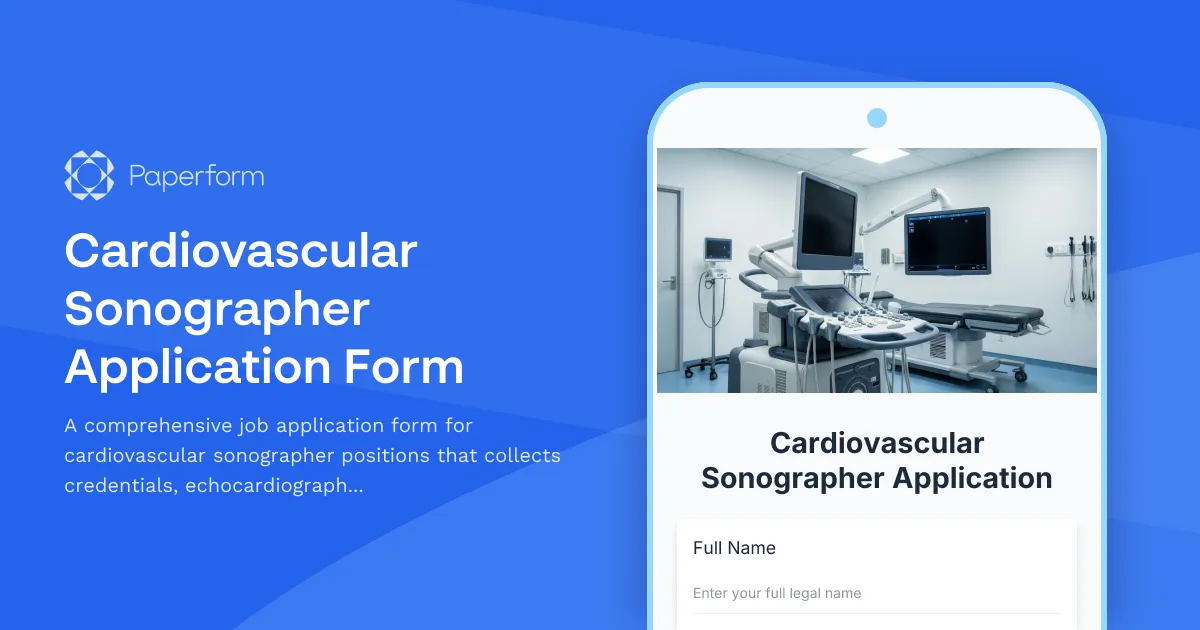
Cardiovascular Sonographer Application Form
A comprehensive job application form for cardiovascular sonographer positions that collects credentials, echocardiography proficiency, vascular ultrasound experience, and availability information.
Clinical Nurse Educator Application Form
A comprehensive application form for clinical nurse educator positions, capturing RN credentials, specialty certifications, teaching experience, and competency assessment expertise.
Clinical Social Worker Application Form
Professional application form for licensed clinical social workers seeking employment, including LCSW credentials, insurance panel preferences, EHR proficiency, trauma-informed care training, and telehealth experience.
Dialysis Nurse Application Form
Streamline your dialysis nursing recruitment with this comprehensive application form featuring RN license verification, nephrology certification upload, and specialty skills assessment.
Electrophysiology Technologist Application
Apply for an electrophysiology technologist position with sections for IBHRE certification, cardiac mapping expertise, ablation procedure experience, and emergency response capabilities.