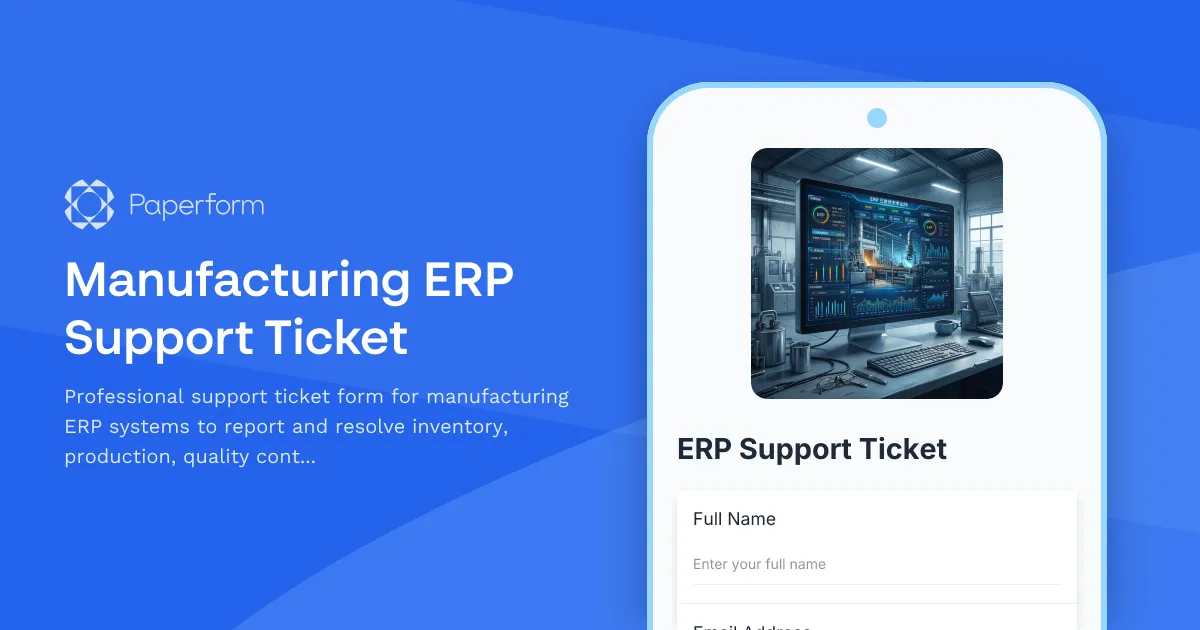
Streamline Your Manufacturing ERP Support with Professional Ticket Management
Manufacturing operations depend on reliable ERP systems to keep production lines moving, inventory accurate, and orders shipping on time. When technical issues arise—whether it's an inventory discrepancy, a production scheduling conflict, a quality control module error, or a shipping integration failure—you need a fast, organized way to capture the problem details and route them to the right support team.
This Manufacturing ERP Support Ticket template is built specifically for manufacturing businesses using enterprise resource planning systems. It helps your operations team, production managers, warehouse staff, and quality control specialists report technical issues with clarity and completeness, ensuring your IT support or ERP vendor can diagnose and resolve problems quickly.
Why Manufacturing ERP Systems Need Dedicated Support Forms
Generic help desk tickets often miss the critical context manufacturing teams need to provide. ERP issues in manufacturing aren't just "the system is slow"—they're "our production schedule shows conflicting machine allocations" or "inventory counts don't match after the last warehouse transfer." These problems directly impact production deadlines, quality compliance, and customer delivery commitments.
A specialized support form ensures every ticket includes the module affected, the specific error messages, the business impact, and any relevant transaction or batch numbers. This upfront detail saves hours of back-and-forth emails and gets production teams back to full capacity faster.
Who This Template Is For
This template is designed for:
- Manufacturing companies using ERP systems like SAP, Oracle NetSuite, Microsoft Dynamics, Epicor, Infor, IQMS, or industry-specific platforms
- Production managers and supervisors who need to report scheduling conflicts, capacity issues, or work order errors
- Warehouse and inventory teams experiencing stock discrepancies, cycle count problems, or material requirement planning (MRP) errors
- Quality control departments dealing with non-conformance tracking issues, inspection workflow errors, or certification documentation problems
- Shipping and logistics coordinators facing integration failures with carriers, order management systems, or warehouse management software
- IT support teams and ERP administrators who need structured intake to triage and prioritize manufacturing-critical issues
Whether you're a mid-sized manufacturer with an on-premise ERP or a growing production company using cloud manufacturing software, this form gives your team a professional, consistent way to log support requests.
Key Features That Match Manufacturing Workflows
The template includes conditional logic that adapts based on which ERP module is affected. Report an inventory issue, and you'll be prompted for warehouse location, SKU details, and transaction types. Flag a production scheduling problem, and you'll provide work order numbers, machine resources, and scheduling conflicts. This intelligent branching ensures the right details are captured for each issue type without overwhelming users with irrelevant fields.
You can track:
- Inventory management issues: stock discrepancies, cycle count errors, lot tracking problems, warehouse transfer failures, and MRP calculation issues
- Production scheduling problems: work order conflicts, capacity overload, routing errors, machine allocation issues, and shop floor data collection failures
- Quality control module errors: non-conformance reporting bugs, inspection checklist failures, certificate of analysis issues, and compliance documentation problems
- Shipping integration failures: carrier integration errors, label printing issues, tracking update failures, and order management sync problems
Priority levels let users flag critical production-stopping issues differently from minor inconveniences, while business impact questions help support teams understand whether an issue is delaying customer orders, blocking production lines, or causing compliance risks.
Automate Your Support Workflow with Stepper
Once a manufacturing ERP support ticket is submitted through Paperform, you can use Stepper (stepper.io) to automate the entire resolution workflow. Route high-priority tickets directly to your ERP administrator or vendor support portal, send inventory issues to your warehouse management team, and ping production scheduling problems to your manufacturing engineering group—all automatically based on the module and priority selected.
Stepper can also update your help desk system (ServiceNow, Jira Service Management, Freshdesk, etc.), send Slack alerts to on-call engineers, create tracking records in Airtable or Monday.com, and trigger follow-up emails when tickets are resolved. This end-to-end automation means your operations team can focus on fixing problems, not managing ticket logistics.
Built for Manufacturing Teams, Trusted by Professionals
Manufacturing businesses need forms that understand their unique environment—shift schedules, batch numbers, quality standards, and just-in-time delivery pressures. This template speaks the language of production floors and ERP systems, making it easy for your team to get help quickly without lengthy explanations.
Like all Paperform templates, this support ticket form is fully customizable. Add your company logo, adjust the issue categories to match your specific ERP modules, include fields for your vendor support ticket numbers, or embed the form directly into your company intranet or Slack workspace. The form works on any device, so warehouse staff can report inventory issues from tablets, and production supervisors can log scheduling problems from the shop floor.
Paperform is trusted by over 500,000 teams worldwide and is SOC 2 Type II compliant, ensuring your support data is captured securely. Whether you're managing a single production facility or multiple manufacturing sites, Paperform gives you the professional forms and automation workflows you need to keep your ERP systems—and your production lines—running smoothly.
Get your manufacturing support operations organized with this ERP support ticket template, and spend less time tracking down problem details and more time delivering quality products on schedule.



More templates like this
Server Downtime Incident Report
Professional incident report form for documenting server downtime events, analyzing root causes, tracking resolution steps, and scheduling post-incident reviews.
Cloud Storage Support Ticket
Submit technical support requests for cloud storage issues including file recovery, sync problems, sharing permissions, and storage management.
IT Helpdesk Level 3 Escalation Form
Escalate critical IT issues to Level 3 support with comprehensive ticket history, impact analysis, and SLA tracking for faster resolution.
IT Helpdesk Problem Report Form
A comprehensive IT problem reporting form with asset tracking, priority assessment, and automatic SLA routing to streamline technical support workflows.
IT Helpdesk Problem Report
Submit IT issues and problems with automated priority routing based on business impact. Includes asset tracking, software/hardware selection, and SLA-based assignment.
IT Helpdesk Support Ticket Form
Submit IT support requests with detailed asset and problem information. Track issues efficiently with our helpdesk ticket system designed for quick resolution and proper routing.

IT System Outage Incident Report
Document system outages with detailed impact analysis, root cause investigation, recovery timelines, and business continuity assessment for comprehensive IT incident management.
Manufacturing Quality Control Escalation Form
Streamline quality control escalations with defect documentation, supplier issue tracking, production halt authorization, and automated customer notification workflows for manufacturing teams.
Printer Troubleshooting Request Form
A comprehensive IT support form for diagnosing and resolving printer issues, with automated model detection, error code logging, supply level checks, and driver recommendations.
Web Hosting Technical Support Request
Get urgent technical support for your web hosting issues. Submit server details, downtime information, and cPanel access authorization to receive fast assistance from our technical team.
Cybersecurity Incident Post-Mortem Report
Conduct thorough post-incident analysis with attack vector documentation, response timeline tracking, and security gap identification to strengthen your organization's cybersecurity posture.
Cybersecurity Incident Report Form
Report and document cybersecurity incidents with threat classification, affected systems tracking, and automatic escalation to security leadership.