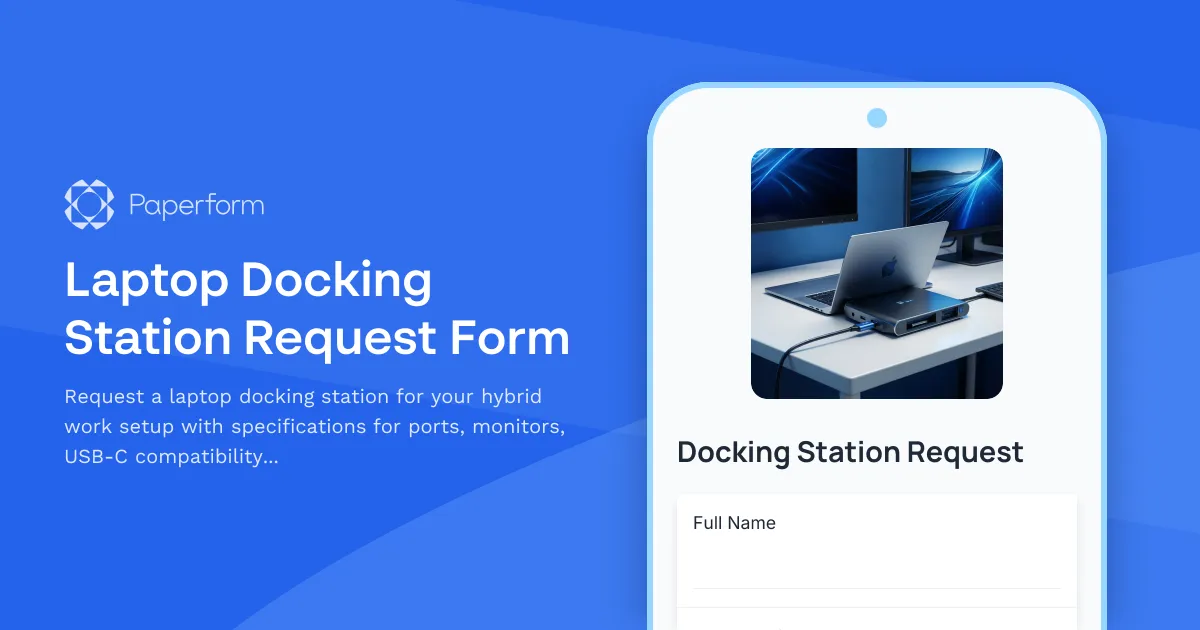
Streamline Your Hybrid Workspace Equipment Requests with Paperform
As more organizations embrace hybrid and remote work models, ensuring employees have the right technology infrastructure at home has become critical. A professional laptop docking station request form helps IT teams efficiently process equipment requests while gathering the technical specifications needed to provide compatible hardware.
Why Digital Docking Station Request Forms Matter
Traditional email-based equipment requests create unnecessary back-and-forth between employees and IT departments. Questions about monitor compatibility, port requirements, and power specifications often require multiple clarification emails, delaying setup and reducing productivity.
With Paperform's docking station request template, you create a structured process that captures all necessary technical details upfront. Conditional logic ensures requesters only see relevant questions based on their laptop model and connectivity needs, while IT teams receive complete information to fulfill requests accurately the first time.
Built for Modern IT Teams and Remote Workers
This template is purpose-built for:
- IT departments managing hybrid work equipment programs
- Operations teams coordinating home office setups
- Human resources supporting new hire onboarding
- Finance teams tracking equipment budgets and reimbursements
- Facilities managers overseeing workspace technology standards
Whether you're a tech startup scaling your remote team, a professional services firm transitioning to hybrid work, or an enterprise organization standardizing home office equipment, this form adapts to your approval workflows and inventory systems.
What Makes This Template Effective
The form guides employees through specifying their exact docking station needs—from the number of external monitors they plan to connect, to USB-C power delivery requirements, to specific peripheral ports needed for their workflow. By collecting laptop model information and current setup details, IT can recommend compatible solutions and avoid ordering equipment that won't work with existing hardware.
Built-in calculations can show estimated costs if applicable, while conditional logic reveals additional fields for specialized requirements like multiple 4K displays, Thunderbolt connectivity, or specific video output standards. The result is faster fulfillment, fewer returns, and happier remote workers with properly equipped home offices.
Automate Your Equipment Request Workflow with Stepper
Once a docking station request is submitted through Paperform, you can use Stepper (stepper.io) to automate the entire approval and fulfillment process. Route requests to managers for budget approval, notify IT teams to check inventory, create tickets in your helpdesk system, and update asset management databases—all without manual intervention.
Stepper can also trigger different workflows based on equipment cost thresholds, employee department, or urgency level. High-priority requests for new hires might fast-track through approval, while standard requests follow normal procurement channels. Every submission becomes the starting point for a coordinated workflow that keeps everyone informed and accountable.
Seamless Integration with Your IT Stack
Paperform connects naturally with the tools IT teams already use. Send approved requests to project management platforms like Asana or Monday.com, log equipment assignments in Airtable or Google Sheets, notify procurement teams via Slack, or create service tickets in Jira or ServiceNow.
For organizations with asset management systems, webhook integrations ensure every approved docking station gets tracked from request through delivery and eventual return. This creates an auditable equipment trail that simplifies compliance and inventory management.
Security and Compliance You Can Trust
With SOC 2 Type II compliance, role-based permissions, and data residency controls, Paperform provides enterprise-grade security for managing employee equipment data. IT administrators can control who sees requests, who approves them, and who accesses the equipment database—ensuring sensitive employee and budget information stays protected.
For larger organizations managing equipment across multiple offices or regions, Agency+ features let you maintain separate forms and workflows while centralizing oversight and reporting.
Getting Started
This laptop docking station request template works immediately out of the box, or you can customize it to match your organization's specific equipment standards, approval processes, and branding. Add your company logo, adjust questions to reflect your preferred vendors or equipment models, and configure conditional logic to match your IT policies.
Whether you're equipping five remote workers or five hundred, Paperform gives you a professional, scalable solution that reduces IT workload while improving the employee experience—no coding required.
Ready to modernize your hybrid work equipment requests? Start with this template and experience how Paperform transforms IT service delivery for distributed teams.



More templates like this

Emergency Communication Device Allowance Request
Request reimbursement or allowance for emergency communication equipment including satellite phones, emergency radios, and backup devices for remote work locations.

Home Office Battery Backup & UPS Request Form
Request battery backup and UPS equipment for your home office to ensure business continuity during power outages. Assess your power needs, prioritize critical devices, and plan for uninterrupted remote work.

Home Office Electrical Capacity & Equipment Reimbursement Form
Assess your home office electrical needs, calculate circuit load requirements, and request reimbursement for power strips, outlets, and electrician consultations to ensure safe and compliant remote work setups.

Hybrid Work Equipment Check-Out Form
A comprehensive form for hybrid and remote employees to request, check out, and track company equipment including laptops, monitors, peripherals, and accessories with return scheduling and liability acknowledgment.

Hybrid Work Equipment Insurance & Damage Assistance Form
Submit claims for accidental damage, theft, or loss of home office equipment with deductible assistance, repair cost sharing, and replacement support for hybrid workers.
Hybrid Work Equipment Trade-In & Upgrade Program
Streamline your home office equipment upgrades with this comprehensive trade-in form that handles asset inventory, depreciation calculations, refurbishment options, and eco-friendly disposal compliance.
Hybrid Work Technology Insurance & Protection Plan Request
Request insurance and protection coverage for your home office equipment with custom coverage options, deductible preferences, and comprehensive loss and damage protection policies.
Remote Work Backup Power Supply Request Form
Request backup power equipment for your remote workspace. Submit UPS specifications, runtime requirements, and equipment protection needs for home office power continuity.

Remote Work Monitor & Display Upgrade Request
Request approval for new monitors and display equipment for your home office setup. Submit screen specifications, multiple monitor needs, and mounting requirements for budget approval.
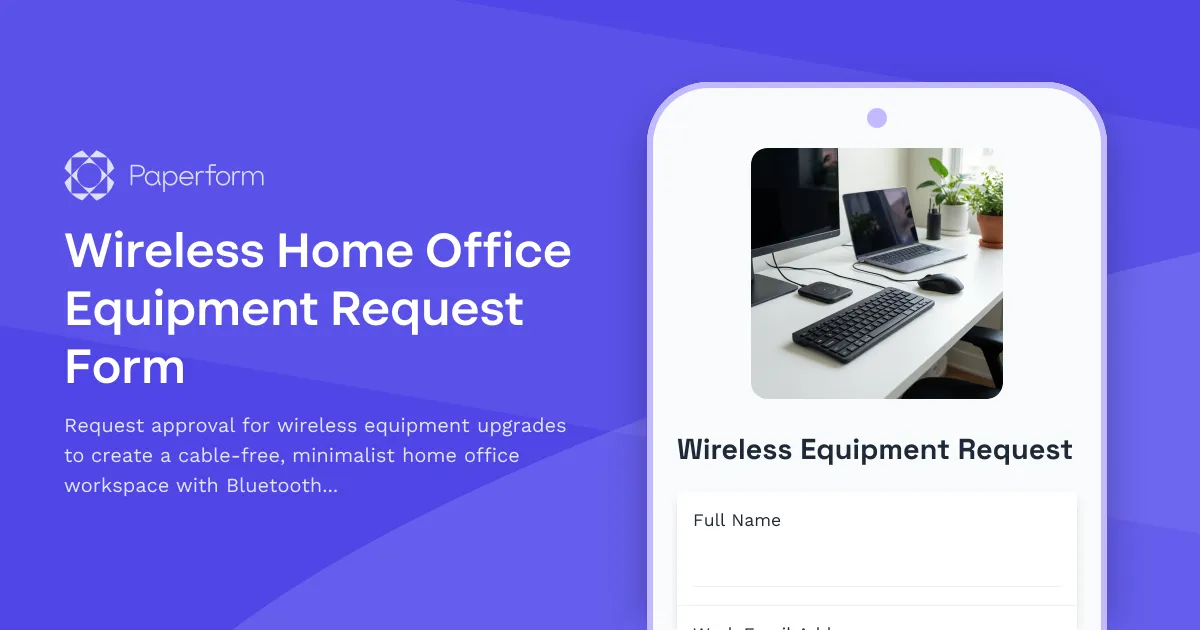
Wireless Home Office Equipment Request Form
Request approval for wireless equipment upgrades to create a cable-free, minimalist home office workspace with Bluetooth peripherals and wireless charging solutions.
Work From Home Phone System Setup Form
Request VoIP phone system setup, headset equipment, call forwarding, and telecom expense reimbursement for your home office.

Work From Home Technology Upgrade Program Application
Apply for technology upgrades and equipment refreshes for your home office setup. Request emerging tech, scalability improvements, and innovation budget for long-term remote work success.